We've compiled a list of 100 free and paid alternatives to Google Drive. The primary competitors include LearnWorlds, Adrive. In addition to these, users also draw comparisons between Google Drive and WordPress, Trello, Microsoft OneNote. Also you can look at other similar options here: Backup and Sync Software.
We've compiled a list of 100 free and paid alternatives to Google Drive. The primary competitors include LearnWorlds, Adrive. In addition to these, users also draw comparisons between Google Drive and WordPress, Trello, Microsoft OneNote. Also you can look at other similar options here: Backup and Sync Software.
LearnWorlds is a cloud-based LMS for creating, selling and marketing online courses. Suitable for a variety of businesses and educators. The platform includes marketing and sales tools to expand your audience and increase revenue.
ADrive offers secure cloud storage and backup solutions for personal, business, and enterprise data. It allows users to manage, edit, and share files online, supporting rsync, FTP, SFTP, and SCP. The platform enables collaboration, data backups, pas…
Powering 34% of the web, WordPress.com offers a secure, flexible, and potent platform for building your online presence. Tailored to meet your business needs, it provides unmatched versatility and strength, ensuring your website stands out.
Trello is a project management tool that organizes tasks using boards, lists, and cards. It helps teams collaborate, track progress, and manage workflows visually. Trello simplifies task tracking, improves communication, and boosts productivity for …
A digital note-taking app that enables users to capture, organize, and share ideas seamlessly. With deep search, audio recording, and Microsoft 365 integration, it enhances collaboration.
LogMeIn offers remote access and support solutions, empowering teams to work from anywhere. It provides secure remote IT support, webinars, video calls, endpoint management, remote access, patch management, remote monitoring, and remote deployment, …
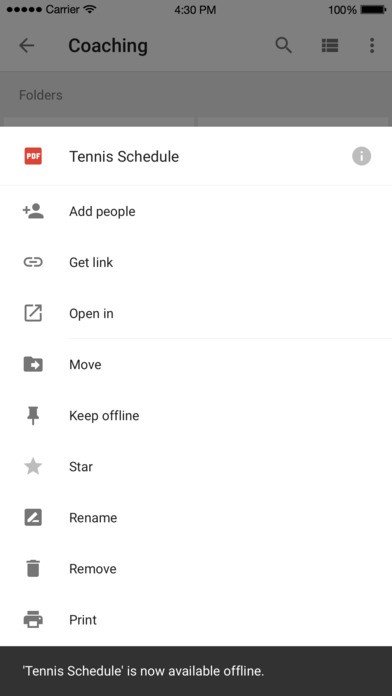
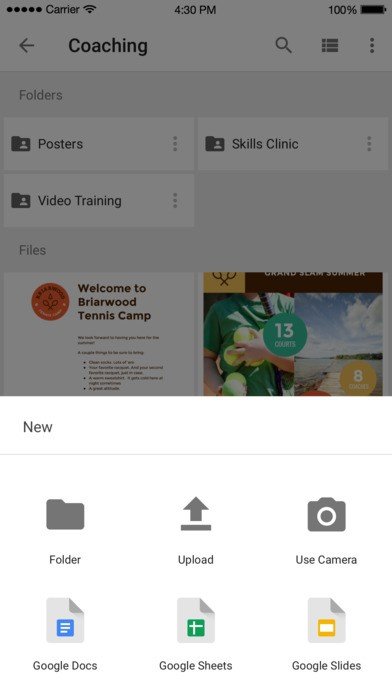
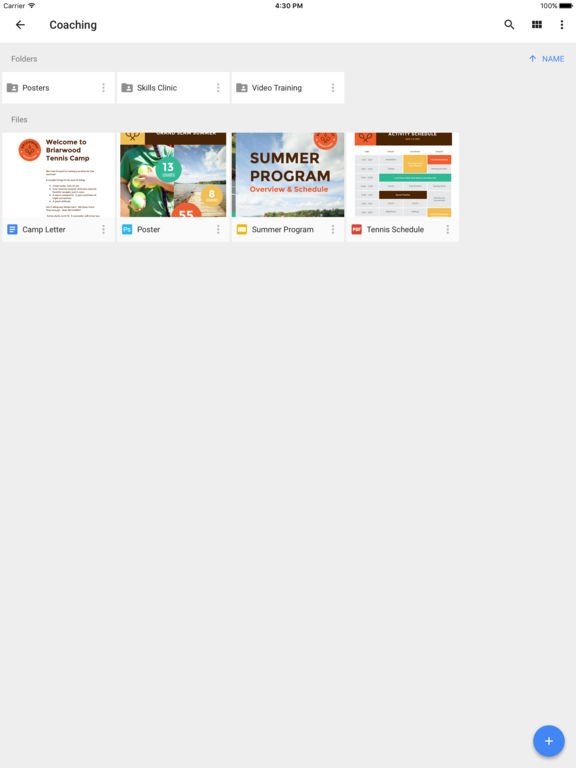
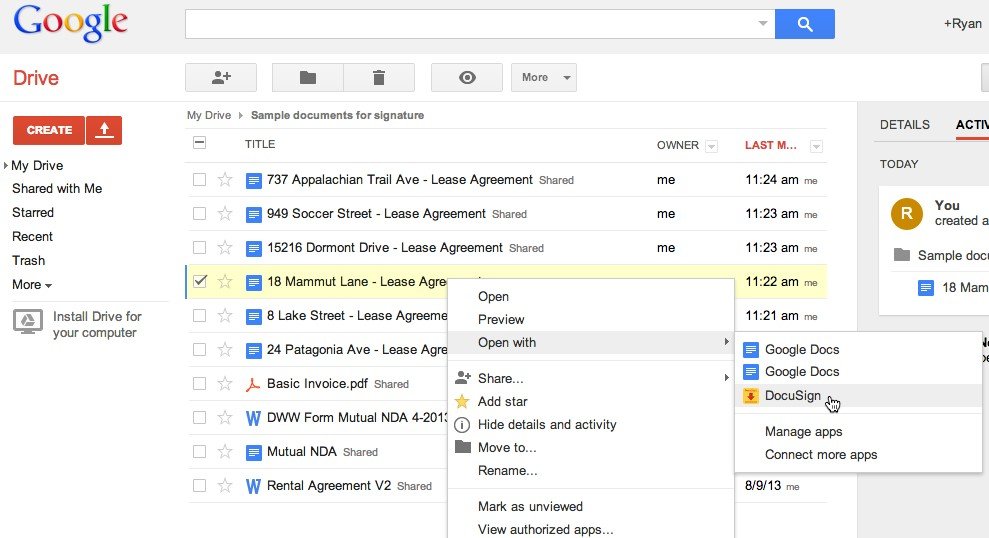
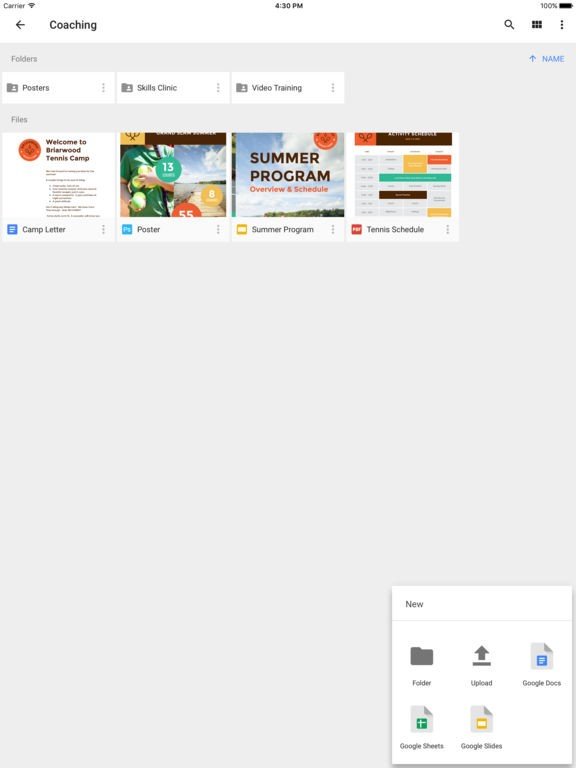
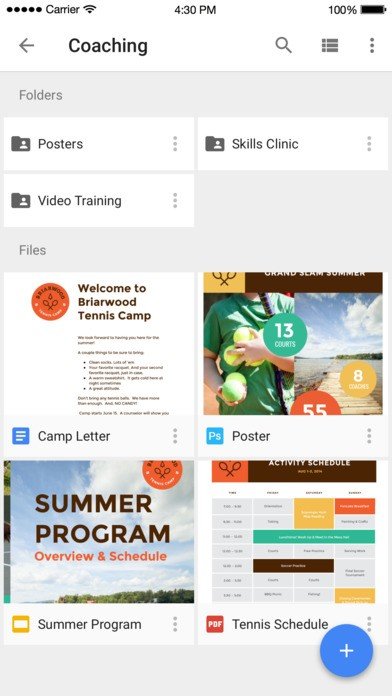
Google Drive gives you access to your work from anywhere, across your Mac, PC, mobile devices and on the web. Simply download Drive on your Mac or PC to sync files from your computer to the cloud. Update a file on one device and changes are automatically saved to Drive and your other device, so you have the most up-to-date version of your files wherever you need them.
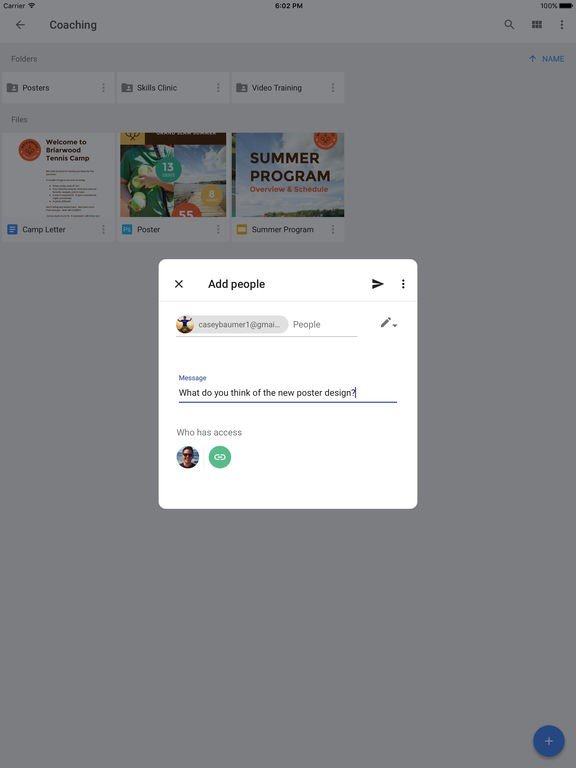
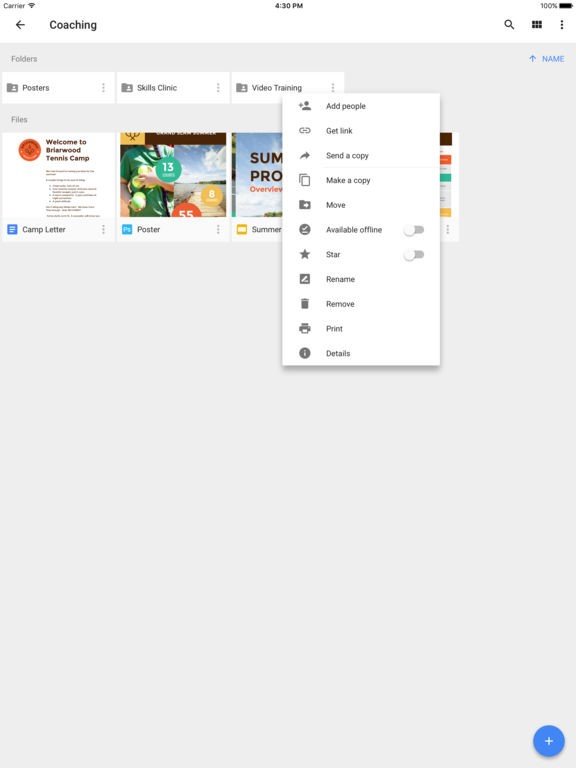
Bring your work to life : Share files or whole folders with individuals, your entire team or even customers and partners. In the Docs, Sheets and Slides editors multiple people can work on the same document at the same time
Buy what you need & grow flexibly : Start with up to 15 GB of included storage for each of your users. Need more? For as little as $4/month for 20GB, administrators can centrally purchase and manage up to 16TB (Yes, that’s 16,000 GB!) of additional storage for each user.




































 Google Docs
 Google Drive - Sheets
 Google Slides
 Google Drive - Drawings
 Google Drive - Forms


