Create, edit, host, and market videos effortlessly with Wistia's business-centric platform. Measure video performance and generate leads seamlessly. Amplify your video strategy today.
Cloud-based web conferencing solution for businesses, government agencies, and educational institutions. Offers customizable branding, team collaboration, reporting, and document sharing to organize meetings and training sessions.
Avoma is designed to facilitate the process of conducting meetings and tracking their productivity. This intelligent assistant uses artificial intelligence to analyze meeting audio recordings, recognize key points, and automatically generate reports.
Optimize your home and commercial service business with Jobber's comprehensive software. Quote, schedule, invoice, and manage jobs seamlessly in one platform. Elevate your HVAC operations with Jobber's efficient tools for estimates, dispatching, and…
Dialpad Ai Voice leverages advanced NLP for real-time analysis of customer conversations. With built-in Ai, it transcribes, notes, and tracks action items during calls, ensuring your focus remains on meaningful dialogue.
TeleCMI is a cloud-based communication platform that offers HD voice, AI-powered IVR, and omnichannel contact center capabilities. It supports advanced call features, SMS, toll-free, and international business numbers, and with CRM integration, it e…
Online meetings with PowWowNow are a convenient way to conduct video conferences and communicate with colleagues or clients from anywhere in the world. With PowWowNow, you can easily organize and participate in online meetings, making communication …
Demodesk is an AI-powered sales coaching and video meeting platform designed to enhance sales team performance. It offers real-time call summaries, automated CRM management, personalized sales coaching, and automated scheduling, ensuring full GDPR c…
Webex Suite is an all-in-one, AI-powered collaboration platform designed to enhance productivity and teamwork in hybrid work environments. It offers tools for calling, meetings, messaging, webinars, events, polling, whiteboarding, and video messagin…
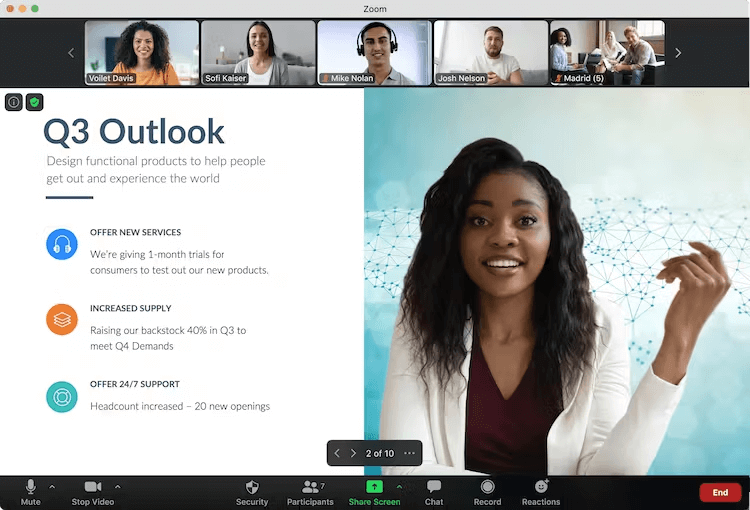
Zoom is a popular tool for video conferencing and online meetings. It allows you to conduct virtual meetings, classes, webinars, and other events over the Internet. Zoom has a number of useful features, such as screen sharing, chat, meeting recording, audio conferencing, and more.
Zoom is a popular tool for video conferencing and online meetings. It allows you to conduct virtual meetings, classes, webinars, and other events over the Internet. Zoom has a number of useful features, such as screen sharing, chat, meeting recording, audio conferencing, and more.
Zoom Platforms
Web-Based
iPad
iPhone
Linux
Mac
Android
Windows
Zoom Video and Screenshots
Zoom Overview
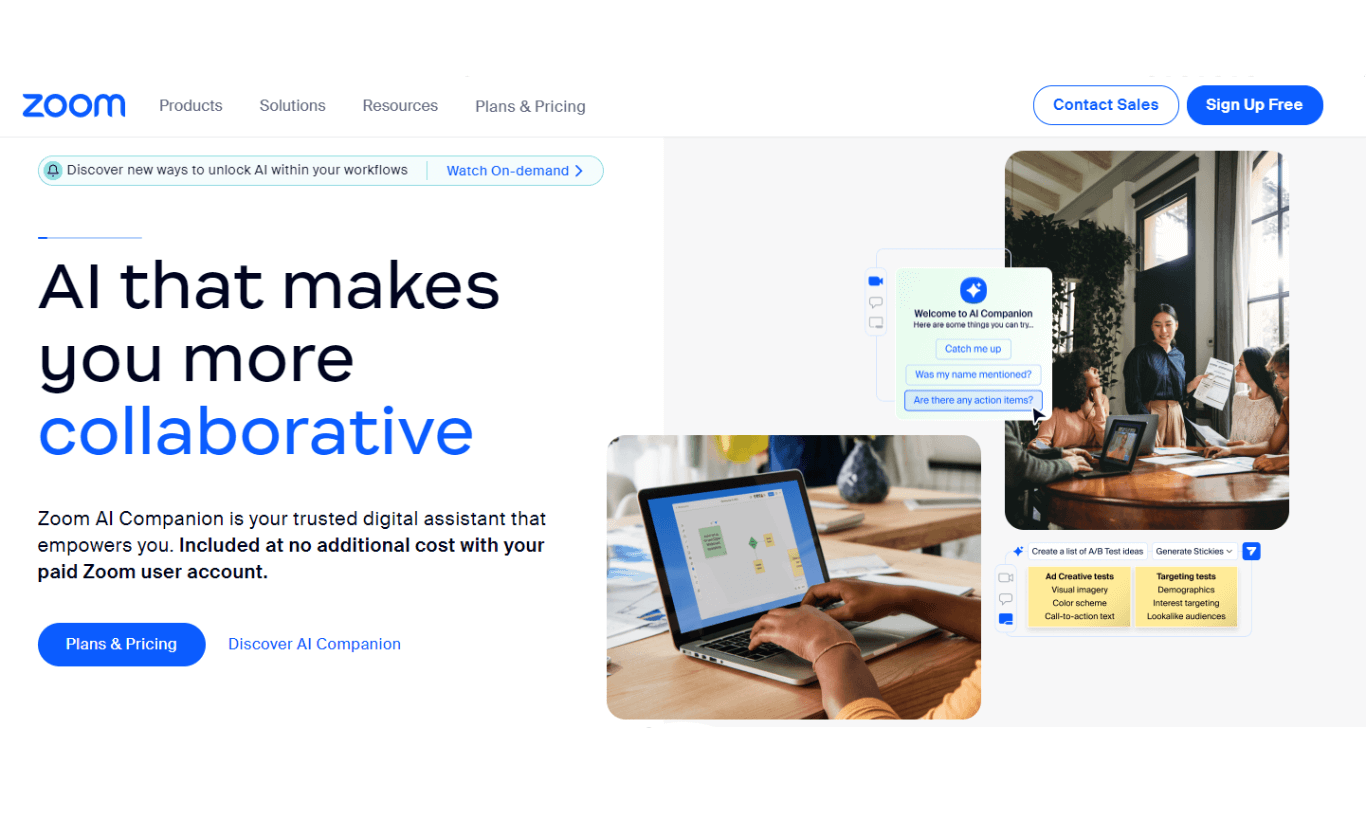
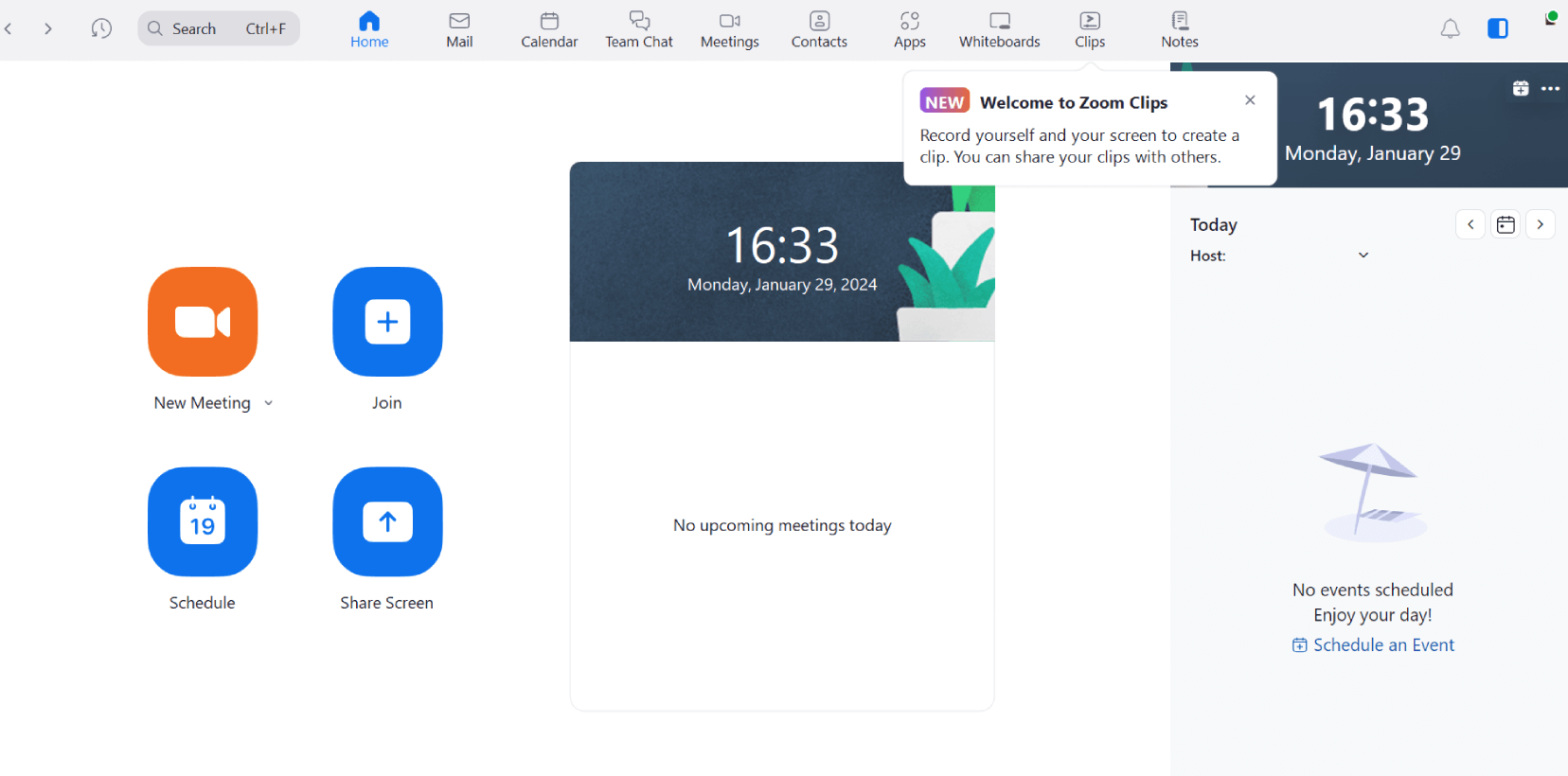
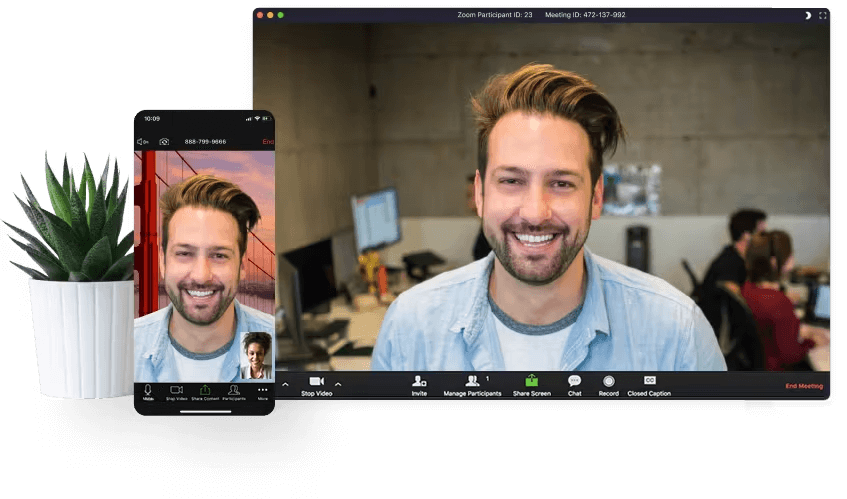
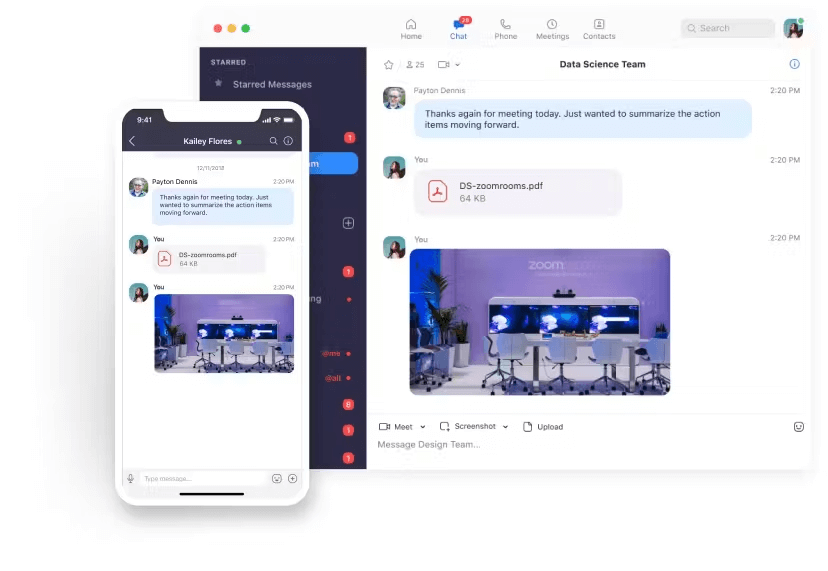
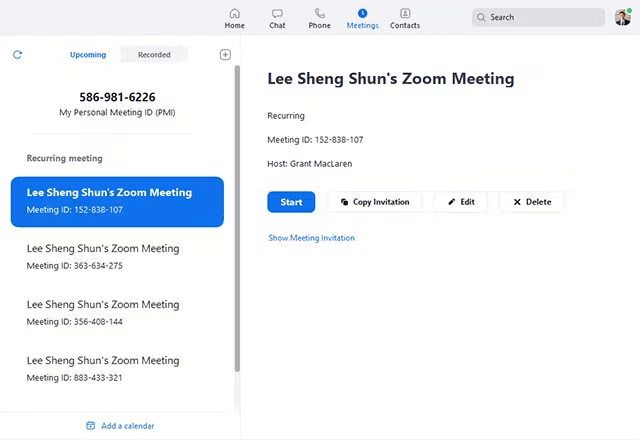
Zoom is a cloud-based platform for video conferencing, online meetings, and collaboration. It allows users to host high-quality video and audio meetings with up to 500 participants. The platform supports screen sharing, virtual backgrounds, and chat, providing a comprehensive solution for remote communication. Zoom is widely used for webinars, team meetings, and online education due to its ease of use, reliable performance, and scalability. It also integrates seamlessly with calendar and email applications, streamlining workflows for individuals and businesses alike.
Zoom's flexibility makes it suitable for a wide range of use cases, from small team discussions to large-scale webinars and corporate events. With its cross-platform availability on Windows, macOS, iOS, and Android, Zoom ensures accessibility for users across devices. The platform also prioritizes security, offering end-to-end encryption and meeting protection features, making it a trusted choice for businesses and organizations worldwide. With continuous updates and feature enhancements, Zoom remains a leader in the video conferencing space.