Miro surpasses Draw.io by offering a full suite of tools to support product development workflows and scaled Agile frameworks, including estimations, dependency mapping, and two-way Jira sync, making it ideal for distributed teams managing complex p…
Lucidchart provides intelligent diagramming designed to map people, processes, and systems that drive business outcomes, making it a stronger choice than Draw.io for enterprises needing advanced visualization to enhance operational clarity and decis…
Mural is built to help go-to-market teams collaborate and align around customer-centric strategies with an intuitive, infinite canvas, AI-assisted facilitation, and purpose-built templates, offering deeper engagement and faster decision-making compa…
Creately enhances team productivity beyond Draw.io by combining real-time collaboration with a rich template library and drag-and-drop ease, while integrating seamlessly with tools like Jira and Confluence to support business process visualization a…
Sketch is better suited than Draw.io for UI/UX designers, providing fast, vector-based design capabilities like art boards, symbols, and prototyping, supported by plugins and design system integrations to streamline digital product workflows.
Visio offers more advanced professional tools than Draw.io for creating detailed diagrams, floor plans, and engineering drawings. Its deep integration with Microsoft 365 enables real-time collaboration and customization, making it the better choice …
SmartDraw simplifies diagram creation for both beginners and experts by offering extensive templates, automated formatting, and integrations with Microsoft Office and Google Workspace, making it a more user-friendly and versatile option than Draw.io…
Cacoo offers cloud-based diagramming with real-time collaboration and integration with productivity tools such as Slack and Google Drive, making it more effective than Draw.io for teams that need simultaneous editing and streamlined workflows.
Gliffy provides an easy-to-use drag-and-drop interface with broad template options and real-time collaboration, integrated with Atlassian tools like Jira and Confluence, making it a better fit than Draw.io for teams focused on documenting processes …
FigJam is designed to facilitate team collaboration and co-creation when discussing projects. FigJam allows users to create whiteboards, add pictures, text, shapes, and other elements to easily express their ideas and interact with others in real ti…
Flowchart tool for developers, network admins, IT analysts, and designers, featuring drag-and-drop functionality for diagram creation and publication.
Flowchart tool for developers, network admins, IT analysts, and designers, featuring drag-and-drop functionality for diagram creation and publication.
draw.io Platforms
Linux
Mac
Web-Based
Windows
draw.io Video and Screenshots
draw.io Overview
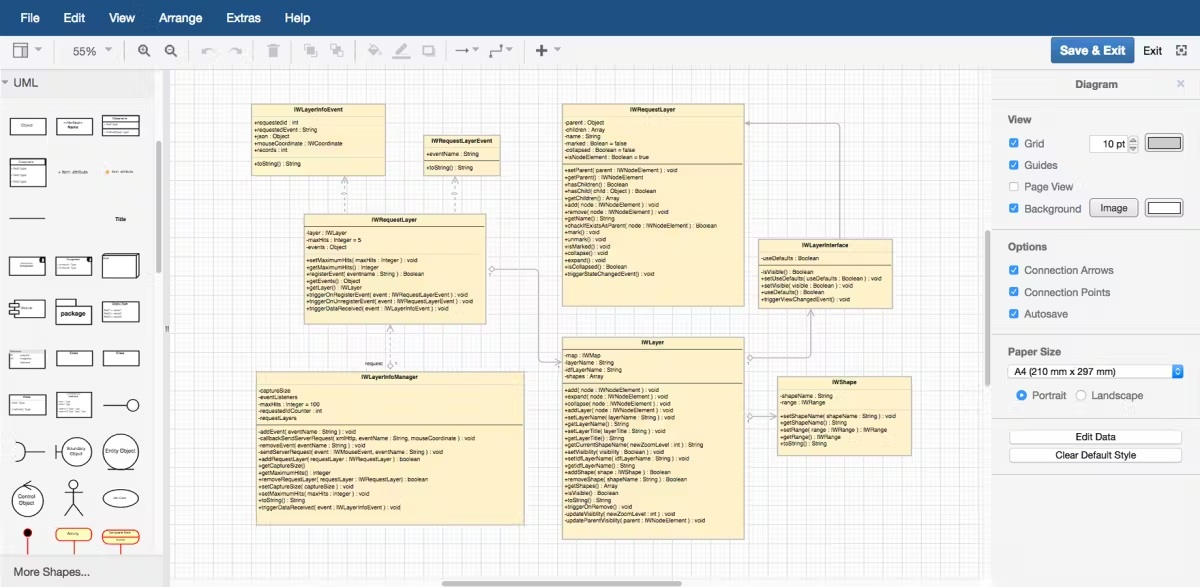
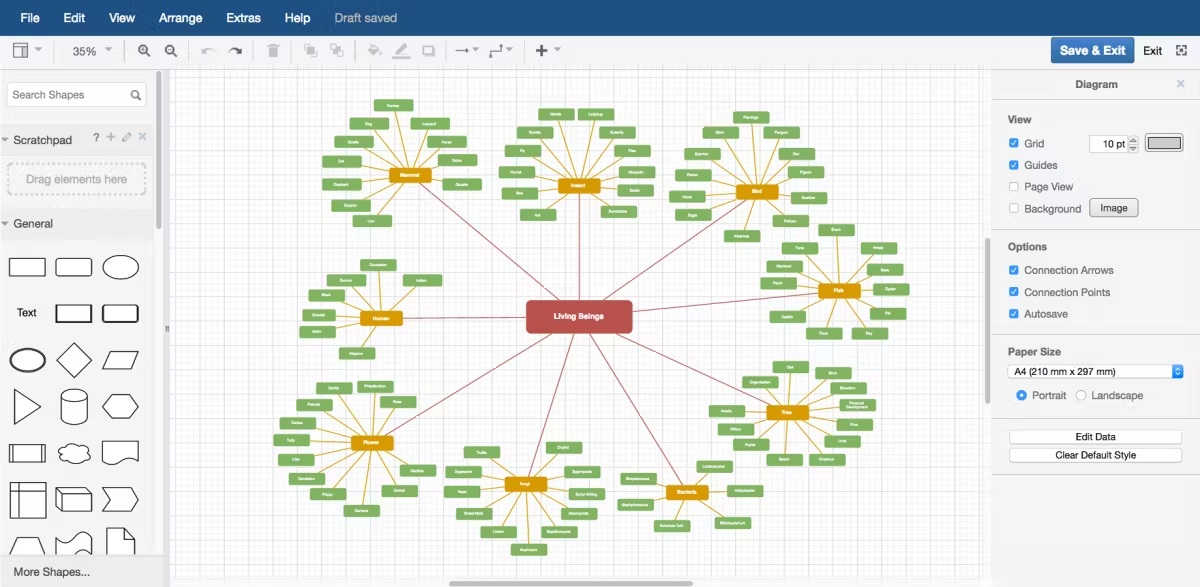
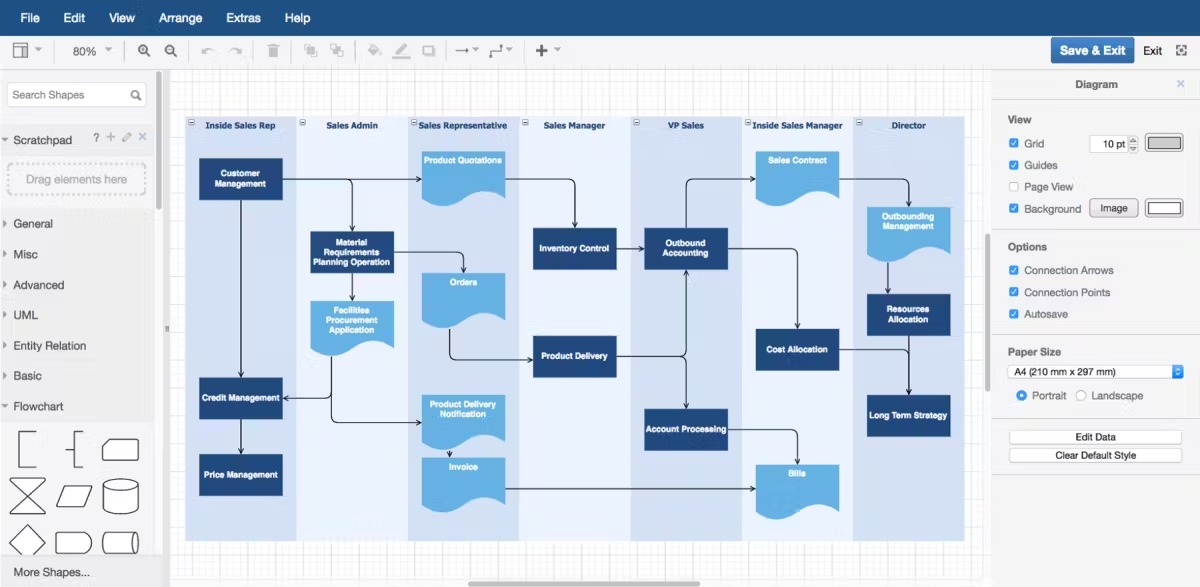
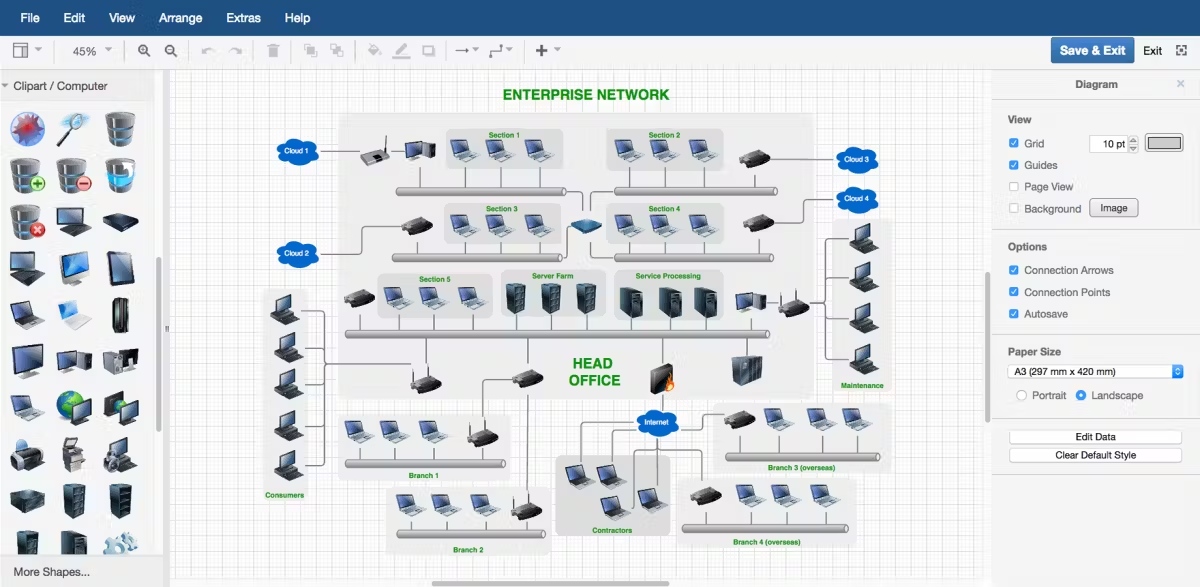
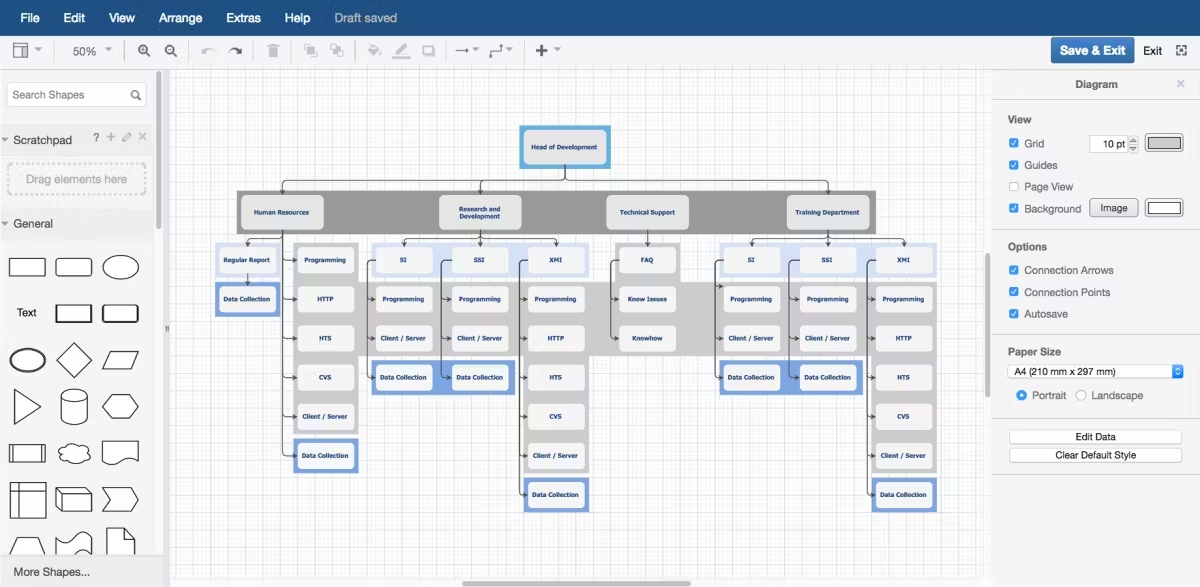
draw.io, now known as diagrams.net, is an intuitive and powerful diagramming tool that allows users to create various types of diagrams, including flowcharts, network diagrams, UML diagrams, and more. It is widely used for visualizing complex processes, structures, and ideas. The platform offers a range of templates and design elements, enabling users to quickly generate professional-quality diagrams with minimal effort.
One of the major advantages of draw.io is its seamless integration with cloud storage services like Google Drive, Microsoft OneDrive, and Dropbox, allowing users to store and share diagrams effortlessly. It also supports real-time collaboration, making it ideal for team projects and group work. draw.io’s free version is fully functional, while premium features like enhanced integrations and advanced export options are available in the paid version. The tool’s flexibility and user-friendly interface make it a top choice for individuals and teams needing to visualize ideas or workflows.