Select your language

Home arrow-right ... arrow-right Office and Productivity Software arrow-right Google Slides

We've compiled a list of 39 free and paid alternatives to Google Slides. The primary competitors include Prezi, LibreOffice - Impress. In addition to these, users also draw comparisons between Google Slides and Keynote, Microsoft PowerPoint, Canva. Also you can look at other similar options here: Office and Productivity Software.


Prezi
Subscription Free Trial

Software that lets create, edit, and manage multimedia presentations. Add charts, edit images, and integrate cinematic effects using customizable themes and backgrounds.

Microsoft PowerPoint
Free Subscription Free Trial

Microsoft PowerPoint is an AI-powered tool designed to help users create outlines, design slides, and organize content for professional presentations. It provides real-time feedback with Presenter Coach, summarizes key points, incorporates your orga…

Canva
Subscription Free Free Trial

A design tool that allows businesses to create and share multimedia content. With customizable templates, access to Adobe Stock images and fonts, you can create social media posts, flyers, banners and logos.

Visme Forms
Free Subscription

Visme Forms is an online form builder that allows you to easily create forms, surveys, and polls using drag-and-drop technology. It offers customizable templates, animations, and design assets to help you create high-converting forms that align with…

VistaCreate
Subscription Free

Online graphic design platform with ready-made templates and image editing tools. Users can upload custom assets, fonts, and sounds to personalize their designs.

CrankWheel
Subscription Free Free Trial

CrankWheel is a screen sharing tool designed for video calls and online presentations. It facilitates real-time screen sharing during video calls, allowing users to share content online seamlessly.

Livestorm
Subscription Free Free Trial

With the all-in-one video engagement platform from Livestorm, access a smooth virtual meeting experience. Manage webinars, virtual events, and screen sharing effortlessly to transform your online communications.

Google Slides Platforms

iPad iPad
iPhone iPhone
Mac Mac
Windows Windows
Android Android
Web-Based Web-Based

Google Slides Video and Screenshots

Google Slides Overview

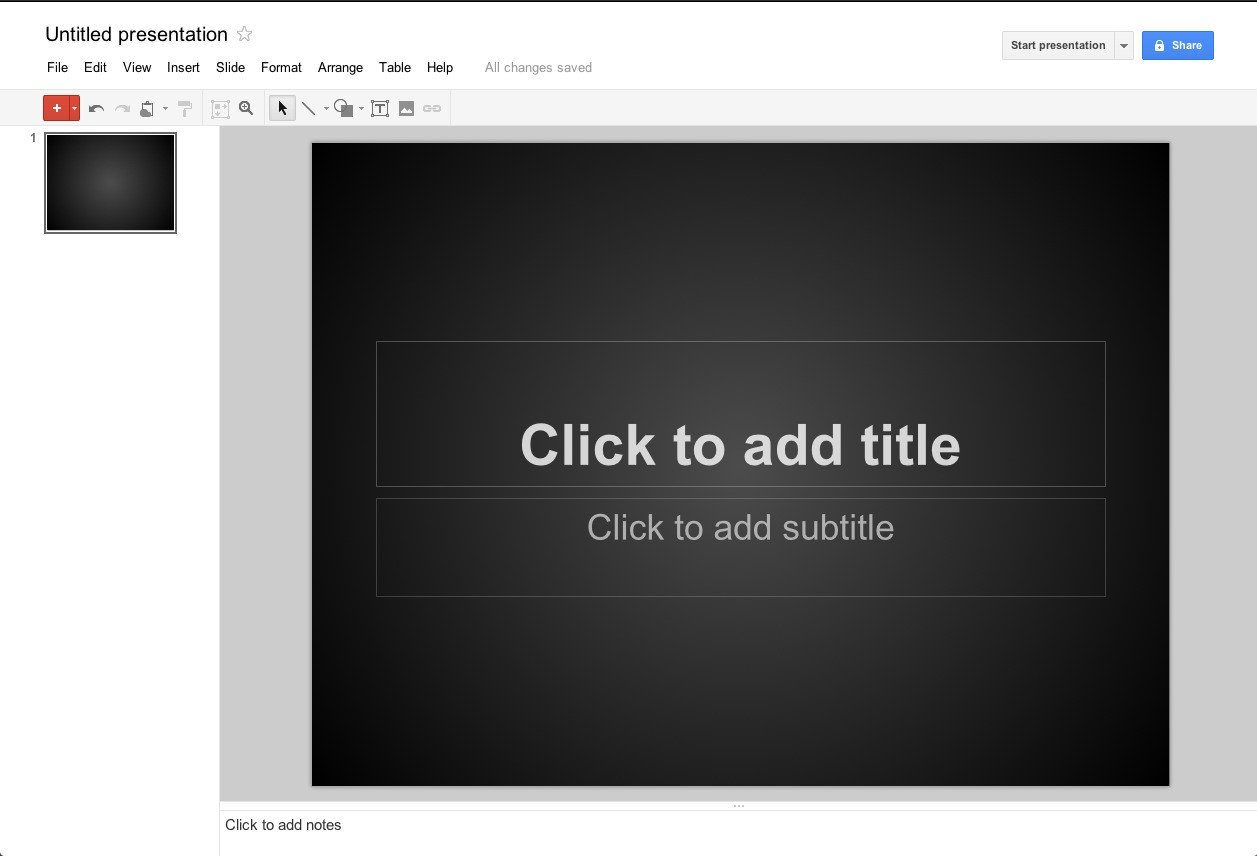
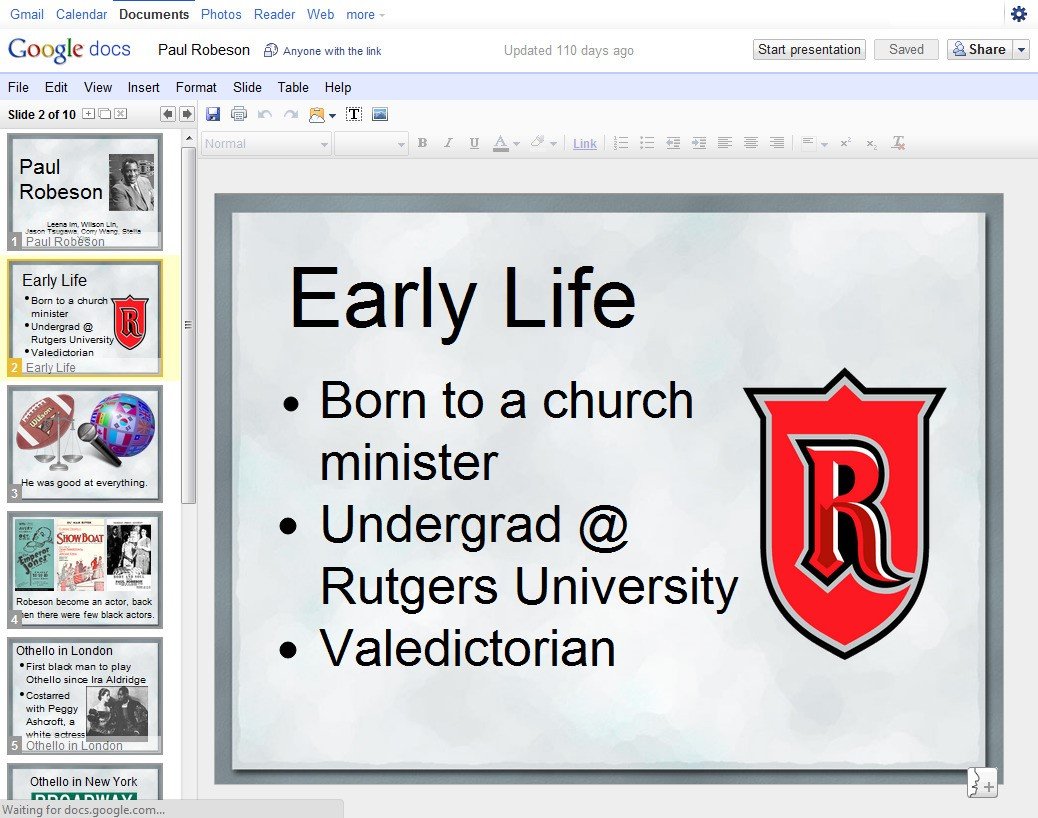
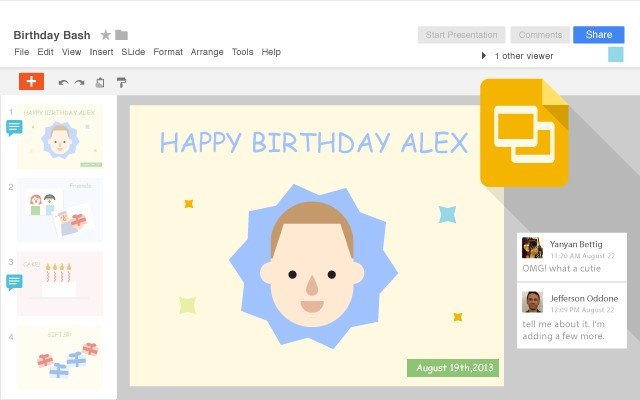
Google Slides, part of Small Google Drive iconGoogle Drive , is an online presentations app that allows you to show off your work in a visual way. Here's what you can do with Google Slides:

• Create and edit presentations.
• Edit a presentation with friends or coworkers, and share it with others effortlessly.
• Import .pptx and .pps files and convert them to Google presentations.
• Download your presentations as a PDF, a PPT, or a .txt file.
• Insert images and videos into your presentation.
• Publish and embed your presentations in a website.

Google Slides Features

tick-square Offline Editing
tick-square Media Library
tick-square Animation
tick-square 3D Objects
tick-square Audio File Management
tick-square Offline Presenting
tick-square Video Support
tick-square Customizable Templates
tick-square Collaboration Tools
tick-square Search/Filter
tick-square Screen Sharing

Top Google Slides Alternatives

Share your opinion about the software, leave a review and help make it even better!

Google Slides Categories

Office and Productivity Software

Google Slides Tags

slides online-presentation linear-presentation presentation-maker presentation online-collaboration

Suggest Changes

() out of 5

Your Feedback

Select a rating
Please select a rating

Your vote has been counted.

Do you have experience using this software?