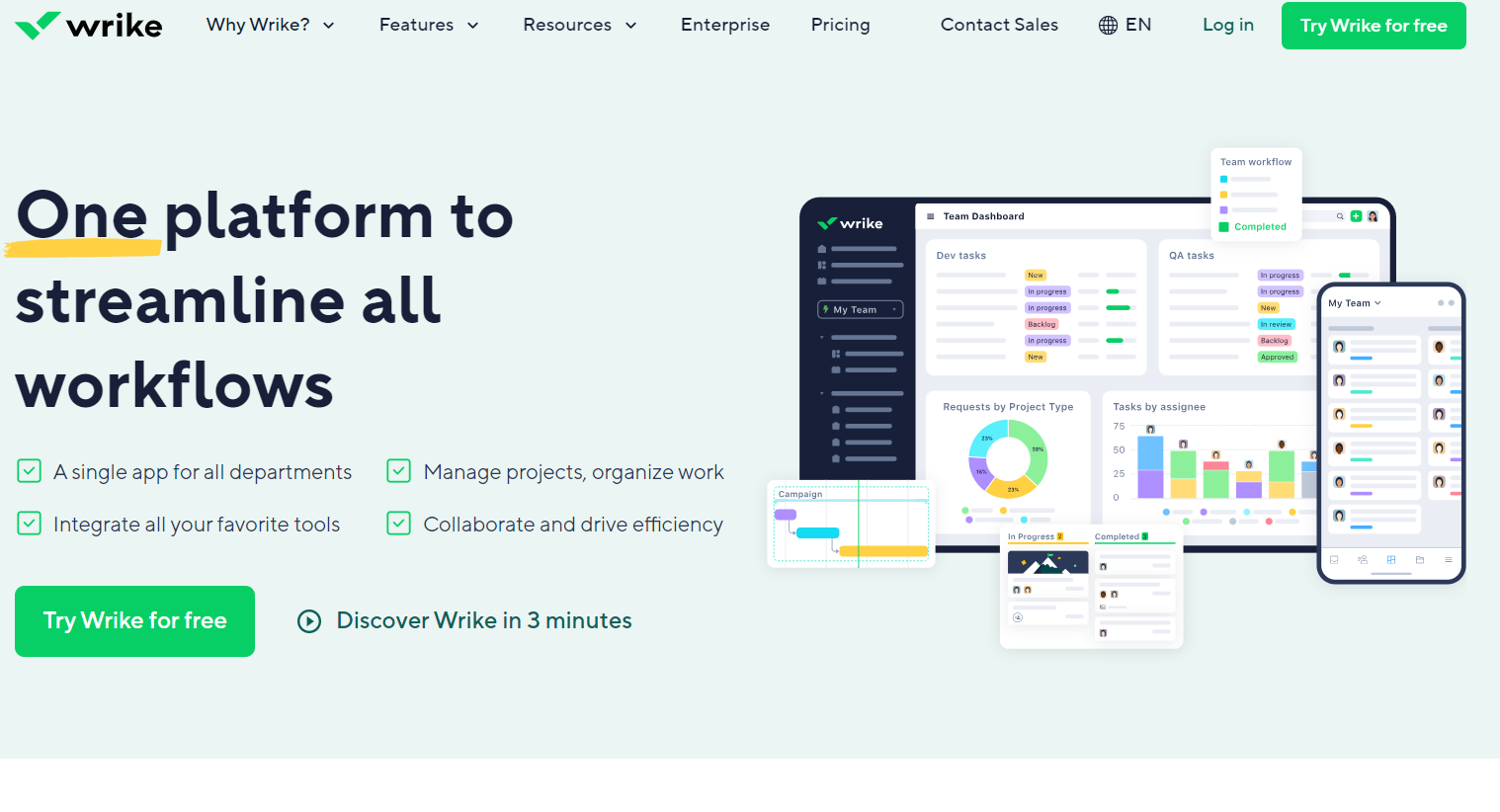
Dynamic work management platform fostering seamless collaboration in task handling, project planning, and document sharing. Perfect for businesses with multiple teams requiring efficient coordination. Track time and manage tasks effortlessly.
Action1 is a cloud-based patch management platform that automates real-time patching and security compliance for Windows, macOS, and third-party apps. It provides scalable, secure endpoint management without requiring VPNs, ensuring ongoing complian…
LogMeIn offers remote access and support solutions, empowering teams to work from anywhere. It provides secure remote IT support, webinars, video calls, endpoint management, remote access, patch management, remote monitoring, and remote deployment, …
Zoho Assist is a remote support and access solution that provides secure desktop access, attended and unattended support, live video conferencing, remote camera sharing, diagnostic tools, and custom branding to enhance support efficiency and custome…
Slack is the hub for seamless collaboration, offering real-time messaging, file sharing, and integration with apps. Get work done efficiently from anywhere.
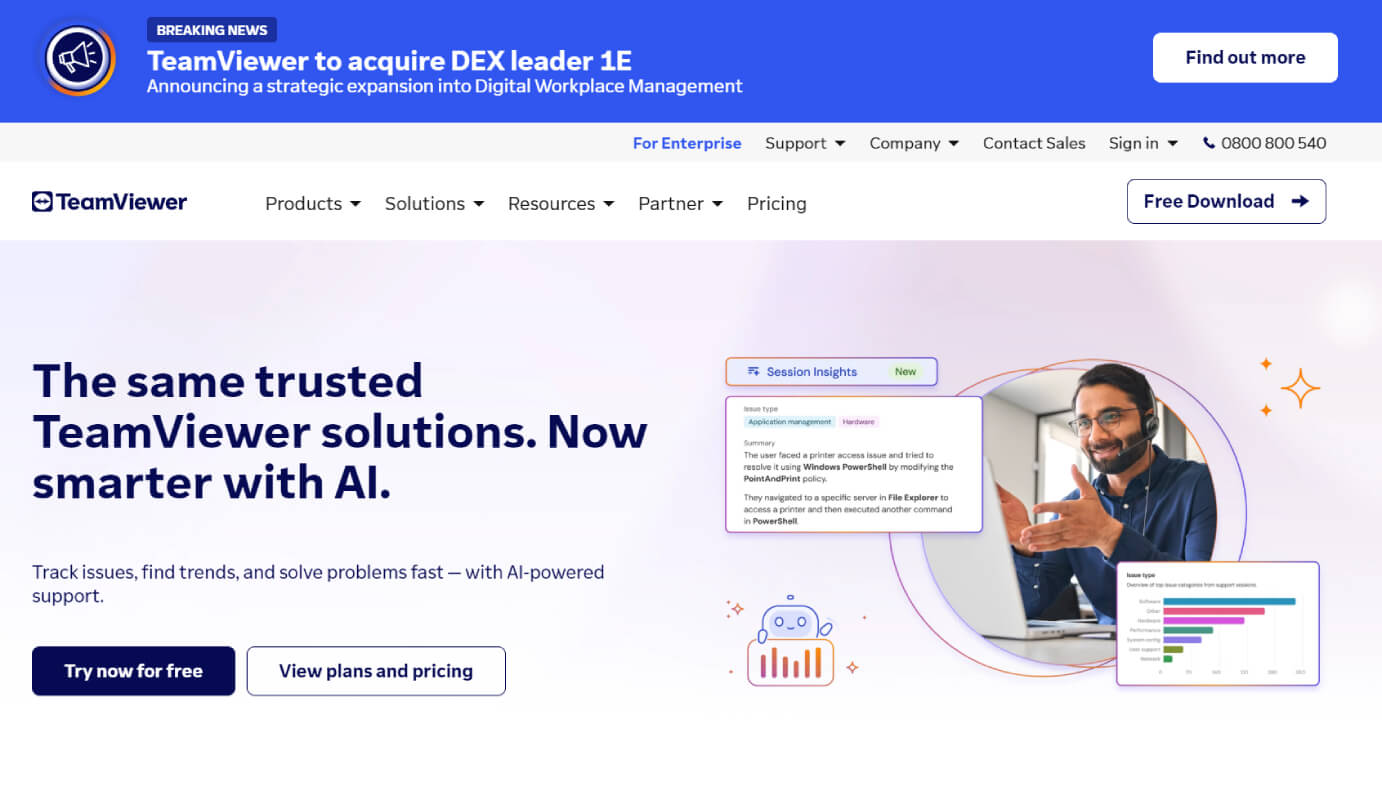
TeamViewer provides remote desktop access, support, and collaboration tools, enhanced with AI for advanced analytics and automated issue resolution. With seamless integration across various systems, it ensures secure and efficient remote operations, device monitoring, and endpoint protection across multiple devices and platforms.
TeamViewer provides remote desktop access, support, and collaboration tools, enhanced with AI for advanced analytics and automated issue resolution. With seamless integration across various systems, it ensures secure and efficient remote operations, device monitoring, and endpoint protection across multiple devices and platforms.
TeamViewer Platforms
iPad
iPhone
Linux
Mac
Web-Based
Android
Windows
TeamViewer Video and Screenshots
TeamViewer Overview
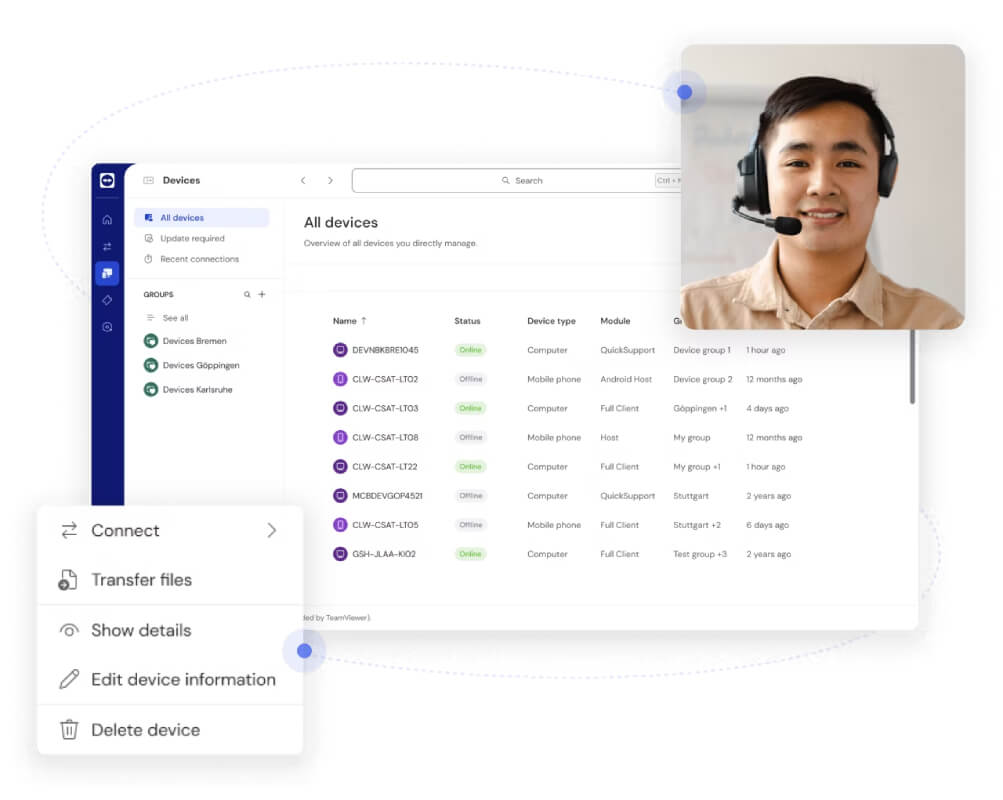
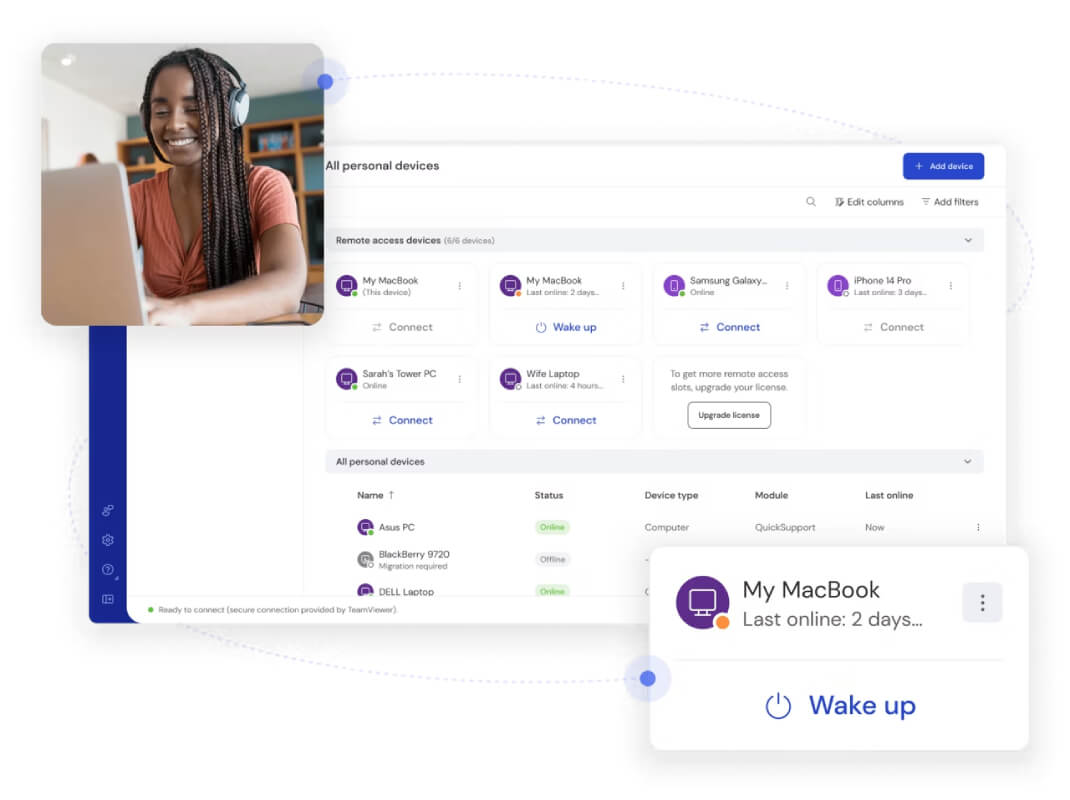
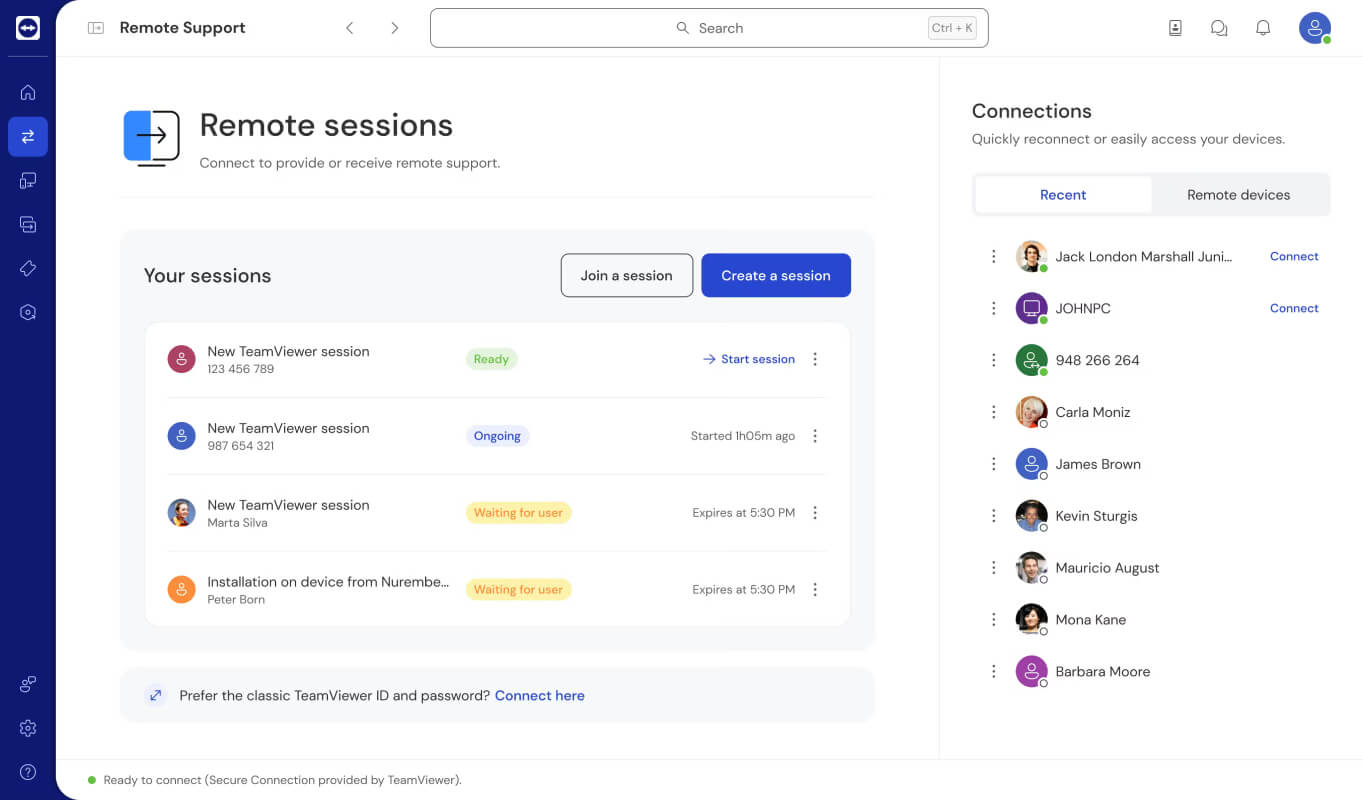
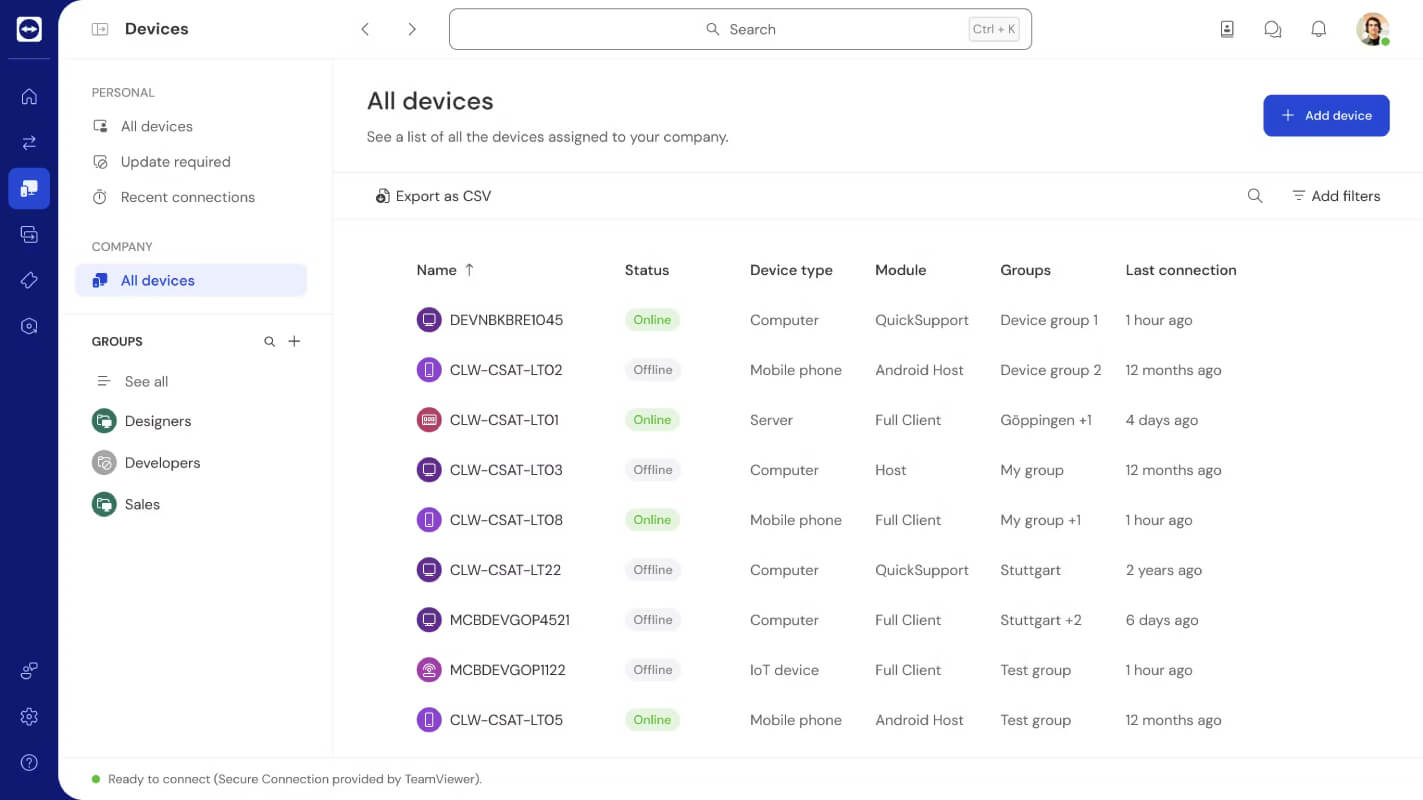
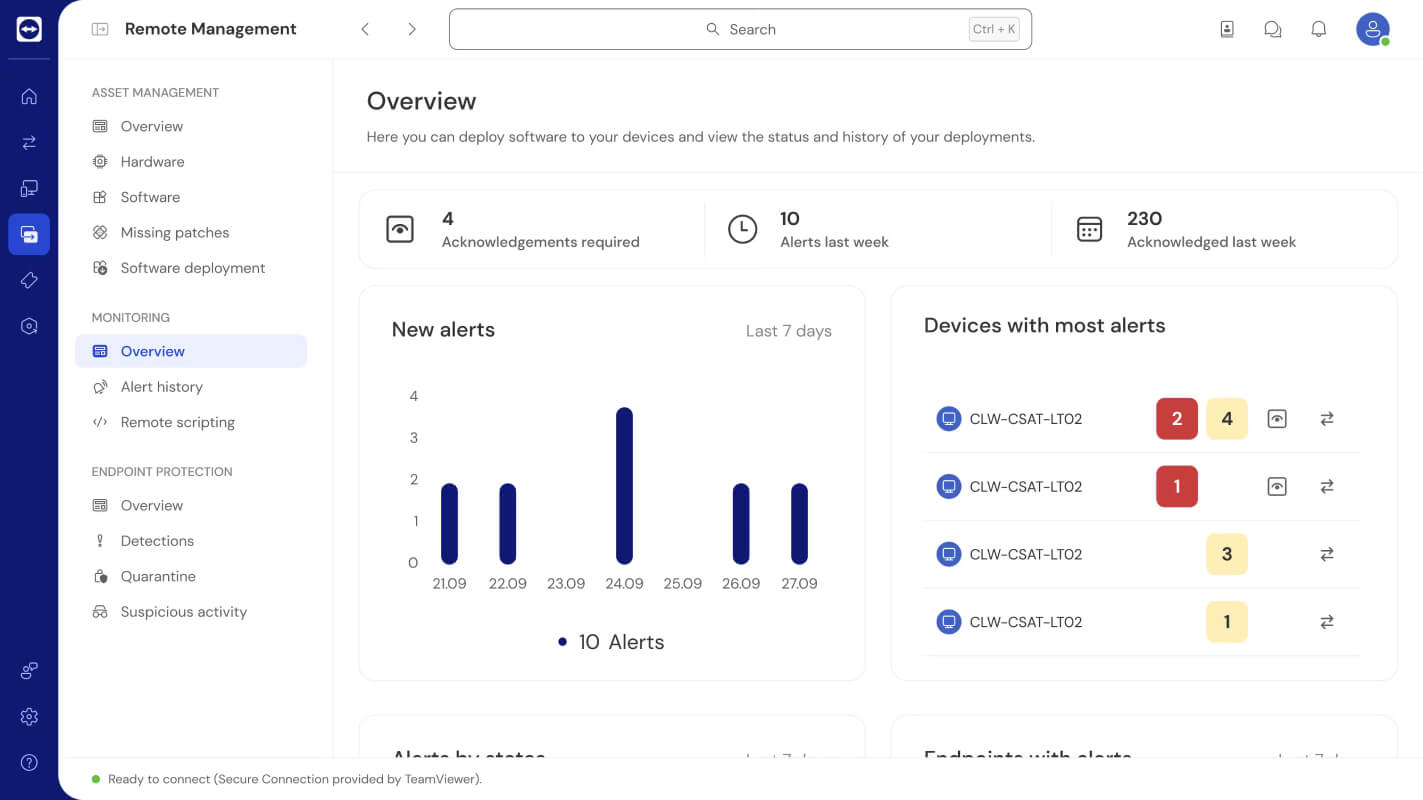
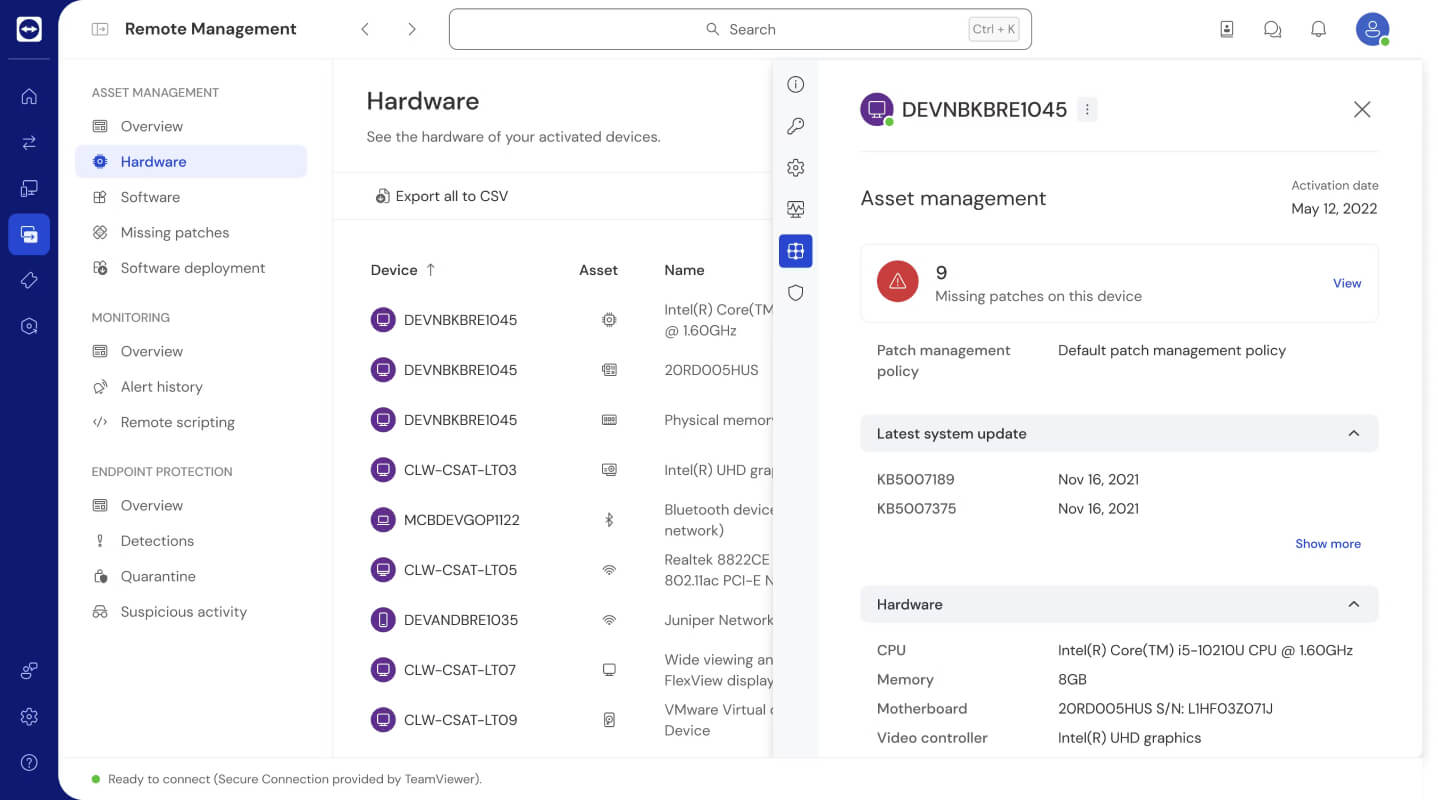
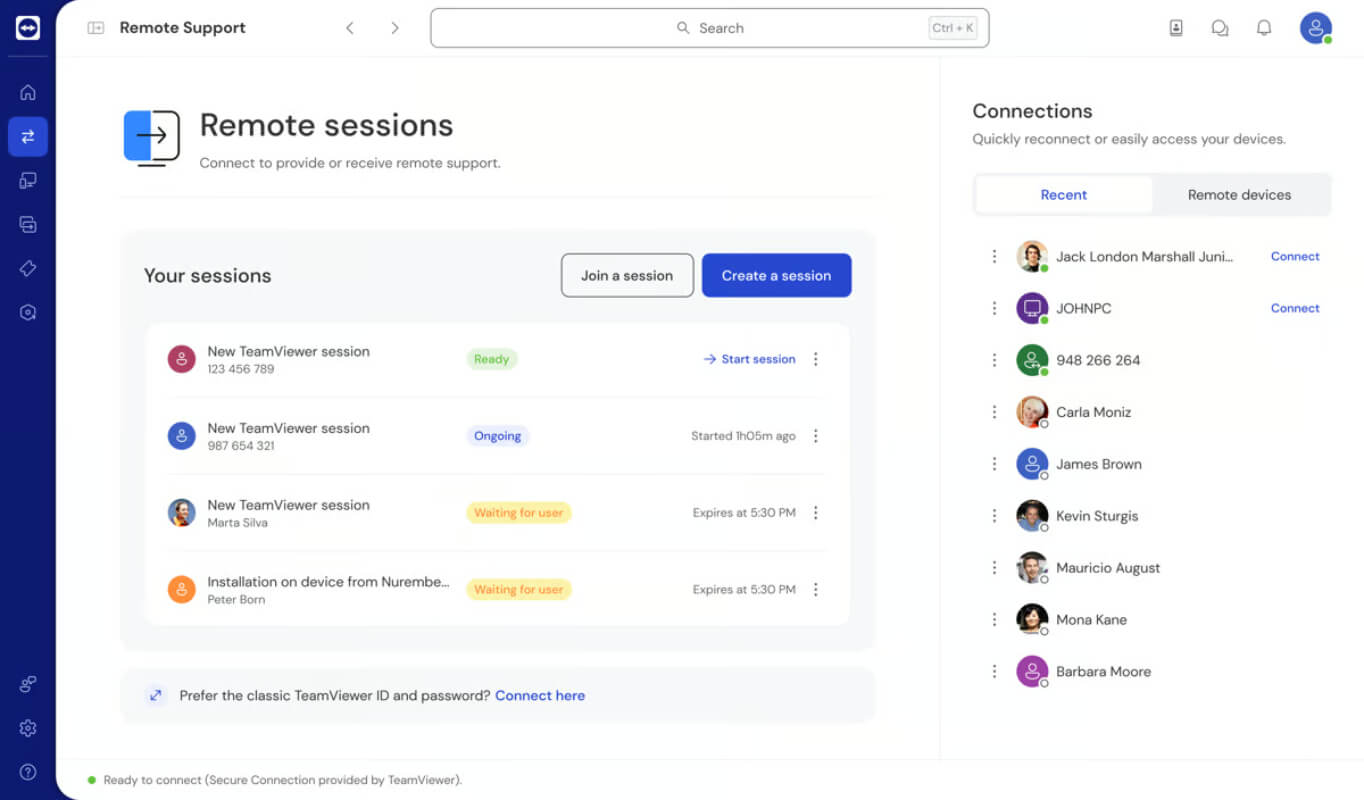
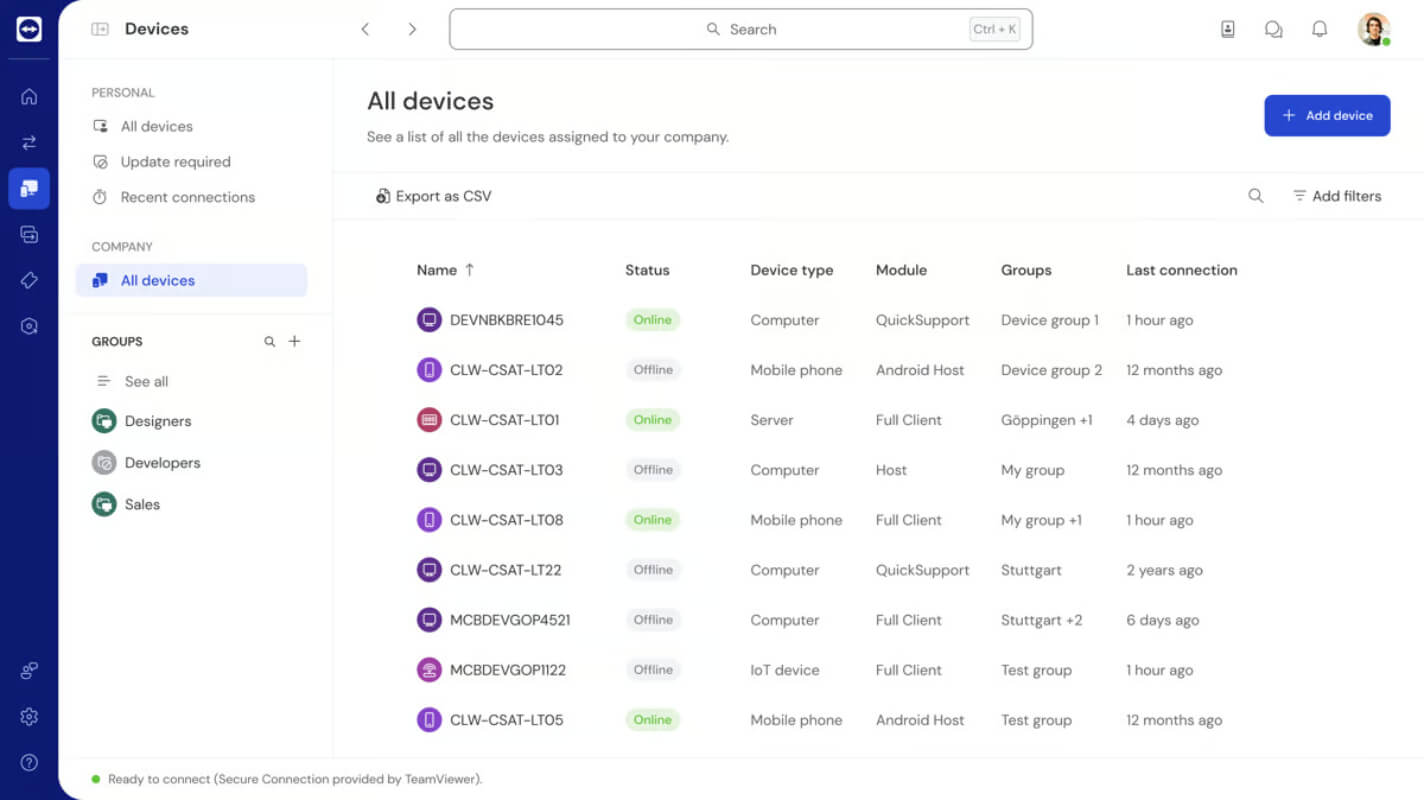
TeamViewer is a powerful remote connectivity solution that enables users to access, control, and support devices across multiple platforms. It facilitates seamless remote control of computers, smartphones, and tablets, making troubleshooting and collaboration more efficient. The software supports cross-platform connections, allowing interactions between PC and mobile devices. Key features include iOS and iPadOS screen sharing, AI-driven session insights for automatic summaries, and advanced session analytics for tracking support efficiency. Additionally, the integrated device management system ensures centralized control, while Remote Management services—such as monitoring, asset management, endpoint protection, and backup—enhance security and operational oversight.
With AES 256-bit end-to-end encryption, TeamViewer prioritizes data security during remote sessions. Its intuitive interface simplifies device connections, offering quick access to essential functions. The software is compatible with a wide range of operating systems, surpassing many competitors in flexibility. Whether for business or personal use, TeamViewer delivers a reliable, secure, and efficient remote access experience, improving productivity and reducing downtime.