We've compiled a list of 23 free and paid alternatives to Chrome Remote Desktop. The primary competitors include TeamViewer, LogMeIn. In addition to these, users also draw comparisons between Chrome Remote Desktop and AnyDesk, Zoho Assist, NoMachine. Also you can look at other similar options here: Security and Privacy Software.
We've compiled a list of 23 free and paid alternatives to Chrome Remote Desktop. The primary competitors include TeamViewer, LogMeIn. In addition to these, users also draw comparisons between Chrome Remote Desktop and AnyDesk, Zoho Assist, NoMachine. Also you can look at other similar options here: Security and Privacy Software.
TeamViewer provides remote desktop access, support, and collaboration tools, enhanced with AI for advanced analytics and automated issue resolution. With seamless integration across various systems, it ensures secure and efficient remote operations,…
LogMeIn offers remote access and support solutions, empowering teams to work from anywhere. It provides secure remote IT support, webinars, video calls, endpoint management, remote access, patch management, remote monitoring, and remote deployment, …
Zoho Assist is a remote support and access solution that provides secure desktop access, attended and unattended support, live video conferencing, remote camera sharing, diagnostic tools, and custom branding to enhance support efficiency and custome…
Splashtop Remote Support is a comprehensive remote support and endpoint management solution designed for Managed Service Providers (MSPs). It enables secure remote access, monitoring, and management of computers from any location, facilitating remot…
ISL Online is a secure remote desktop software offering RDP/SSH connections, AES 256-bit encryption, and ISO/IEC 27001:2022 certification, along with two-factor authentication, single sign-on, remote presentations, and user management for efficient …
Viewabo is a visual support platform for customer experience teams, enabling real-time issue resolution via smartphone camera sharing. It facilitates screen sharing, video pausing for detailed inspection, and session recording for training purposes,…
Vysor lets users mirror and control Android devices from a desktop. It enables screen sharing, file transfers, and app interaction via mouse and keyboard. Ideal for testing, presentations, and remote support. Simplifies Android device access from Wi…
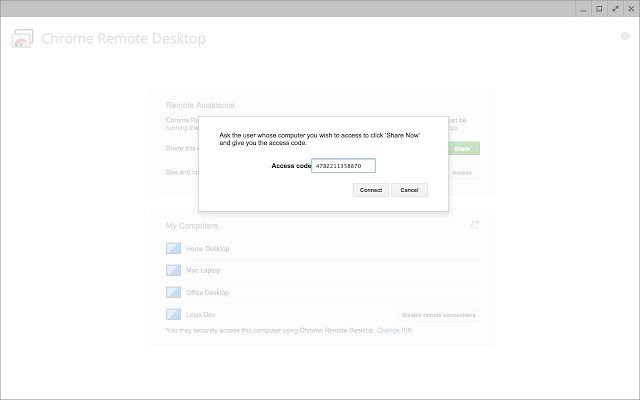
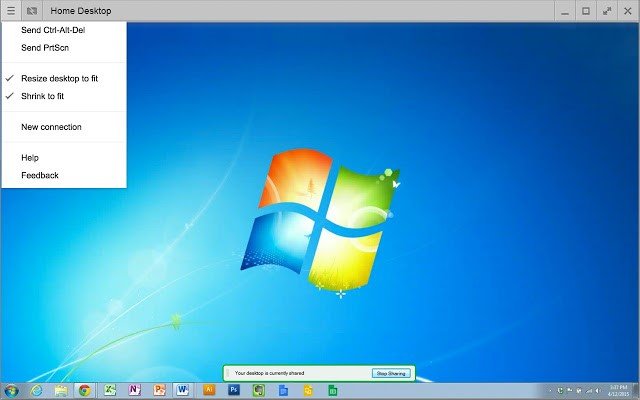
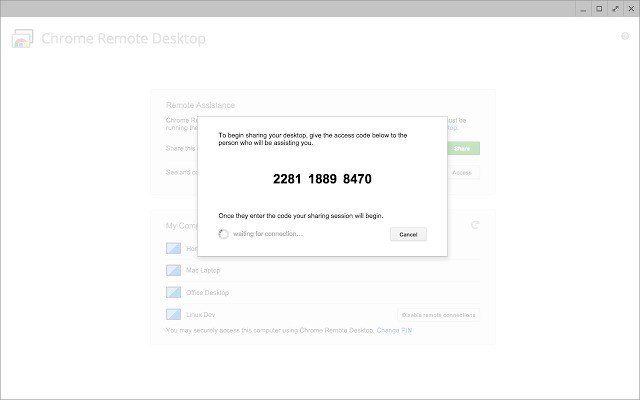
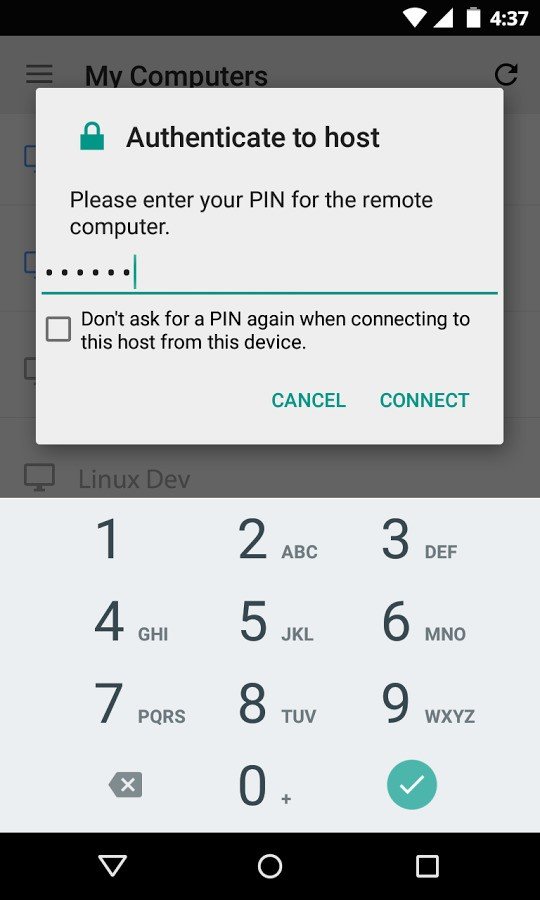
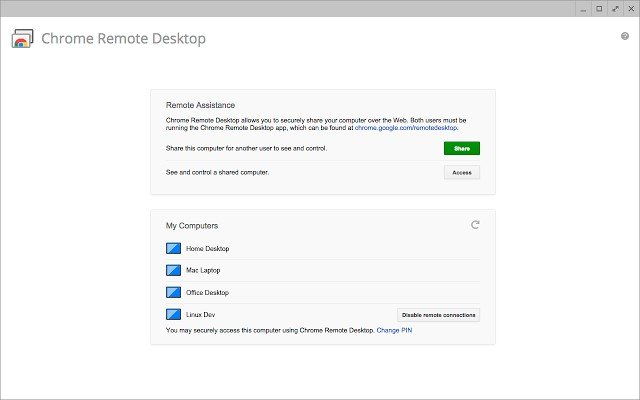
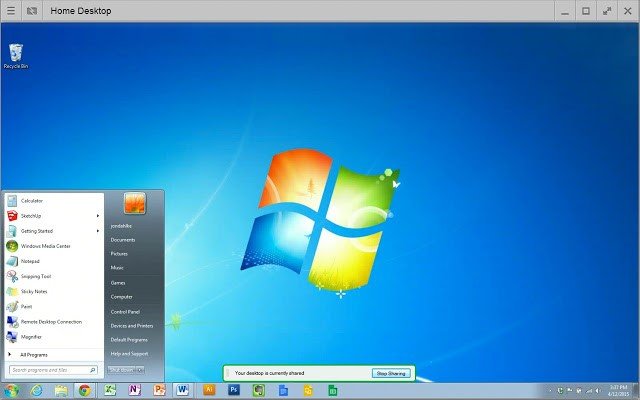
Chrome Remote Desktop allows users to remotely access another computer through Chrome browser or a Chromebook. Computers can be made available on an short-term basis for scenarios such as ad hoc remote support, or on a more long-term basis for remote access to your applications and files. All connections are fully secured.
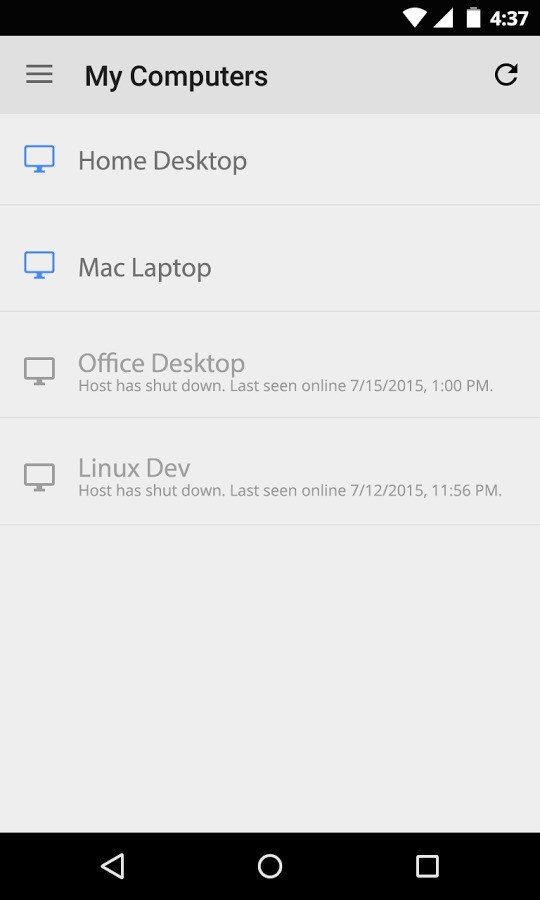
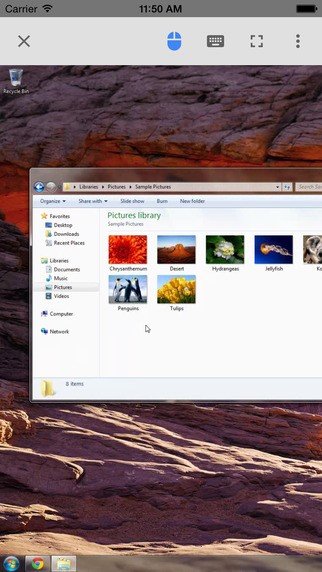
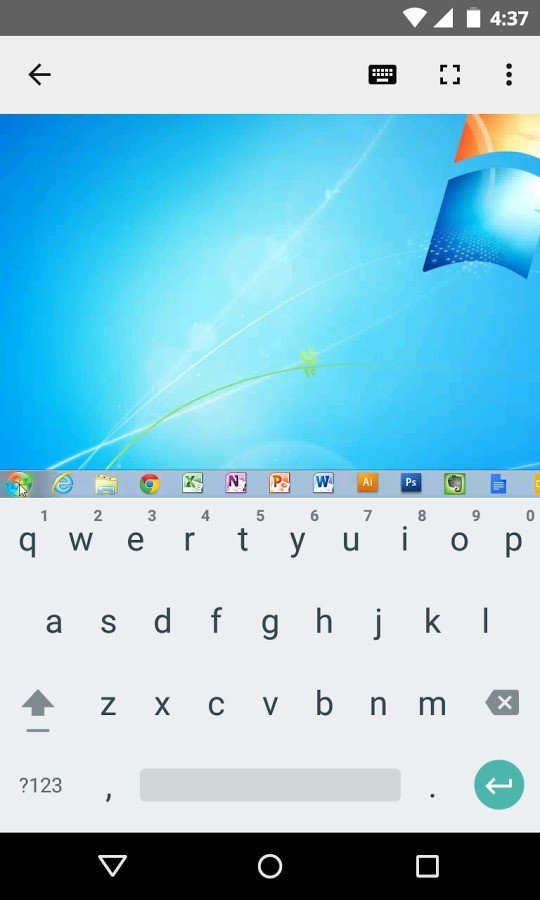
Chrome Remote Desktop is fully cross-platform. Provide remote assistance to Windows, Mac and Linux users, or access your Windows (XP and above) and Mac (OS X 10.6 and above) desktops at any time, all from the Chrome browser on virtually any device, including Chromebooks.