Loom, the screen recording tool, empowers users to create, edit, and share professional videos effortlessly. Capture screen and audio seamlessly across macOS, Windows, and Chrome, with additional support for iOS and Android. Enhance collaboration wi…
Vidyard is a powerful video hosting platform that enables businesses to create, manage, and share videos for marketing, sales, and communication purposes. It offers features such as video recording, hosting, analytics, and integrations with various …
Camtasia, a comprehensive screen recording and video editing solution, for content creators, educators, marketers, and business professionals. Capture and edit webinars or tutorials effortlessly. Elevate your video projects with the trusted tool for…
A transcription and video editing platform for marketing, sales, research, eLearning, and support teams. It streamlines collaboration with folders, feedback tools, version tracking, and commenting.
Snagit by TechSmith, is a versatile software for capturing and editing computer screen images and videos. With an intuitive interface and advanced editing features, it's an essential tool for professionals in education, business, and industries emph…
The AI-powered tool transforming processes into step-by-step guides with text, links, and annotated screenshots. You can then edit instructions or modify screenshots.
Cloud-based video editor with features for editing, recording, hosting, and sharing videos. Offers subtitling, translation, noise reduction, cropping, and branding.
Online tool for creating intros, explainer animations, promo videos, slideshows, music visualizations, and video CVs in the cloud. Choose from a vast catalog of templates and customize.
Asana is a comprehensive project management software that enables teams to efficiently manage tasks and projects. Its features include task creation and assignment, priority setting, progress tracking, and file attachment.
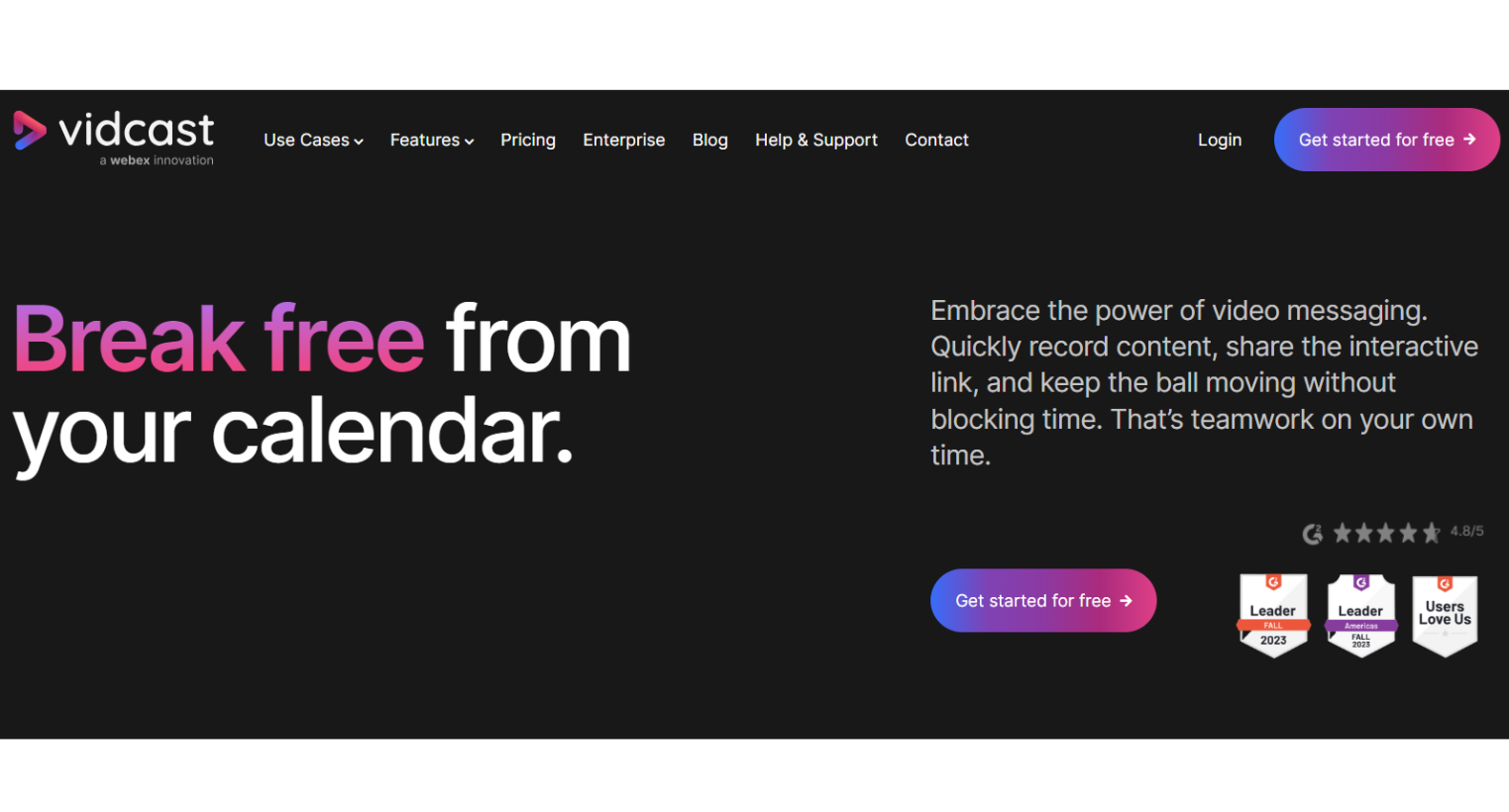
Vidcast, from Cisco, is an asynchronous video tool for enterprises. It combines screen recording, face, and voice features for efficient communication and meeting enhancement.
Vidcast, from Cisco, is an asynchronous video tool for enterprises. It combines screen recording, face, and voice features for efficient communication and meeting enhancement.
Vidcast Platforms
Web-Based
Vidcast Video and Screenshots
Vidcast Overview
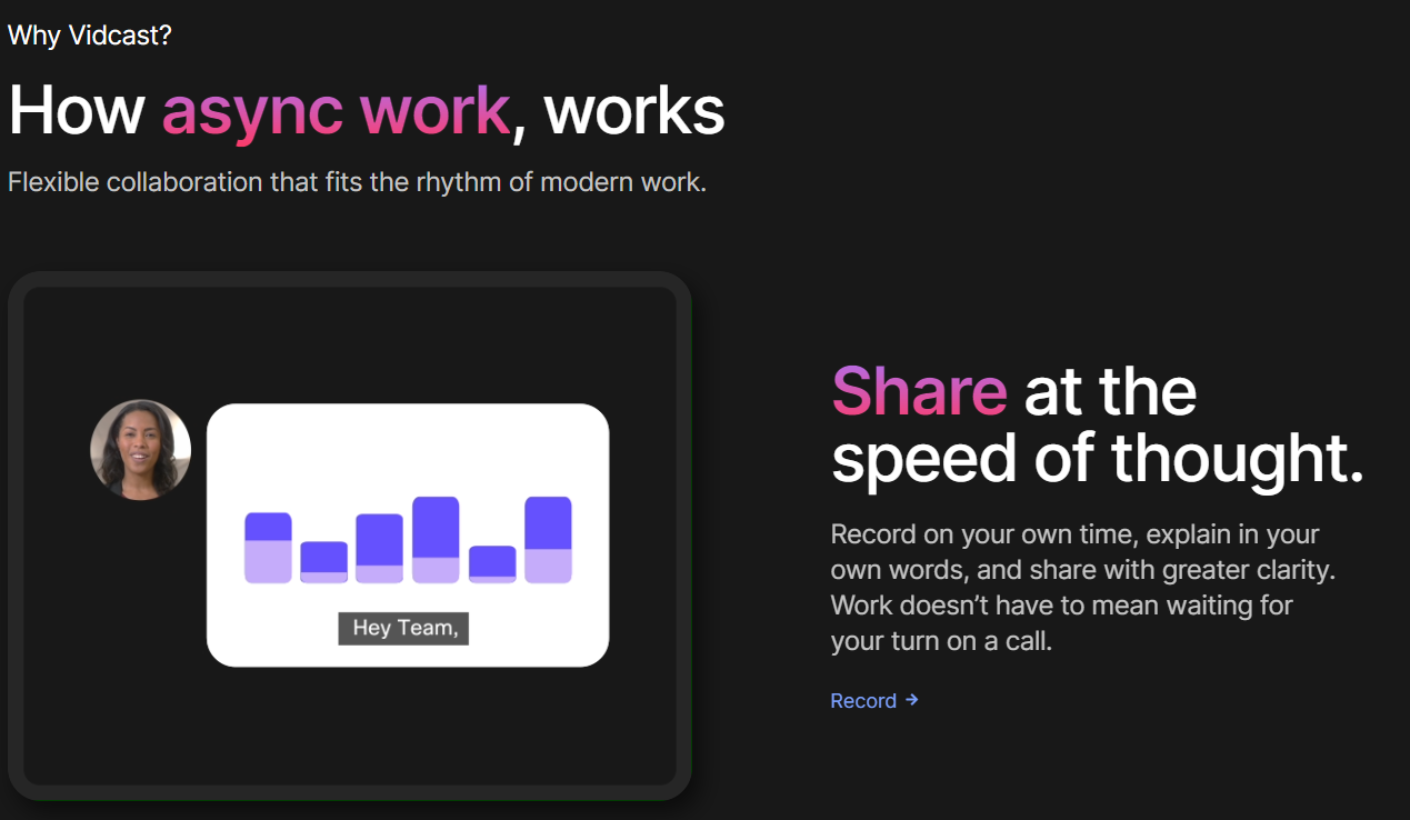
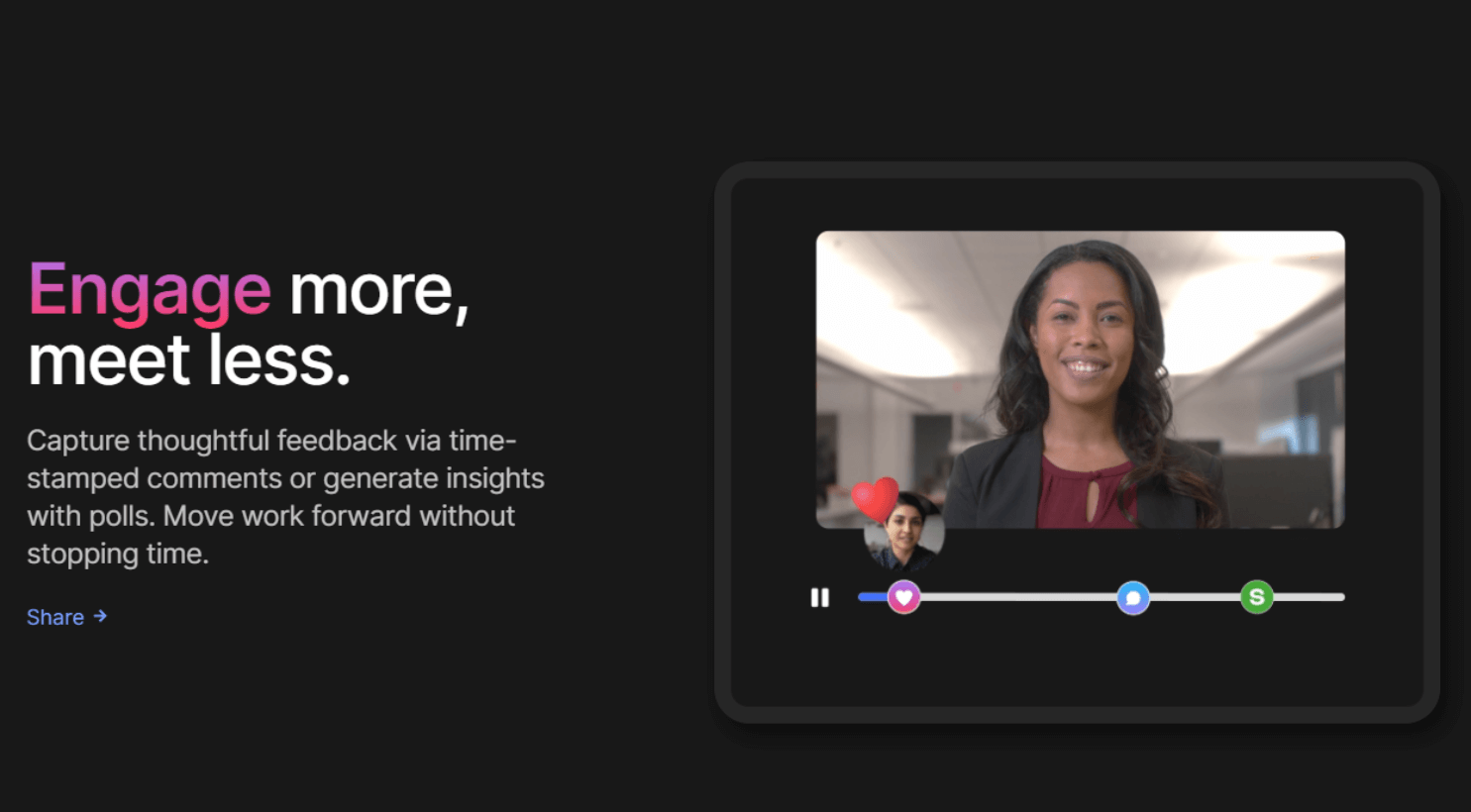
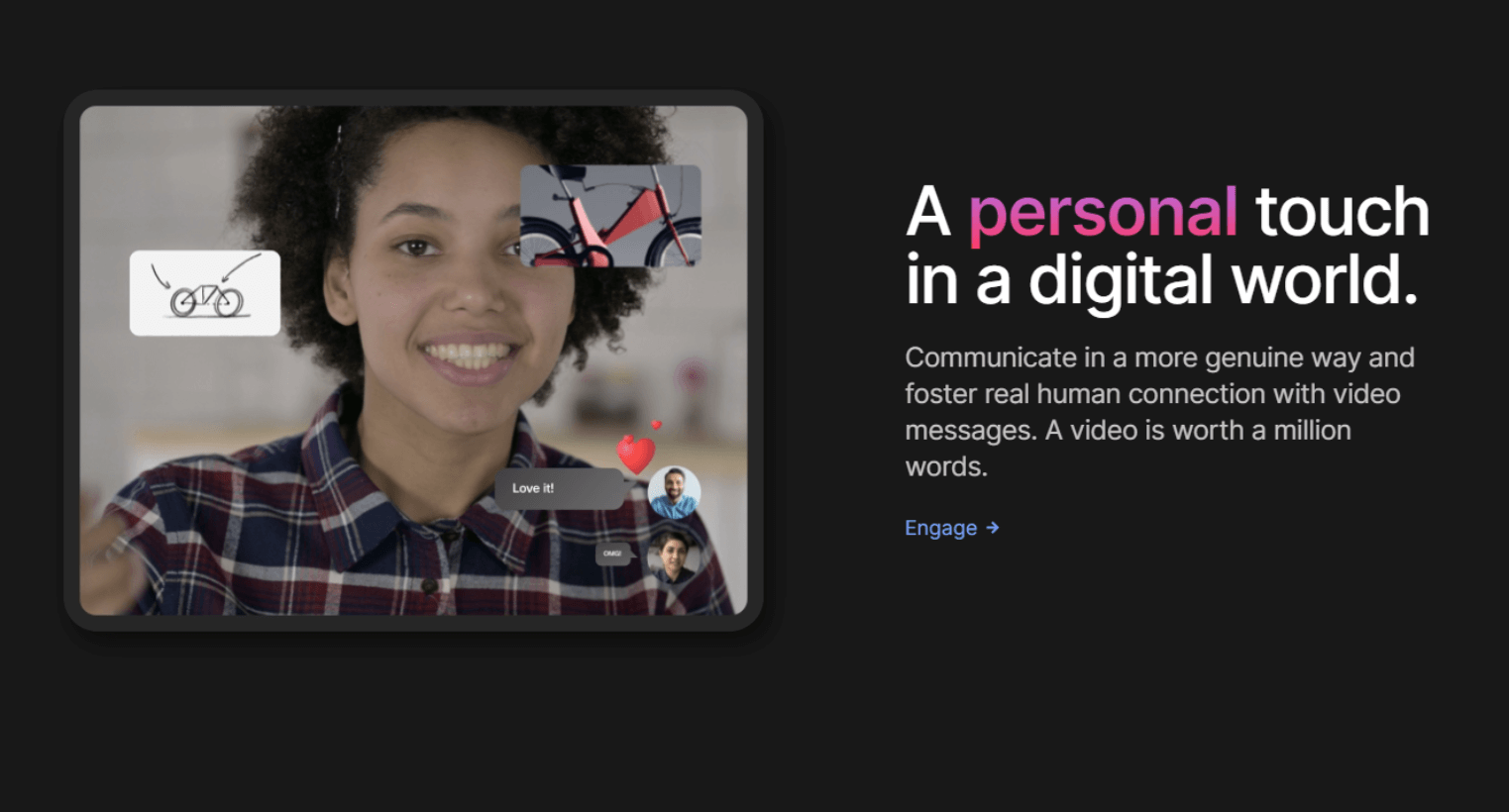
Vidcast is a video messaging platform designed to enhance communication and collaboration by allowing users to create, record, and share interactive videos. With the ability to record videos using a camera, screen sharing, or both, Vidcast makes it easy for businesses to create dynamic content. Once recorded, users can edit the videos and share them via interactive links, incorporating features like time-stamped comments and polls to boost engagement.
Ideal for a variety of use cases such as team collaboration, product development, sales, and training, Vidcast also integrates seamlessly with platforms like Webex to ensure secure communication. Additional features include closed caption editing, collaborative video editing, and insights on video performance, making it a comprehensive solution for businesses seeking to improve their internal and external communication.