Create, edit, host, and market videos effortlessly with Wistia's business-centric platform. Measure video performance and generate leads seamlessly. Amplify your video strategy today.
Descript is better for creators focused on audio and video editing through a text-based interface. Its transcription-driven workflow allows users to edit media as easily as editing text, offering more intuitive audio-first editing than Camtasia's tr…
Vyond excels in animation and character-driven storytelling. It's a stronger fit for businesses creating explainer videos or training animations, offering more advanced animation tools than Camtasia, which primarily focuses on screen recording and b…
Riverside.fm is ideal for podcast and video interview creators who prioritize high-quality remote recording. Its multitrack recording and livestreaming capabilities make it more suitable for media teams than Camtasia’s desktop-centered screen record…
Synthesia offers AI-generated avatar videos, making it easier to create professional presentations without actors or cameras. For teams needing scalable, multilingual video content, Synthesia provides more automation and reach than Camtasia.
Canva is better suited for marketing teams and content creators who want fast, drag-and-drop video creation. While it lacks some of Camtasia’s editing depth, Canva provides a faster and more visual-first approach for social content.
Powtoon simplifies animated video creation with templates and pre-built motion graphics. It’s more effective than Camtasia for users creating presentations, pitch videos, or engaging internal content without needing manual timeline editing.
Loom is ideal for business communication via short-form videos. Its instant screen recording and sharing make it a quicker, more collaborative tool than Camtasia, especially for team updates and async messaging.
Zight emphasizes fast visual communication through annotated screenshots, GIFs, and videos. It's better for daily team collaboration where speed and clarity matter more than advanced editing tools.
Vimeo is a robust platform for video hosting, sharing, and collaboration. Its advanced privacy, analytics, and review tools make it more suitable than Camtasia for content distribution and team feedback workflows.
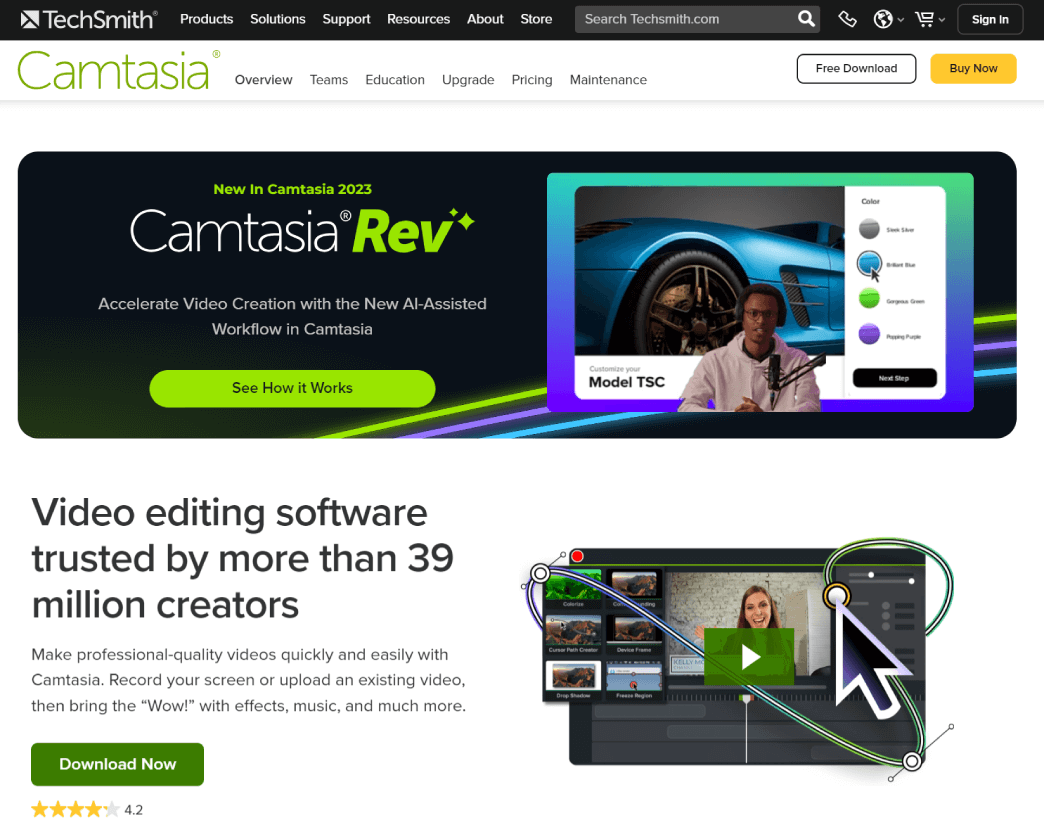
Camtasia, a comprehensive screen recording and video editing solution, for content creators, educators, marketers, and business professionals. Capture and edit webinars or tutorials effortlessly. Elevate your video projects with the trusted tool for millions.
Camtasia, a comprehensive screen recording and video editing solution, for content creators, educators, marketers, and business professionals. Capture and edit webinars or tutorials effortlessly. Elevate your video projects with the trusted tool for millions.
Camtasia Platforms
Linux
Mac
Windows
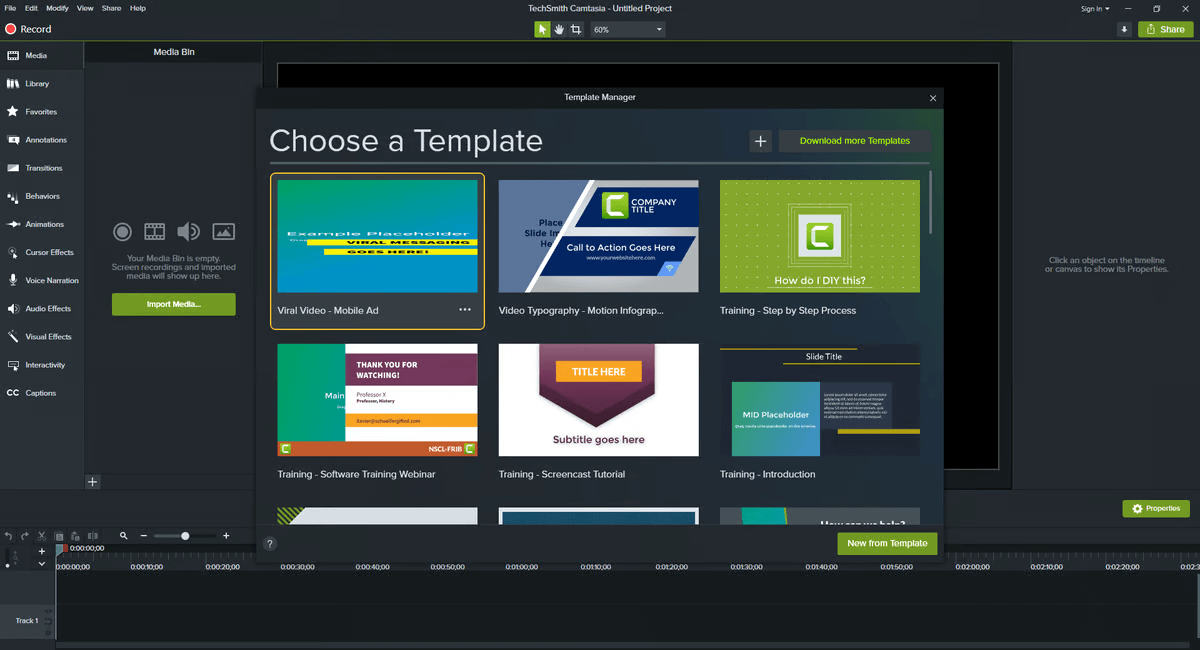
Camtasia Video and Screenshots
Camtasia Overview
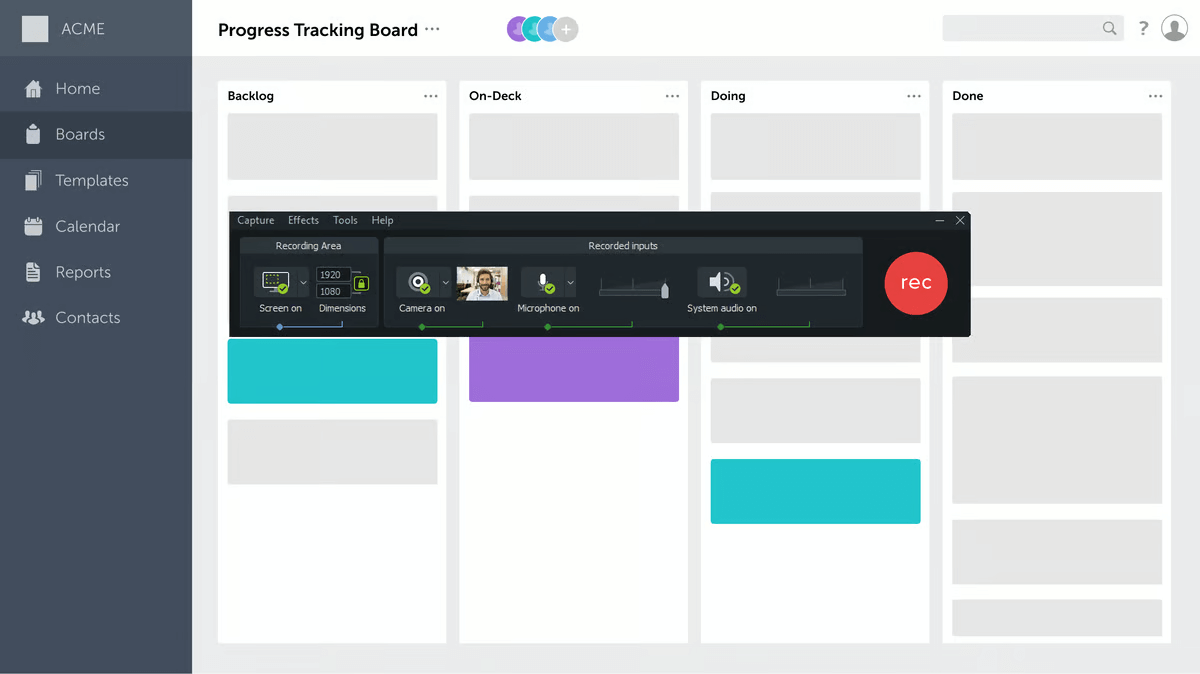
Camtasia is a powerful screen recording and video editing software designed for creating professional-quality videos with ease. The software offers a user-friendly interface, making it ideal for both beginners and experienced video creators. Camtasia allows users to record their screen, webcam, and audio, providing a flexible platform for creating tutorials, presentations, and demonstrations. It includes an intuitive video editor that supports drag-and-drop functionality, making it easy to edit clips, add effects, and enhance video content.
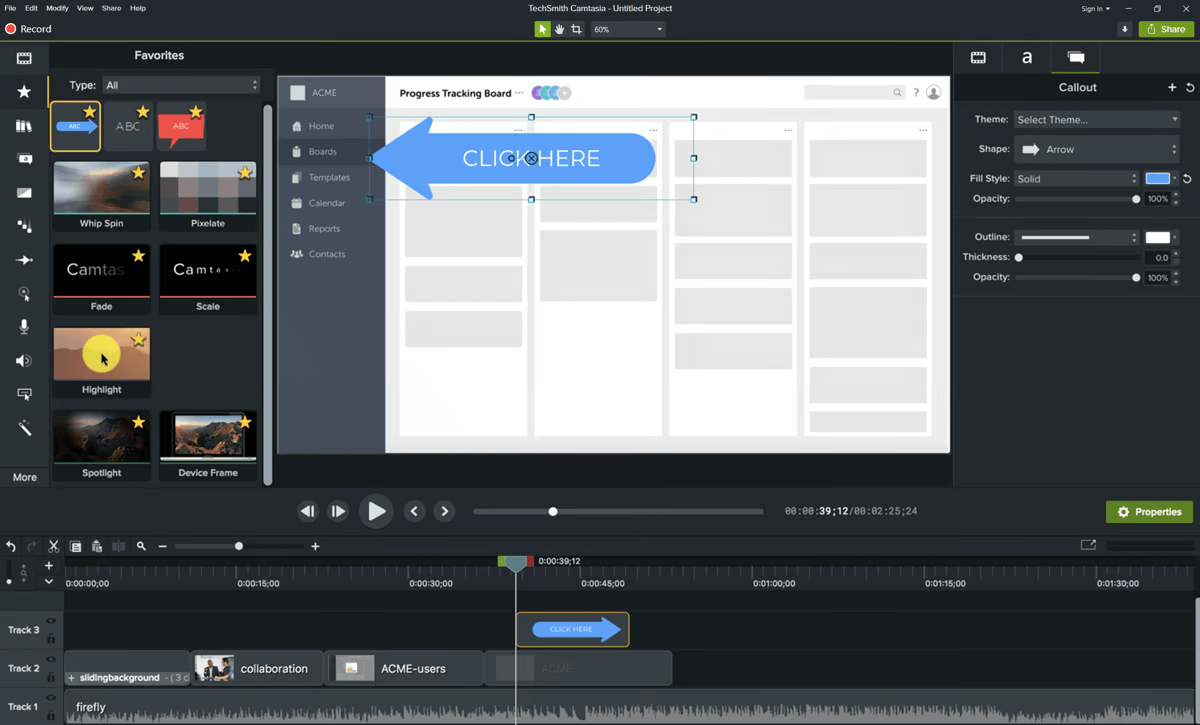
Camtasia offers a wide range of features, such as annotations, transitions, and callouts, which help users enhance their videos and make them more engaging. The software also supports multi-track editing, enabling users to layer videos, audio, and images for more complex projects. With its seamless export options, Camtasia allows users to publish videos to various platforms, including YouTube, Vimeo, and social media channels, making it a versatile tool for video content creation.