Camtasia, a comprehensive screen recording and video editing solution, for content creators, educators, marketers, and business professionals. Capture and edit webinars or tutorials effortlessly. Elevate your video projects with the trusted tool for…
Loom, the screen recording tool, empowers users to create, edit, and share professional videos effortlessly. Capture screen and audio seamlessly across macOS, Windows, and Chrome, with additional support for iOS and Android. Enhance collaboration wi…
Zight (Cloudapp) is a comprehensive screen recording tool designed to facilitate the creation, modification, and dissemination of videos, screenshots, and GIFs tailored for business purposes.
The AI-powered tool transforming processes into step-by-step guides with text, links, and annotated screenshots. You can then edit instructions or modify screenshots.
Vidcast, from Cisco, is an asynchronous video tool for enterprises. It combines screen recording, face, and voice features for efficient communication and meeting enhancement.
A transcription and video editing platform for marketing, sales, research, eLearning, and support teams. It streamlines collaboration with folders, feedback tools, version tracking, and commenting.
Sendspark is a platform that enables you to create personalized video emails to engage with your audience effectively. With Sendspark, you can easily record and send video messages directly from your Gmail client. It's a great tool for sending produ…
Snagit by TechSmith, is a versatile software for capturing and editing computer screen images and videos. With an intuitive interface and advanced editing features, it's an essential tool for professionals in education, business, and industries emphasizing visual information.
Snagit by TechSmith, is a versatile software for capturing and editing computer screen images and videos. With an intuitive interface and advanced editing features, it's an essential tool for professionals in education, business, and industries emphasizing visual information.
Snagit Platforms
Mac
Windows
Snagit Video and Screenshots
Snagit Overview
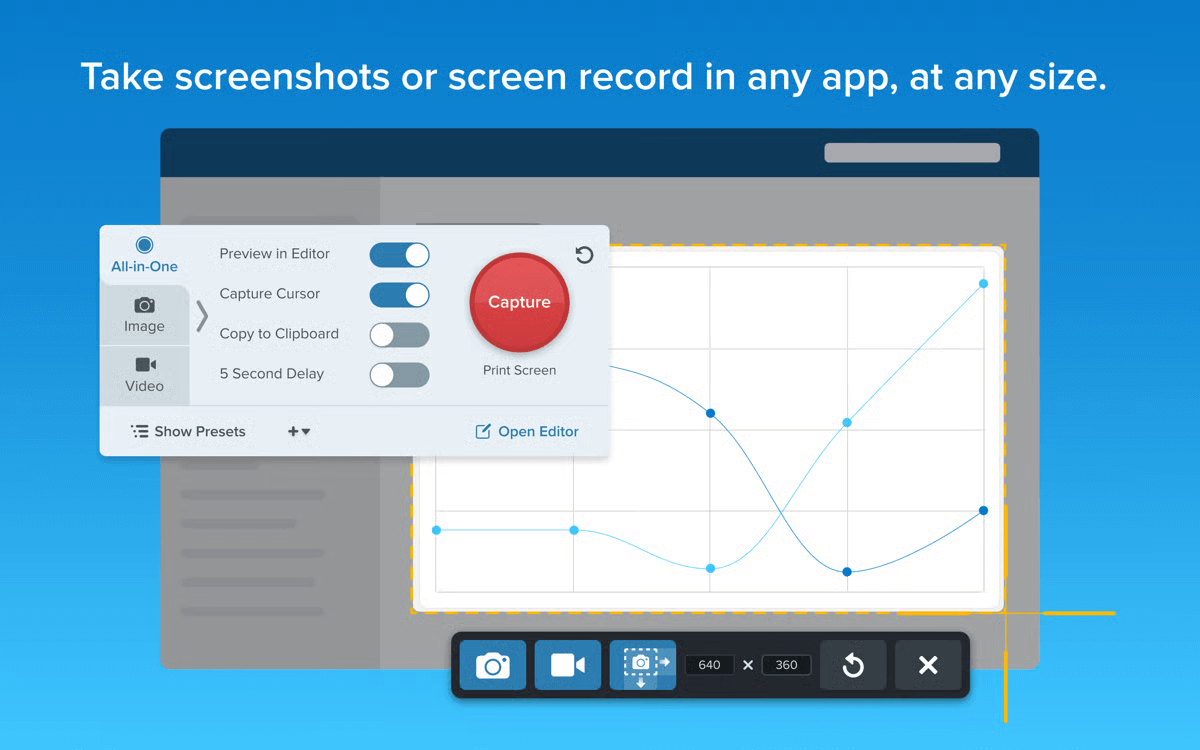
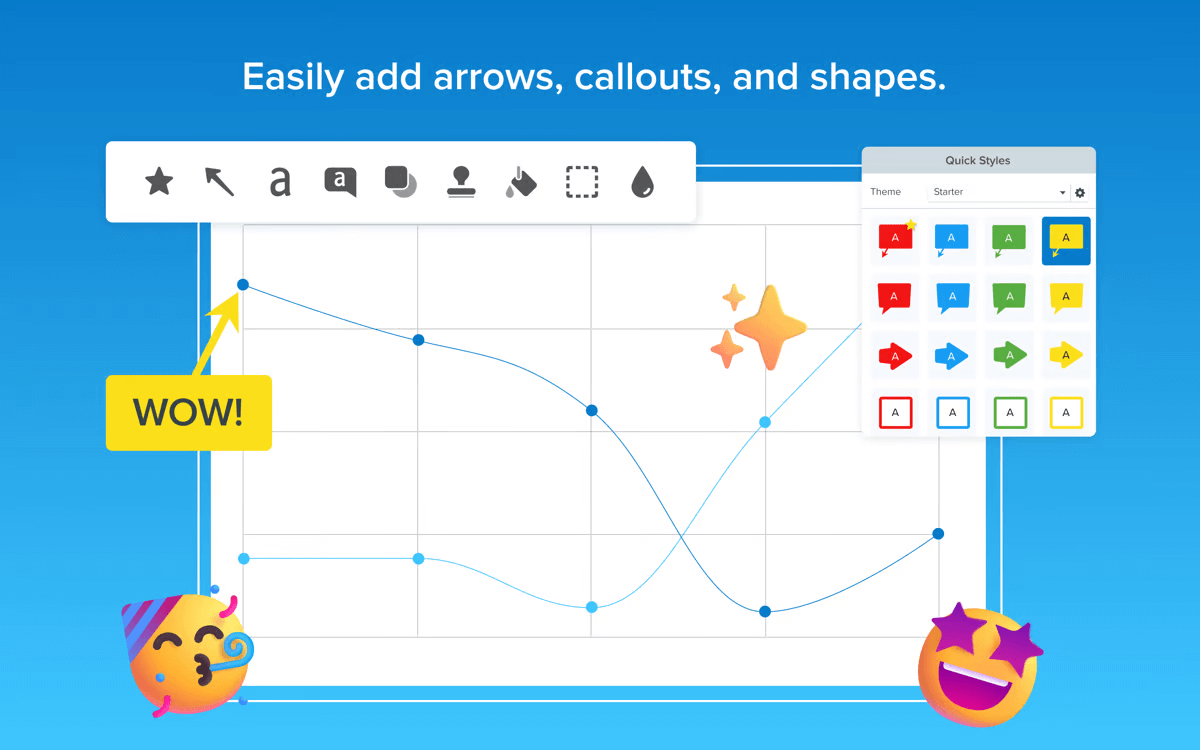
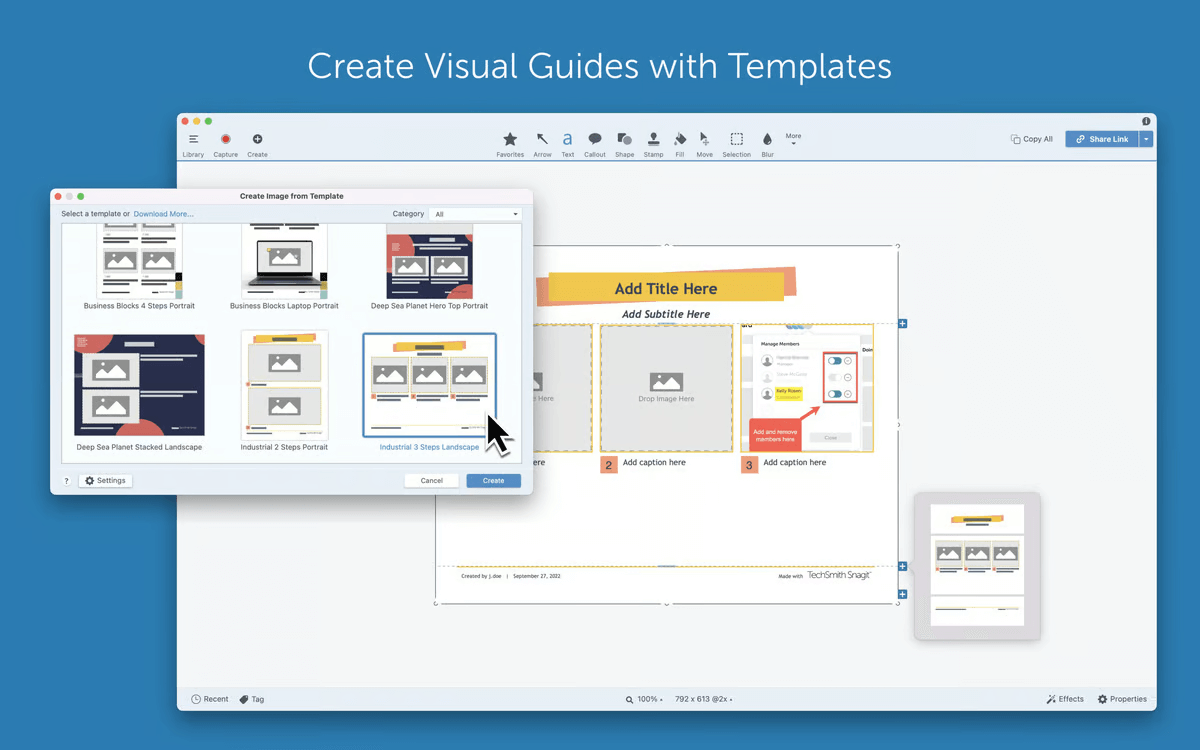
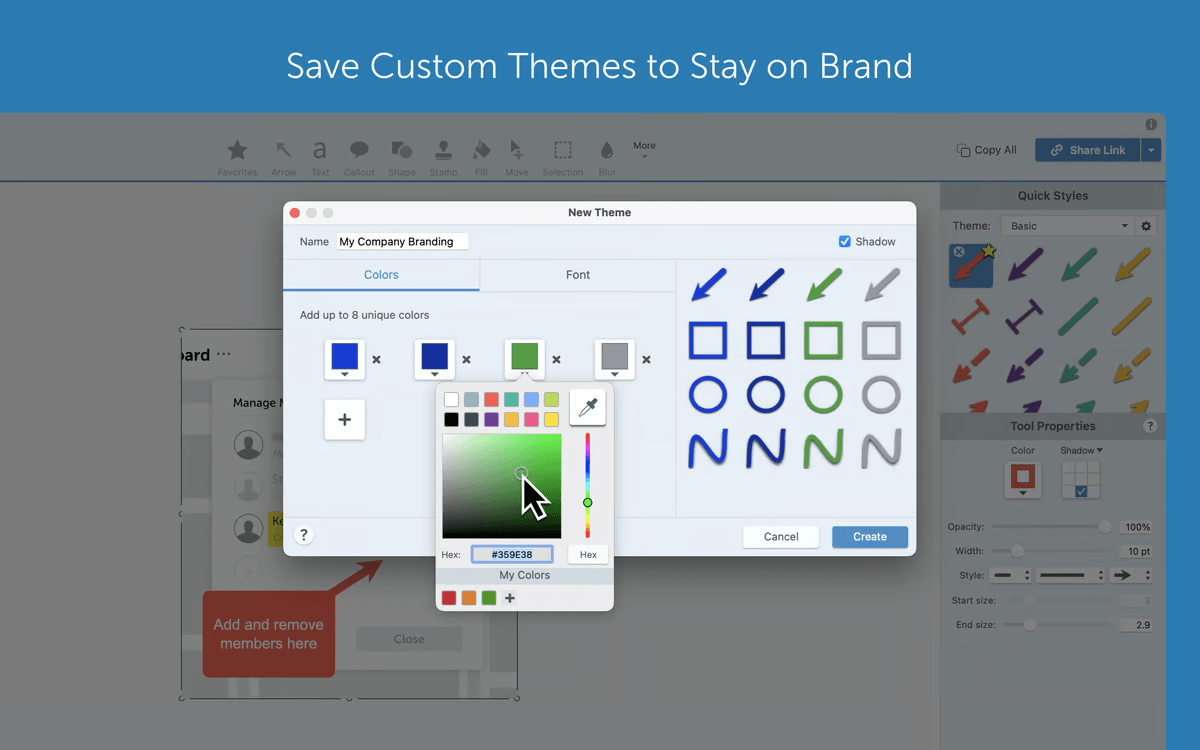
Snagit is a versatile screen capture software developed by TechSmith, designed to help users capture images and record videos from their screens. With Snagit, users can easily take screenshots of specific regions, full screen, or scrolling windows, making it ideal for capturing long web pages or documents. The program also includes powerful editing tools, allowing users to annotate, highlight, and customize images for clearer communication. Whether you need to create tutorials or document a process, Snagit offers a comprehensive solution for screen capture and image editing.
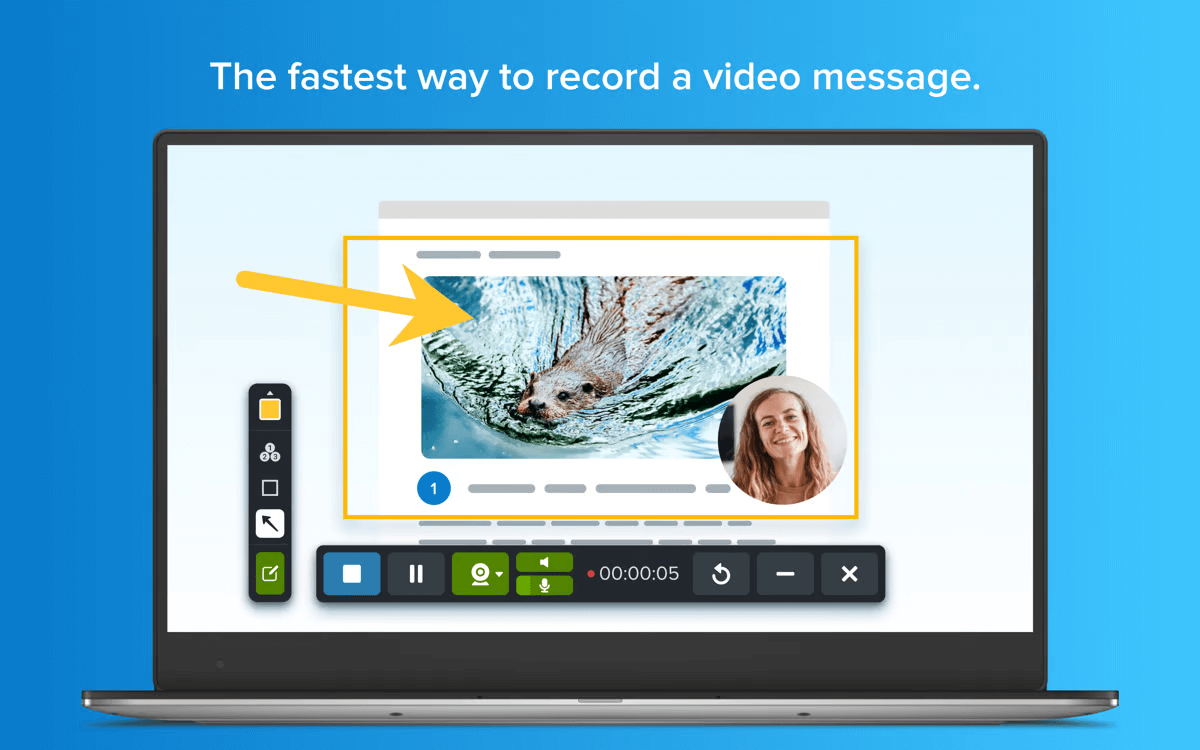
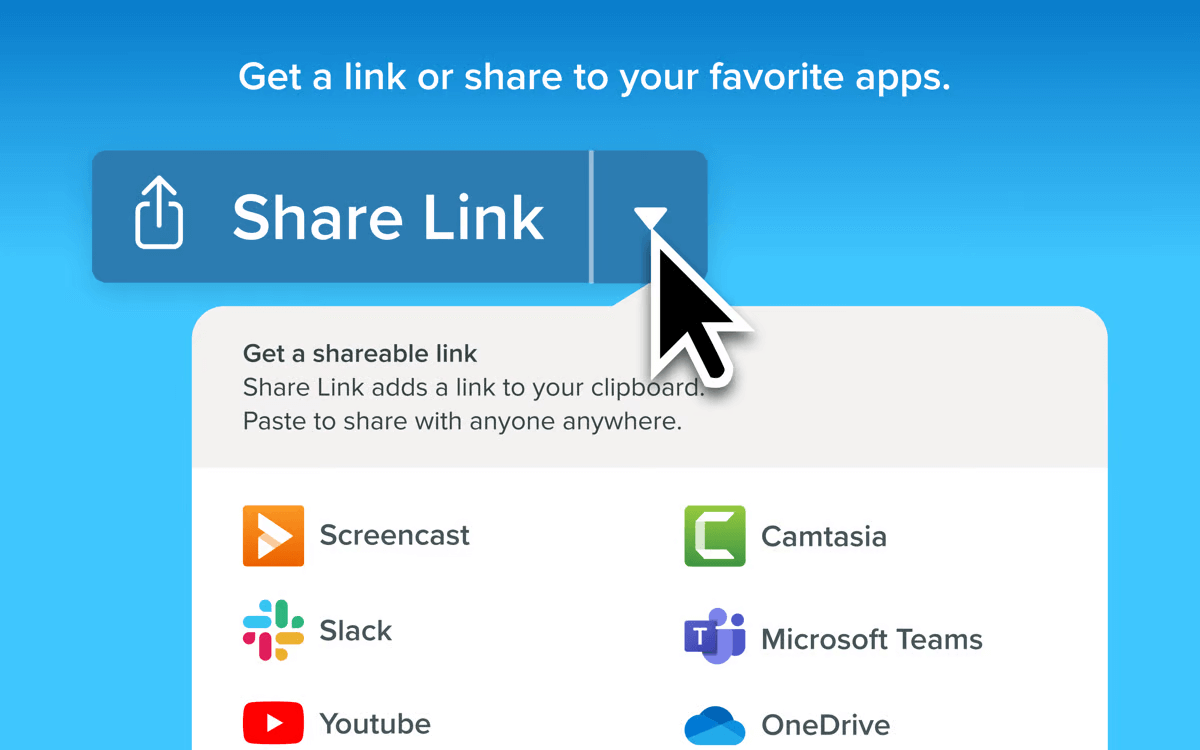
In addition to image capture, Snagit supports screen recording for both video and webcam, enabling the creation of high-quality video demonstrations. It integrates seamlessly with popular applications like Microsoft Office and Google Workspace, allowing easy sharing and editing of content across platforms. Available for both Windows and macOS, Snagit provides a free trial so users can test its features before committing to a purchase. Its combination of flexibility and ease of use makes it a popular choice for individuals and businesses alike.