Create, edit, host, and market videos effortlessly with Wistia's business-centric platform. Measure video performance and generate leads seamlessly. Amplify your video strategy today.
Vidyard is a powerful video hosting platform that enables businesses to create, manage, and share videos for marketing, sales, and communication purposes. It offers features such as video recording, hosting, analytics, and integrations with various …
BombBomb is a video messaging and screen recording platform offering features such as easy video creation, editing tools (trim, add captions), seamless integration with popular apps (Outlook, Gmail, Salesforce, over 65 integrations), stored snippets…
Snagit by TechSmith, is a versatile software for capturing and editing computer screen images and videos. With an intuitive interface and advanced editing features, it's an essential tool for professionals in education, business, and industries emph…
Camtasia, a comprehensive screen recording and video editing solution, for content creators, educators, marketers, and business professionals. Capture and edit webinars or tutorials effortlessly. Elevate your video projects with the trusted tool for…
Zight (Cloudapp) is a comprehensive screen recording tool designed to facilitate the creation, modification, and dissemination of videos, screenshots, and GIFs tailored for business purposes.
Hippo Video is an AI-powered video platform that enables teams to create and share personalized videos at scale throughout the customer journey. It offers features such as dynamic sales videos, explainer videos, educational videos, how-tos, training…
The AI-powered tool transforming processes into step-by-step guides with text, links, and annotated screenshots. You can then edit instructions or modify screenshots.
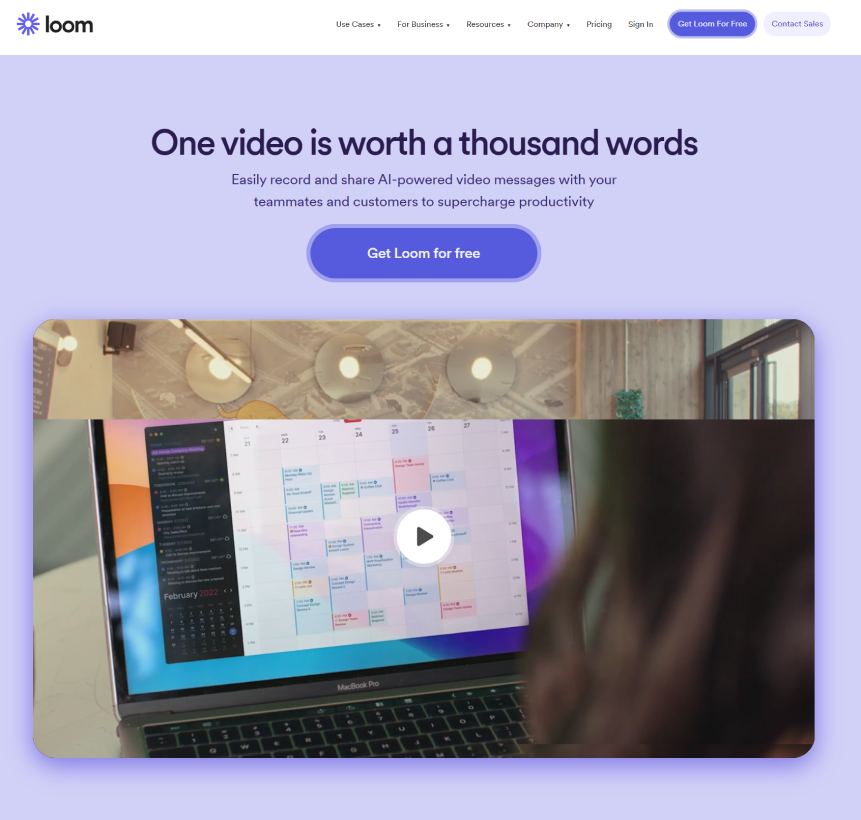
Loom, the screen recording tool, empowers users to create, edit, and share professional videos effortlessly. Capture screen and audio seamlessly across macOS, Windows, and Chrome, with additional support for iOS and Android. Enhance collaboration with quick edits, drawing tools, and closed captioning.
Loom, the screen recording tool, empowers users to create, edit, and share professional videos effortlessly. Capture screen and audio seamlessly across macOS, Windows, and Chrome, with additional support for iOS and Android. Enhance collaboration with quick edits, drawing tools, and closed captioning.
Loom Platforms
Linux
Mac
iPad
iPhone
Windows
Android
Web-Based
Loom Video and Screenshots
Loom Overview
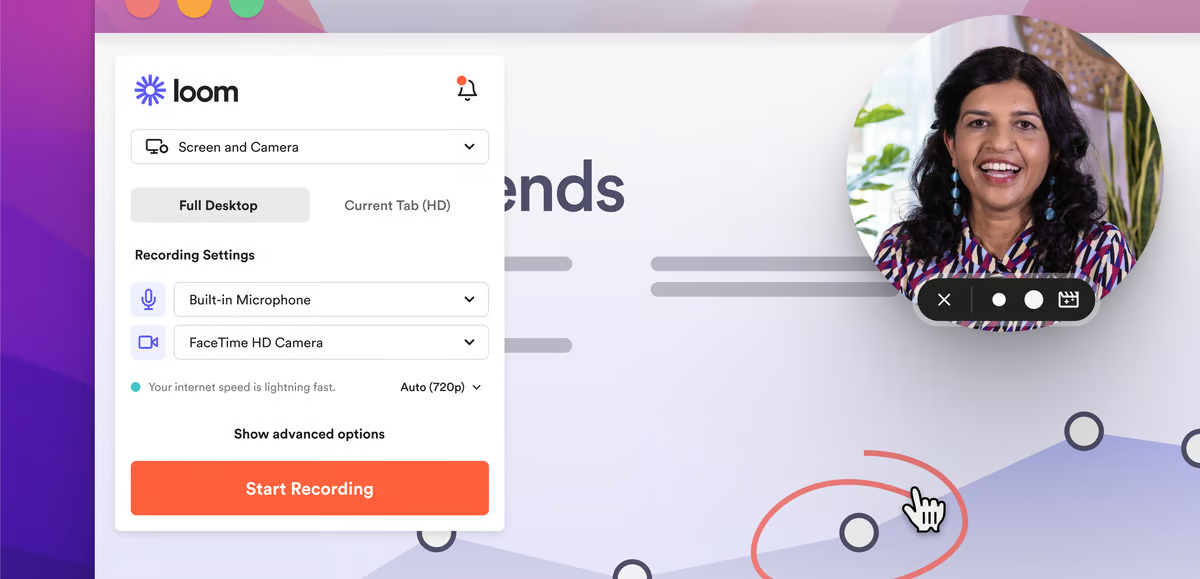
Loom is a video messaging and screen recording platform that allows users to create and share video content quickly and efficiently. Designed for communication and collaboration, Loom enables users to record their screen, webcam, or both, providing a personal touch to their messages. It is ideal for remote teams, enabling asynchronous communication that helps eliminate the need for lengthy meetings. Users can create tutorials, product demos, feedback videos, and more, and share them instantly via a link.
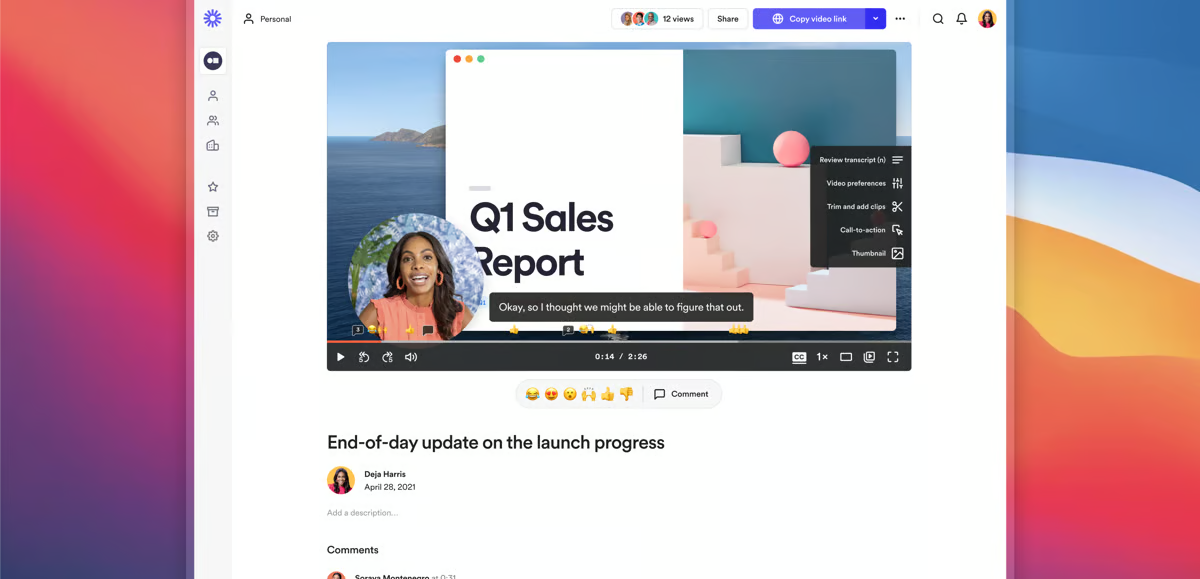
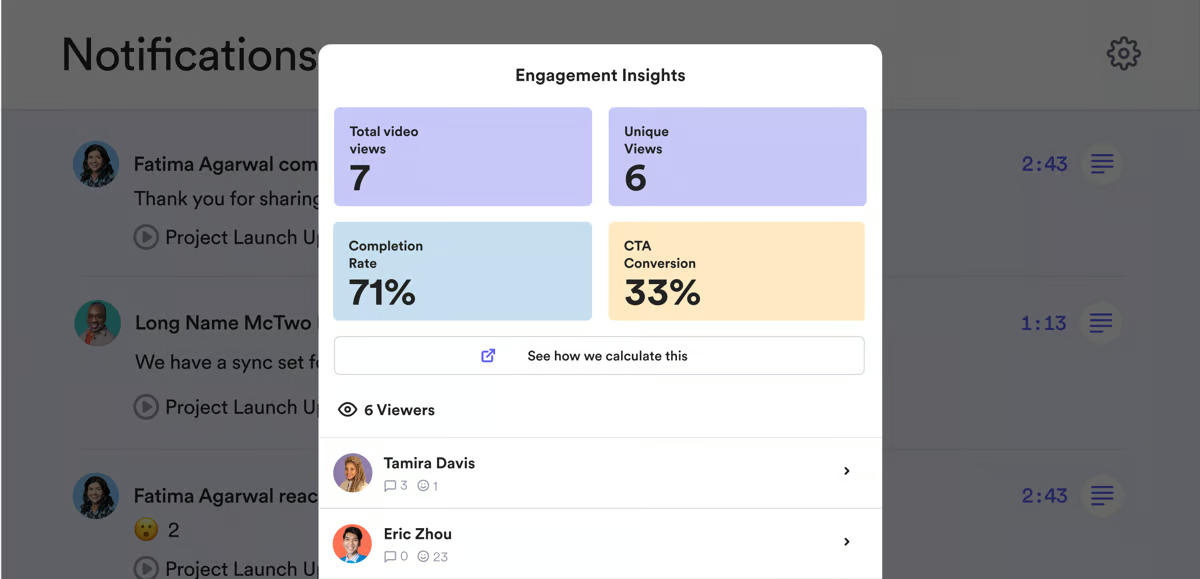
Loom's intuitive interface allows users to record videos with a few clicks and includes features like real-time video playback, video trimming, and custom branding. The platform integrates seamlessly with tools like Slack, Google Drive, and Zoom, making it easy to share videos and collaborate. With secure cloud storage and advanced analytics to track viewer engagement, Loom provides valuable insights into how videos are being received and interacted with. Its ease of use and scalability make Loom a powerful tool for businesses looking to streamline communication and enhance remote work productivity.