Select your language

Home arrow-right ... arrow-right Collaboration and Productivity Software arrow-right Transcription Software arrow-right Descript

We've compiled a list of 84 free and paid alternatives to Descript. The primary competitors include Wistia, Synthesia AI. In addition to these, users also draw comparisons between Descript and Riverside.fm, Murf AI, Camtasia. Also you can look at other similar options here: Collaboration and Productivity Software, Transcription Software.

Wistia
Subscription Free Free Trial

Create, edit, host, and market videos effortlessly with Wistia's business-centric platform. Measure video performance and generate leads seamlessly. Amplify your video strategy today.

Synthesia AI
Subscription Free

Synthesia AI is ideal when you need to quickly generate AI-powered talking head videos from text, making it more scalable and cost-effective than Descript for creating presenter-style content without recording.

Riverside.fm
Subscription

Riverside.fm is better for live interviews and podcast recordings streamed directly to social platforms, which makes it preferable to Descript when real-time distribution and multi-platform streaming are essential.

Murf AI
One Time License Subscription Free

Murf.ai excels in turning scripts or amateur recordings into studio-quality AI voice-overs, offering advanced text-to-speech and timing tools that surpass Descript for audio-only content like eLearning or voiceovers.

Camtasia
Subscription Free Trial

Camtasia combines screen recording and editing into a streamlined experience powered by AI, making it more robust than Descript for educational and training videos that require visual demonstrations.

VEED
Subscription Free Free Trial

VEED provides professional video editing in the cloud with collaborative tools and media hosting. It’s more suitable than Descript for teams working on complex video projects needing multi-editor access, subtitles, and branded assets.

Fathom
Free Trial Subscription

Fathom is a meeting assistant focused on recording, transcribing, and summarizing conversations. While not for editing, it outperforms Descript for extracting insights from business meetings or interviews.

Adobe Premiere Pro
Subscription Free Trial

Adobe Premiere Pro is a full-featured, professional-grade editing suite offering high-end tools, integrations, and timeline control. It’s a stronger choice than Descript when advanced video production and post-processing are required.

Otter.ai
Subscription Free Free Trial

An AI-powered meeting assistant that records and transcribes meetings across teams such as sales, marketing, and finance. It integrates with Zoom, Teams, and Meet.

Rev is an AI-driven Speech-to-Text transcription service designed to convert spoken language into written text efficiently. Enhance audience engagement by delivering precise captions, transcripts, and subtitles through Rev platform.

A transcription and video editing platform for marketing, sales, research, eLearning, and support teams. It streamlines collaboration with folders, feedback tools, version tracking, and commenting.

Descript Platforms

Mac Mac
Windows Windows
Web-Based Web-Based

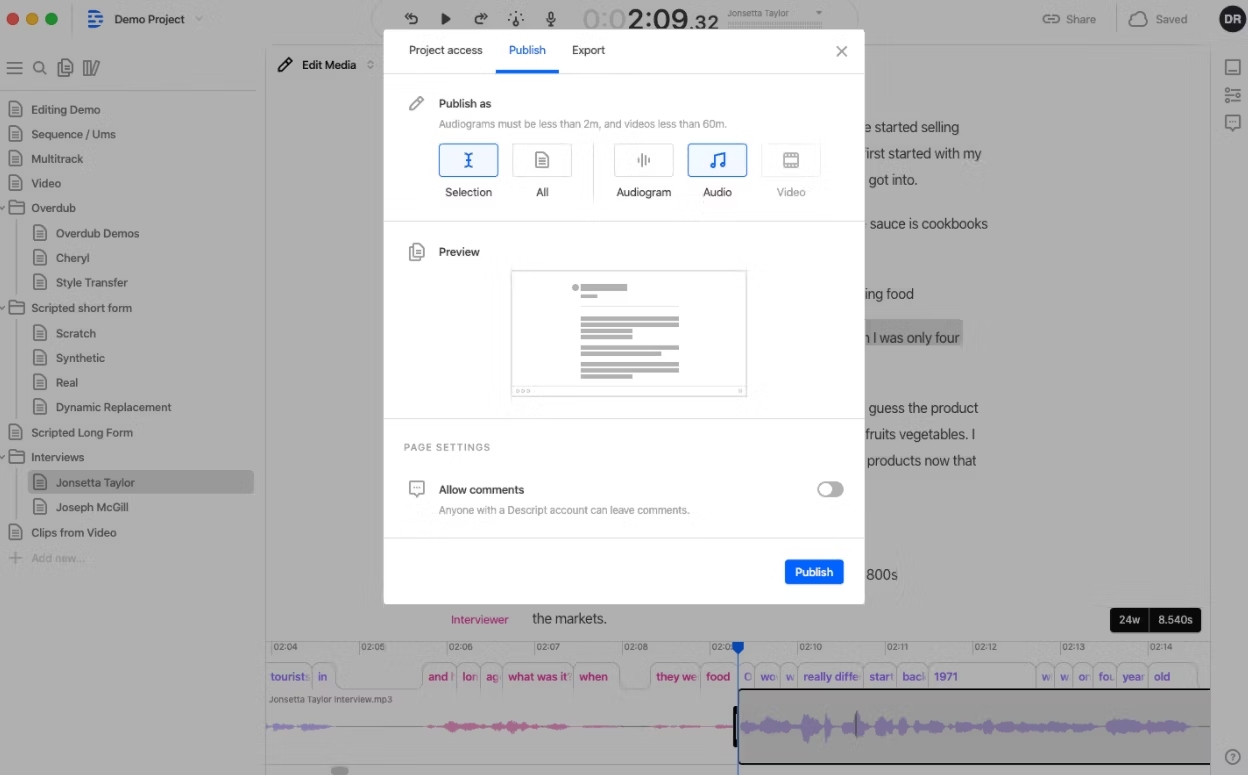
Descript Video and Screenshots

Descript Overview

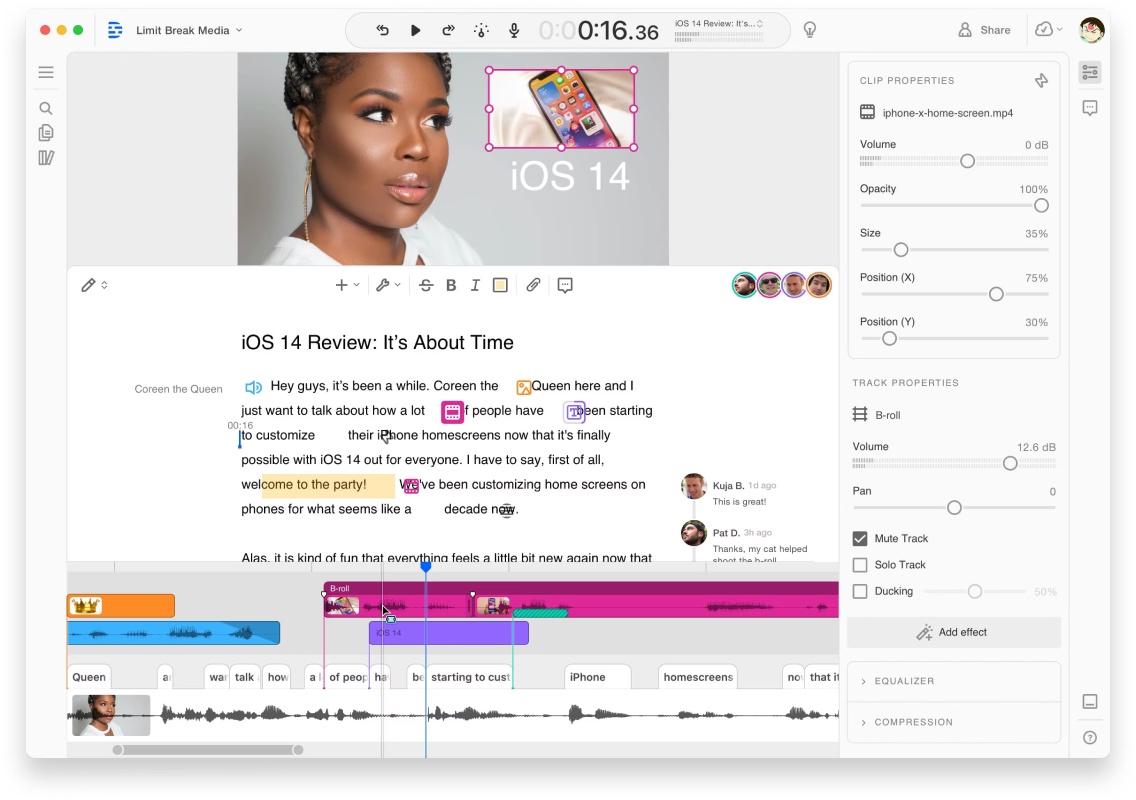
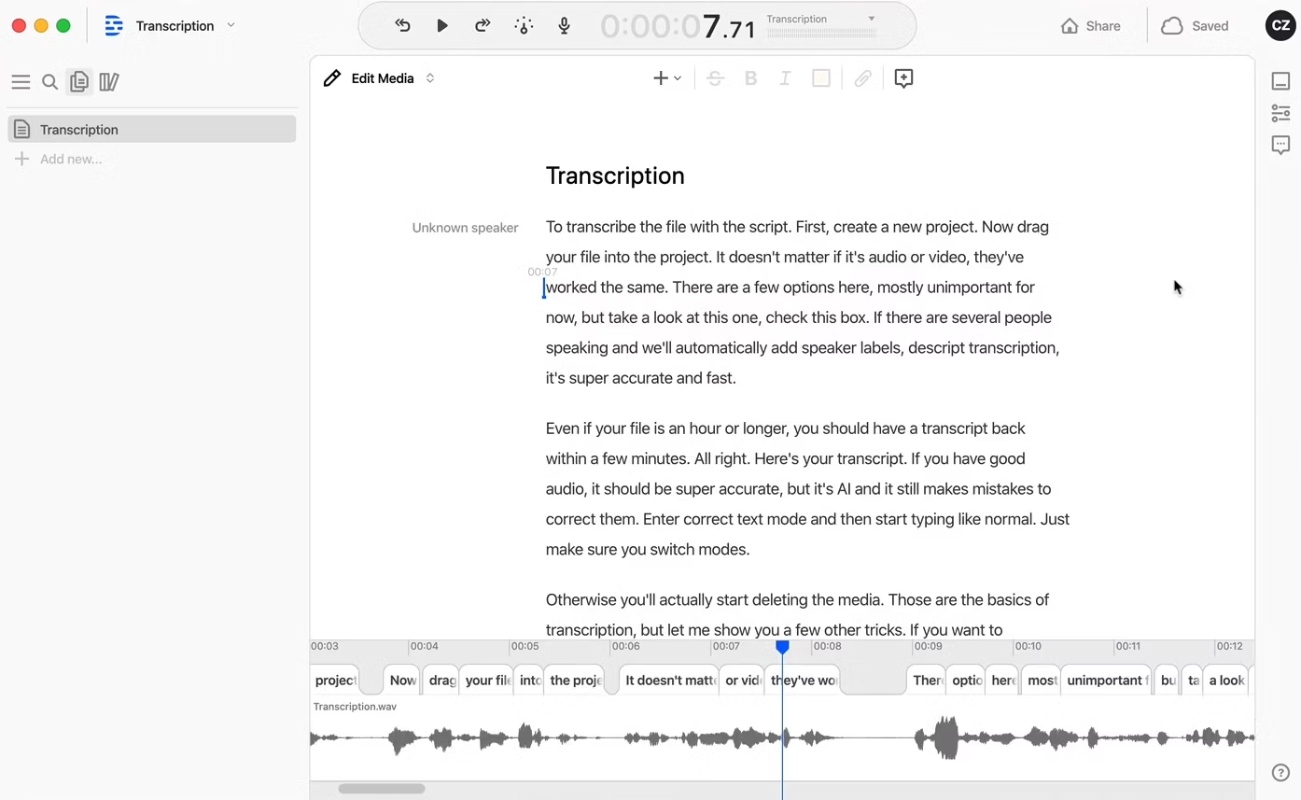
Descript is a versatile audio and video editing software designed to simplify content creation. It combines transcription, screen recording, and multitrack editing into one platform. Users can edit audio and video files by editing the text, making it highly intuitive. Its Overdub feature uses AI to generate synthetic voice content, while studio-quality effects enhance production value.

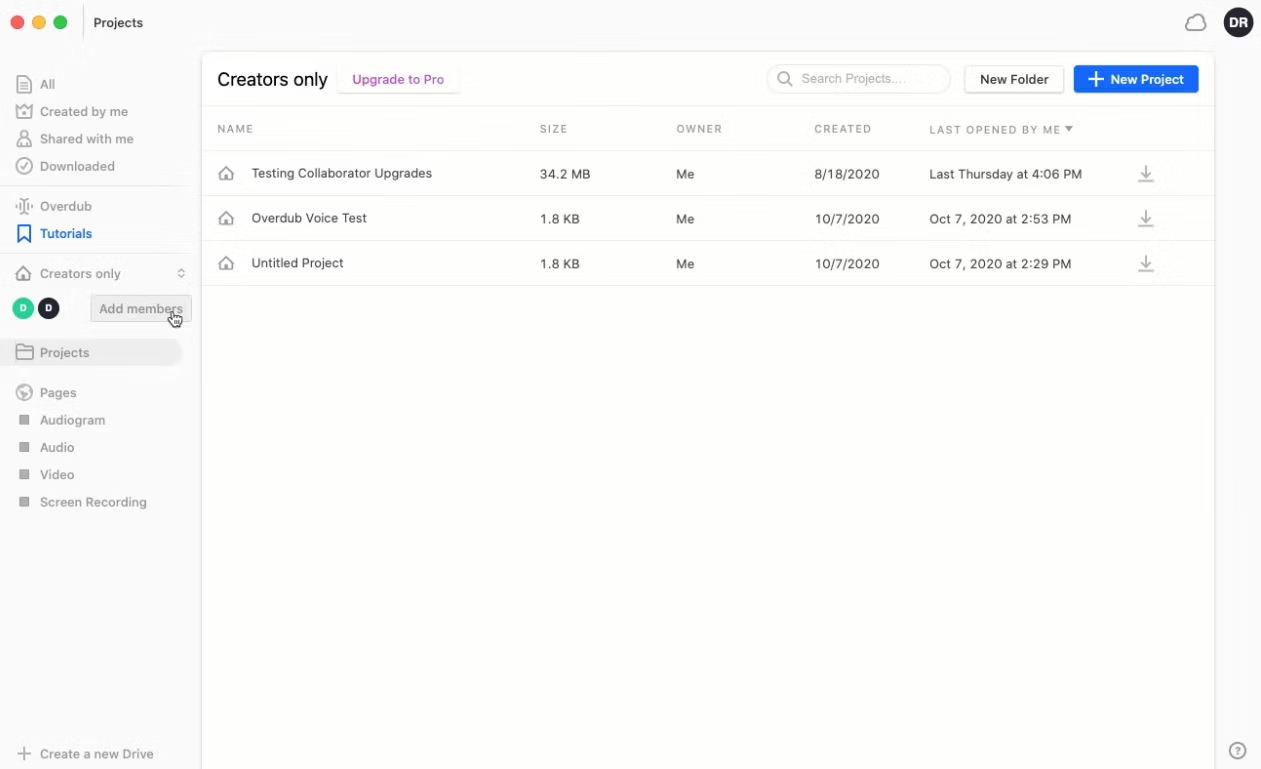
Descript's collaboration tools allow teams to work on projects simultaneously, ensuring efficient workflows. Whether for podcasts, videos, or tutorials, Descript eliminates the complexity of traditional editing software. Its user-friendly design and innovative features make it a favorite for creators and marketers alike.

Descript Features

tick-square Voice Recognition
tick-square Voice Generator
tick-square Video Editing
tick-square Video Capture
tick-square Version Control
tick-square Timecoding
tick-square Third Party Integrations
tick-square Text Editing
tick-square Synchronous Editing
tick-square Subtitles/Closed Captions
tick-square Social Sharing
tick-square Screen Recording
tick-square Screen Capture
tick-square Playback Controls
tick-square Multi-Voice
tick-square Media Library
tick-square Mastering
tick-square Full Text Search
tick-square For Online Learning
tick-square File Sharing
tick-square File Management
tick-square Drag & Drop
tick-square Data Import/Export
tick-square Call Recording
tick-square Automatic Transcription Services
tick-square Audio/video file upload
tick-square Audio Manipulation
tick-square Audio Editor
tick-square AI Voices
tick-square YouTube Uploading
tick-square Speech-to-Text Analysis
tick-square Audio Capture
tick-square For Marketers
tick-square For Sales Teams/Organizations
tick-square Video Call Recording
tick-square Automatic Transcription
tick-square Audio Mixing
tick-square Call Scripting
tick-square On-Demand Recording
tick-square Multiple Format Support
tick-square Publishing/Sharing
tick-square Video Support
tick-square Video Management
tick-square Preview Functionality
tick-square Multimedia Support
tick-square Text Analysis
tick-square Annotations
tick-square Automatic Formatting
tick-square Historical Reporting
tick-square AI/Machine Learning
tick-square Backup and Recovery
tick-square Commenting/Notes
tick-square Collaboration Tools
tick-square Image Editing
tick-square User Management
tick-square Natural Language Processing
tick-square Speech Recognition
tick-square Text to Speech
tick-square API
tick-square Audio Recording

Share your opinion about the software, leave a review and help make it even better!

Suggest Changes

() out of 5

Your Feedback

Select a rating
Please select a rating

Your vote has been counted.

Do you have experience using this software?