We've compiled a list of 100 free and paid alternatives to Bluescape. The primary competitors include TeamViewer, Google Drive. In addition to these, users also draw comparisons between Bluescape and Microsoft Visual Studio, Microsoft OneDrive, Lucidchart. Also you can look at other similar options here: About.
We've compiled a list of 100 free and paid alternatives to Bluescape. The primary competitors include TeamViewer, Google Drive. In addition to these, users also draw comparisons between Bluescape and Microsoft Visual Studio, Microsoft OneDrive, Lucidchart. Also you can look at other similar options here: About.
TeamViewer provides remote desktop access, support, and collaboration tools, enhanced with AI for advanced analytics and automated issue resolution. With seamless integration across various systems, it ensures secure and efficient remote operations,…
Visual Studio is a comprehensive IDE for developing software, including Windows applications, websites, mobile apps, and games. It supports multiple programming languages such as C++, C#, and Python. Key features include a code editor with syntax hi…
LogMeIn offers remote access and support solutions, empowering teams to work from anywhere. It provides secure remote IT support, webinars, video calls, endpoint management, remote access, patch management, remote monitoring, and remote deployment, …
Asana is a comprehensive project management software that enables teams to efficiently manage tasks and projects. Its features include task creation and assignment, priority setting, progress tracking, and file attachment.
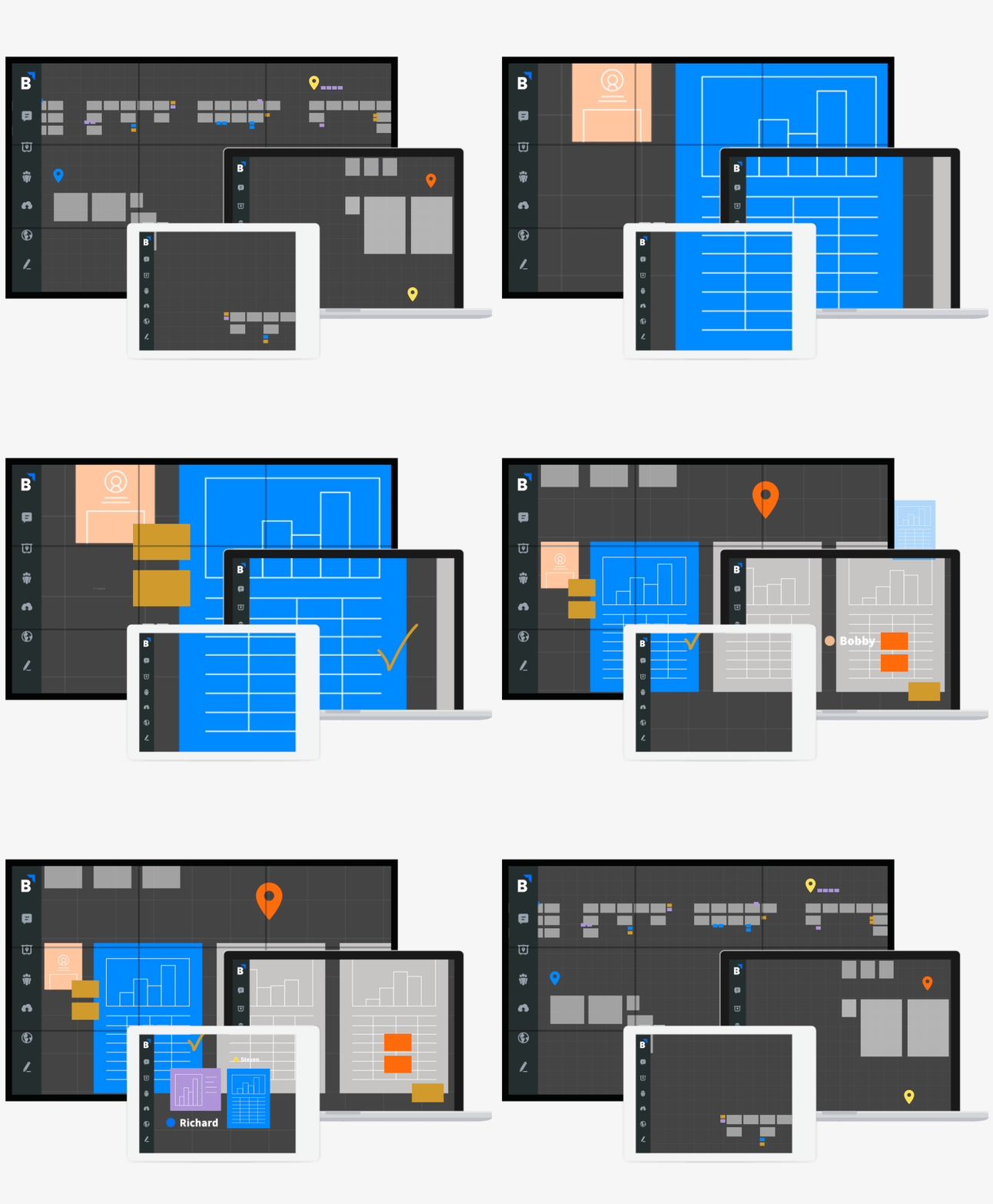
Unlike other collaboration solutions, Bluescape is hardware and software agnostic. It works with your favorite apps and is accessible from any device wherever you choose to work.
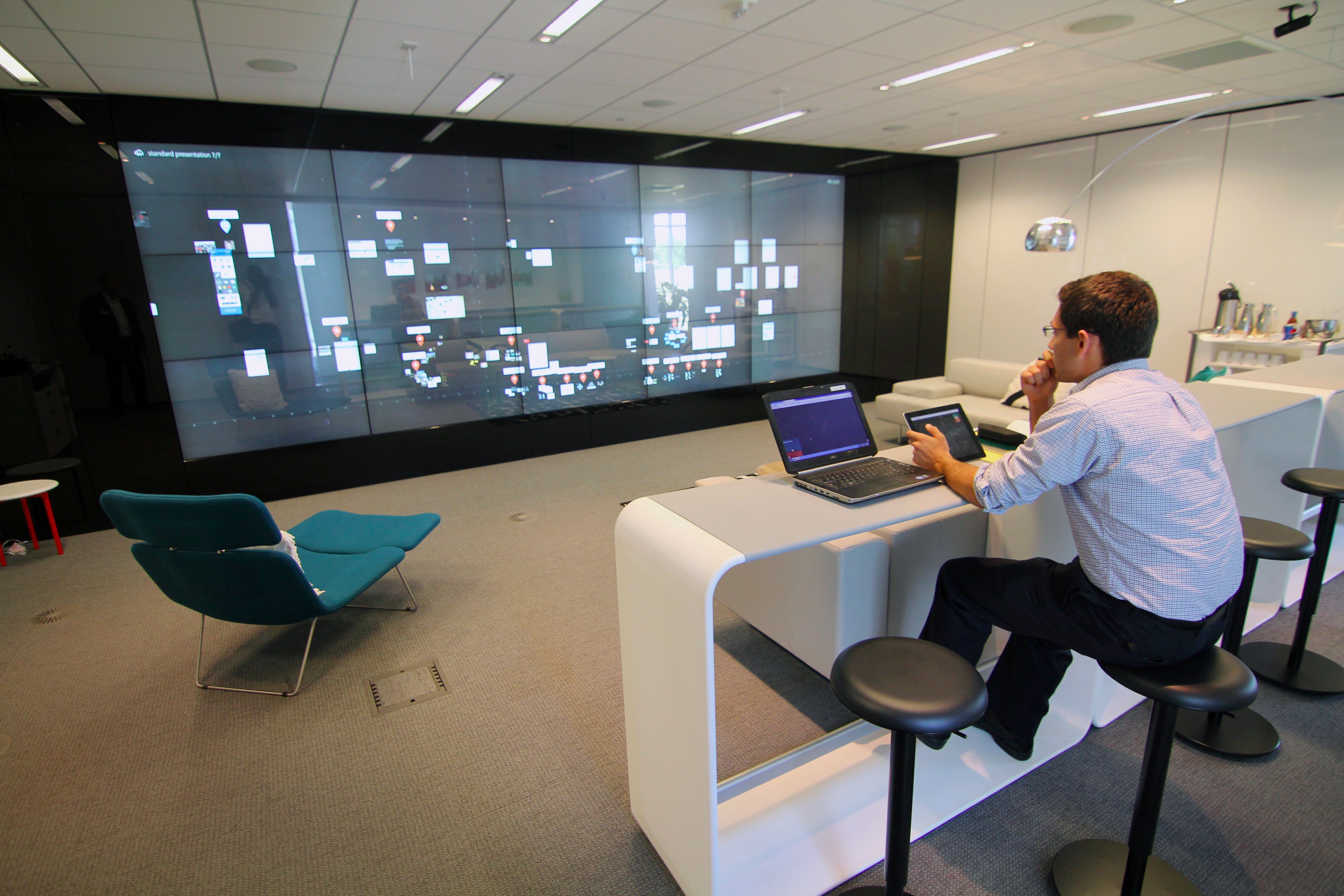
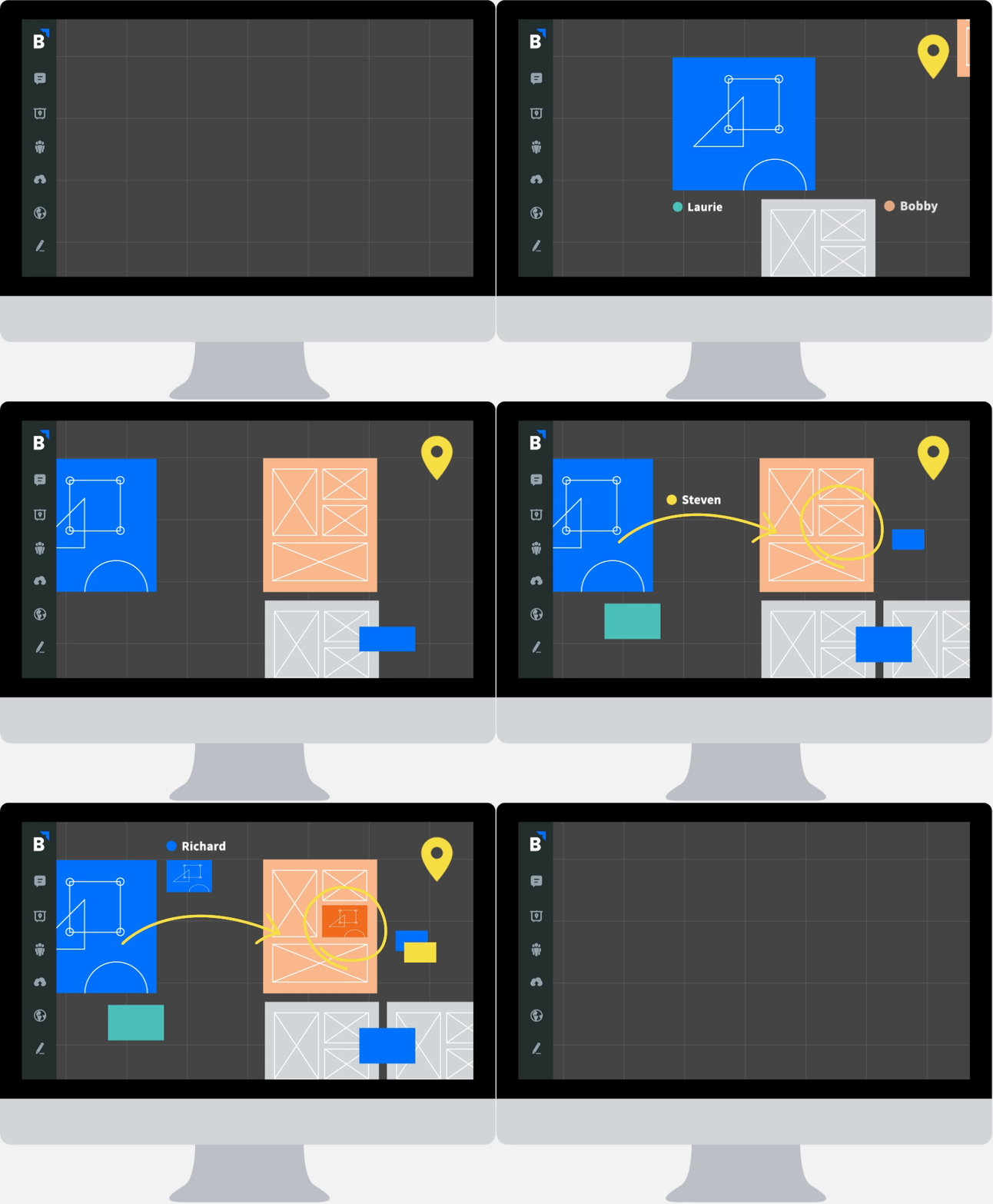
Bluescape’s workspace is an intuitive environment for teams to share concepts, content, and processes. Content that’s laborious to browse through with conventional collaboration solutions–preview or open one file at a time while struggling to make all the windows fit on your screen–is now visible in a living context. Bring all of it–images, sketches, documents, spreadsheets, presentations, web media, and more–into one virtual workspace. Visually organize content any way you want to meet the needs of the project and team. Work together or independently in the same workspace at the same time.