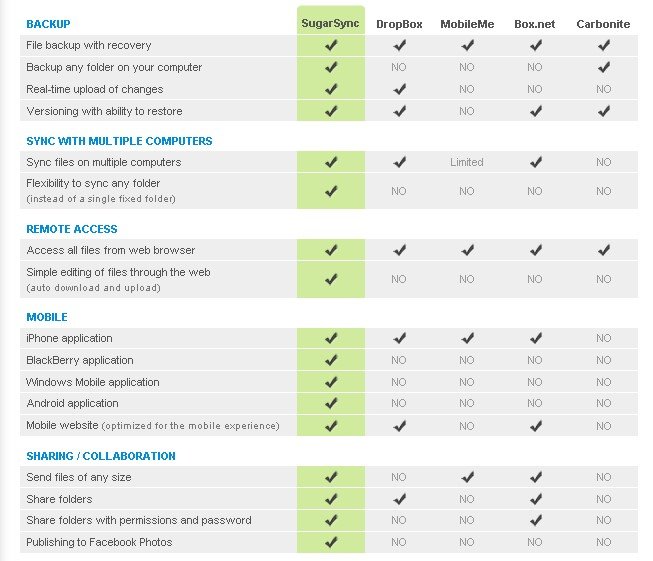
We've compiled a list of 82 free and paid alternatives to SugarSync. The primary competitors include Google Drive, Trello. In addition to these, users also draw comparisons between SugarSync and ownCloud, WinSCP, SpiderOak. Also you can look at other similar options here: Backup and Sync Software.
We've compiled a list of 82 free and paid alternatives to SugarSync. The primary competitors include Google Drive, Trello. In addition to these, users also draw comparisons between SugarSync and ownCloud, WinSCP, SpiderOak. Also you can look at other similar options here: Backup and Sync Software.
Trello is a project management tool that organizes tasks using boards, lists, and cards. It helps teams collaborate, track progress, and manage workflows visually. Trello simplifies task tracking, improves communication, and boosts productivity for …
WinSCP, a popular free SFTP and FTP client for Windows, copies files between a local and remote computer. It supports also FTPS, SCP and WebDAV. It offers easy to use GUI for all common file operations and a powerfull automation with .NET assembly.
Asana is a comprehensive project management software that enables teams to efficiently manage tasks and projects. Its features include task creation and assignment, priority setting, progress tracking, and file attachment.
SugarSync is the best way to backup, access, sync, and share all your files and folders including...
SugarSync is the best way to backup, access, sync, and share all your files and folders including...
SugarSync Platforms
iPad
iPhone
Mac
Web-Based
Linux
Android
Windows
SugarSync Video and Screenshots
SugarSync Overview
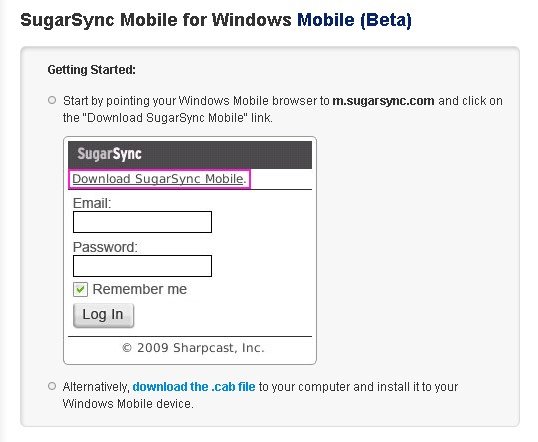
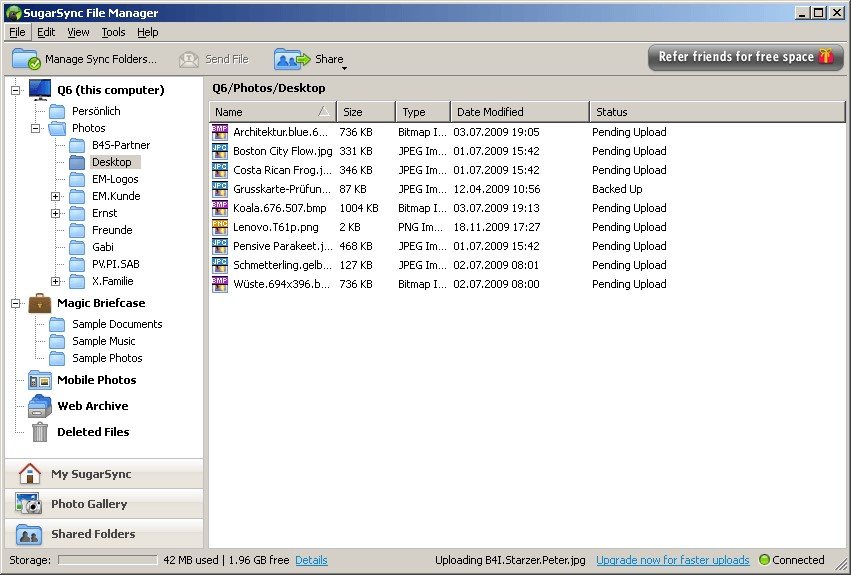
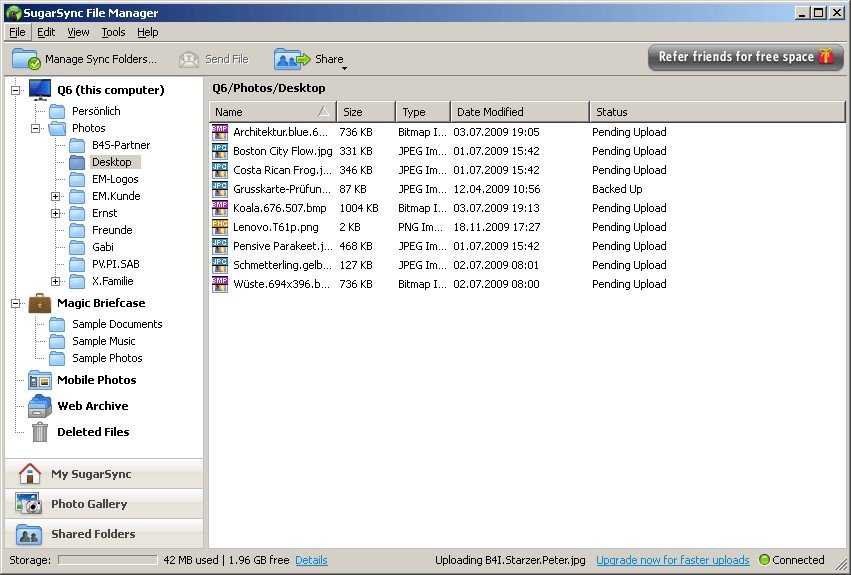
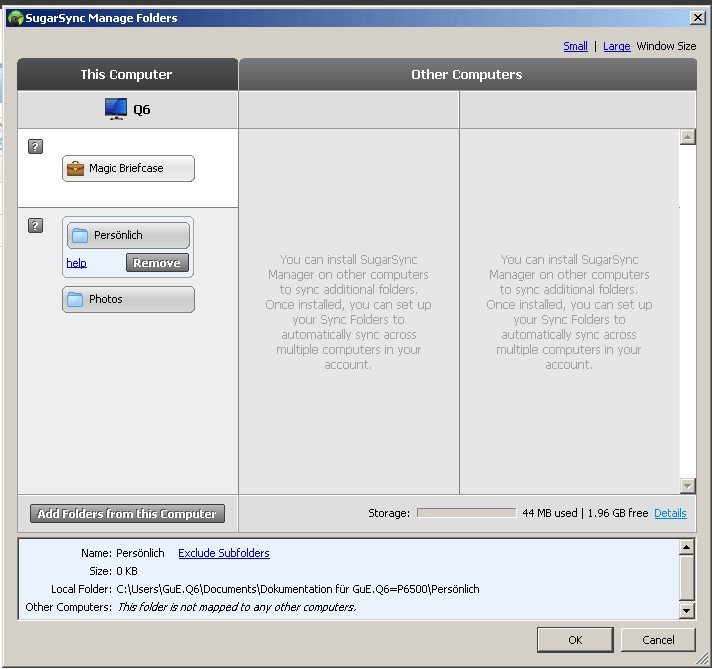
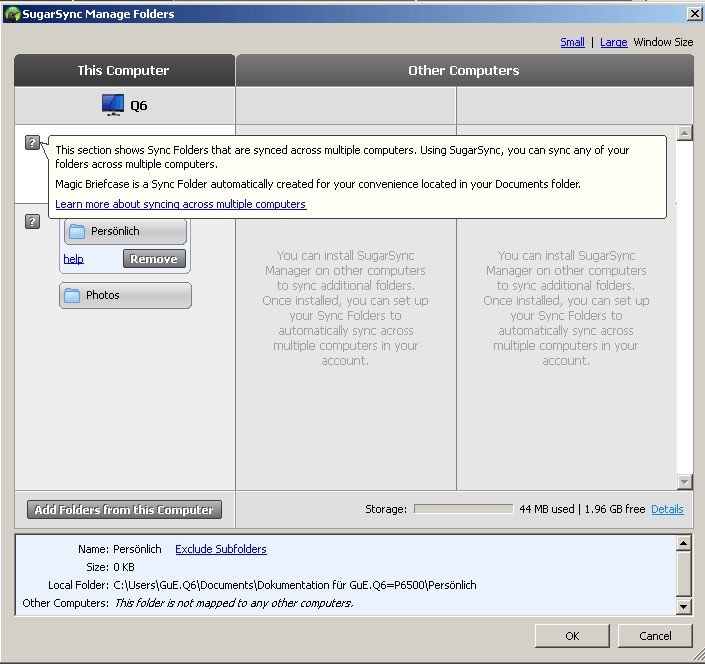
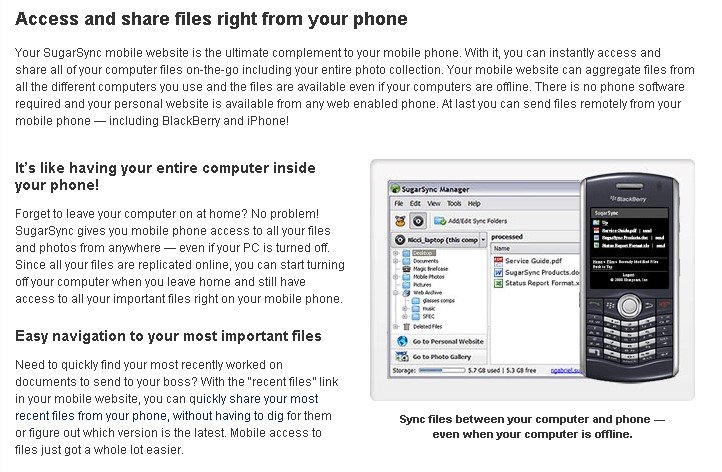
SugarSync lets you synchronize, backup and remotely access files and folders across your PC or Mac. You can also remotely view files from Windows Mobile, Blackberry, iPhone, Symbian and Android.
Features • Access, view, edit, share and manage files directly on your phone or tablet • Sync files and folders from the cloud to your device for offline viewing. The app automatically detects any changes and syncs these to your computers. • Automatically back up your device’s photos & videos directly to your computers • Edit any file on your device with one of your favorite editing apps. Changes will automatically sync to all your computers • Search for any file or folder across your computers – even those folders that other have privately shared with you. • Share folders privately and securely with a few people. Collaborate with them or simply give them view-only access. • Share both large files and folders using public links. • Free 5 GB plan allows you try SugarSync for 90 days and you can sync unlimited devices.
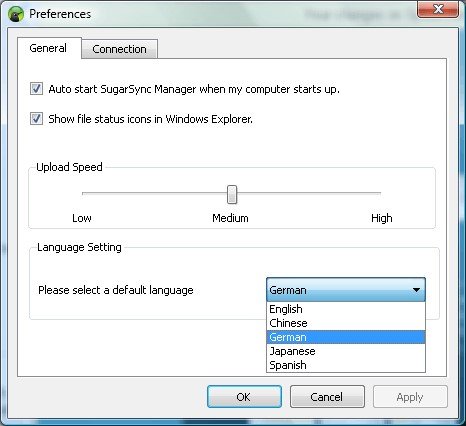
Available in 5 languages: Chinese, English, German, Japanese, Spanish