Suited for teams prioritizing live interaction and broad accessibility. While not tailored for content creators, it enables real-time video meetings with screen sharing, serving collaborative needs that go beyond Riverside's recording-first focus.
Ideal for creators livestreaming with branded overlays, guest management, and audience chat. It simplifies live production directly in the browser, emphasizing real-time engagement over Riverside’s local recording quality.
Designed for multistreaming live content to multiple platforms at once. It enables simultaneous broadcasting across channels, focusing on reach and distribution, whereas Riverside optimizes for local recording fidelity.
Best for post-production editing via text-based interfaces. It merges transcription, audio cleanup, and multitrack editing, offering a full content creation suite that complements or replaces Riverside’s raw recording workflow.
Suited for podcast distribution, monetization, and analytics. It provides hosting, dynamic ad insertion, and syndication tools, addressing content delivery and revenue where Riverside focuses on capture.
Ideal for podcasters seeking an all-in-one platform for hosting, promotion, and monetization. It covers distribution and growth tools beyond Riverside’s emphasis on high-quality remote interviews.
Rev is an AI-driven Speech-to-Text transcription service designed to convert spoken language into written text efficiently. Enhance audience engagement by delivering precise captions, transcripts, and subtitles through Rev platform.
Camtasia, a comprehensive screen recording and video editing solution, for content creators, educators, marketers, and business professionals. Capture and edit webinars or tutorials effortlessly. Elevate your video projects with the trusted tool for…
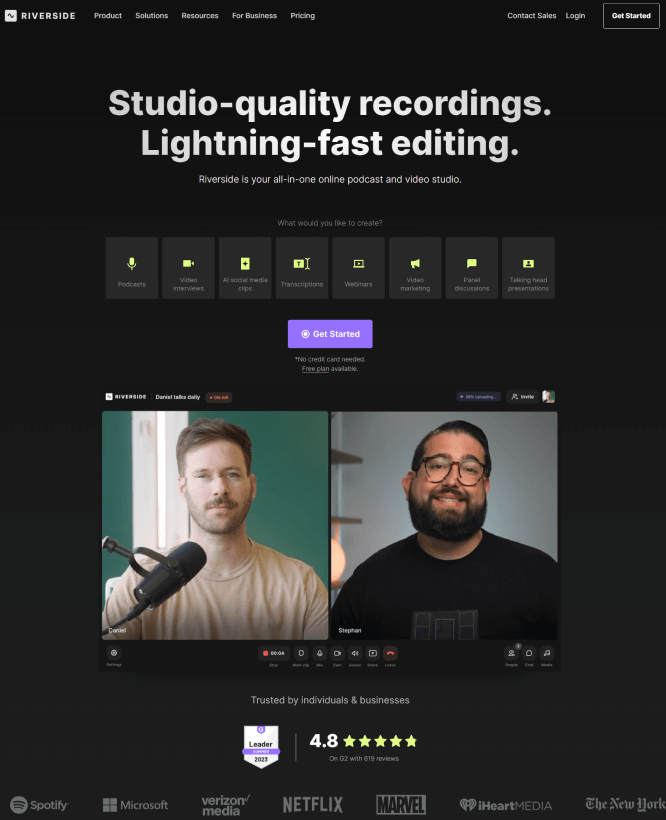
Riverside.fm is an online platform for recording audio and video interviews, that allows you to create high-quality recordings in real time and store them directly in the cloud. The platform is designed for conducting interviews, podcasts, and other audio and video projects in remote formats.
Riverside.fm is an online platform for recording audio and video interviews, that allows you to create high-quality recordings in real time and store them directly in the cloud. The platform is designed for conducting interviews, podcasts, and other audio and video projects in remote formats.
Riverside.fm Platforms
Web-Based
Riverside.fm Video and Screenshots
Riverside.fm Overview
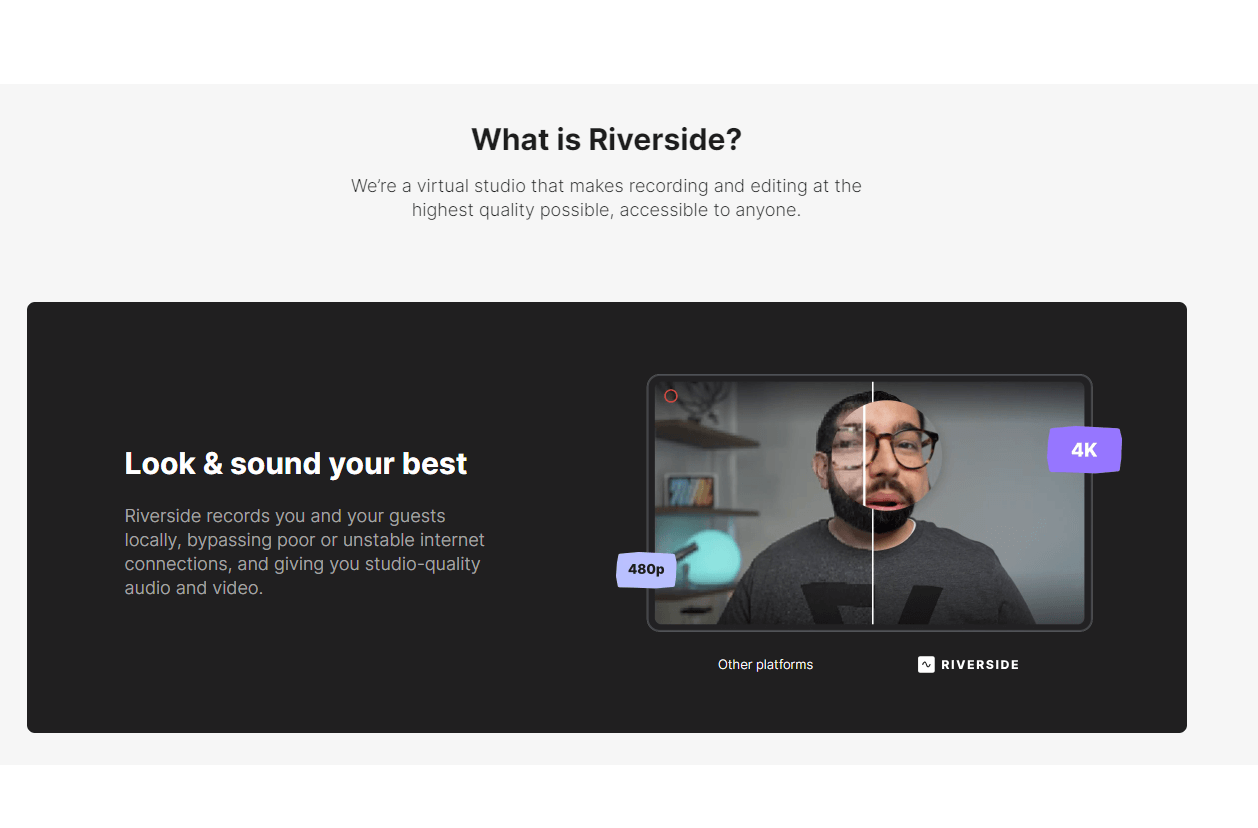
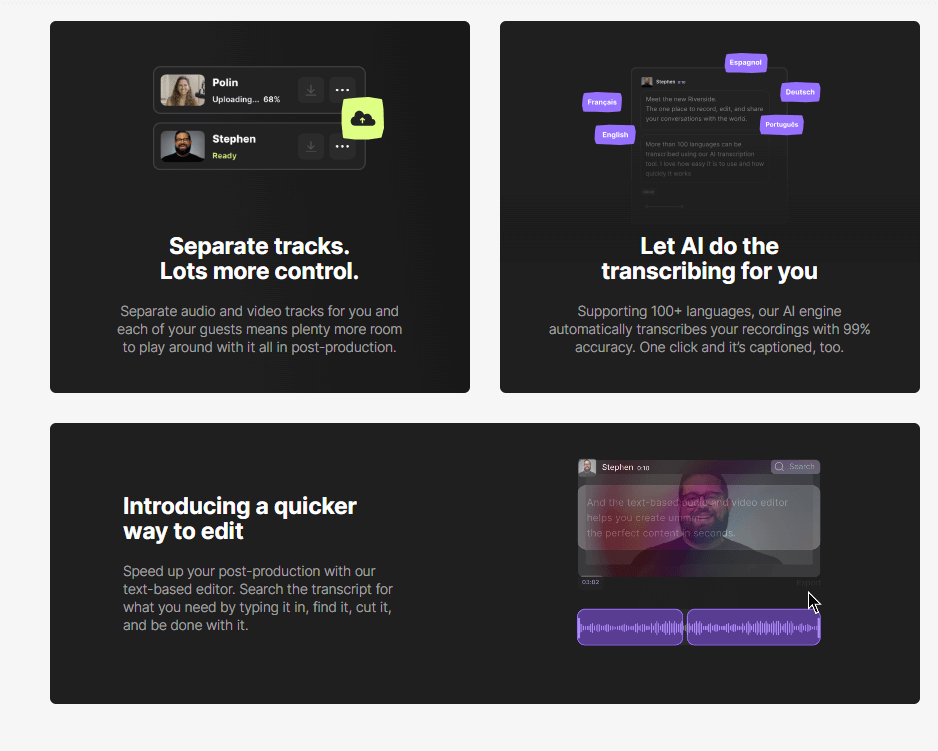
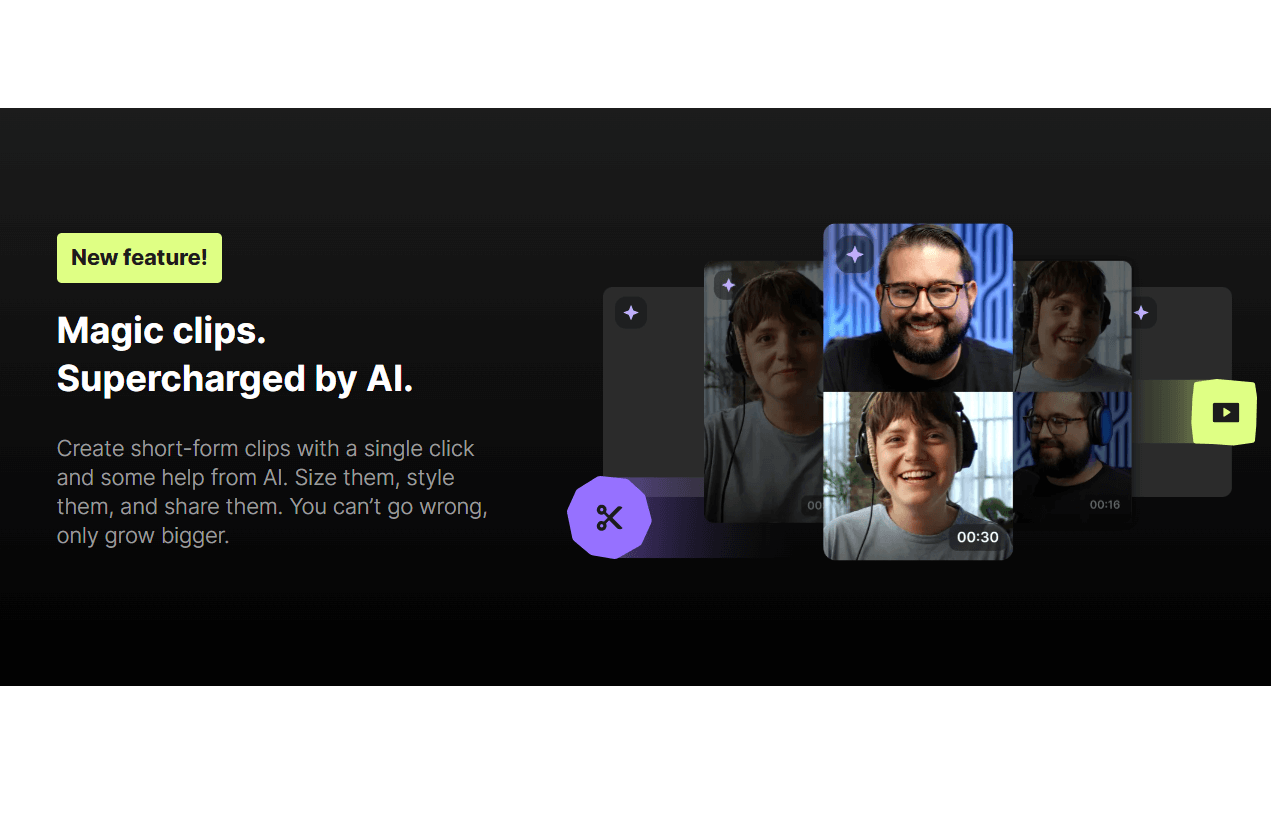
Riverside.fm is a platform designed for recording, editing, and live-streaming podcasts and videos with professional-grade audio and video quality. It allows users to record local audio and video tracks, ensuring studio-quality recordings even when participants are remote. The platform also includes tools for easy video editing, allowing users to cut and adjust recordings with a simple text-based editor. Additionally, Riverside.fm offers automatic speech-to-text transcription with a 99% accuracy rate in over 100 languages, making it easier to create captions and improve content accessibility.
One of Riverside.fm's standout features is its ability to conduct live broadcasts in Full HD with minimal latency, making it ideal for interactive sessions with an audience. The platform offers a free plan with basic features and multiple paid plans that unlock more advanced functionalities. Whether you are recording a podcast, conducting interviews, or streaming live events, Riverside.fm provides the tools needed to produce high-quality content seamlessly.