Camtasia, a comprehensive screen recording and video editing solution, for content creators, educators, marketers, and business professionals. Capture and edit webinars or tutorials effortlessly. Elevate your video projects with the trusted tool for…
Snagit by TechSmith, is a versatile software for capturing and editing computer screen images and videos. With an intuitive interface and advanced editing features, it's an essential tool for professionals in education, business, and industries emph…
TechSmith Capture is a user-friendly application offering a straightforward approach to capturing fundamental screenshots and screen recordings, allowing for seamless sharing among multiple users.
A cloud-based learning management platform enabling students and educators to access study materials, including notes, guides, and videos. Teachers can design courses, upload documents, and search educational content.
A transcription and video editing platform for marketing, sales, research, eLearning, and support teams. It streamlines collaboration with folders, feedback tools, version tracking, and commenting.
Animaker is an online tool for crafting various videos: text and logo animation, promos, resumes, and more. It offers animation, templates, text overlay, rapid development, and easy sharing.
Screen recording tool for eSports teams, government agencies, and businesses in various industries, allowing saving, and sharing of screenshots, GIFs, or videos.
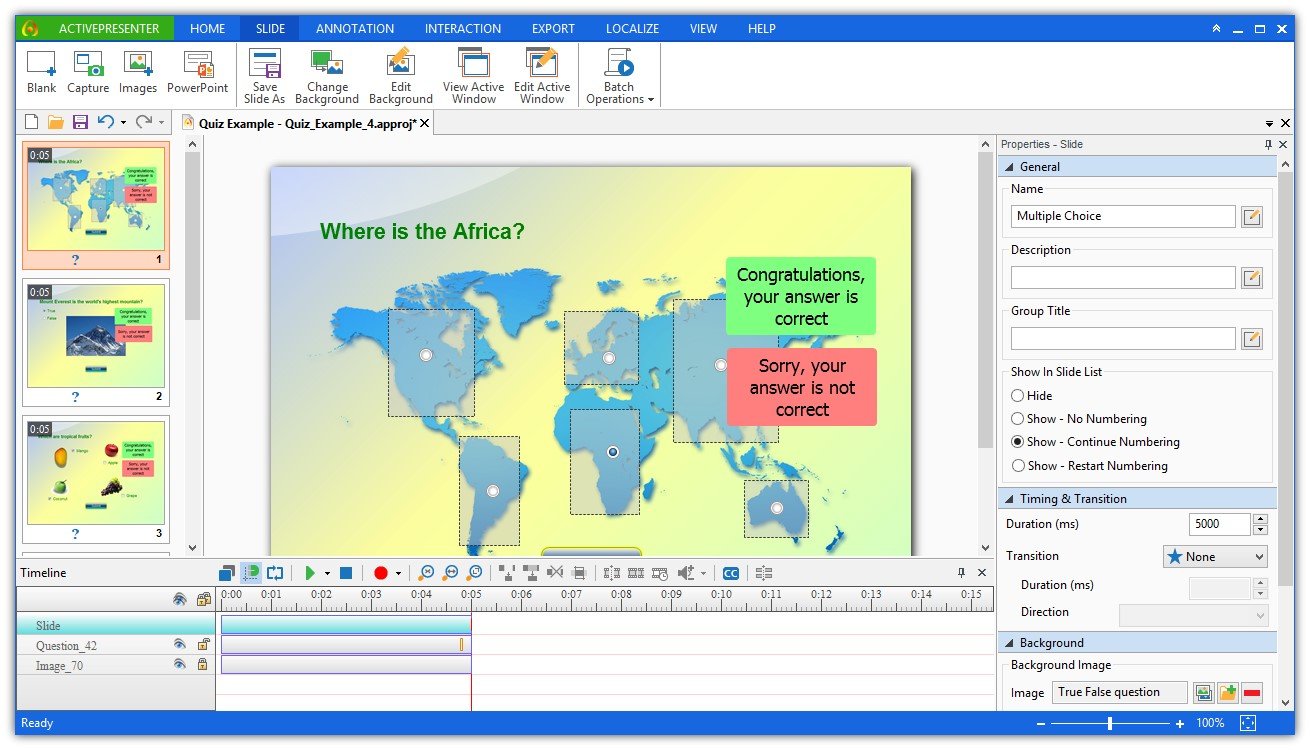
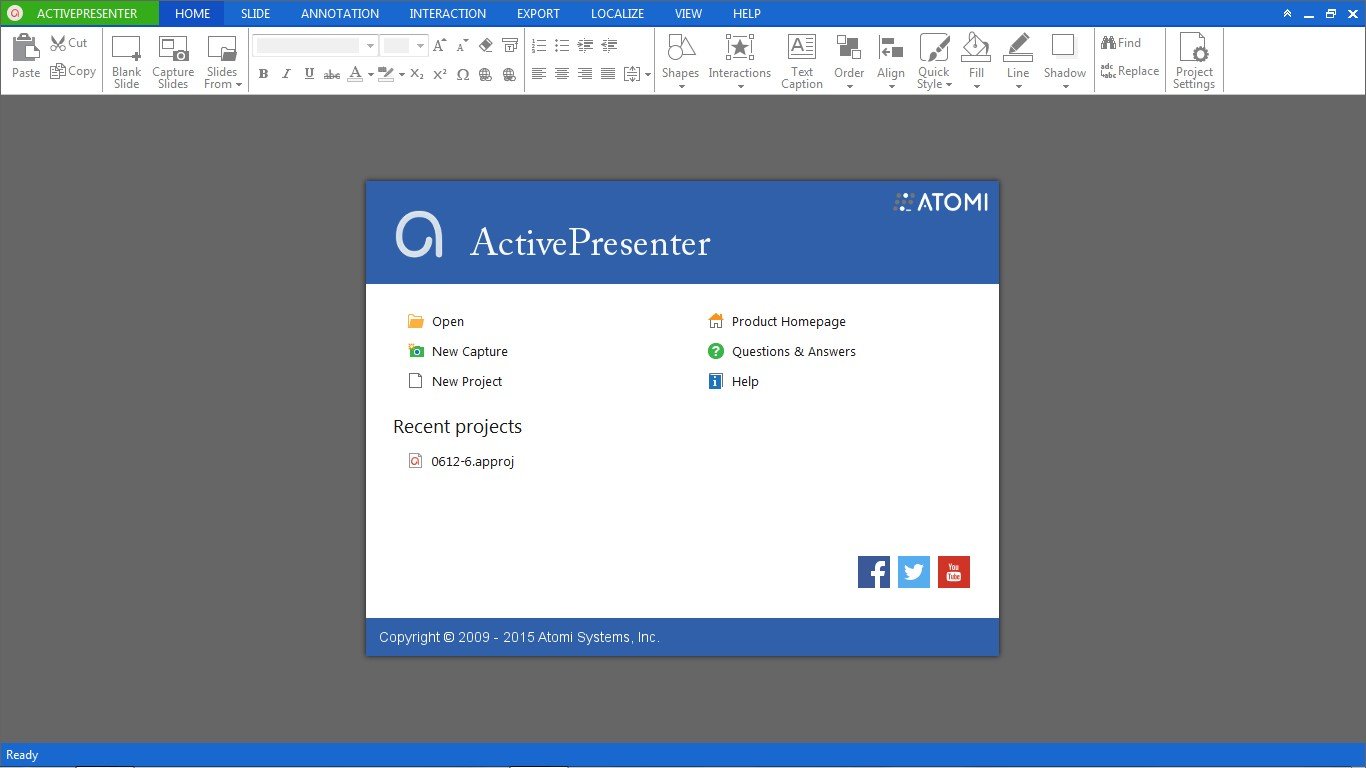
ActivePresenter is a solution for creating screencast videos, handouts, manuals, documentation, and interactive training presentations. With the full-featured editor, ActivePresenter allows you to edit audio/video, tweak the look and feel of content, and define the branched scenarios easily and effectively. Supporting the latest web standard HTML5 and the ability to integrate with Learning Management Systems, the content created with ActivePresenter can be delivered virtually to any devices and platforms.
Create high quality screencasts for FREE in 3 simple steps:
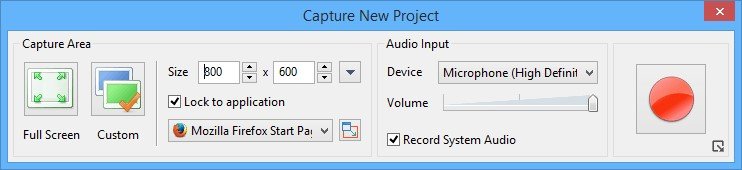
1. Record your computer screen along with audio narration:
Record full motion video with crystal clear quality and high fps (depends on your computer speed) Capture screen as a sequence of slides based on interactions. Automatically generate appropriate annotations for each action NO WATERMARK AND NO TIME LIMIT!
2. Improve your screencast quality by adding/editing:
Attractive callouts/annotations for explaining each action Changing mouse cursor path Remove/change unneeded parts Add more video overlays Sync audio, video and overlays Closed Captioning
3. Export your screencasts to various video formats: AVI, MP4, WMV, FLV, MKV or WebM Easily share or upload to video sharing sites Run same content on any platforms and devices which support HTML5. Pushlish to leading Learning Management System using SCORM standard. Track and report key metrics to evaluate learner performance
ActivePresenter is released as 3 editions: * Free Edition: Can create video (MP4, FLV, AVI, MKV, WMV, WebM) * Standard Edition: Can create Video (AVI, MP4, WMV, WebM), Microsoft Word, Microsoft PowerPoint, Microsoft Excel, Adobe PDF and HTML output * Pro Edition: Similar to Standard Edition, plus the capability to create Interactive HTML5 Simulations