We've compiled a list of 96 free and paid alternatives to Animaker. The primary competitors include Wistia, Renderforest. In addition to these, users also draw comparisons between Animaker and Vyond, Canva, Blender. Also you can look at other similar options here: Video Software, Animation Software.
We've compiled a list of 96 free and paid alternatives to Animaker. The primary competitors include Wistia, Renderforest. In addition to these, users also draw comparisons between Animaker and Vyond, Canva, Blender. Also you can look at other similar options here: Video Software, Animation Software.
Create, edit, host, and market videos effortlessly with Wistia's business-centric platform. Measure video performance and generate leads seamlessly. Amplify your video strategy today.
Offers an all-in-one platform for videos, logos, and websites with ready-made branding templates. Ideal for users needing fast brand visuals beyond animations, while Animaker focuses primarily on custom animated content.
Designed for business-focused animations like training and HR videos, with advanced character customization and lip-sync. Better suited for corporate teams needing polished, scenario-driven storytelling.
Known for intuitive drag-and-drop design and basic video editing. Great for users combining graphics, social media content, and short videos, whereas Animaker specializes in animated explainer videos.
A professional-grade 3D creation suite for animation, modeling, and visual effects. Suitable for creators needing full control and realism, unlike Animaker’s beginner-friendly 2D animation tools.
Tailored for creating animated presentations with a strong business and education angle. Emphasizes simplicity in storytelling, compared to Animaker’s more detailed animation features and visual variety.
Focuses on screen recording and video tutorials with editing tools for walkthroughs. Better for creating educational content with narration, while Animaker is geared toward animated visuals and characters.
Specializes in whiteboard-style animations with a hand-drawn look. Ideal for educational or explainer content needing visual simplicity, while Animaker supports broader animation styles and formats.
Enables quick creation of hand-drawn videos without animation skills. Focused on sketch-based explainer content, offering a niche visual style not available in Animaker’s template-based system.
Offers flexible animation and video creation with deep integration into enterprise tools. Better suited for businesses needing custom workflows and branding, beyond Animaker’s preset animations.
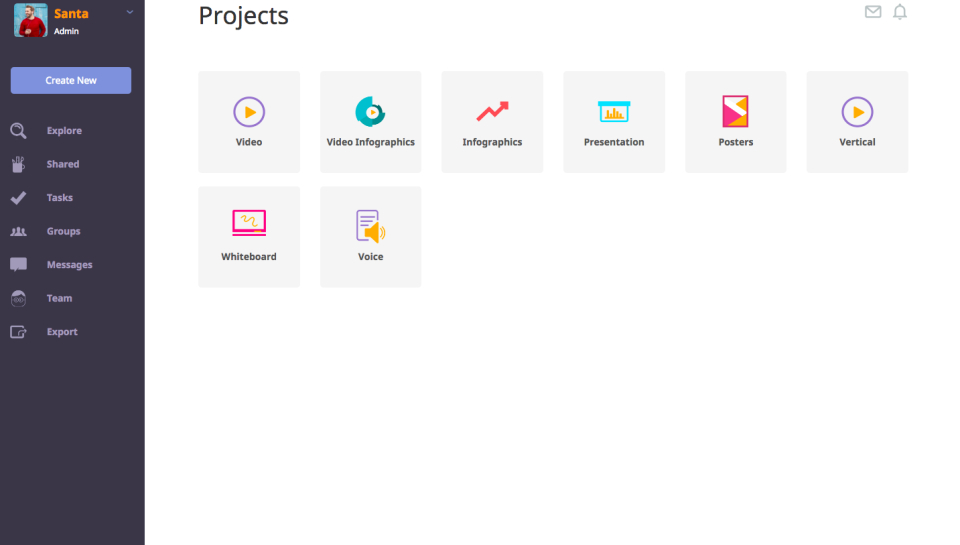
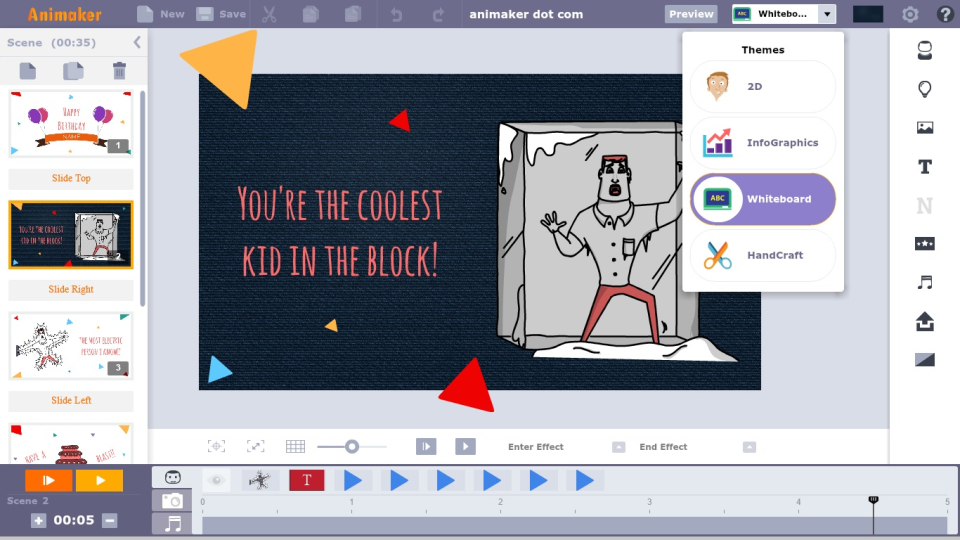
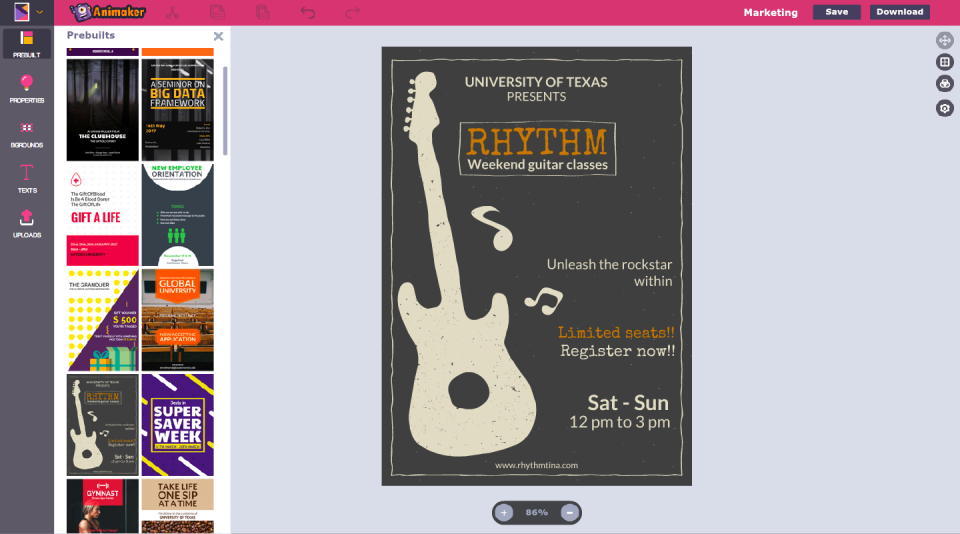
Animaker is an online tool for crafting various videos: text and logo animation, promos, resumes, and more. It offers animation, templates, text overlay, rapid development, and easy sharing.
Animaker is an online tool for crafting various videos: text and logo animation, promos, resumes, and more. It offers animation, templates, text overlay, rapid development, and easy sharing.
Animaker Platforms
Web-Based
Animaker Video and Screenshots
Animaker Overview
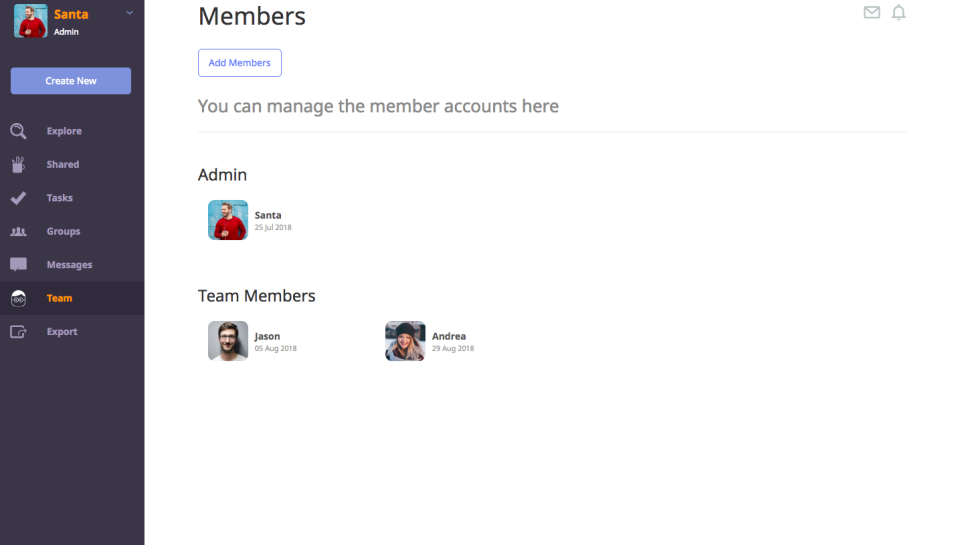
Animaker is an online video creation platform that allows businesses and individuals to create professional-quality animated videos without the need for advanced design skills. The platform offers a drag-and-drop interface, pre-designed templates, and customizable animation tools to create engaging videos for marketing, training, and communication purposes. Animaker supports a wide variety of video styles, including explainer videos, infographics, presentations, and social media content.
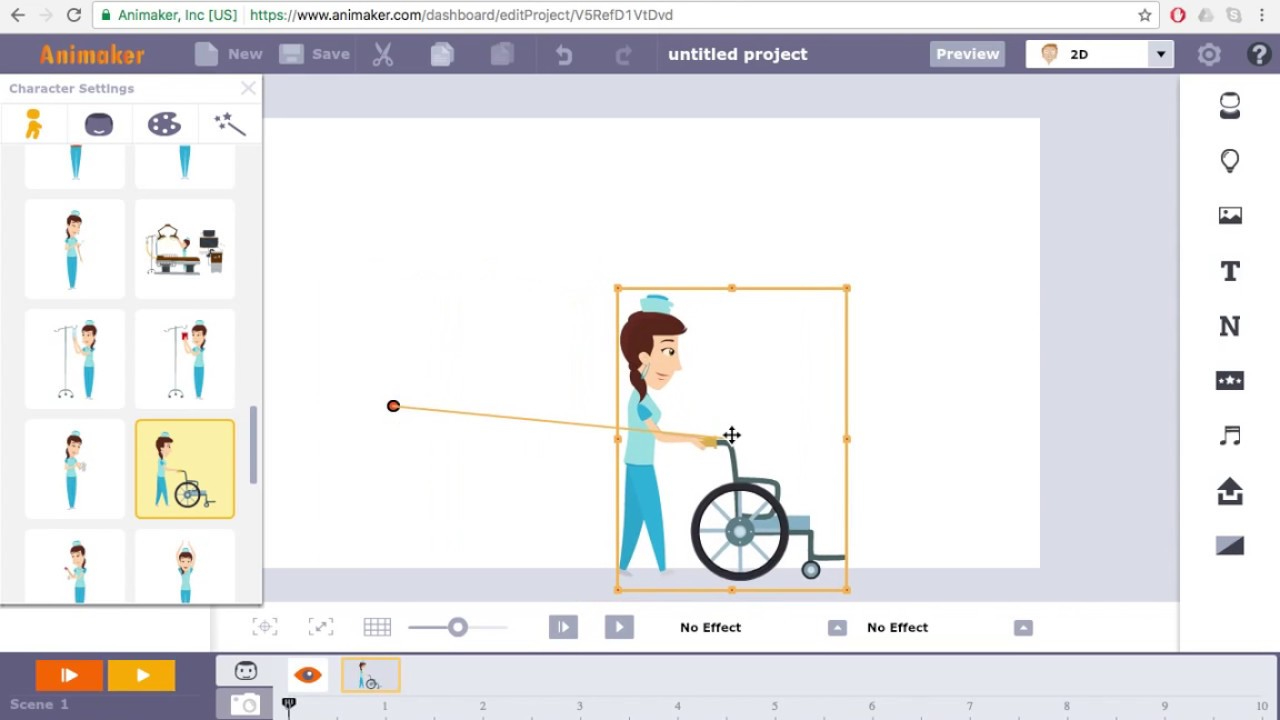
Animaker’s extensive library of characters, backgrounds, and effects enables users to create visually appealing and impactful videos. The platform also includes features for voiceover recording, text-to-speech, and a vast selection of music and sound effects. Animaker’s easy-to-use features allow businesses to create high-quality animated videos quickly and efficiently, helping them to engage their audience and deliver their messages in a fun and creative way.