We've compiled a list of 36 free and paid alternatives to TechSmith Capture (Jing). The primary competitors include Snagit, Loom. In addition to these, users also draw comparisons between TechSmith Capture (Jing) and Camtasia, ShareX, Captura. Also you can look at other similar options here: Office Software, Screen and Video Capture Software.
We've compiled a list of 36 free and paid alternatives to TechSmith Capture (Jing). The primary competitors include Snagit, Loom. In addition to these, users also draw comparisons between TechSmith Capture (Jing) and Camtasia, ShareX, Captura. Also you can look at other similar options here: Office Software, Screen and Video Capture Software.
Snagit by TechSmith, is a versatile software for capturing and editing computer screen images and videos. With an intuitive interface and advanced editing features, it's an essential tool for professionals in education, business, and industries emph…
Loom, the screen recording tool, empowers users to create, edit, and share professional videos effortlessly. Capture screen and audio seamlessly across macOS, Windows, and Chrome, with additional support for iOS and Android. Enhance collaboration wi…
Camtasia, a comprehensive screen recording and video editing solution, for content creators, educators, marketers, and business professionals. Capture and edit webinars or tutorials effortlessly. Elevate your video projects with the trusted tool for…
Captura captures high resolution screencasts (h264, FFMpeg mp4) with and without mouse cursor. It captures specific regions or windows. Furthermore it can capture mouse clicks or Keystrokes. It can record audio from microphone.
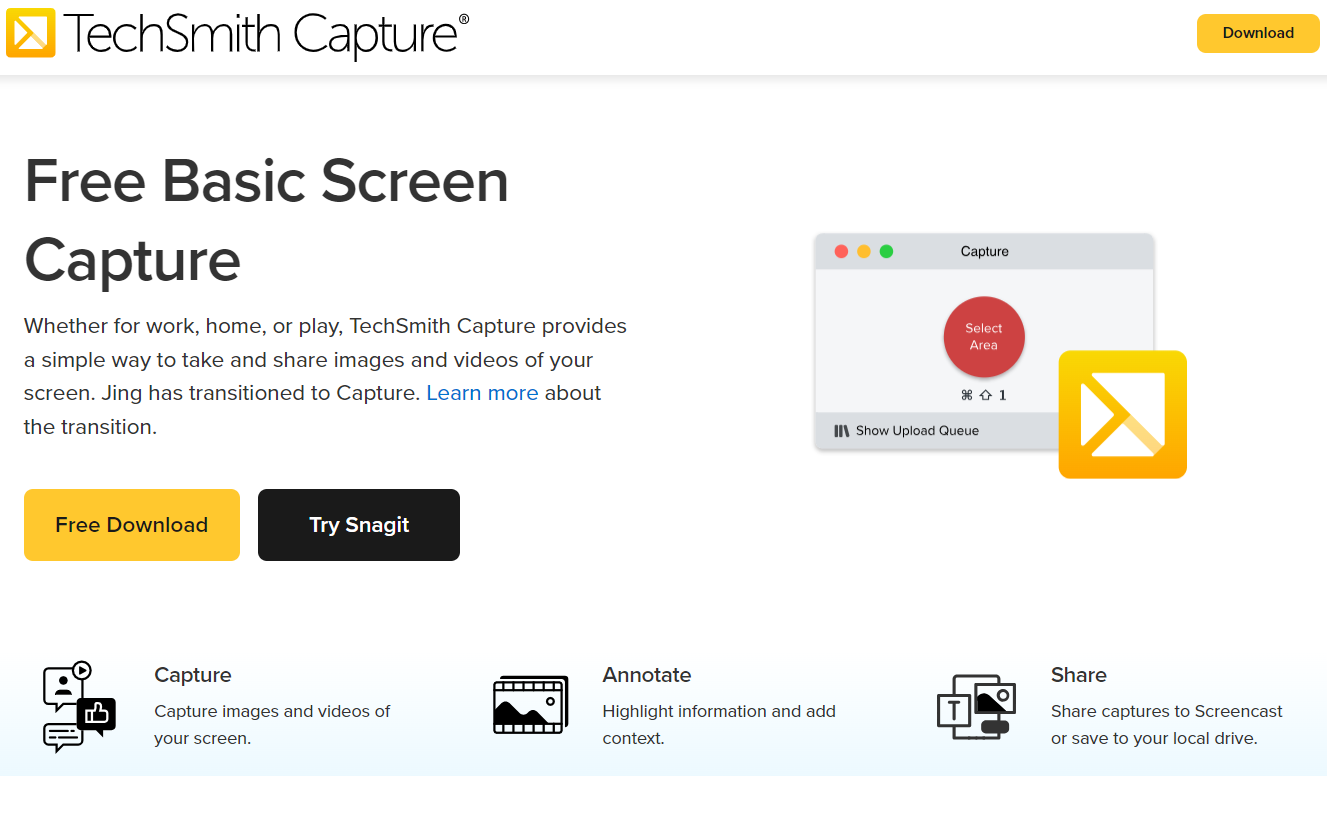
TechSmith Capture is a user-friendly application offering a straightforward approach to capturing fundamental screenshots and screen recordings, allowing for seamless sharing among multiple users.
TechSmith Capture is a user-friendly application offering a straightforward approach to capturing fundamental screenshots and screen recordings, allowing for seamless sharing among multiple users.
TechSmith Capture (Jing) Platforms
Mac
Windows
TechSmith Capture (Jing) Video and Screenshots
TechSmith Capture (Jing) Overview
TechSmith Capture, formerly known as Jing, is a lightweight screen capture tool designed for quick and efficient image and video recording. It allows users to capture screenshots, record on-screen activity, and share content instantly. The software provides basic editing options, such as annotations, making it easy to highlight key information. Video recordings can include audio, enhancing communication for tutorials and demonstrations. The tool integrates seamlessly with cloud services, enabling fast uploads and direct sharing via links.
A major advantage of TechSmith Capture is its user-friendly interface, which simplifies screen recording and image capturing without a steep learning curve. The software supports high-quality captures while maintaining minimal system resource usage. It is particularly useful for professionals and educators who need a simple yet effective solution for creating visual content. Although it lacks advanced editing features found in premium tools, its speed, simplicity, and reliability make it a valuable asset for everyday screen capture needs.