

















Vidcast の代替手段
45Vidcast の代わりとなる 45 個の無料および有料のリストをまとめました。 主な競合相手はLoom、 Vimeoです。 これらに加えて、ユーザーは Vidcast と Vidyard、 Camtasia、 Descript の間の比較も行います。 また、他の同様のオプションもここで確認できます: 協力と生産性ソフトウェア、 ビデオ通信ソフトウェア。


 ソフトウェア


Vidcast の代わりとなる 45 個の無料および有料のリストをまとめました。 主な競合相手はLoom、 Vimeoです。 これらに加えて、ユーザーは Vidcast と Vidyard、 Camtasia、 Descript の間の比較も行います。 また、他の同様のオプションもここで確認できます: 協力と生産性ソフトウェア、 ビデオ通信ソフトウェア。
Vidcast の代わりとなる 45 個の無料および有料のリストをまとめました。 主な競合相手はLoom、 Vimeoです。 これらに加えて、ユーザーは Vidcast と Vidyard、 Camtasia、 Descript の間の比較も行います。 また、他の同様のオプションもここで確認できます: 協力と生産性ソフトウェア、 ビデオ通信ソフトウェア。


画面録画ツールLoomは、ユーザーがプロフェッショナルなビデオを簡単に作成、編集、共有できるようにします。MacOS、Windows、Chromeで画面と音声をシームレスにキャプチャし、iOSとAndroidもサポート。クイック編集、描画ツール、クローズドキャプションでコラボレーションを強化。

Vidyardは、強力なビデオホスティングプラットフォームで、企業がマーケティング、販売、およびコミュニケーションの目的でビデオを作成、管理、共有することができます。それは、ビデオ録画、ホスティング、分析、CRMシステムや電子メールクライアントのような様々なプラットフォームとの統合などの機能を提供しています。

Camtasiaは、コンテンツ制作者、教育者、マーケティング担当者、ビジネスプロフェッショナルを支援する、包括的な画面録画およびビデオ編集ソリューションです。ウェビナーやチュートリアルを簡単にキャプチャして編集できます。何百万人もの人々に信頼されているツールで、ビデオプロジェクトをさらに進化させましょう。

マーケティング、セールス、リサーチ、eラーニング、サポートチーム向けの文字起こしと動画編集プラットフォームです。フォルダー、フィードバックツール、バージョントラッキング、コメント機能でコラボレーションを強化します。

TechSmithのSnagitは、コンピュータ画面の画像やビデオをキャプチャして編集するための多機能ソフトウェアです。直感的なインターフェイスと高度な編集機能により、教育、ビジネス、視覚情報を重視する業界のプロフェッショナルにとって不可欠なツールです。

AIを搭載したこのツールは、テキスト、リンク、注釈付きスクリーンショットを使って、プロセスをステップバイステップのガイドに変換します。説明の編集やスクリーンショットの修正も可能です。

動画の編集、録画、ホスティング、共有機能を備えたクラウドベースのビデオエディタ。字幕、翻訳、ノイズ除去、トリミング、ブランディングが可能。

クラウド上でイントロ、説明用アニメーション、プロモーションビデオ、スライドショー、音楽ビジュアライゼーション、ビデオ履歴書を作成できるオンラインツール。膨大なテンプレートカタログから選んでカスタマイズできます。

Asanaは、チームがタスクとプロジェクトを効率的に管理できる包括的なプロジェクト管理ソフトウェアです。タスクの作成と割り当て、優先度の設定、進捗の追跡、ファイルの添付などの機能を備えている。
CiscoのVidcastは、企業向けの非同期ビデオツールである。画面録画、顔出し、音声機能を組み合わせ、効率的なコミュニケーションと会議の強化を実現する。
CiscoのVidcastは、企業向けの非同期ビデオツールである。画面録画、顔出し、音声機能を組み合わせ、効率的なコミュニケーションと会議の強化を実現する。
 Web-Based
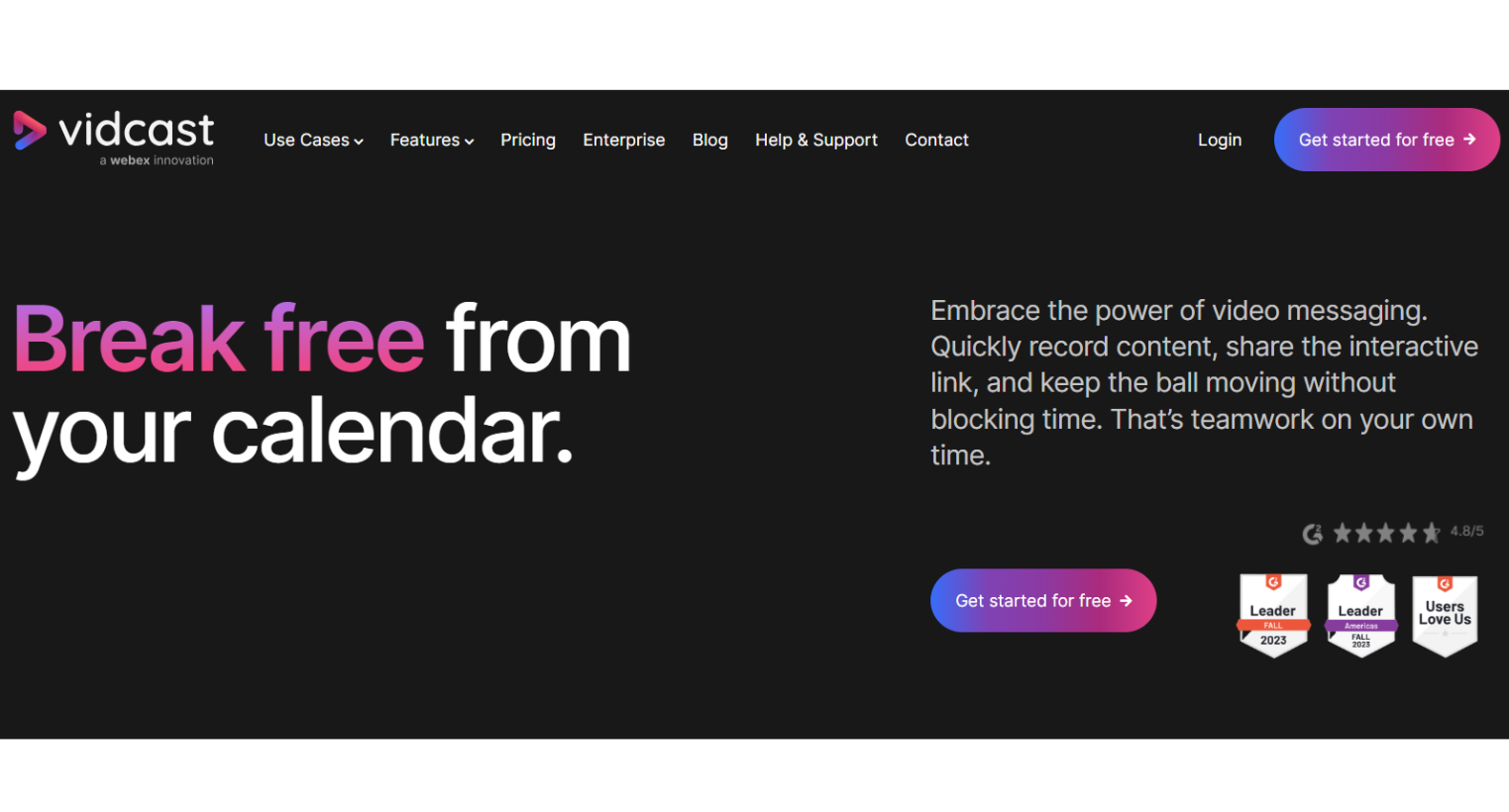
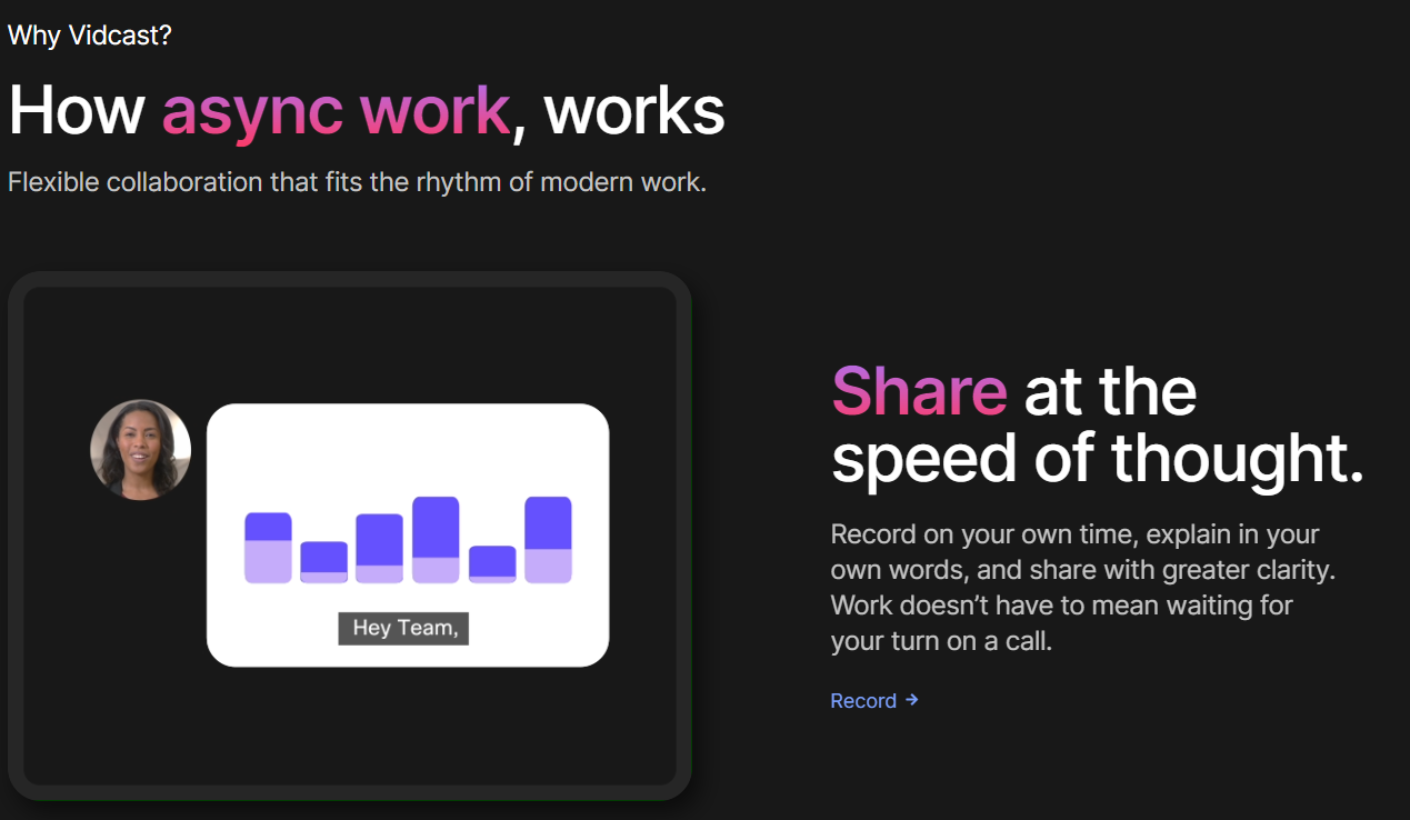
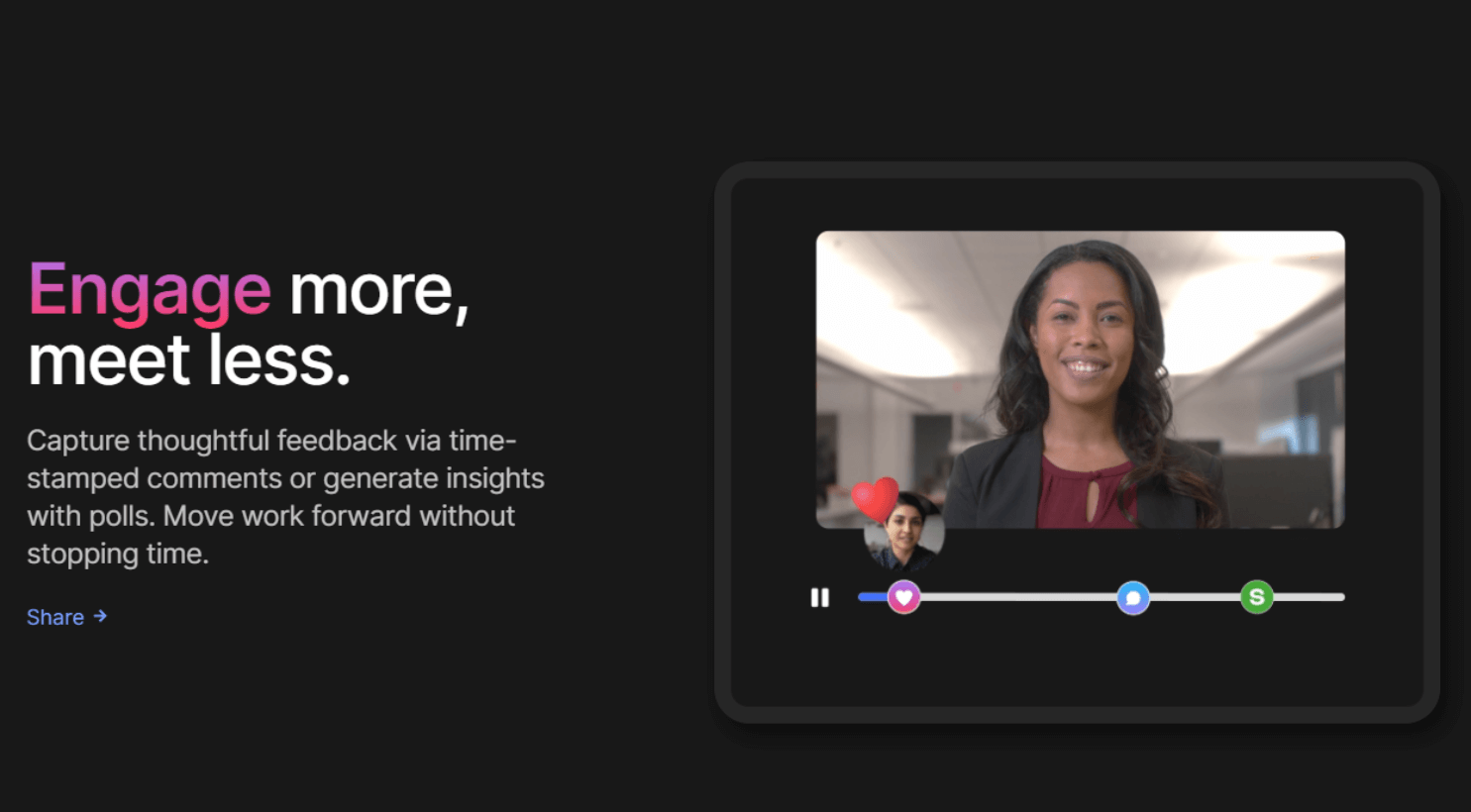

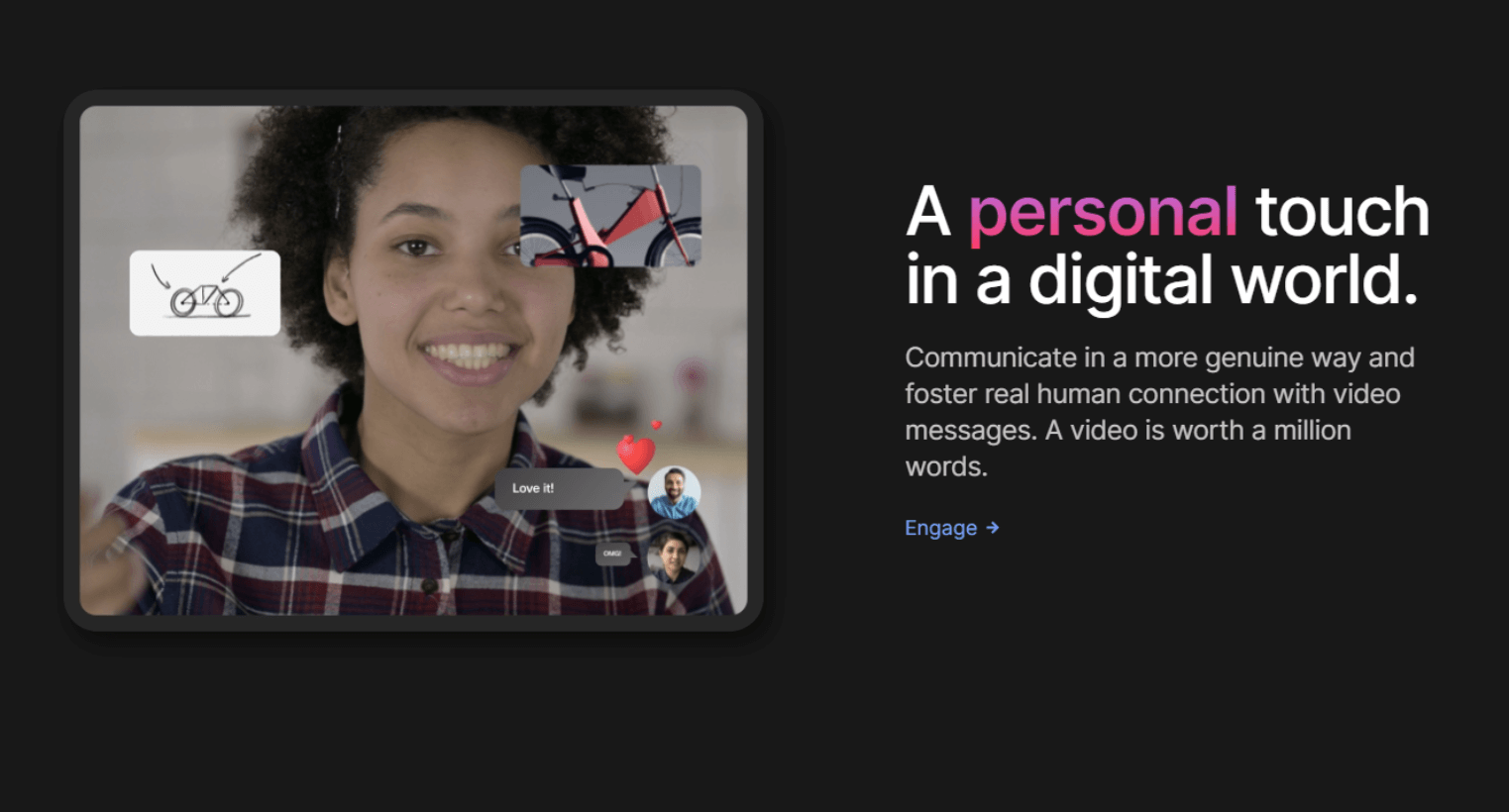
強固なセキュリティ対策と洗練されたデザインで、1本15分までの動画を無制限で無料提供する。
 Visual Notifications
Visitor Management
Video Editing
Video Capture
Text Editing
Screen Recording
Screen Capture
Real Time Editing
Media Library
Employee Onboarding
Drag & Drop
Dashboard
Customizable Branding
Categorization/Grouping
Active Directory Integration
Speech-to-Text Analysis
Audio Capture
Video Call Recording
Real Time Screen Sharing
Desktop/Browser Sharing
Video Creation
Privacy Options
Video Streaming
Survey/Poll Management
Video Support
Video Management
Employee Engagement
Preview Functionality
Multimedia Support
SSL Security
Annotations
Activity/News Feed
Content Management
Transcripts/Chat History
Personalization
Engagement Tracking
Single Sign On
Real Time Analytics
Secure Data Storage
Real Time Updates
Commenting/Notes
Compliance Tracking
Collaboration Tools
Search/Filter
Performance Metrics
Email Management
Activity Dashboard
Reporting & Statistics
Mobile Access
Alerts/Notifications
Activity Tracking
Access Controls/Permissions
User Management
Quizzes
Employee Directory
Employee Database
Watermarking
Knowledge Management
Screen Mirroring
Screen Sharing
Visual Notifications
Visitor Management
Video Editing
Video Capture
Text Editing
Screen Recording
Screen Capture
Real Time Editing
Media Library
Employee Onboarding
Drag & Drop
Dashboard
Customizable Branding
Categorization/Grouping
Active Directory Integration
Speech-to-Text Analysis
Audio Capture
Video Call Recording
Real Time Screen Sharing
Desktop/Browser Sharing
Video Creation
Privacy Options
Video Streaming
Survey/Poll Management
Video Support
Video Management
Employee Engagement
Preview Functionality
Multimedia Support
SSL Security
Annotations
Activity/News Feed
Content Management
Transcripts/Chat History
Personalization
Engagement Tracking
Single Sign On
Real Time Analytics
Secure Data Storage
Real Time Updates
Commenting/Notes
Compliance Tracking
Collaboration Tools
Search/Filter
Performance Metrics
Email Management
Activity Dashboard
Reporting & Statistics
Mobile Access
Alerts/Notifications
Activity Tracking
Access Controls/Permissions
User Management
Quizzes
Employee Directory
Employee Database
Watermarking
Knowledge Management
Screen Mirroring
Screen Sharing

ソフトウェアについての意見を共有し、レビューを残してさらに向上させるのに役立てましょう!
変更の提案


あなたのフィードバック
Your vote has been counted.
Do you have experience using this software?


