ShareX の代替手段
26ShareX の代わりとなる 26 個の無料および有料のリストをまとめました。 主な競合相手はGreenshot、 Zight (CloudApp)です。 これらに加えて、ユーザーは ShareX と Snagit、 FastStone Capture、 LightShot の間の比較も行います。 また、他の同様のオプションもここで確認できます: バックアップおよび同期ソフトウェア。


 ソフトウェア


ShareX の代わりとなる 26 個の無料および有料のリストをまとめました。 主な競合相手はGreenshot、 Zight (CloudApp)です。 これらに加えて、ユーザーは ShareX と Snagit、 FastStone Capture、 LightShot の間の比較も行います。 また、他の同様のオプションもここで確認できます: バックアップおよび同期ソフトウェア。
ShareX の代わりとなる 26 個の無料および有料のリストをまとめました。 主な競合相手はGreenshot、 Zight (CloudApp)です。 これらに加えて、ユーザーは ShareX と Snagit、 FastStone Capture、 LightShot の間の比較も行います。 また、他の同様のオプションもここで確認できます: バックアップおよび同期ソフトウェア。

Zight (Cloudapp)は、ビジネス目的に合わせたビデオ、スクリーンショット、GIFの作成、変更、配布を容易にするために設計された包括的な画面録画ツールです。

TechSmithのSnagitは、コンピュータ画面の画像やビデオをキャプチャして編集するための多機能ソフトウェアです。直感的なインターフェイスと高度な編集機能により、教育、ビジネス、視覚情報を重視する業界のプロフェッショナルにとって不可欠なツールです。
TechSmith Capture はユーザーフレンドリーなアプリケーションで、基本的なスクリーンショットやスクリーン録画を簡単にキャプチャし、複数のユーザー間でシームレスに共有することができます。
ShareX is a free and open source program that lets you capture or record any area of your screen...
ShareX is a free and open source program that lets you capture or record any area of your screen...
 Windows
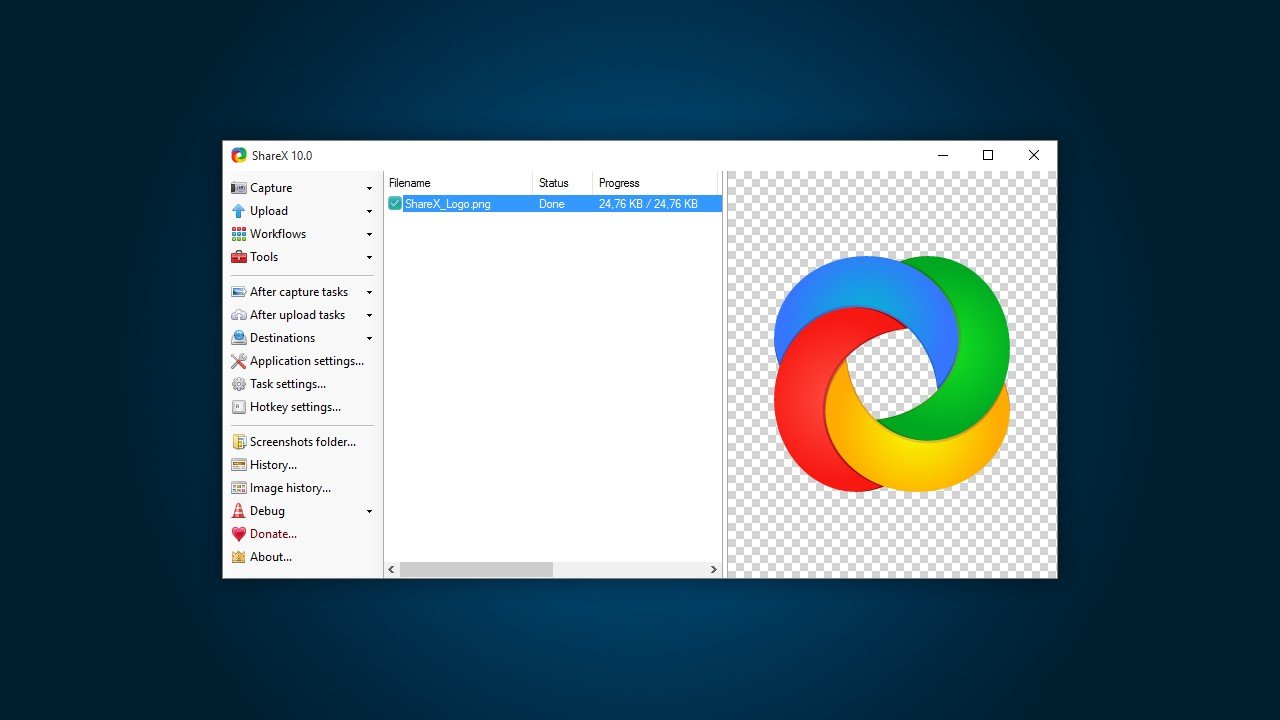
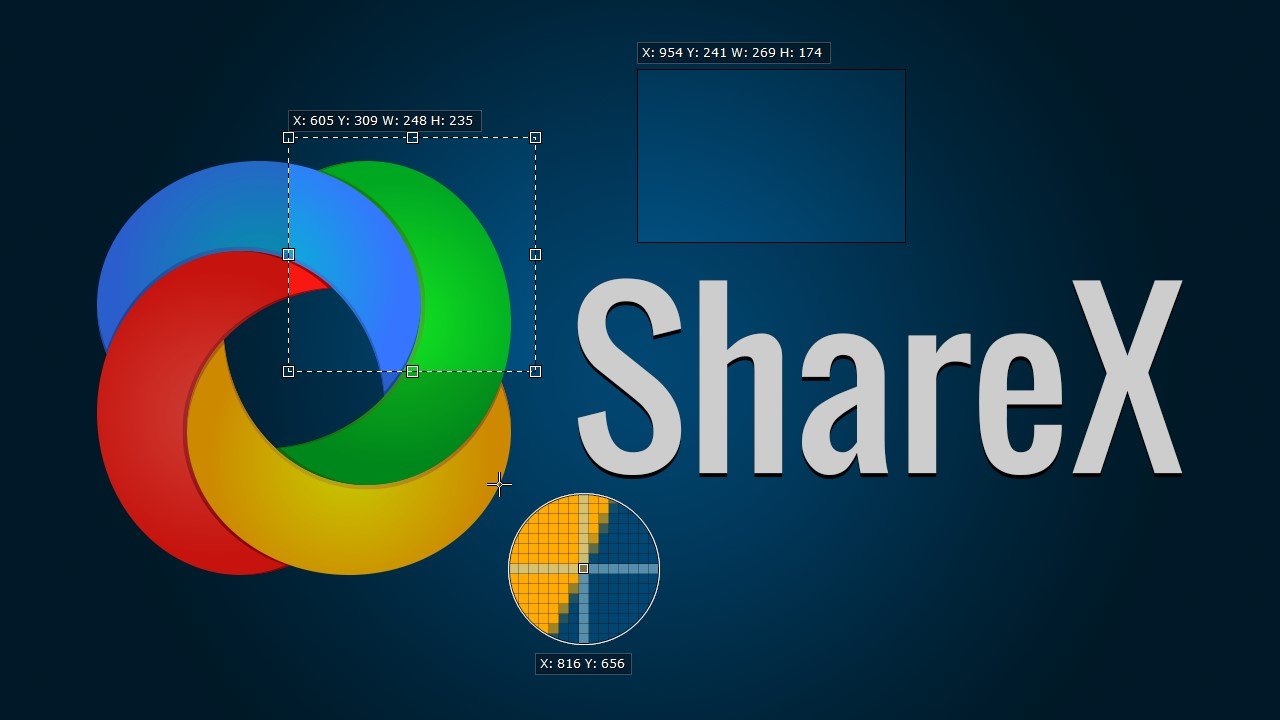
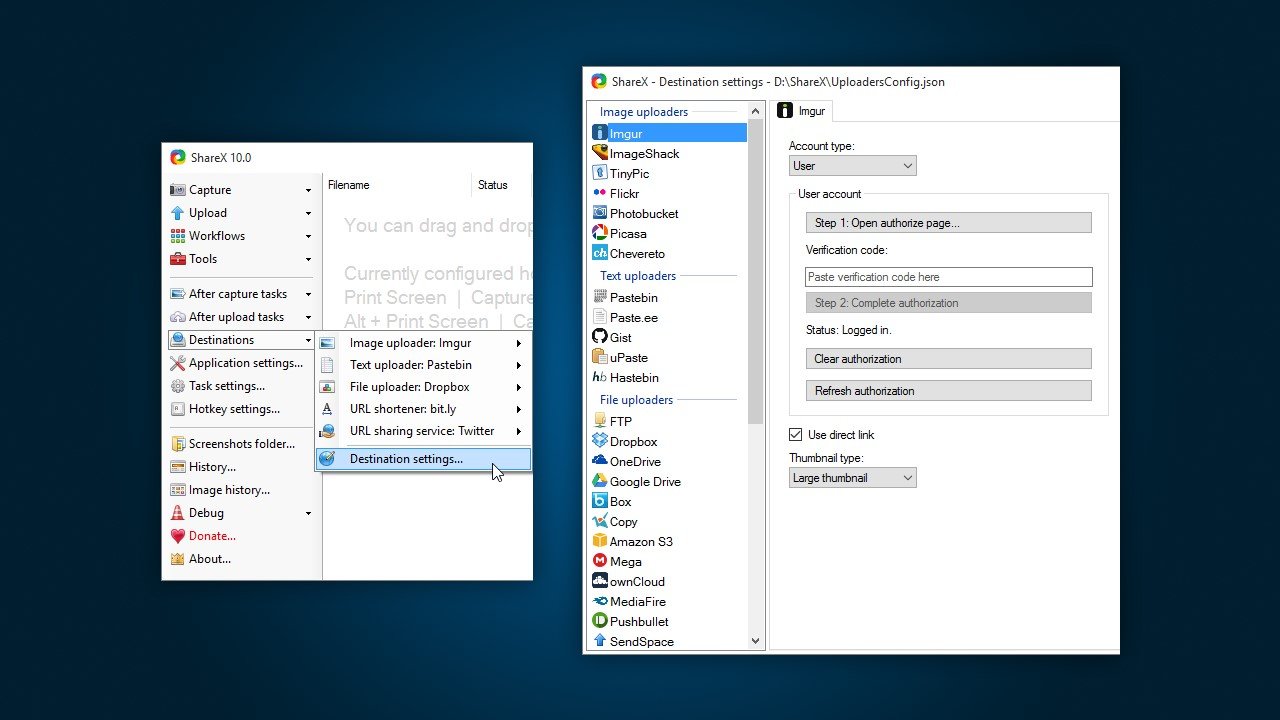
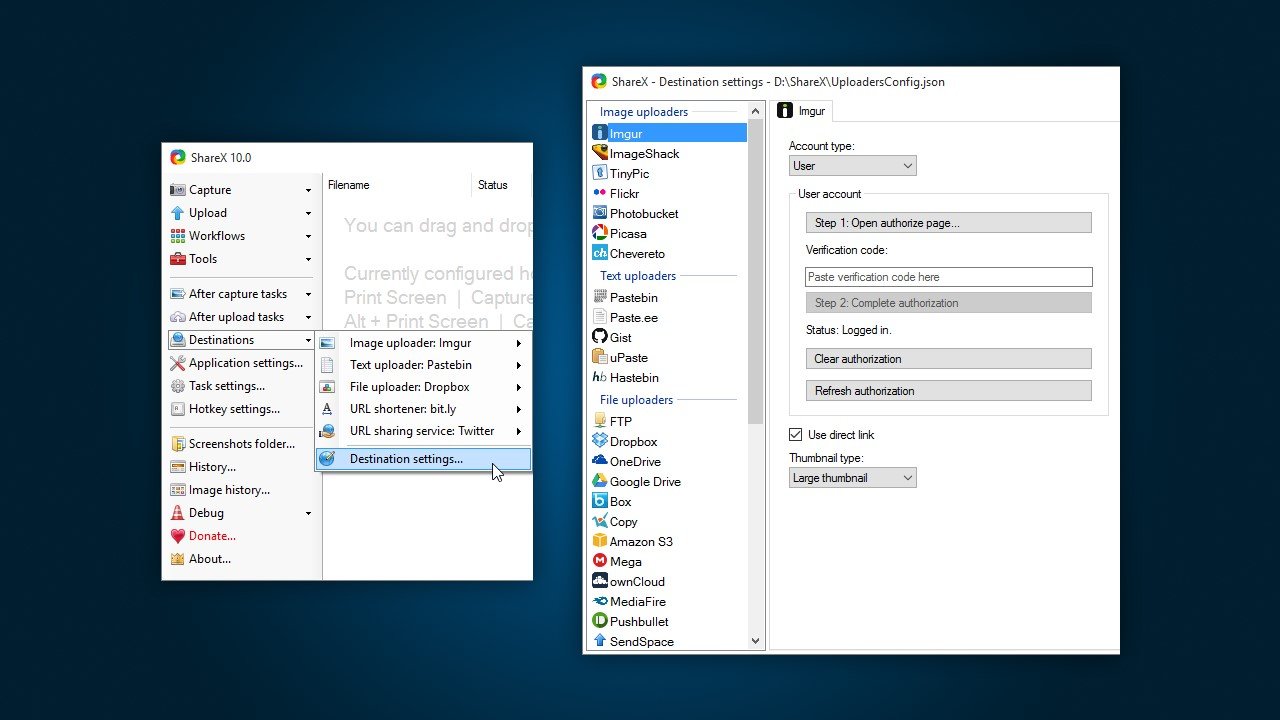
ShareX is a free and open source program that lets you capture or record any area of your screen and share it with a single press of a key. It also allows uploading images, text or other types of files to over 80 supported destinations you can choose from.
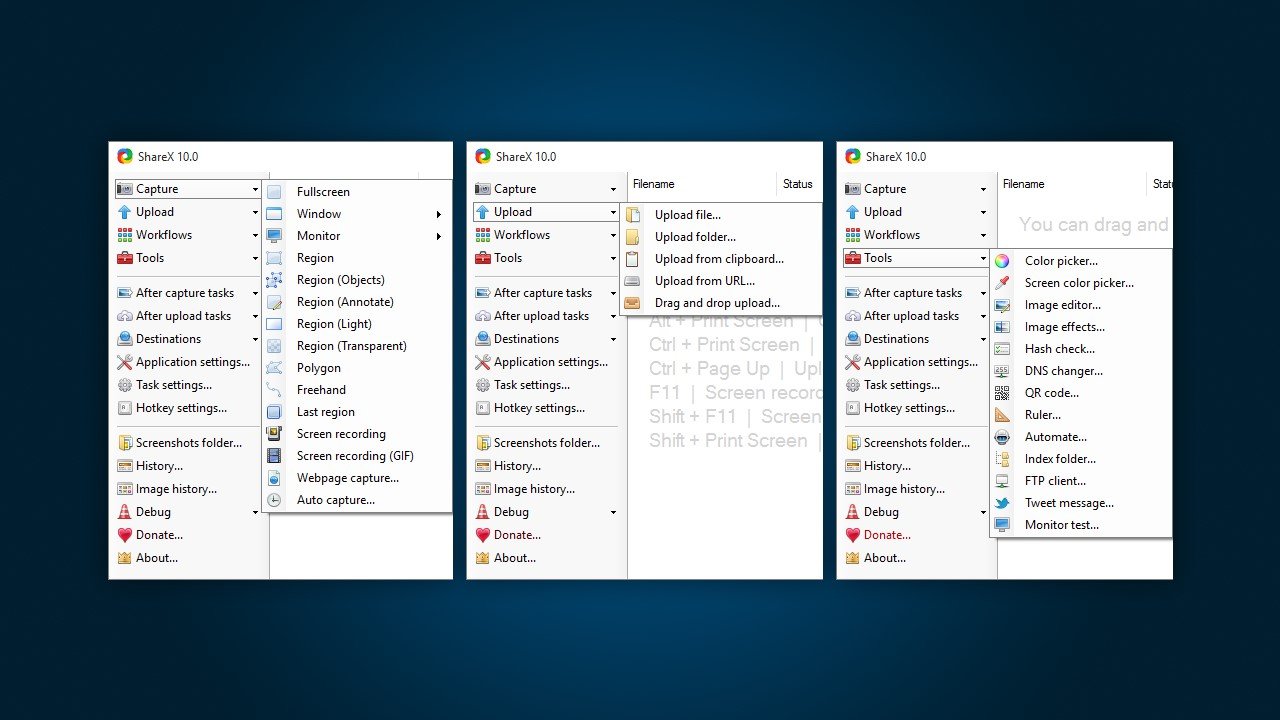
ShareX supports many ways to capture or record your screen. The main capture methods are:
• Fullscreen
• Active window
• Active monitor
• Window menu
• Monitor menu
• Region
• Region (Light)
• Region (Transparent)
• Last region
• Custom region
• Screen recording
• Screen recording (GIF)
• Scrolling capture
• Webpage capture
• Text capture (OCR)
• Auto capture
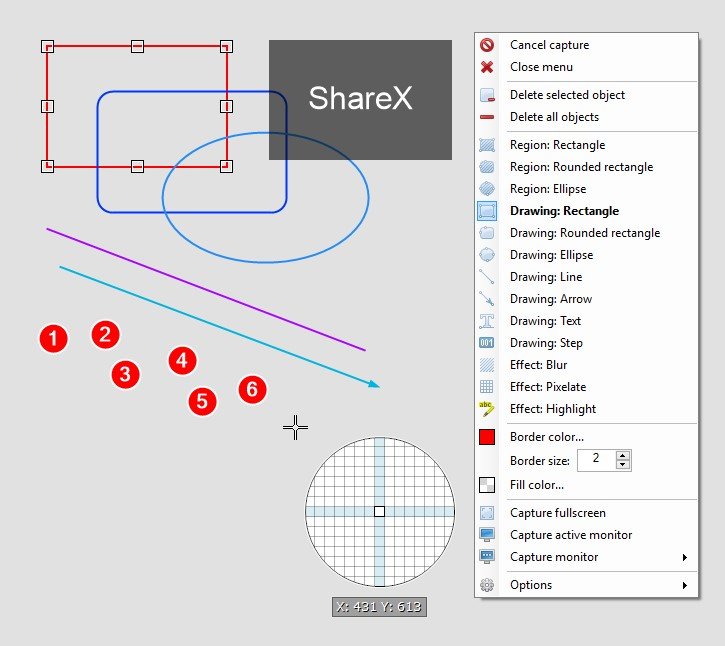
There are many configurable screen capture settings such as showing the cursor, transparent window capture, delayed capture, multiple region selection with different shapes, etc.
After the capture the following automated tasks can be executed:
• Show quick task menu
• Show "After capture" window
• Add image effects / watermark
• Annotate image
• Copy image to clipboard
• Print image
• Save image to file
• Save image to file as...
• Save thumbnail image to file
• Perform actions
• Copy file to clipboard
• Copy file path to clipboard
• Show file in explorer
• Recognize text (OCR)
• Show "Before upload" window
• Upload image to host
• Delete file locally
ShareX allows you to upload any type of files with these methods:
• Upload file
• Upload folder
• Upload from clipboard
• Upload from URL
• Drag and drop upload
• Upload from Windows shell context menu
• Upload from Windows send to menu
• Watch folder
After the upload, any of the following automated tasks can be executed:
• Show "After upload" window
• Shorten URL
• Share URL
• Copy URL to clipboard
• Open URL
• Show QR code window
ShareX also comes with a few simple productivity tools:
• Color picker
• Screen color picker
• Annotate image
• Image effects
• Hash check
• DNS changer
• QR code
• Ruler
• Directory indexer
• Image combiner
• Video thumbnailer
• FTP client
• Tweet message
• Monitor test
 Cloud Storage
Screen recording
Video screen capture
Video Recording
Upload directly to OneDrive
Upload directly to Imgur
Scrolling Capture
Annotate screenshots
Image Combining
Image Annotations
GIF recording
Direct file uploading
Built-in Image editor
Built-in editor
Screenshot OCR
Edit screenshots
Team work
Screenshot Tools
Share Videos
Integrated File Sharing
Ad-free
Automatic upload
Photo Sharing
Capture Video
Upload directly to Dropbox
Customizable
Portable
Cloud Storage
Screen recording
Video screen capture
Video Recording
Upload directly to OneDrive
Upload directly to Imgur
Scrolling Capture
Annotate screenshots
Image Combining
Image Annotations
GIF recording
Direct file uploading
Built-in Image editor
Built-in editor
Screenshot OCR
Edit screenshots
Team work
Screenshot Tools
Share Videos
Integrated File Sharing
Ad-free
Automatic upload
Photo Sharing
Capture Video
Upload directly to Dropbox
Customizable
Portable
ソフトウェアについての意見を共有し、レビューを残してさらに向上させるのに役立てましょう!
変更の提案


あなたのフィードバック
Your vote has been counted.
Do you have experience using this software?