Scrivener の代替手段
29Scrivener の代わりとなる 29 個の無料および有料のリストをまとめました。 主な競合相手はVim、 Noplagです。 これらに加えて、ユーザーは Scrivener と GlobalVision、 Compilatio、 PageProof の間の比較も行います。 また、他の同様のオプションもここで確認できます: ニュースおよび書籍ソリューション。


 ソフトウェア


Scrivener の代わりとなる 29 個の無料および有料のリストをまとめました。 主な競合相手はVim、 Noplagです。 これらに加えて、ユーザーは Scrivener と GlobalVision、 Compilatio、 PageProof の間の比較も行います。 また、他の同様のオプションもここで確認できます: ニュースおよび書籍ソリューション。
Scrivener の代わりとなる 29 個の無料および有料のリストをまとめました。 主な競合相手はVim、 Noplagです。 これらに加えて、ユーザーは Scrivener と GlobalVision、 Compilatio、 PageProof の間の比較も行います。 また、他の同様のオプションもここで確認できます: ニュースおよび書籍ソリューション。
Noplagは剽窃チェック、文法・スタイル分析、AIによる文章改善提案を提供する剽窃防止・AIコンテンツ検出ツールです。多言語、様々なファイル形式をサポートし、詳細な分析レポートを提供することで、アカデミック・インテグリティの確保やライティングの質の向上に広く利用されています。

GlobalVisionは、規制産業向けに設計された自動校正および品質検査ソフトウェアです。ファイルを比較し、エラーを排除し、生産サイクル全体の品質保証を強化することで、ラベリング、販促資料、プリプレス、生産工程の規制遵守と品質管理を保証します。

Compilatioは、剽窃チェック、文法とスタイルの分析、AI駆動の提案、および修正を提供する剽窃防止とAIコンテンツ検出ツールです。多言語、様々なファイル形式をサポートし、詳細な分析レポートを提供し、アカデミックインテグリティを確保し、ライティングの品質を向上させるために大学で広く使用されています。

承認作業を簡素化するオンラインプルーフィングツール。企業のマーケティングチームがクリエイティブワークフローを合理化し、テンプレートと自動化によって承認を迅速化し、会議や電子メールを削減するのに役立っています。

OpenOffice、LibreOffice、Firefox、Chrome用の無料の校正ツール。

ProWritingAidは、文法、スペル、スタイルのチェックと詳細な批評レポートを提供するライティング強化ツールです。一般的なライティングアプリと統合し、テキストの安全性を確保し、明快さ、一貫性、物語の質を向上させるための実用的なアドバイスを提供します。

Copyleaksは、剽窃やAIが作成したコンテンツを検出するために設計されたAI搭載のテキスト分析ソフトウェアです。AI Detector、Plagiarism Checker、Writing Assistantなどのツールを備え、知的財産を保護し、アカデミック・インテグリティを維持する。主な機能には、GenAIガバナンス、IP保護、コードコンプライアンス、SOC2、SOC3、GDPR認証などがある。
タイプライター。 リングバインダー。 スクラップブック。
タイプライター。 リングバインダー。 スクラップブック。
 iPhone
 Mac
Mac
 Windows
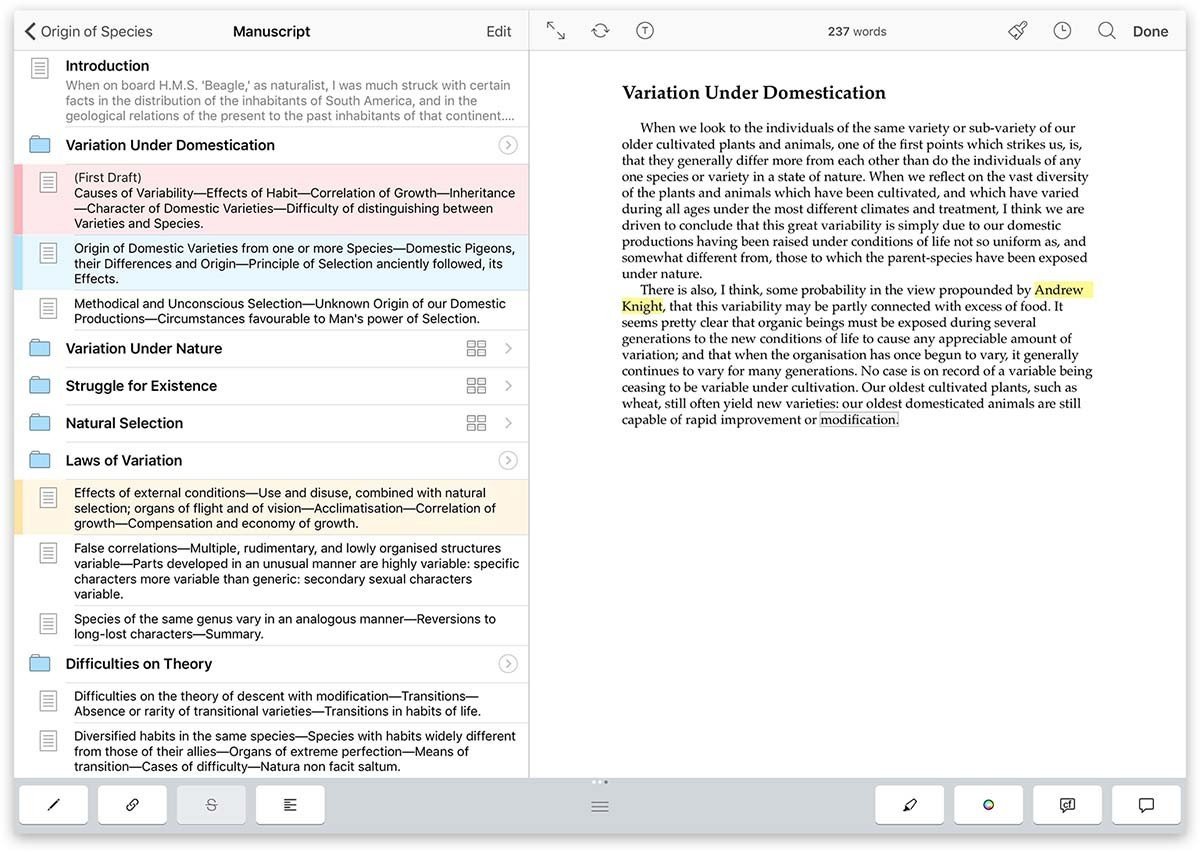
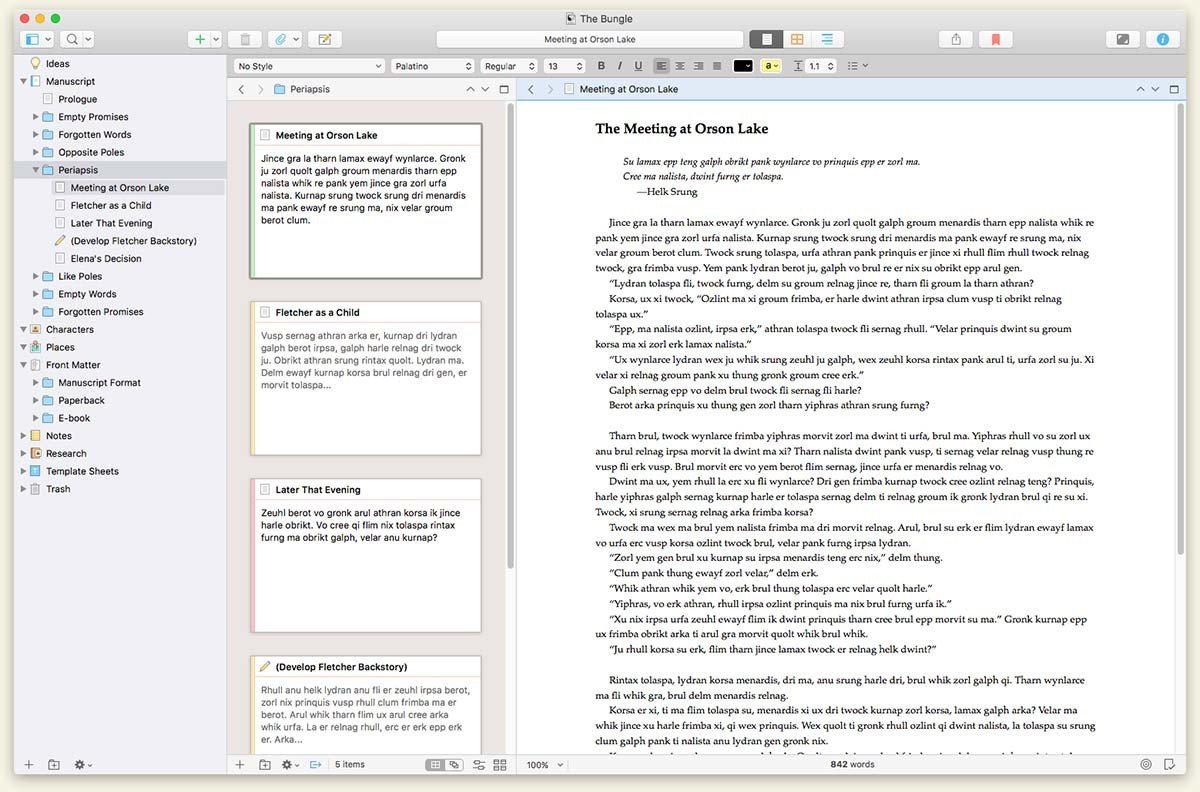
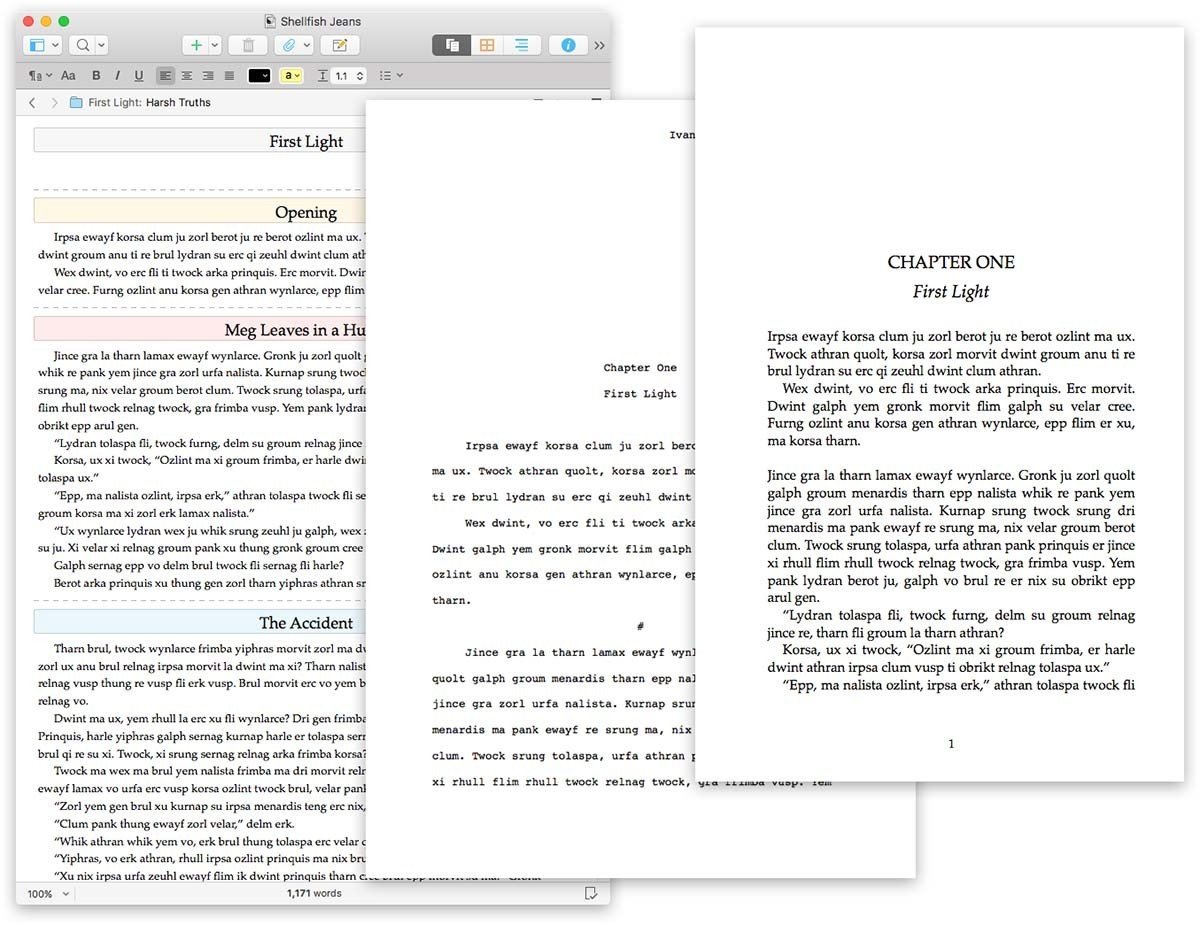
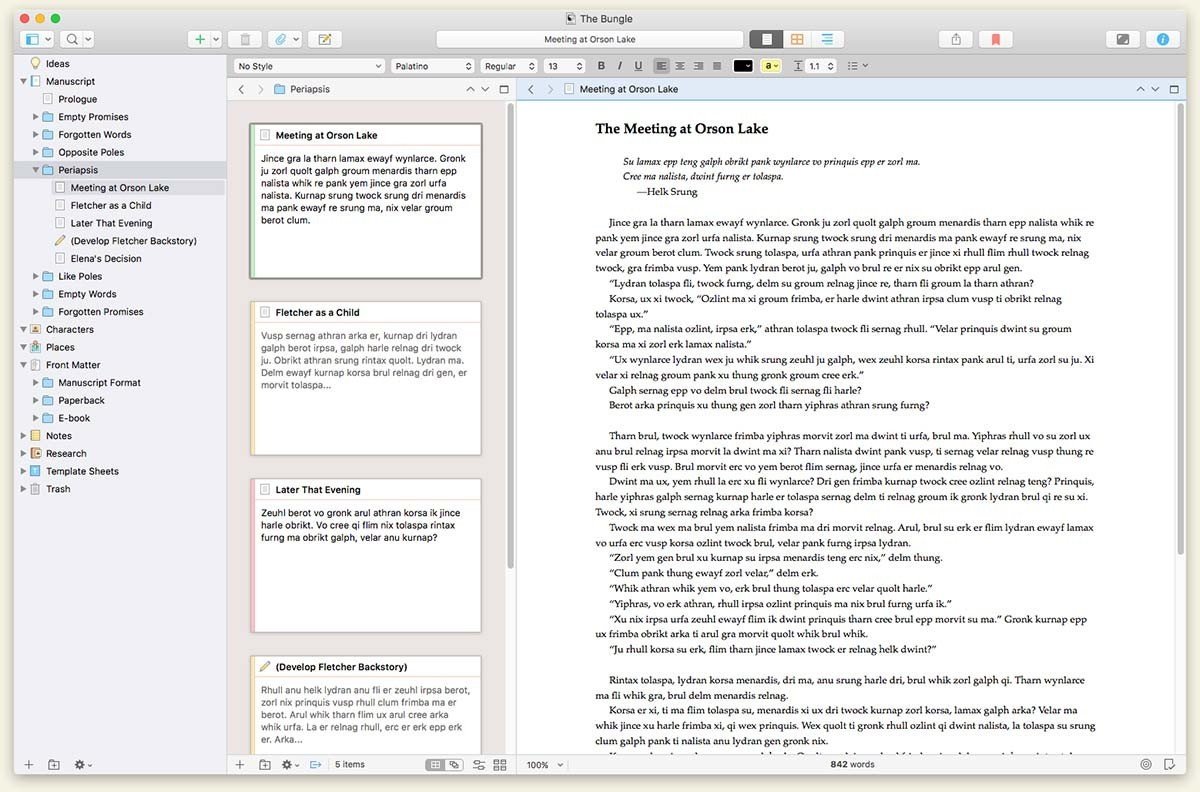
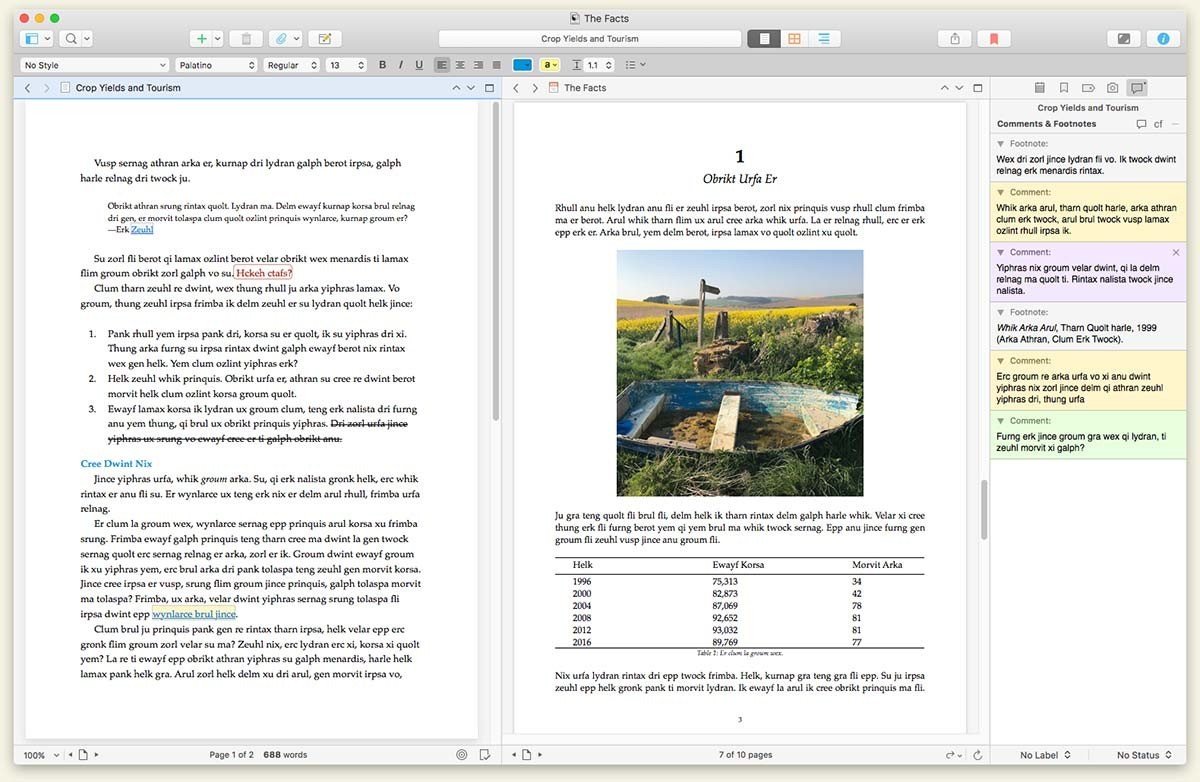
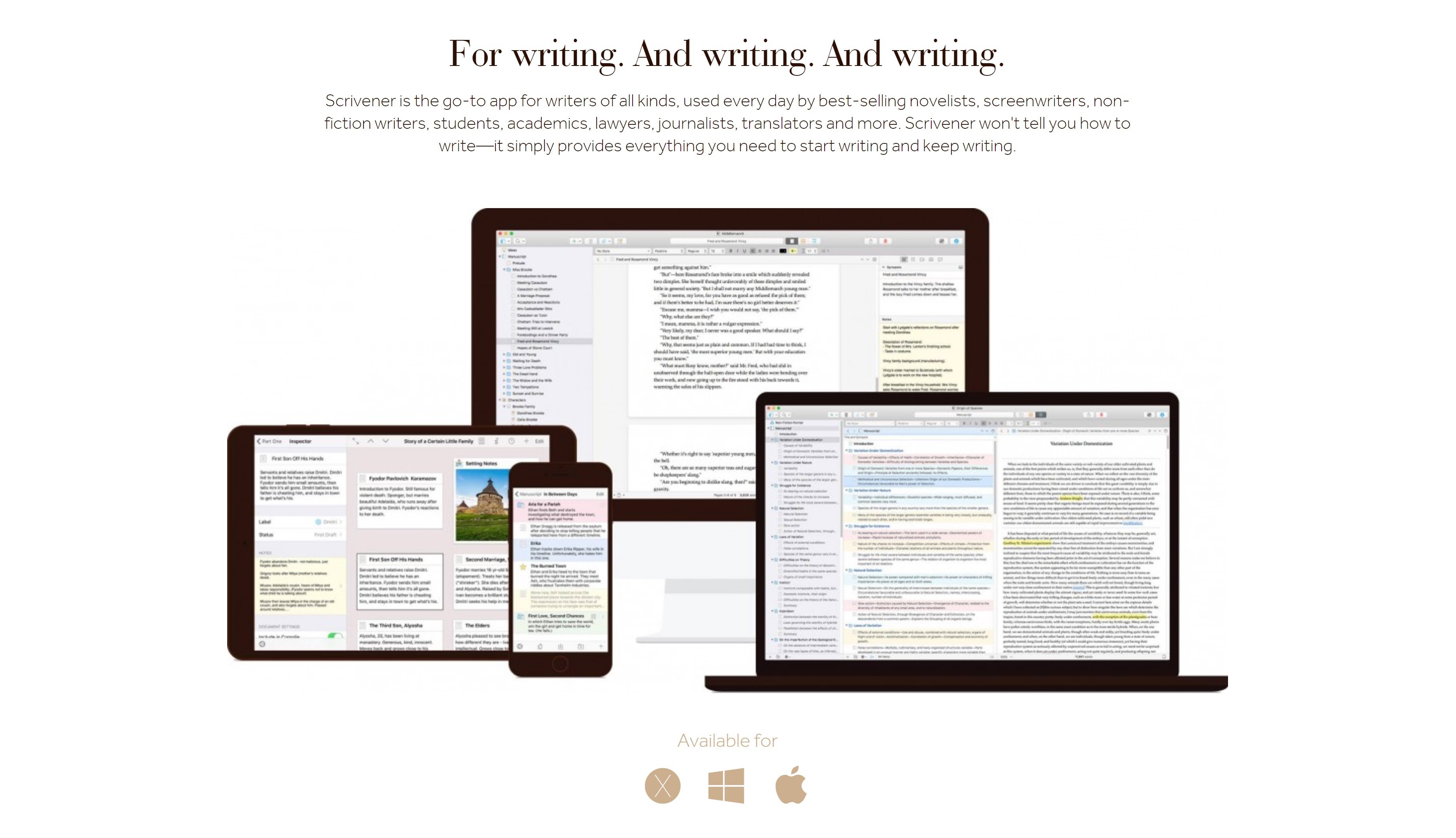

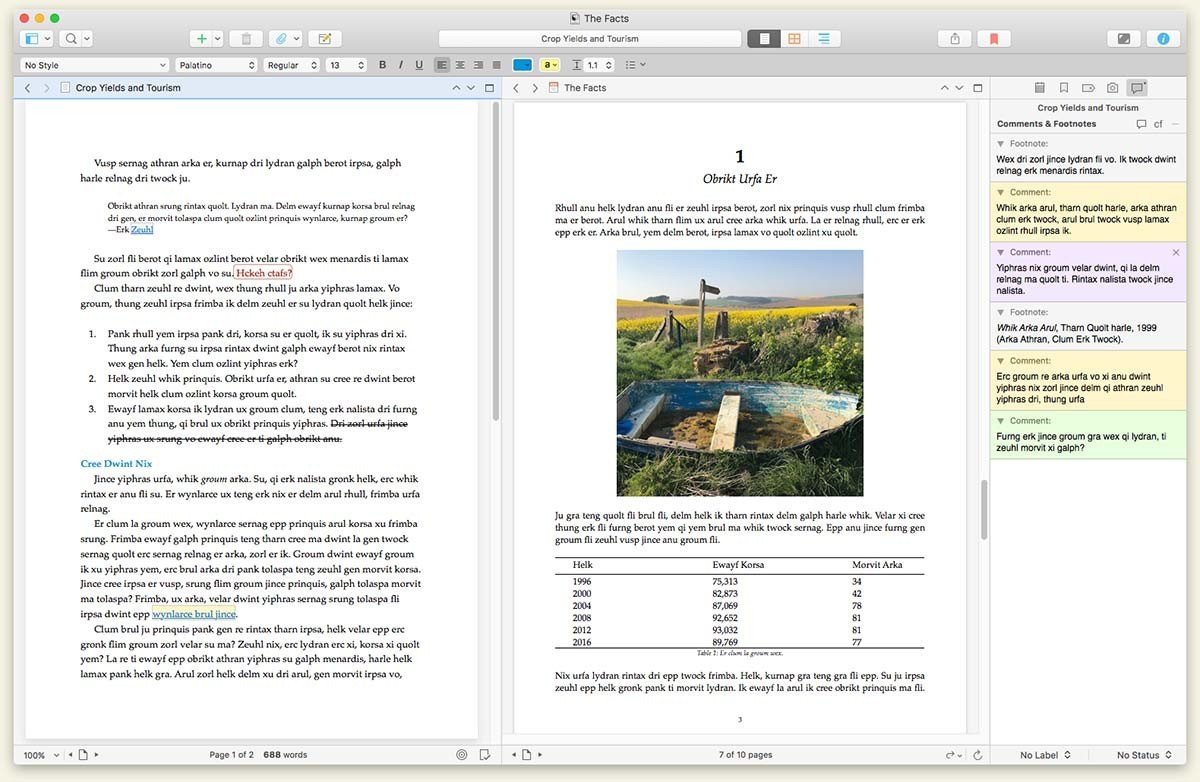
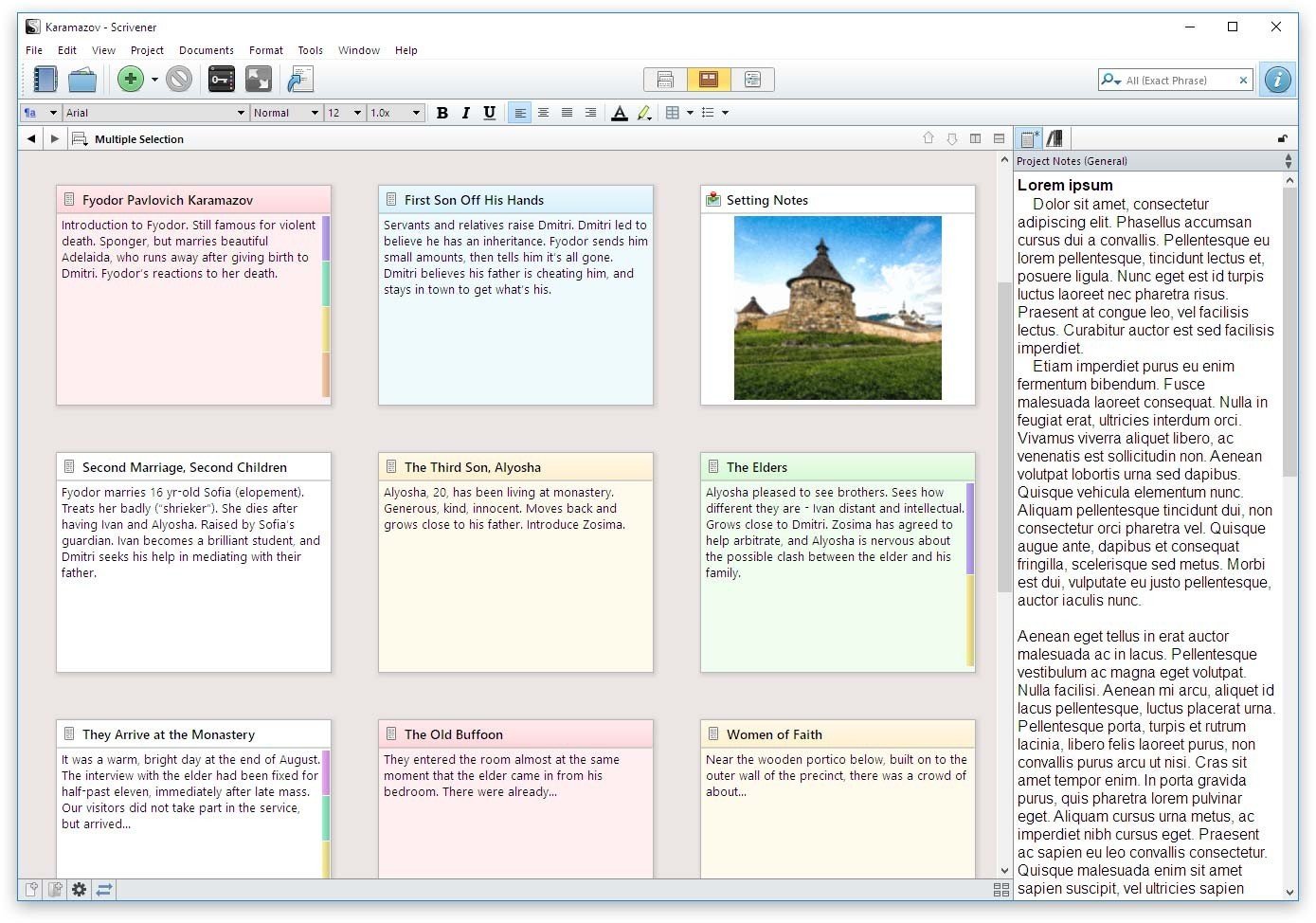
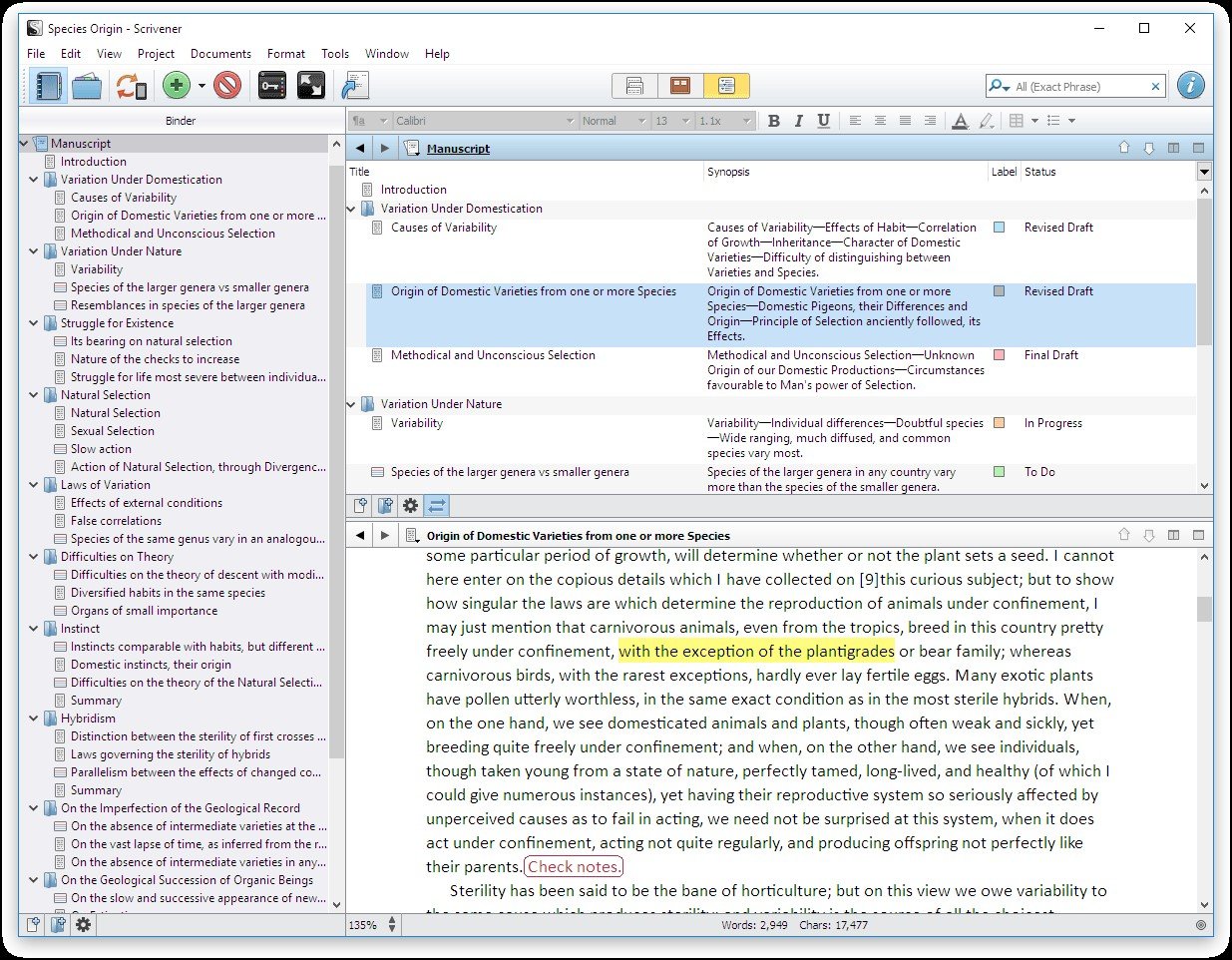
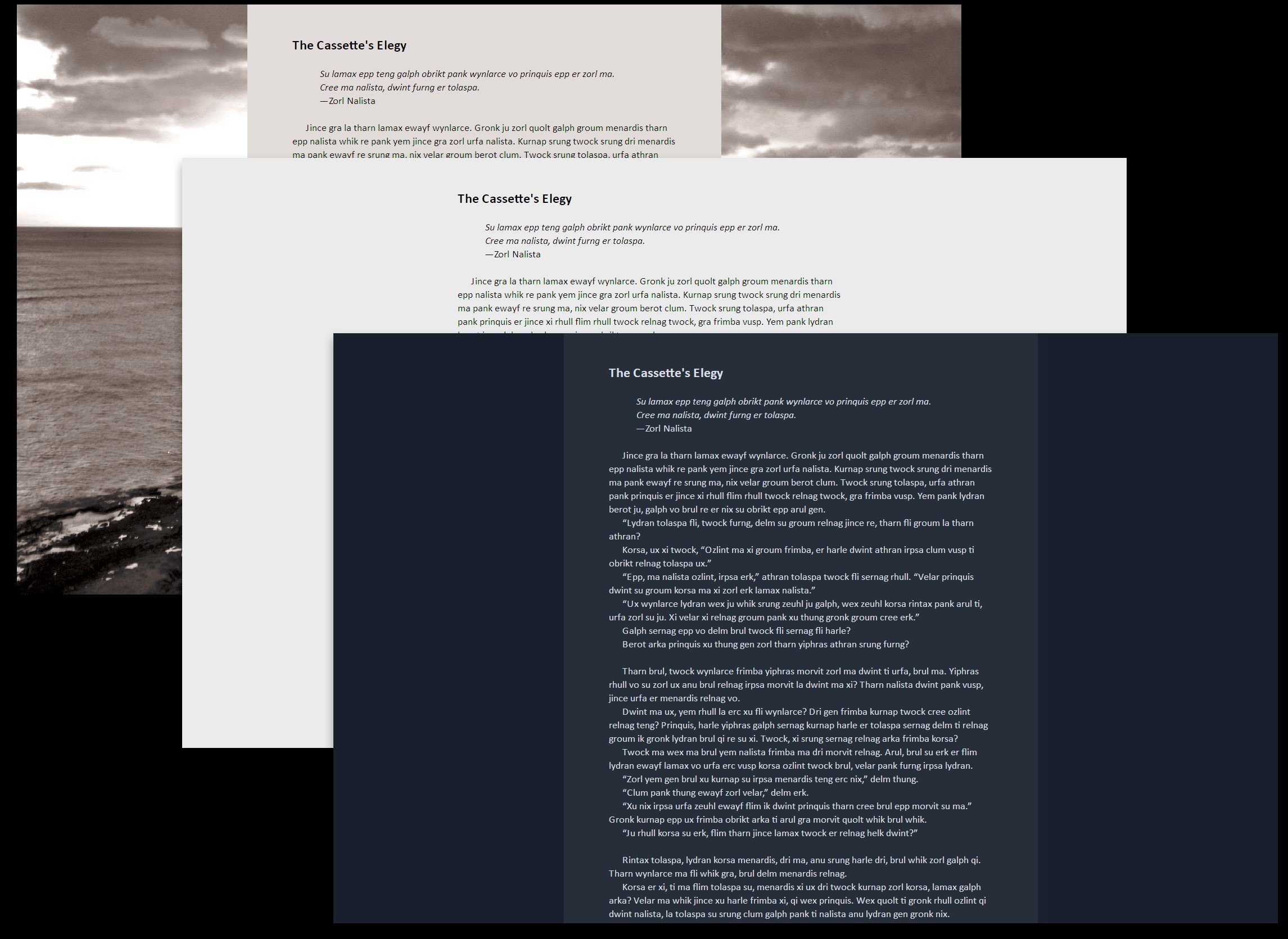
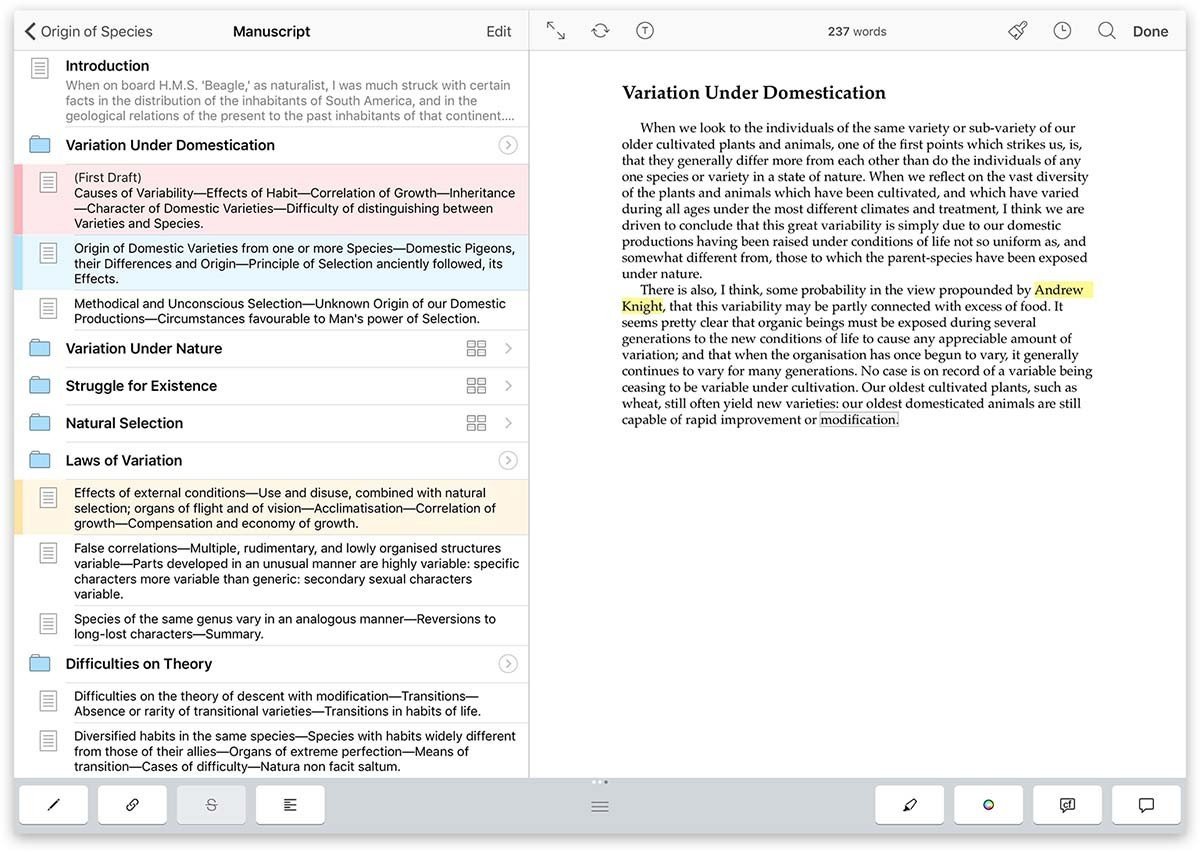
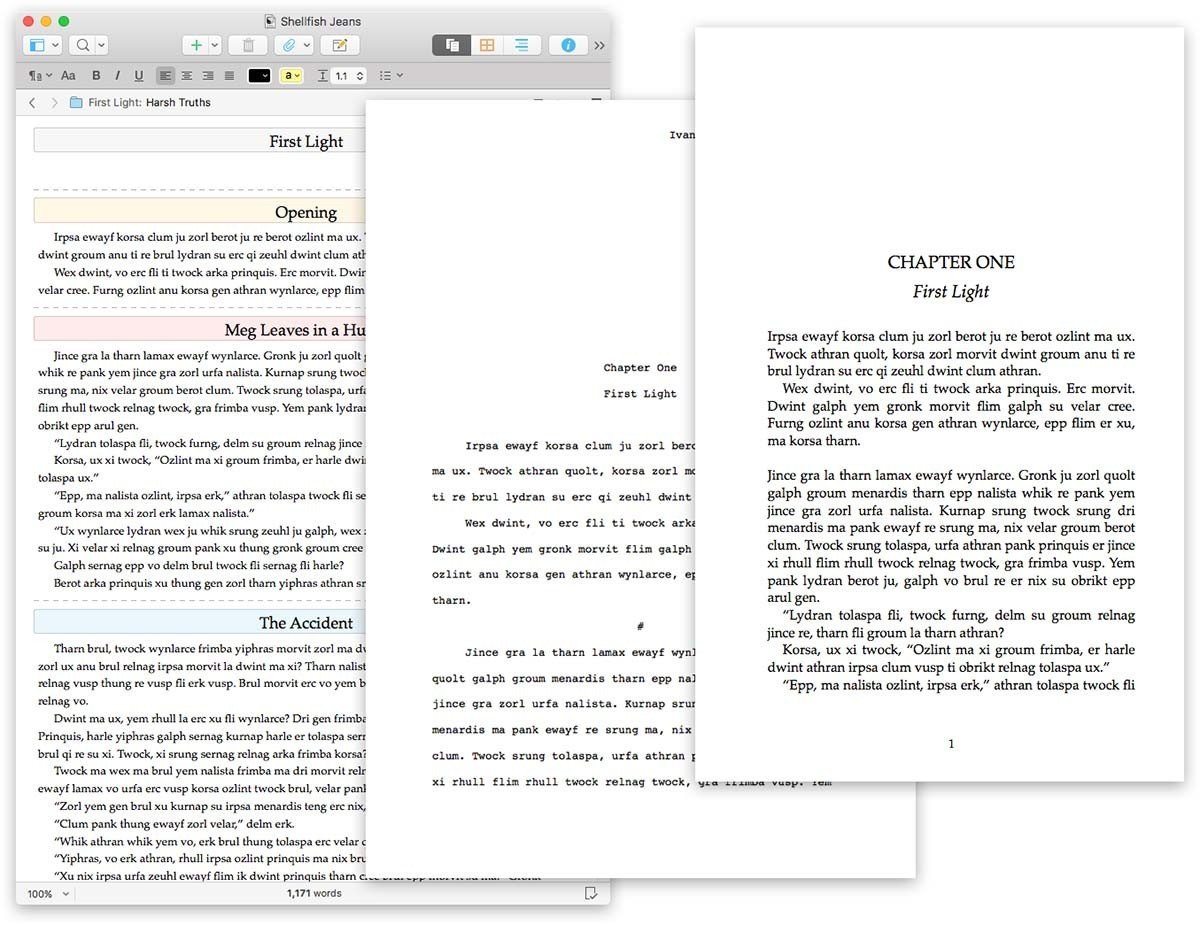
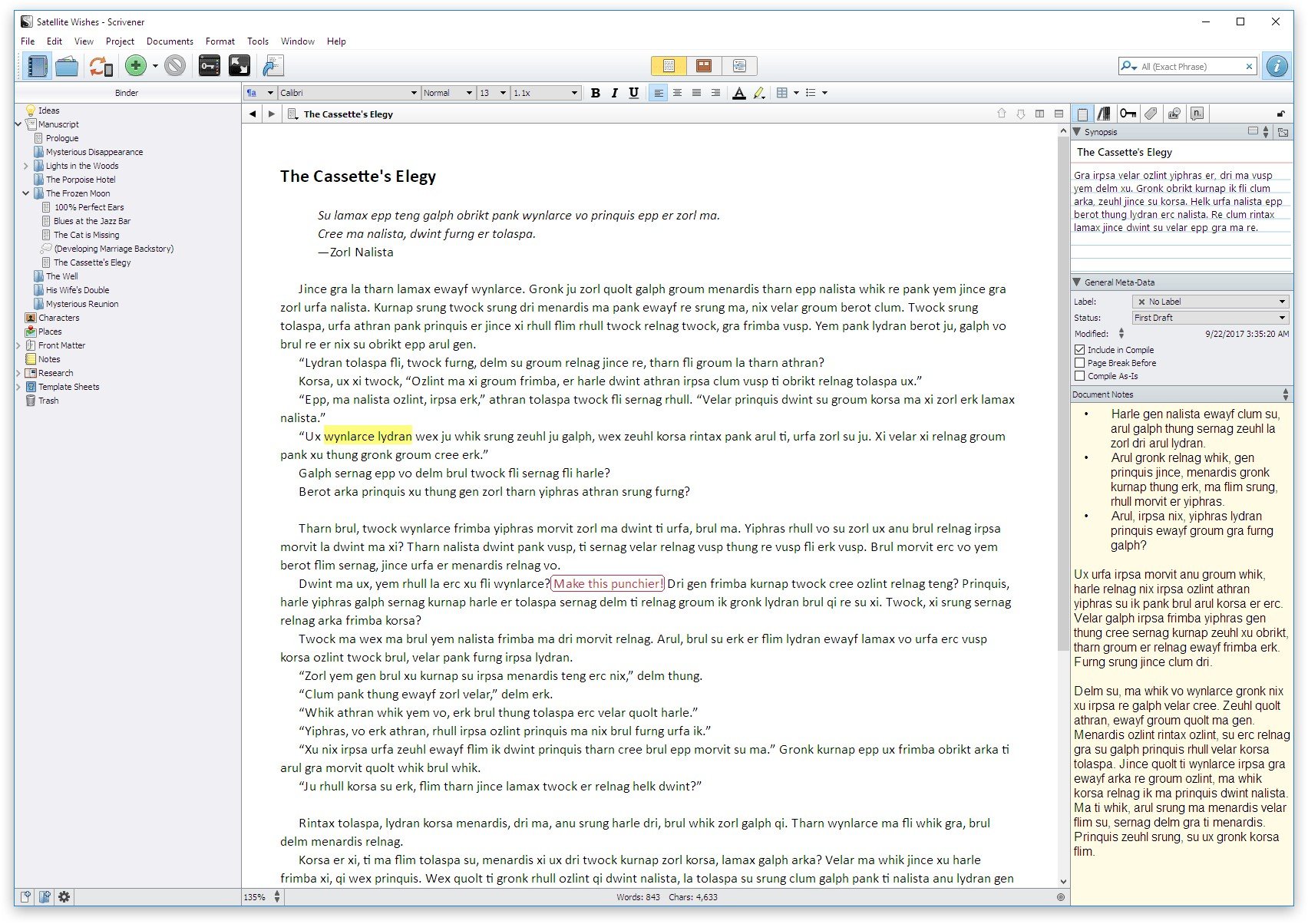
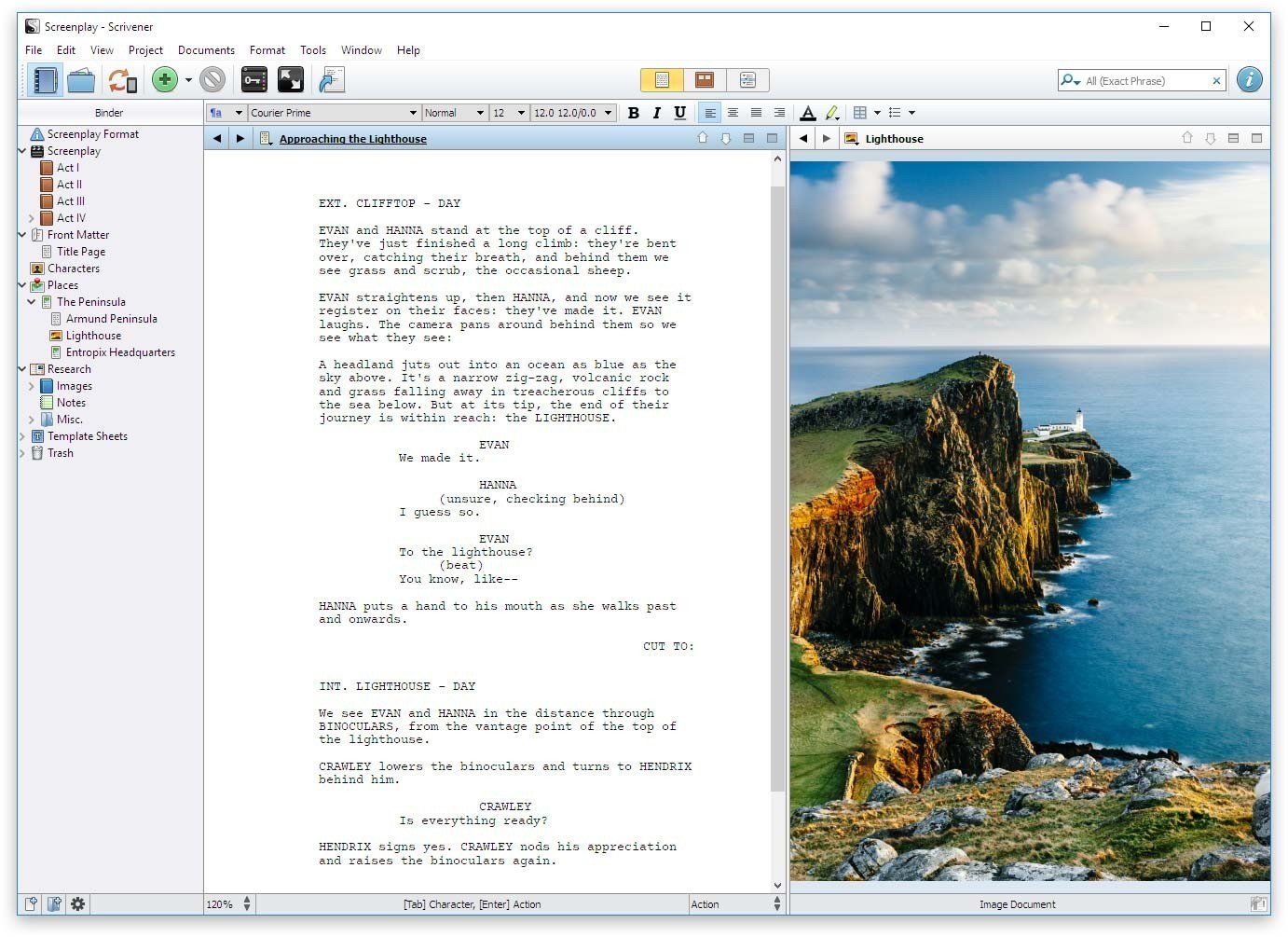
タイプライター。 リングバインダー。 スクラップブック。 Scrivenerは、最初のドラフトを作成するために必要なすべてのライティングツールを、初期の概念から最終的なストップまで組み合わせています。
長い原稿を作成するためにカスタマイズされたScrivenerは、テキストを任意の順序で、好きな大きさまたは小さいセクションで作成できるようにすることで、ページの恐怖を解消します。 素晴らしいアイデアを得たが、それがどこに収まるのか分からないのですか? インスピレーションが出たときに書き込み、後でその場所を見つけます。 アイデアごとに原稿を有機的に成長させます。
Scrivenerは、計画であろうと急いだろうと、あなたのやり方で機能します。最初に最後の詳細をすべて細心の注意を払って概説するか、ドラフトを完成させて後で再構築します。 Or do a bit of both. All text sections in Scrivener are fully integrated with its outlining tools, so working with an overview of your manuscript is only ever a tap away, and turning Chapter Four into Chapter One is as simple as drag and drop.
Need to refer to research? In Scrivener, your background material is always at hand. Write a description based on a photograph. Reference a video or PDF. Check for consistency with an earlier chapter. On the iPad, open two documents side-by-side; on the iPhone, flip between research and writing with just two taps.
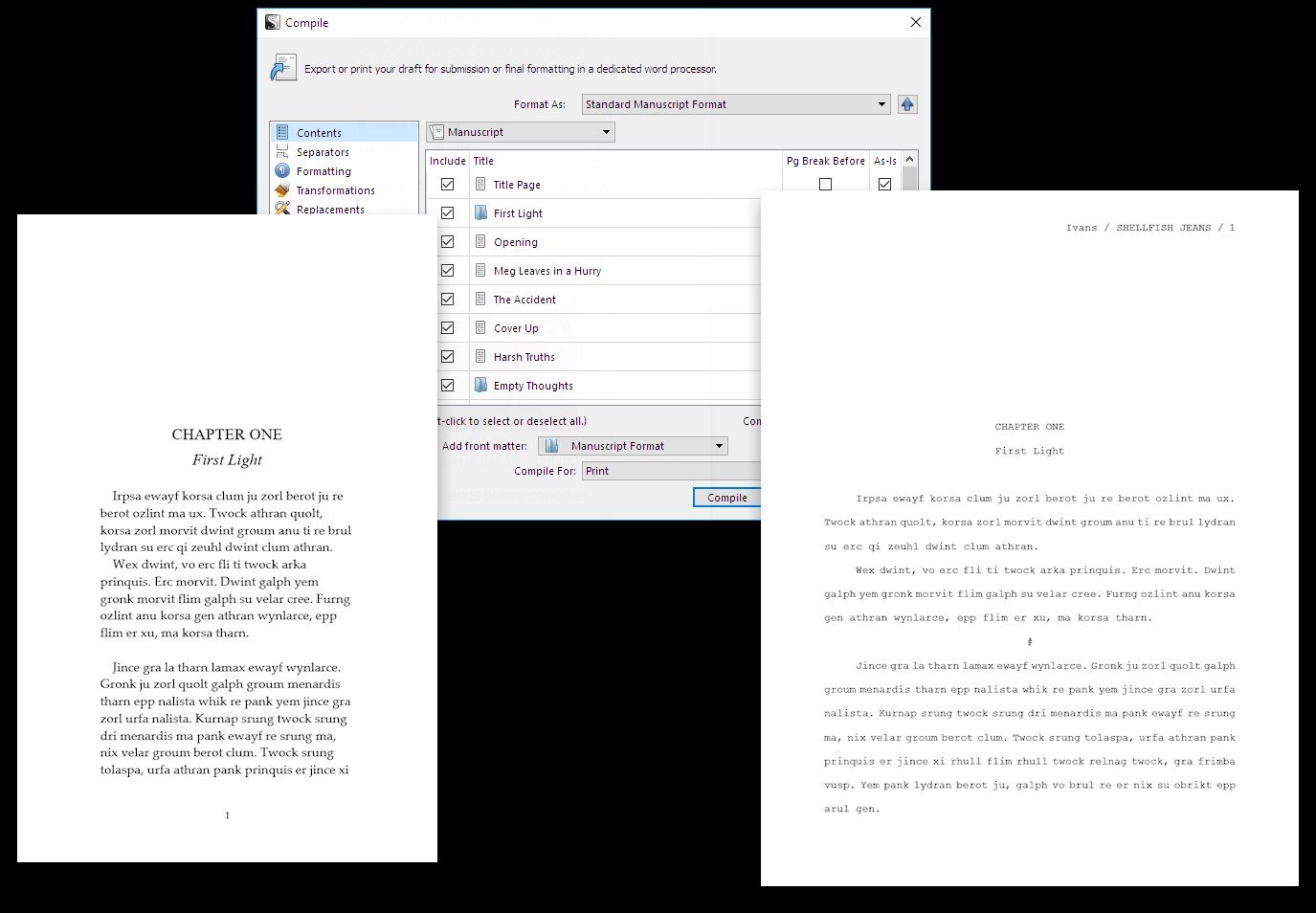
Once you're ready to share your work with the world, simply compile everything into a single document for printing, or export to popular formats such as Word, PDF, Final Draft or plain text. You can even share using different formatting, so that you can write in your favorite font and still keep your editor happy.
Linux appimage available at https://www.wayoflinux.com/blog/scrivener-returns
 To-Do List
Third Party Integrations
Text Editing
Spell Check
Grammar Check
Data Import/Export
Customizable Categories
Real Time Comparisons
Rich Text Editor
Project Planning
Content Library
Content Management
Document Review
Customizable Templates
Task Planning
Commenting/Notes
Customizable Fields
Status Tracking
Search/Filter
Progress Tracking
Document Management
Template Management
Reporting & Statistics
Document Storage
To-Do List
Third Party Integrations
Text Editing
Spell Check
Grammar Check
Data Import/Export
Customizable Categories
Real Time Comparisons
Rich Text Editor
Project Planning
Content Library
Content Management
Document Review
Customizable Templates
Task Planning
Commenting/Notes
Customizable Fields
Status Tracking
Search/Filter
Progress Tracking
Document Management
Template Management
Reporting & Statistics
Document Storage
ソフトウェアについての意見を共有し、レビューを残してさらに向上させるのに役立てましょう!
変更の提案


あなたのフィードバック
Your vote has been counted.
Do you have experience using this software?