Select your language

Home arrow-right ... arrow-right Development Tools arrow-right Mousepad

We've compiled a list of 12 free and paid alternatives to Mousepad. The primary competitors include Notepad++, Vim. In addition to these, users also draw comparisons between Mousepad and Visual Studio Code, TextMate, TextPad. Also you can look at other similar options here: Development Tools.



Notepad++ is a free text editor that supports color-coded syntax highlighting for different programming languages, auto-completion, the ability to open different tabs with different files at the same time, and support for plugins to extend functiona…

Vim
Free Open Source

Visual Studio Code is a versatile code editor tailored for modern web and cloud app development. It's free, cross-platform, and boasts a rich ecosystem of extensions.

Editra
Free Open Source

Editra is a multi-platform text editor with an implementation that focuses on creating an easy to...

Notepas
Free Open Source

Notepas is a fast portable native multiplatform text editor written in Lazarus and can be compiled...

Text
Free Open Source

Mousepad Platforms

Linux Linux

Mousepad Video and Screenshots

Mousepad Overview

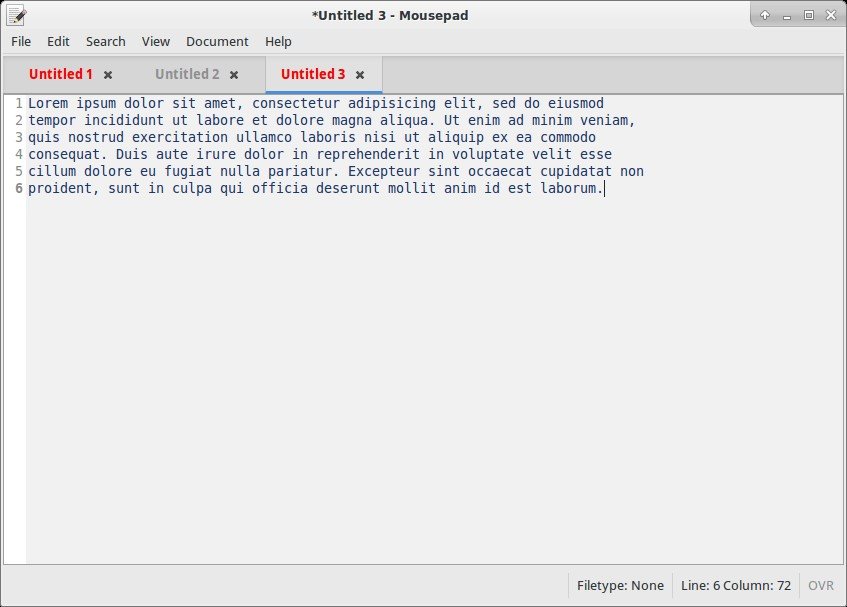
A simple text editor for the Xfce desktop environment. Mousepad aims to be an easy-to-use and fast editor for quickly editing text files, not a development environment or an editor with a huge bunch of plugins.
Features:
* Complete support for UTF-8 text
* Cut/Copy/Paste and Select All text
* Search and Replace
* Font selection
* Word Wrap
* Auto character coding detection (UTF-8 and some codesets)
* Infinite Undo/Redo
* Auto Indent
* Multi-line Indent
* Drag and Drop
* Printing

Mousepad Features

tick-square Tabbed interface
tick-square Drag n drop
tick-square Lightweight

Top Mousepad Alternatives

Share your opinion about the software, leave a review and help make it even better!

Mousepad Categories

Development Tools

Mousepad Tags

source-code-editor highlighting xfce-project gtk notepad xfce text-editor code-editor

Suggest Changes

() out of 5

Your Feedback

Select a rating
Please select a rating

Your vote has been counted.

Do you have experience using this software?