Softr is a platform for creating websites and web applications without code. It provides tools for quick creation of websites, online stores, landings, blogs and other online projects.
Ideal for developers needing robust language support and extensibility. It offers integrated debugging, Git control, and a vast extension marketplace—features that make it better suited for full-scale development than Notepad++'s lightweight setup.
Fits users who value speed and smooth handling of large files. Its distraction-free interface and powerful multi-cursor editing provide a snappier experience for intensive text manipulation than Notepad++'s more function-heavy UI.
Optimized for front-end developers working with HTML, CSS, and JavaScript. It includes live preview and inline editing, focusing on real-time design feedback—something Notepad++ doesn’t natively support for web development workflows.
Suited for those who prefer a traditional Windows-native editor with minimal setup. It offers solid regex support and macro recording, maintaining simplicity for quick edits where Notepad++ might feel overloaded with features.
Designed for handling massive files and advanced CSV editing. It provides high-speed performance and customizable data views, serving analysts and coders who often hit size or memory limits in Notepad++.
Oxygen XML Editor is a tool for visual editing of XML documents, displaying both XML tree and text formats. It provides robust support for validating XML schemas and DTDs. Advanced search and replace features simplify document editing.
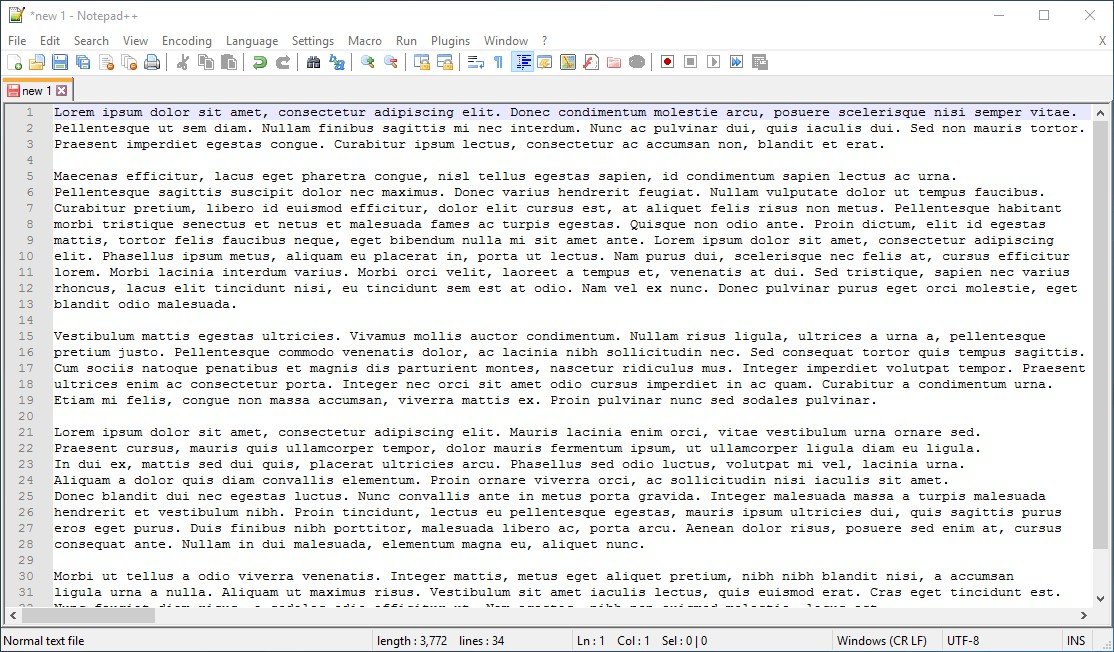
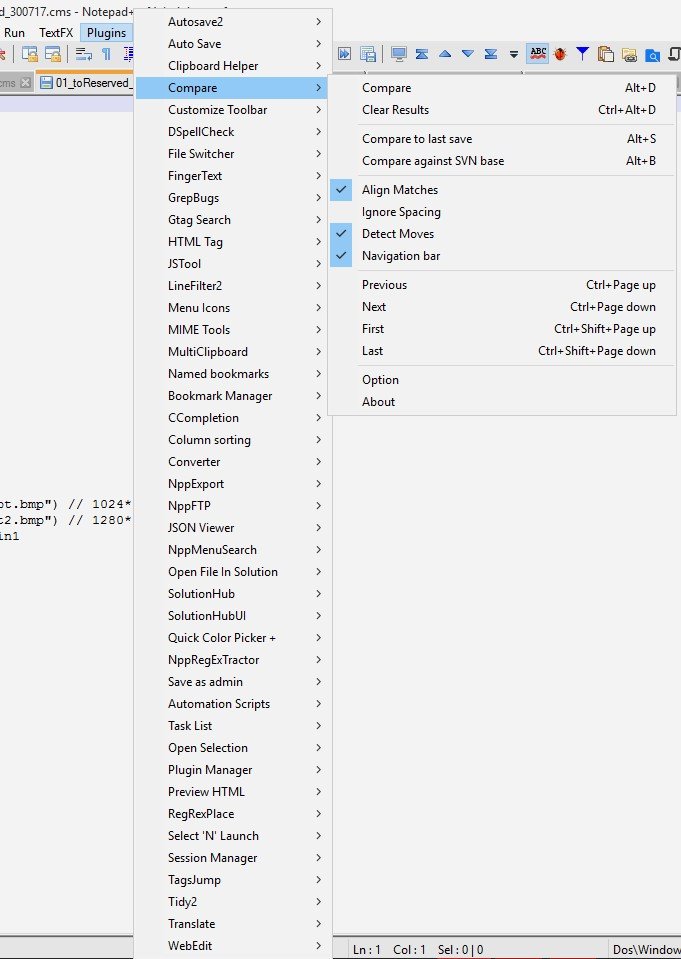
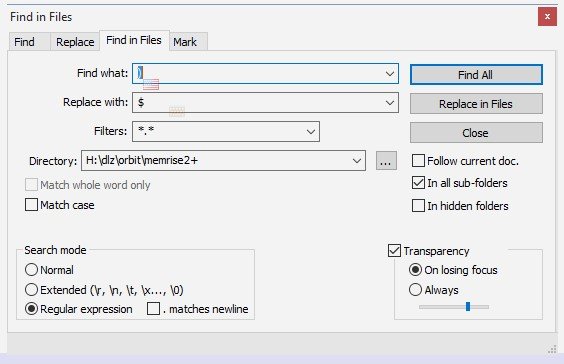
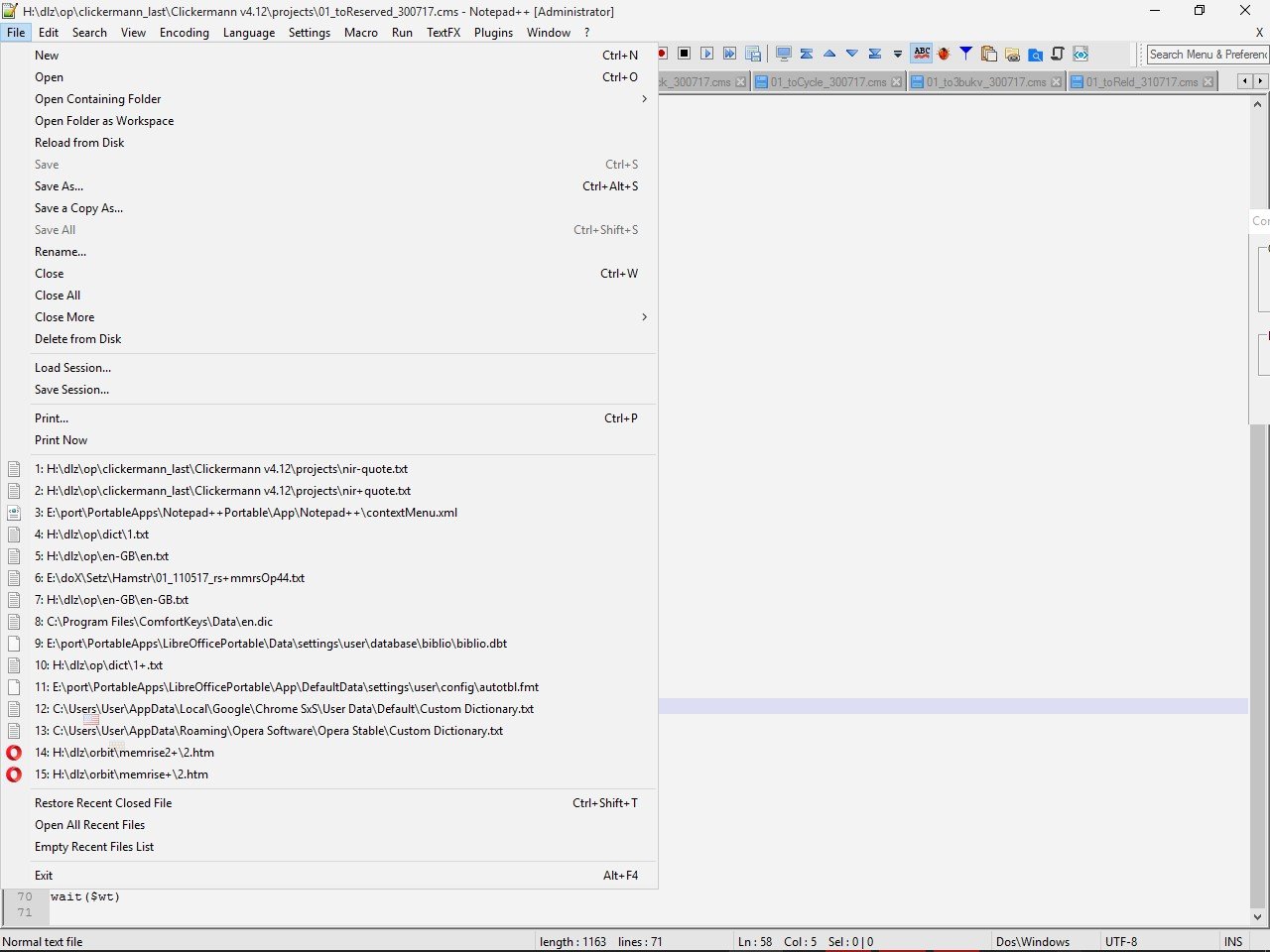
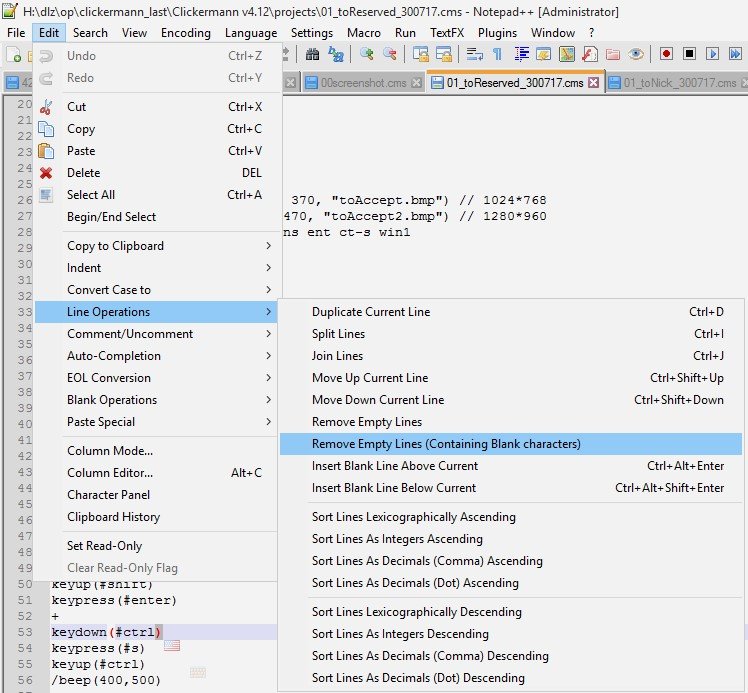
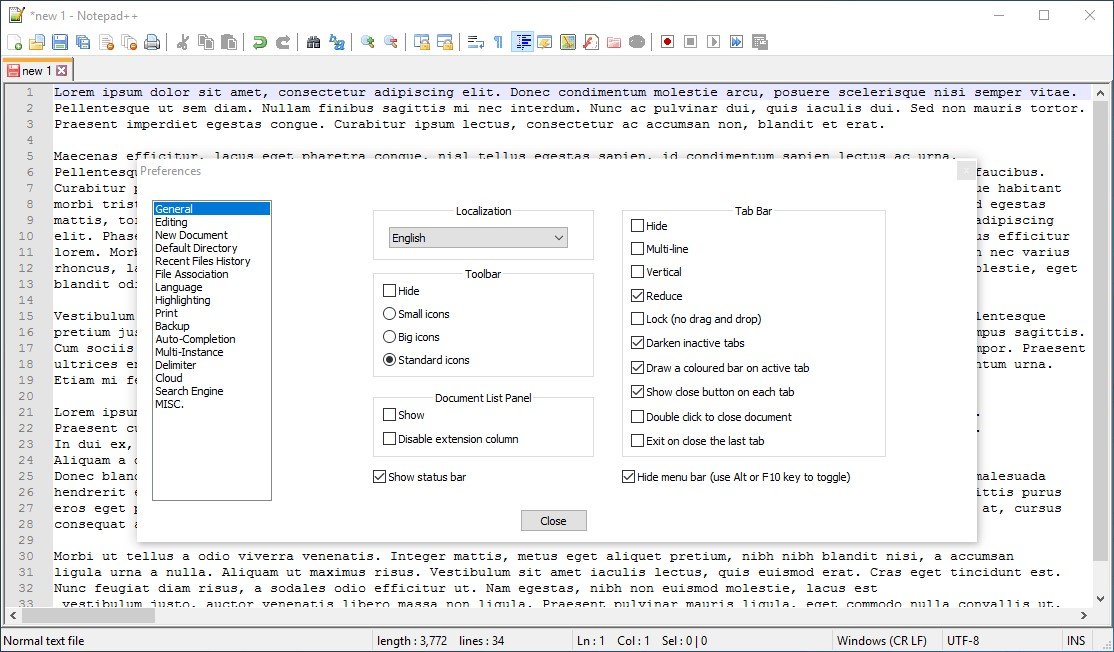
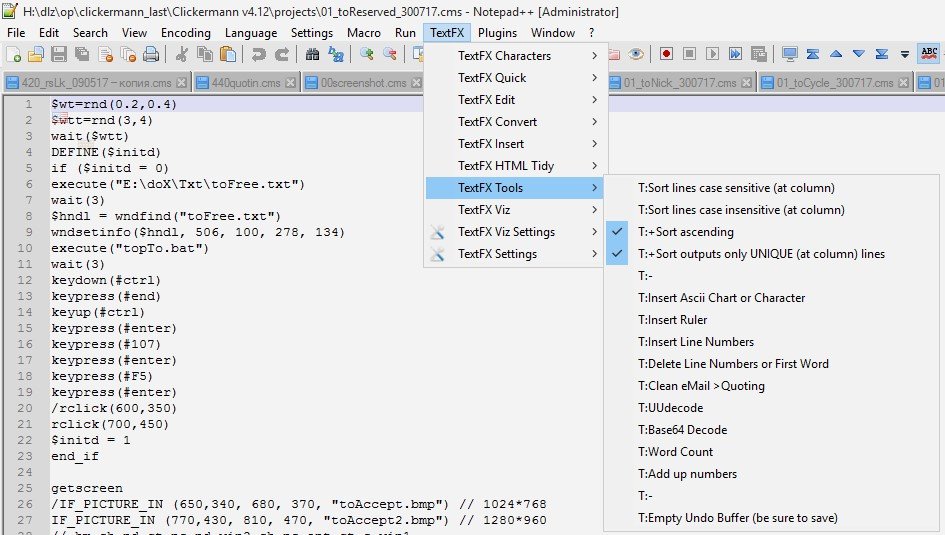
Notepad++ is a free text editor that supports color-coded syntax highlighting for different programming languages, auto-completion, the ability to open different tabs with different files at the same time, and support for plugins to extend functionality. In addition, it has a simple and user-friendly interface.
Notepad++ is a free text editor that supports color-coded syntax highlighting for different programming languages, auto-completion, the ability to open different tabs with different files at the same time, and support for plugins to extend functionality. In addition, it has a simple and user-friendly interface.
Notepad++ Platforms
Mac
Windows
Web-Based
Linux
Notepad++ Video and Screenshots
Notepad++ Overview
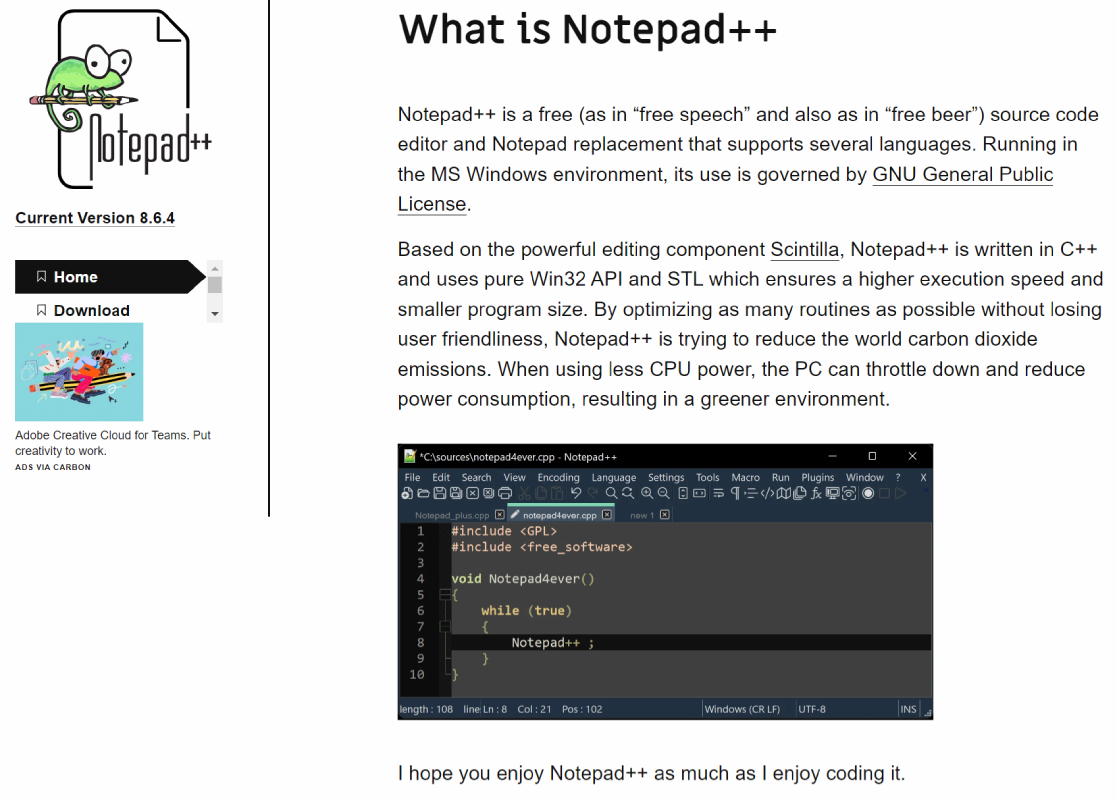
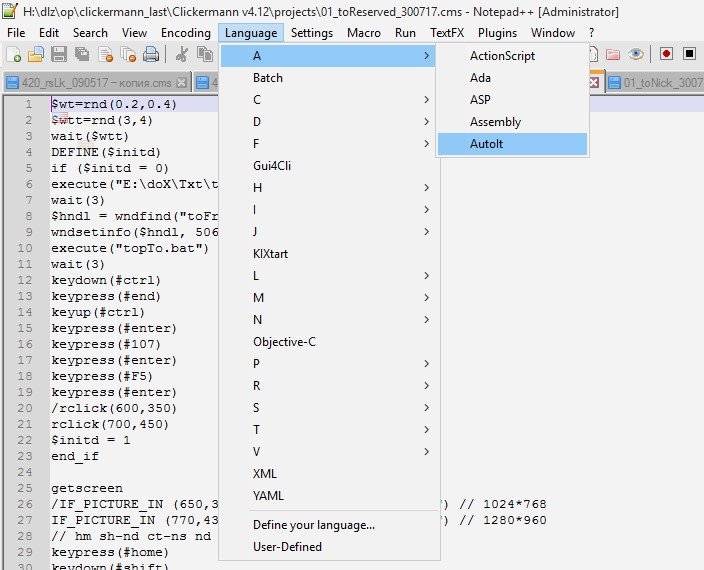
Notepad++ is a versatile and powerful text and source code editor. It is designed to run on Windows and supports multiple programming languages, offering features like syntax highlighting, auto-completion, and customizable macros. The software is built on the Scintilla editing component, ensuring fast execution and a compact program size. Notepad++ is optimized to reduce CPU consumption, making it a green choice for developers. It is completely free, distributed under the GNU General Public License.
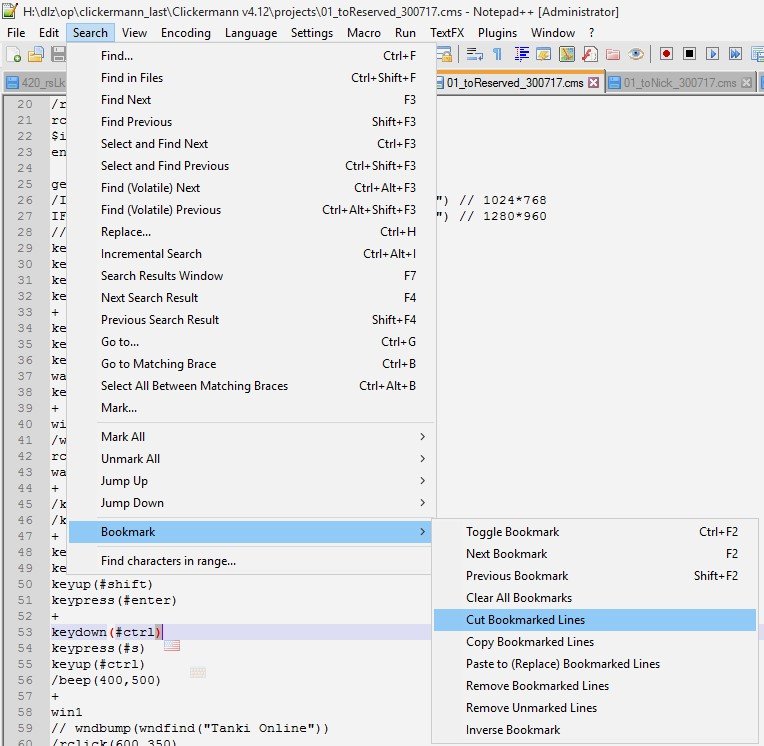
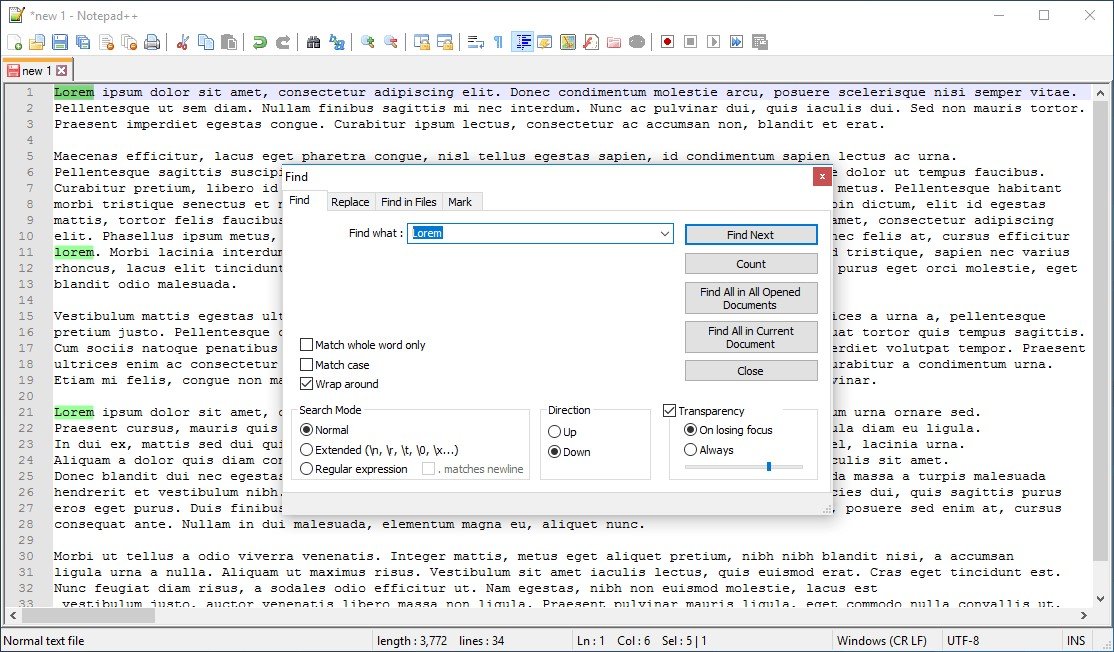
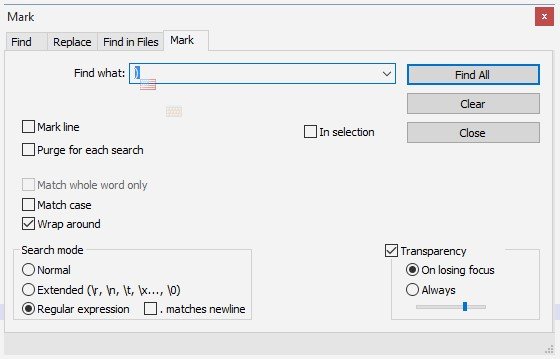
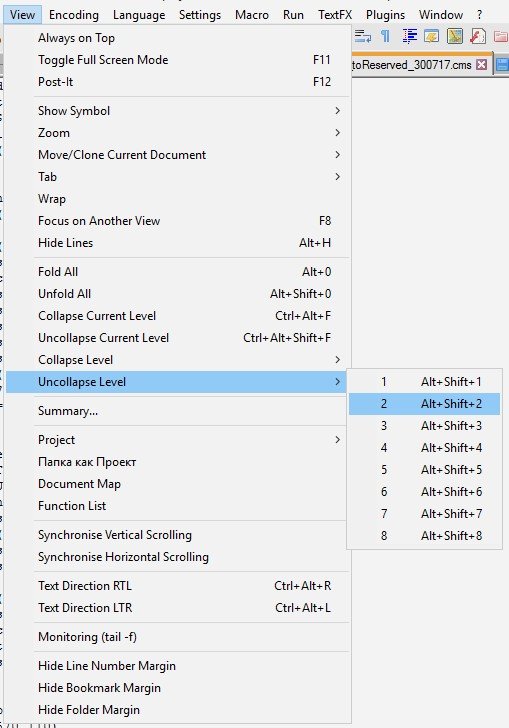
Key features include multi-document editing, a search and replace function with regular expressions, and the ability to handle large files with ease. It supports various file formats and offers an intuitive interface for better productivity. Advanced users can extend its functionality using plugins. The software's simplicity and speed make it a popular choice for both beginners and experienced developers. Notepad++ is ideal for anyone looking for a lightweight yet feature-rich text editor.