Select your language

Home arrow-right ... arrow-right Development Software arrow-right Text Editor Software arrow-right Visual Studio Code

We've compiled a list of 65 free and paid alternatives to Visual Studio Code. The primary competitors include IntelliJ IDEA, Sublime Text. In addition to these, users also draw comparisons between Visual Studio Code and PyCharm, NetBeans, WebStorm. Also you can look at other similar options here: Development Software, Text Editor Software.



IntelliJ IDEA
Subscription Free Free Trial

An IDE for Java and Kotlin development featuring AI-powered coding assistance, refactoring, navigation, built-in developer tools, cloud integrations, and remote development support.

Sublime Text
One Time License Free Trial

Sublime Text is a powerful text editor tailored for programmers, boasting robust syntax highlighting for numerous languages, seamless code completion, and multicursor functionality. Its integrated Git support streamlines version control, while exten…

PyCharm
Subscription Free Free Trial
WebStorm
Subscription

WebStorm is an advanced IDE for JavaScript and web development. It provides intelligent code completion, error detection, and powerful refactoring tools. Optimized for front-end and full-stack developers to streamline coding, debugging, and integrat…

Brackets
Free Open Source

Brackets is a cutting-edge, open-source code editor tailored for web design. It seamlessly integrates visual tools for efficient CSS, HTML, and Javascript coding. With frequent updates and extensions, Brackets enhances productivity, offering a Quick…

Notepad++ is a free text editor that supports color-coded syntax highlighting for different programming languages, auto-completion, the ability to open different tabs with different files at the same time, and support for plugins to extend functiona…

Oxygen XML Editor
One Time License Free Trial

Oxygen XML Editor is a tool for visual editing of XML documents, displaying both XML tree and text formats. It provides robust support for validating XML schemas and DTDs. Advanced search and replace features simplify document editing.

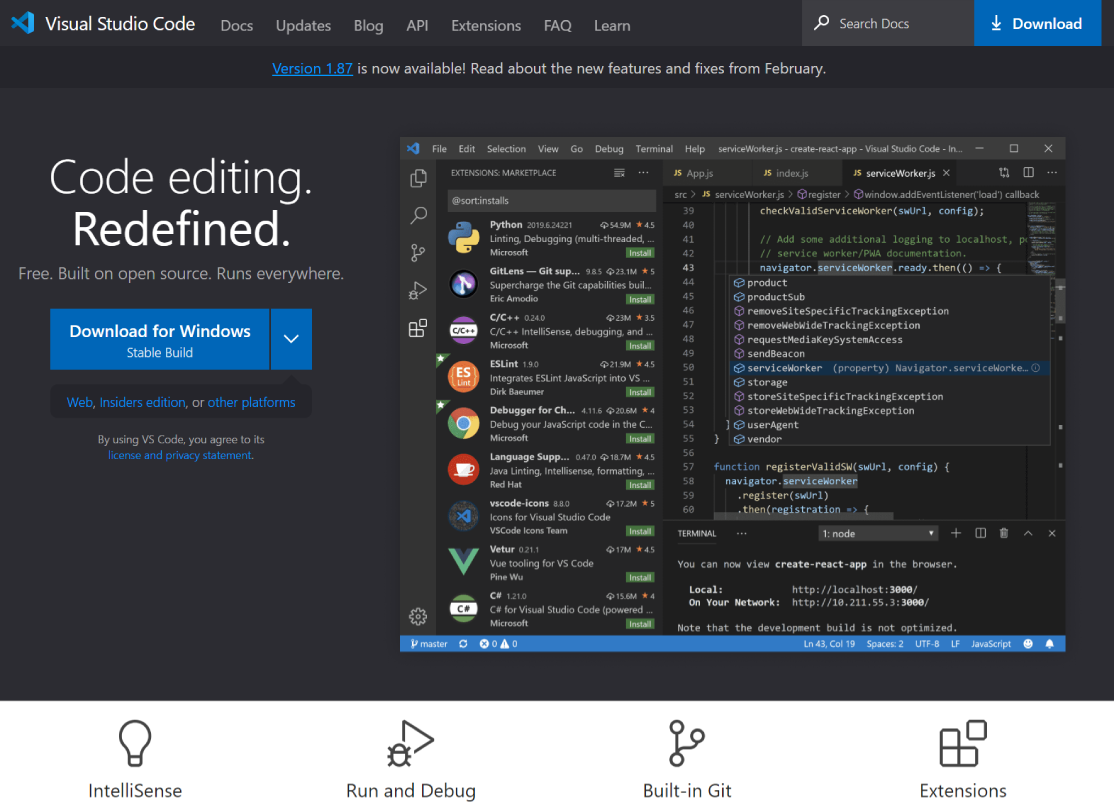
Visual Studio Code is a versatile code editor tailored for modern web and cloud app development. It's free, cross-platform, and boasts a rich ecosystem of extensions.

Visual Studio Code Platforms

Web-Based Web-Based
Linux Linux
Mac Mac
Windows Windows

Visual Studio Code Video and Screenshots

Visual Studio Code Overview

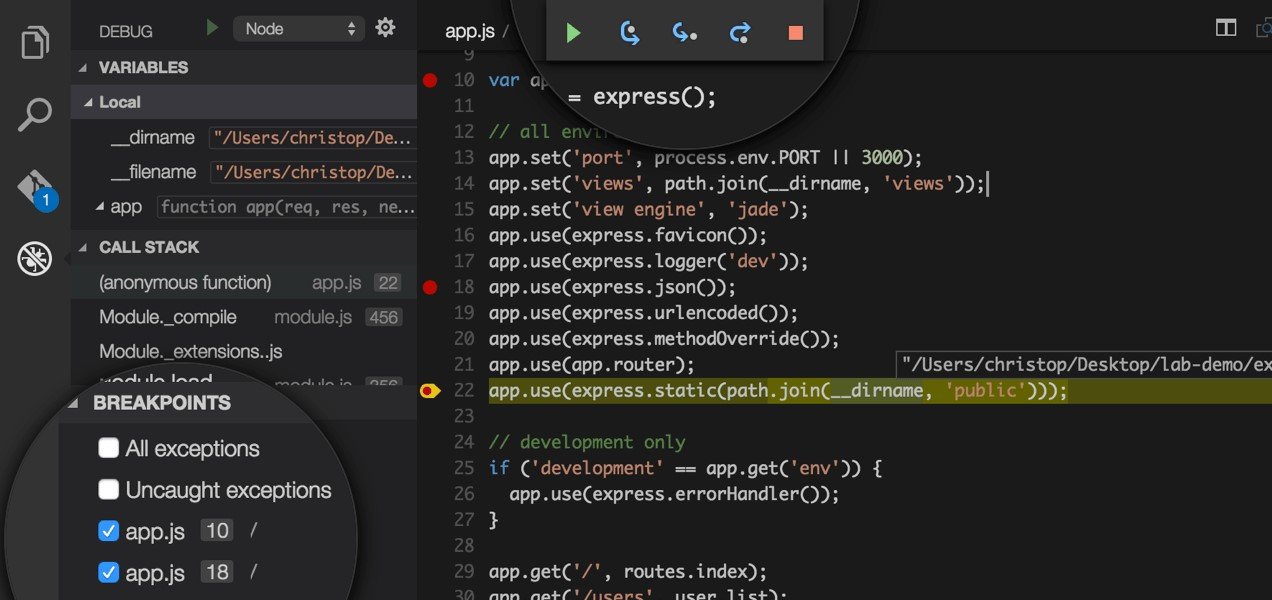
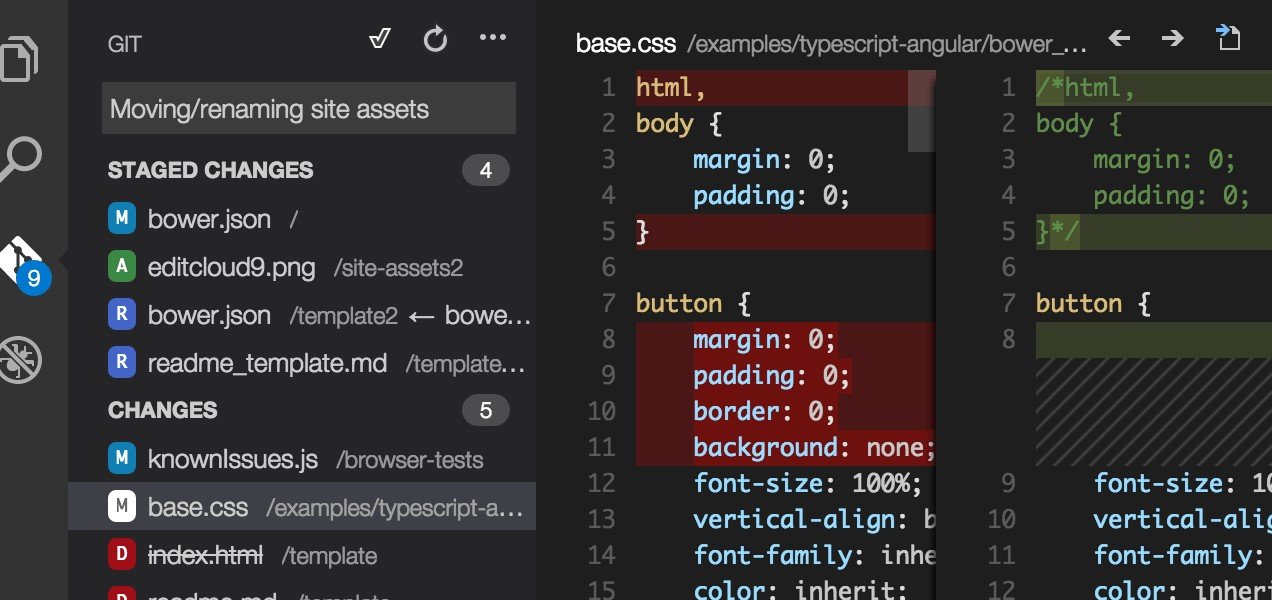
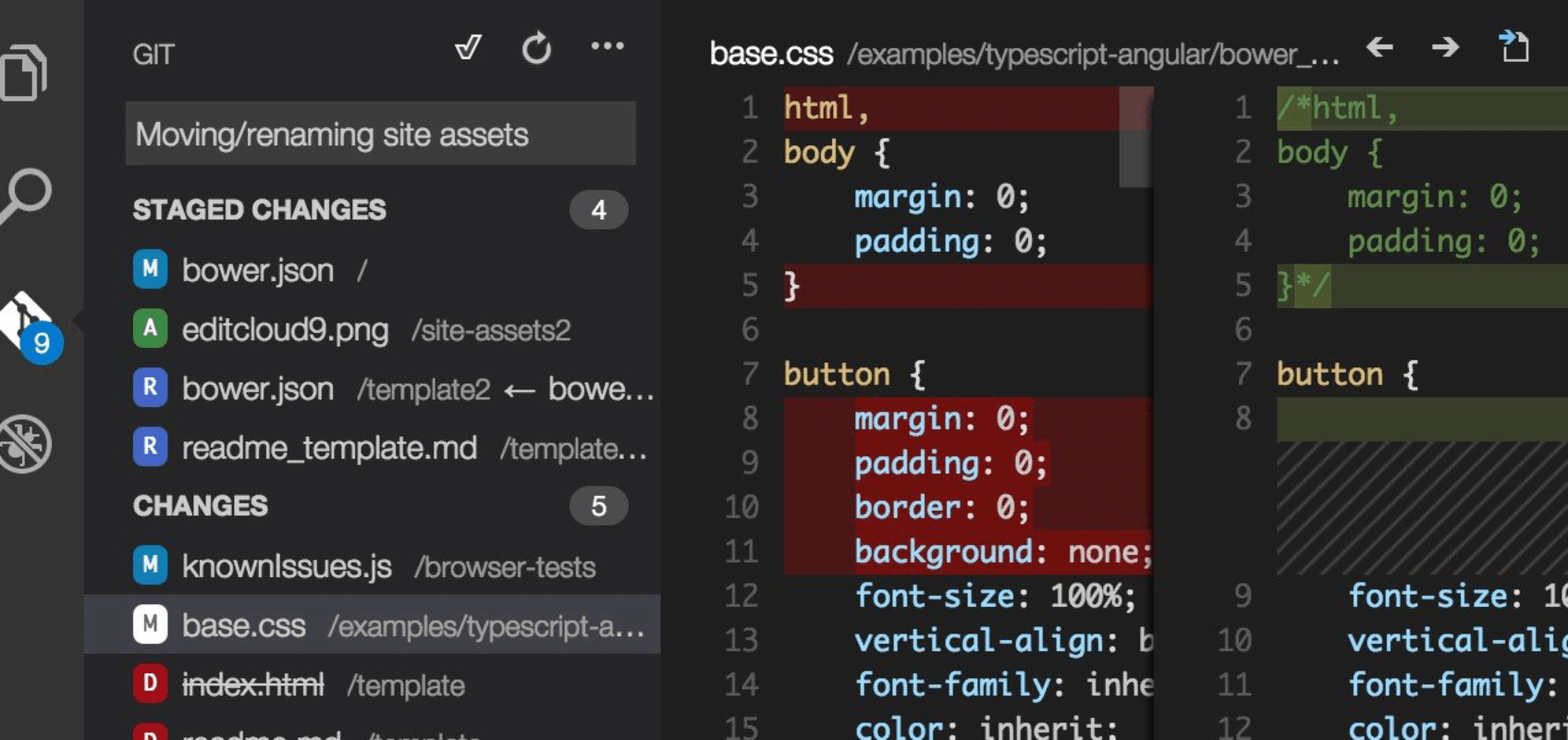
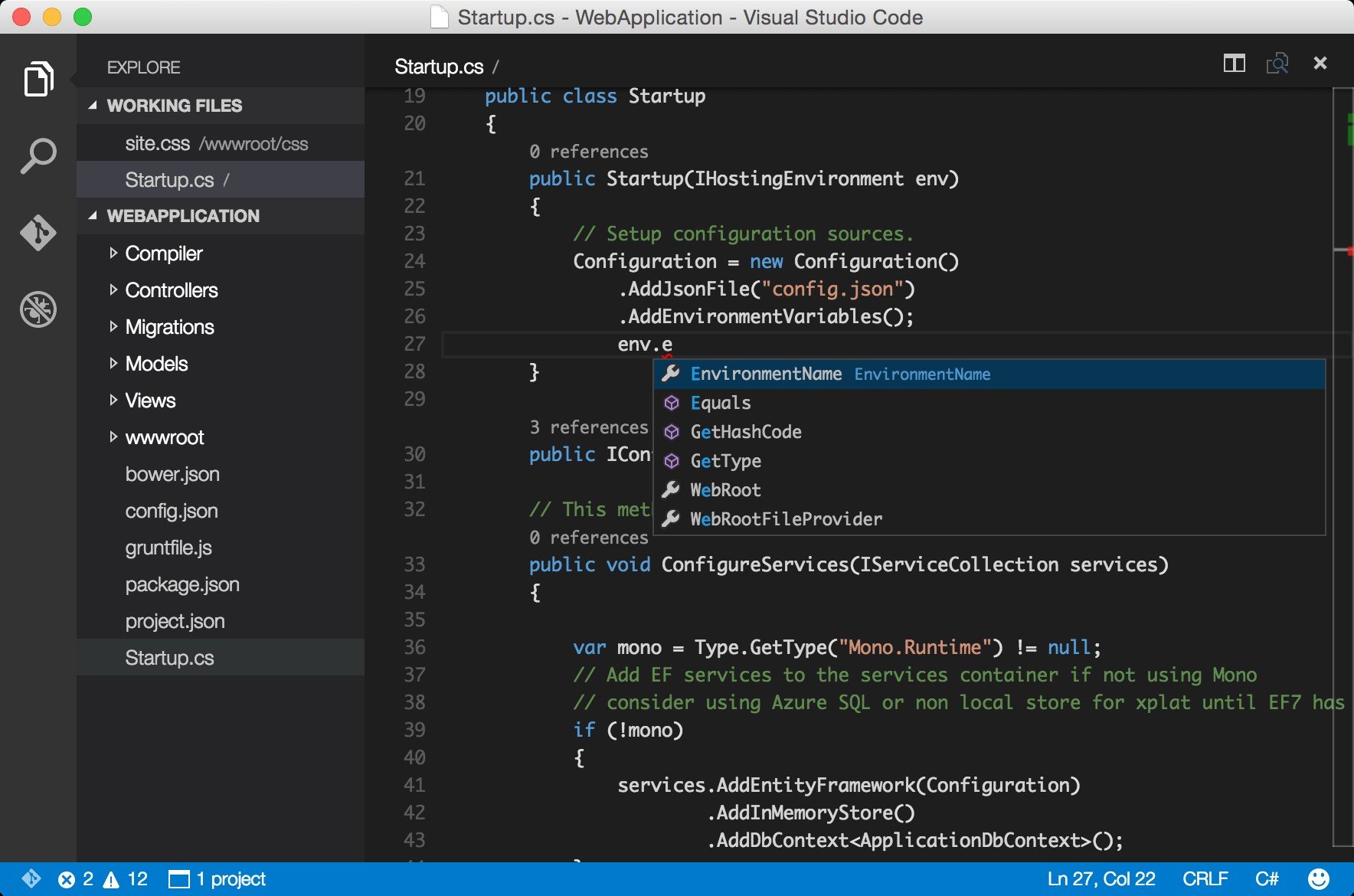
Visual Studio Code is a lightweight but powerful code editor designed for developers, offering robust support for multiple programming languages like JavaScript, Python, and C#. It provides essential features such as Git integration, an integrated terminal, and debugging tools. The editor is highly customizable with a wide range of extensions available from the marketplace, allowing users to tailor it to their specific development needs.

With features like IntelliSense for code suggestions, syntax highlighting, and version control, Visual Studio Code improves coding efficiency. The platform also supports remote development, enabling users to code from anywhere, whether locally or in the cloud.

Visual Studio Code Features

tick-square Version Control
tick-square Third Party Integrations
tick-square Code Review
tick-square Bug Tracking
tick-square Custom Development
tick-square Application Management
tick-square Change Management
tick-square Search/Filter
tick-square API

Visual Studio Code Integrations

Share your opinion about the software, leave a review and help make it even better!

Visual Studio Code Tags

terminal-app objective-c node.js html css3 css c-plus-plus asp-net javascript text-editor programming code-editor

Suggest Changes

() out of 5

Your Feedback

Select a rating
Please select a rating

Your vote has been counted.

Do you have experience using this software?