We've compiled a list of 44 free and paid alternatives to Vim. The primary competitors include Notepad++, Visual Studio Code. In addition to these, users also draw comparisons between Vim and Brackets, Aptana Studio, Coda. Also you can look at other similar options here: Development Tools.
We've compiled a list of 44 free and paid alternatives to Vim. The primary competitors include Notepad++, Visual Studio Code. In addition to these, users also draw comparisons between Vim and Brackets, Aptana Studio, Coda. Also you can look at other similar options here: Development Tools.
Notepad++ is a free text editor that supports color-coded syntax highlighting for different programming languages, auto-completion, the ability to open different tabs with different files at the same time, and support for plugins to extend functiona…
Visual Studio Code is a versatile code editor tailored for modern web and cloud app development. It's free, cross-platform, and boasts a rich ecosystem of extensions.
Brackets is a cutting-edge, open-source code editor tailored for web design. It seamlessly integrates visual tools for efficient CSS, HTML, and Javascript coding. With frequent updates and extensions, Brackets enhances productivity, offering a Quick…
Coda was a macOS-based web development application by Panic, combining a text editor, FTP client, terminal, and preview pane in a single interface. It supported multiple programming languages, real-time collaboration, and plugin extensibility.
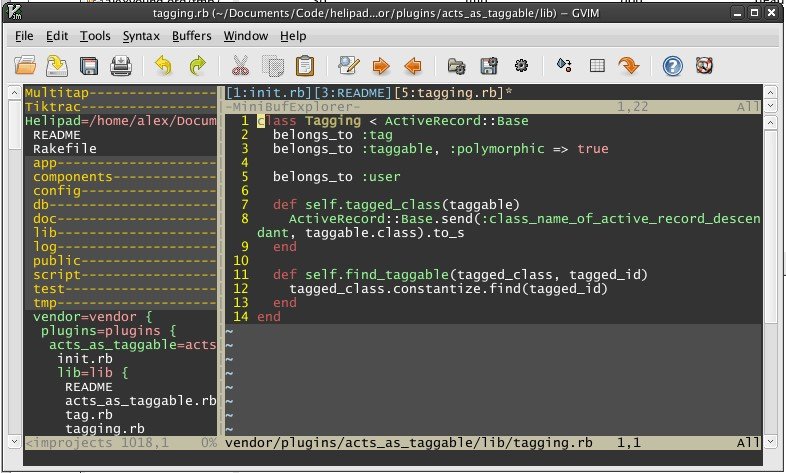
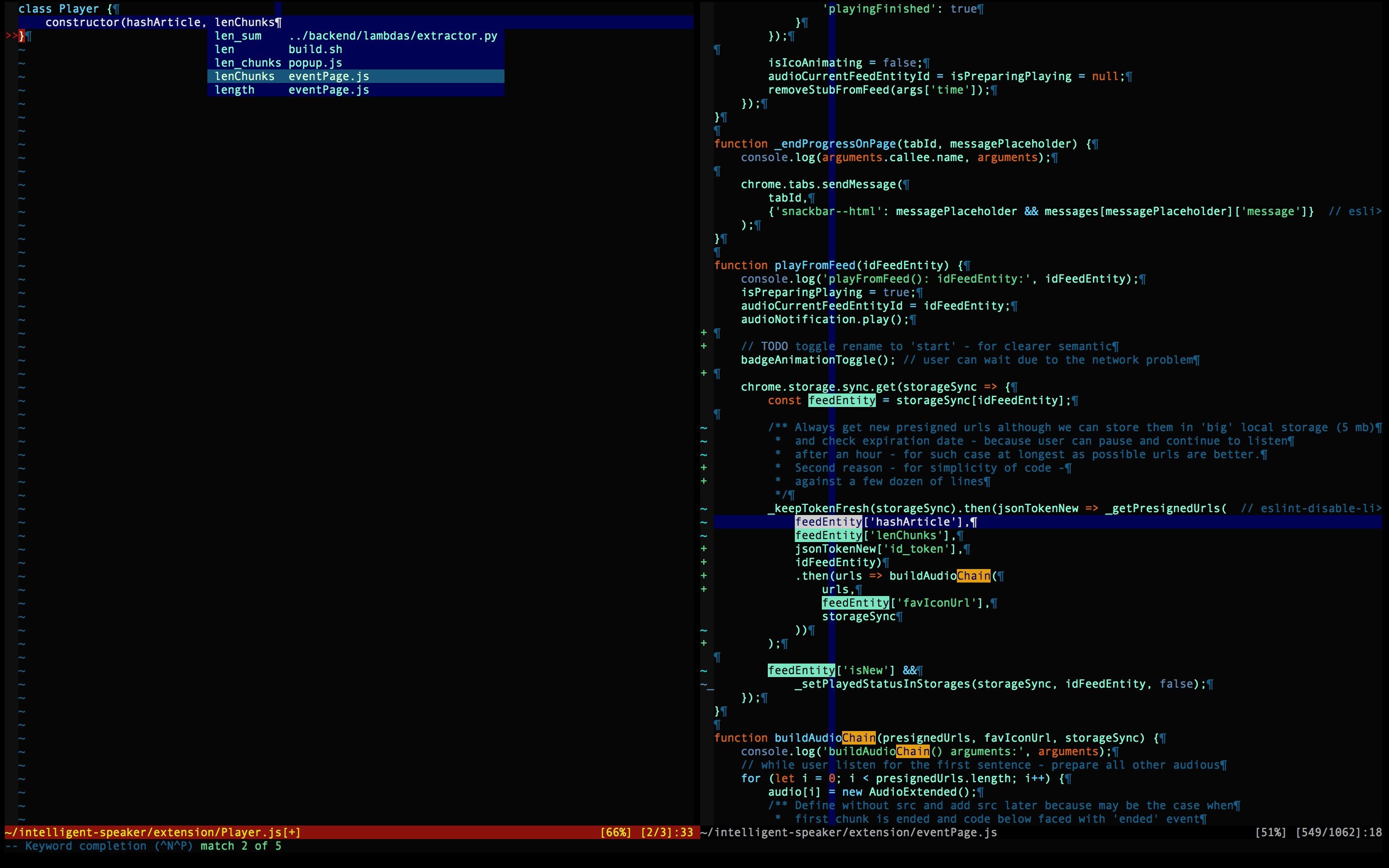
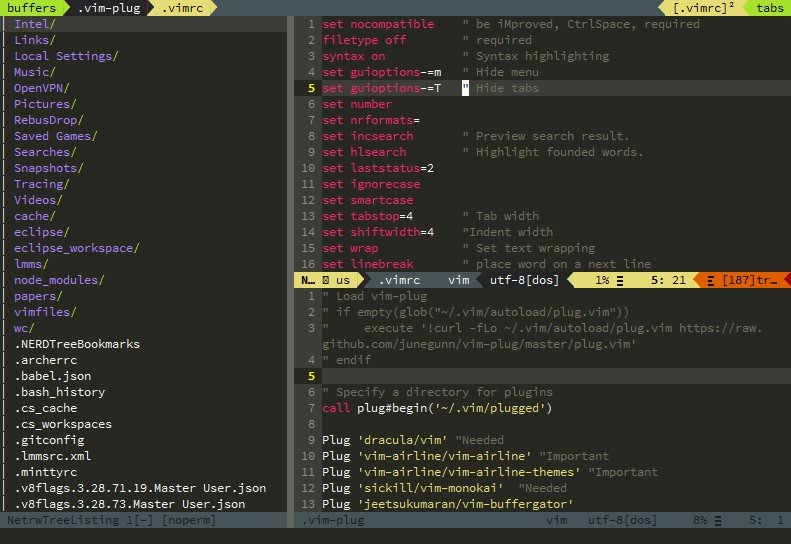
Vim ("Vi IMproved") is an advanced text editor that allows syntax highlighting, word completion and has a huge amount of contributed content.
Vim offers several “modes” for editing with efficiency. This makes vim a non-user-friendly application but it is also a strength. The normal mode binds alphanumeric keys to task-oriented commands. The visual mode highlights text. The command-line mode offers more tools (for search&replace, defining functions, etc.)