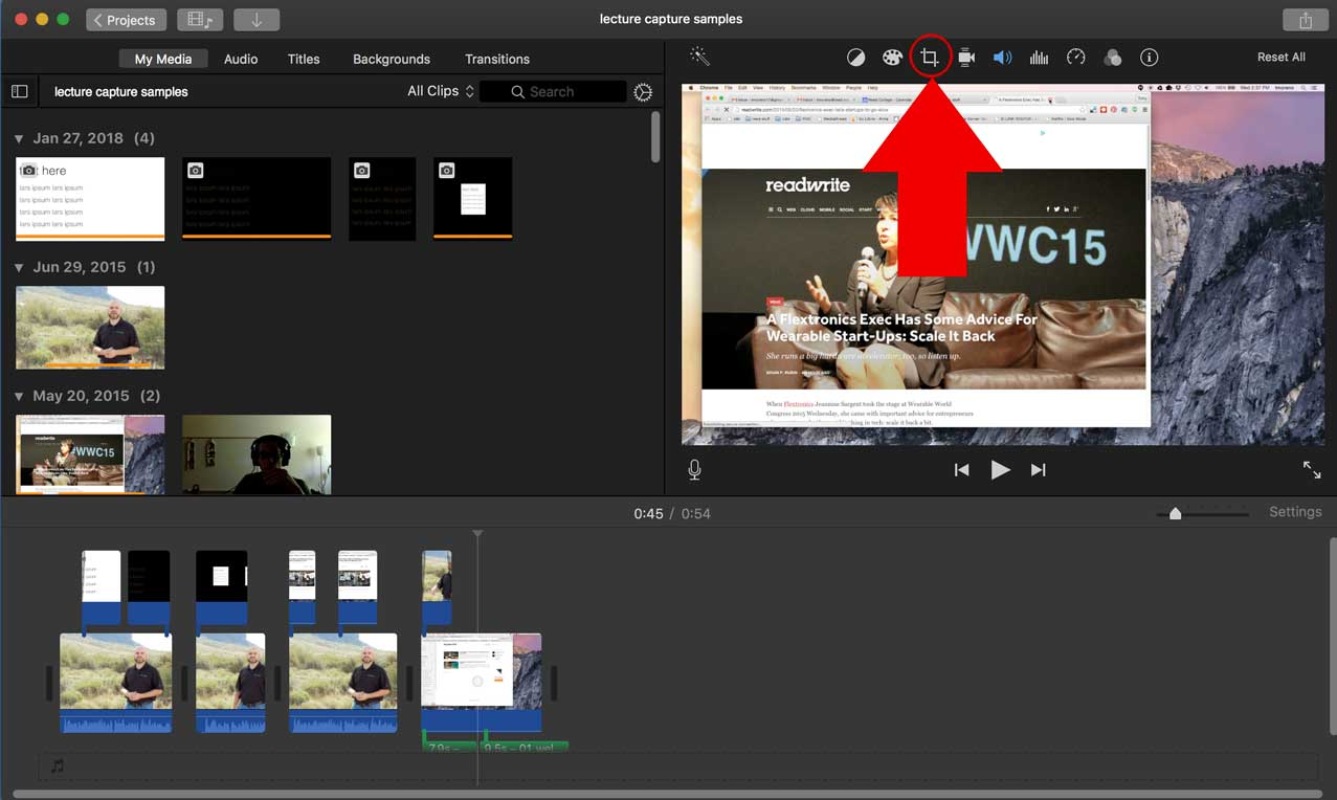
We've compiled a list of 30 free and paid alternatives to iMovie. The primary competitors include Camtasia, Loom. In addition to these, users also draw comparisons between iMovie and Hippo Video, Gumlet, VEED. Also you can look at other similar options here: Video Software, Video Making Software.
We've compiled a list of 30 free and paid alternatives to iMovie. The primary competitors include Camtasia, Loom. In addition to these, users also draw comparisons between iMovie and Hippo Video, Gumlet, VEED. Also you can look at other similar options here: Video Software, Video Making Software.
Camtasia, a comprehensive screen recording and video editing solution, for content creators, educators, marketers, and business professionals. Capture and edit webinars or tutorials effortlessly. Elevate your video projects with the trusted tool for…
Loom, the screen recording tool, empowers users to create, edit, and share professional videos effortlessly. Capture screen and audio seamlessly across macOS, Windows, and Chrome, with additional support for iOS and Android. Enhance collaboration wi…
Hippo Video is an AI-powered video platform that enables teams to create and share personalized videos at scale throughout the customer journey. It offers features such as dynamic sales videos, explainer videos, educational videos, how-tos, training…
Gumlet is a media delivery platform offering video hosting, custom APIs, and advanced image optimization. It includes AI-driven video compression, automatic format conversion, and responsive resizing to boost performance, lower costs, enhance SEO, a…
Cloud-based video editor with features for editing, recording, hosting, and sharing videos. Offers subtitling, translation, noise reduction, cropping, and branding.
Animaker is an online tool for crafting various videos: text and logo animation, promos, resumes, and more. It offers animation, templates, text overlay, rapid development, and easy sharing.
Vyond's powerful animation software enables businesses to craft compelling videos for training and brand storytelling. Elevate communication, engage employees and customers, and achieve impressive business outcomes.
Online tool for creating intros, explainer animations, promo videos, slideshows, music visualizations, and video CVs in the cloud. Choose from a vast catalog of templates and customize.
An AI-powered video creation platform. With features like auto-subtitles, text-to-video, AI translation, and image enhancement, it streamlines professional content creation.
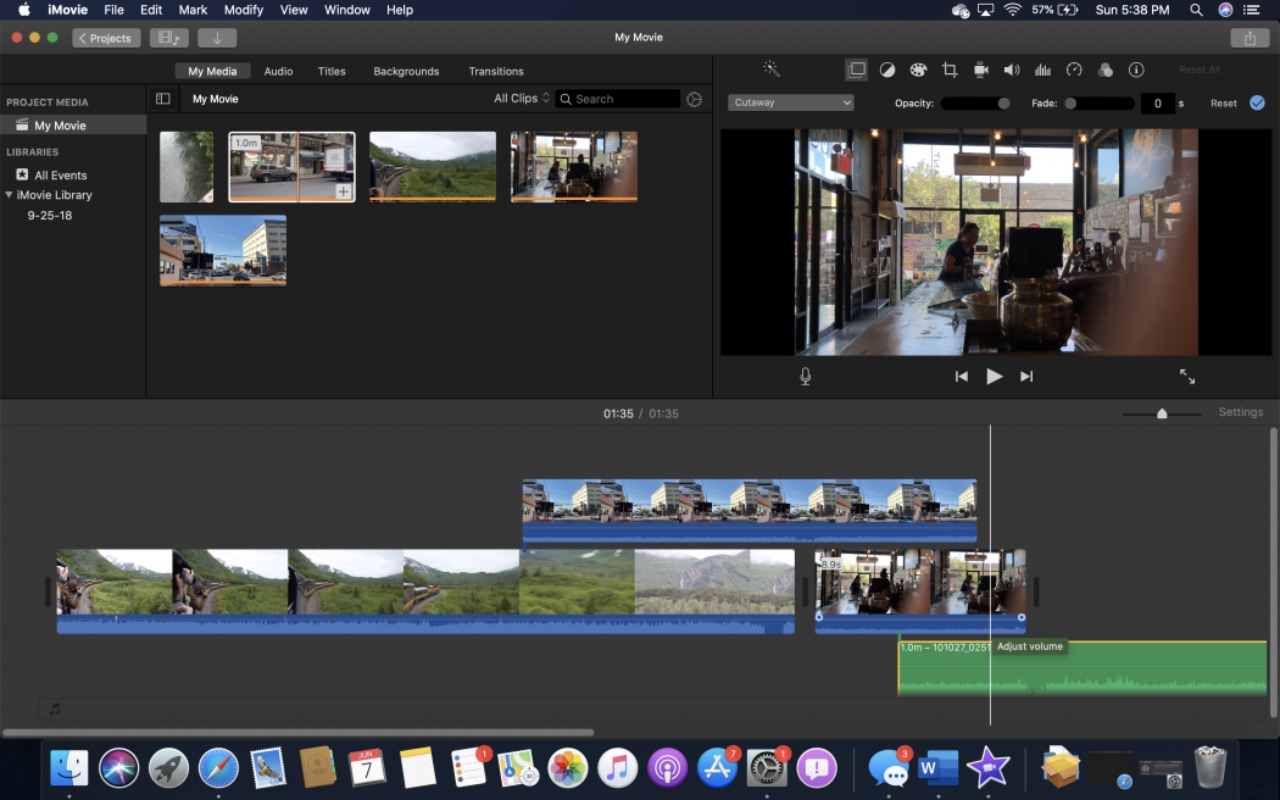
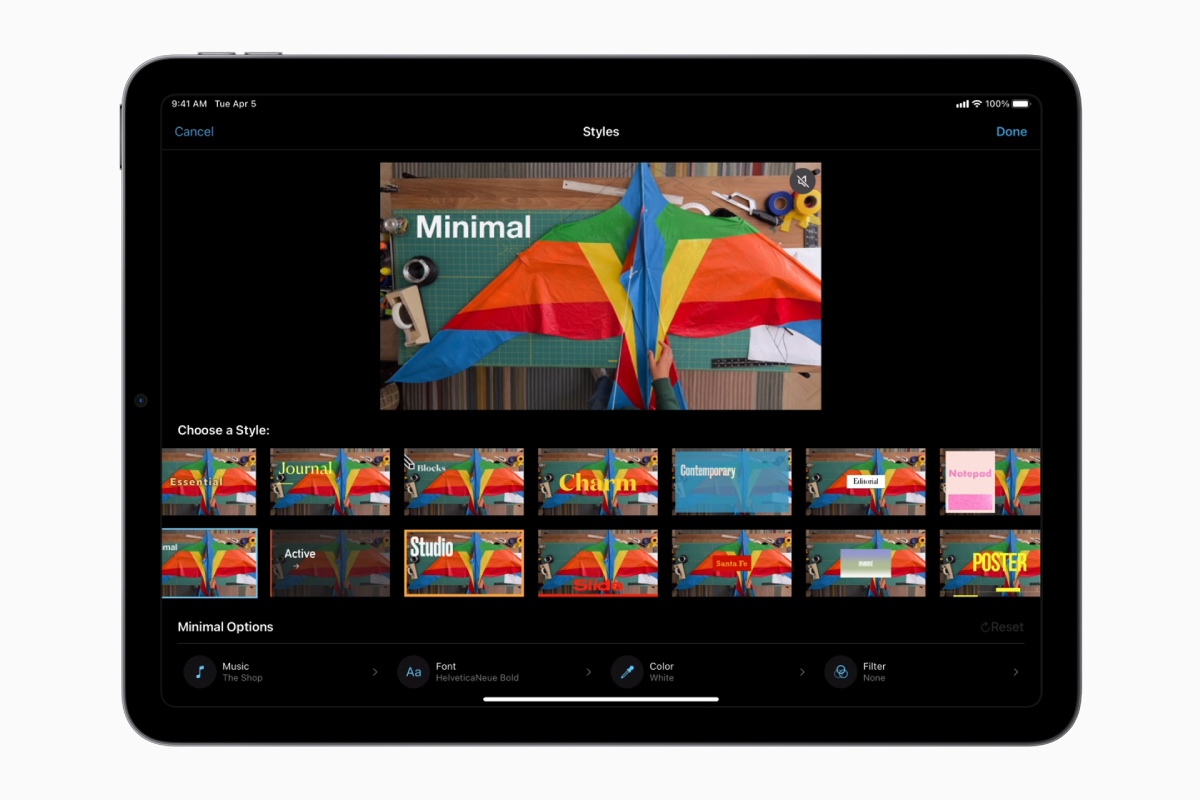
iMovie is a free video editing software for Apple devices. It allows users to edit videos with tools like color correction, stabilization, and audio enhancement. iMovie supports 4K editing and provides templates, making video creation simple and efficient for beginners and pros.
iMovie is a free video editing software for Apple devices. It allows users to edit videos with tools like color correction, stabilization, and audio enhancement. iMovie supports 4K editing and provides templates, making video creation simple and efficient for beginners and pros.
iMovie Platforms
iPad
iPhone
Mac
Web-Based
iMovie Video and Screenshots
iMovie Overview
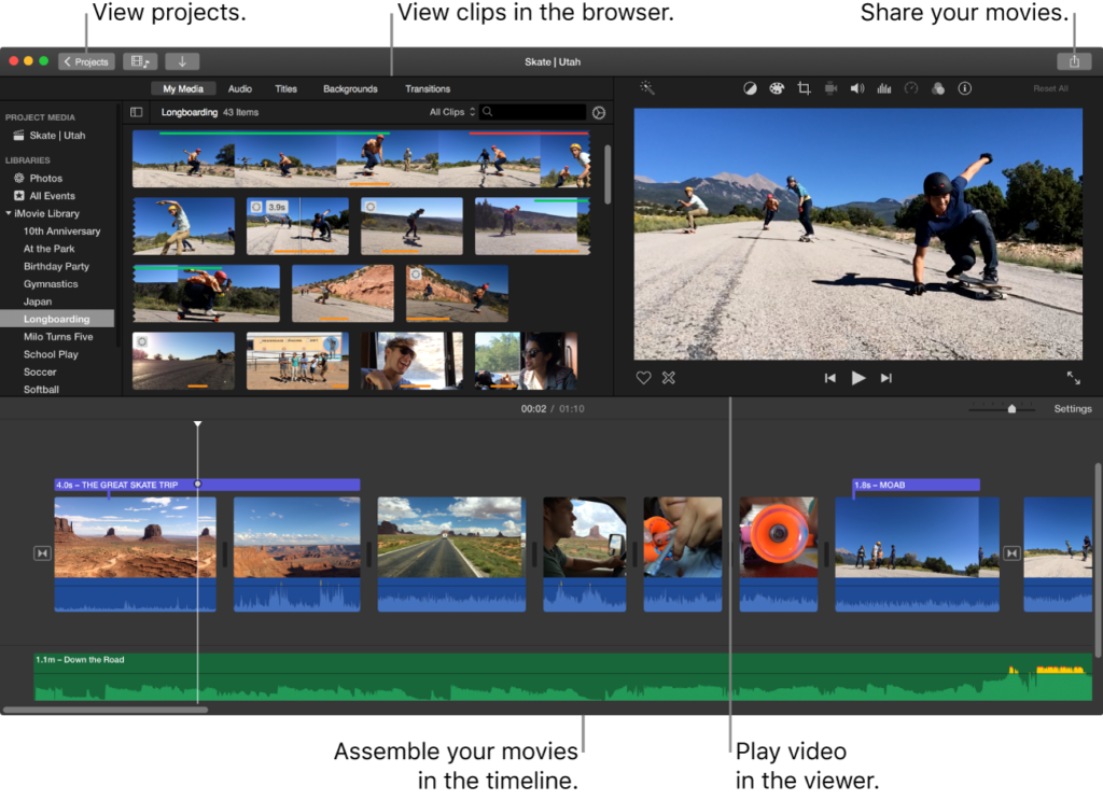
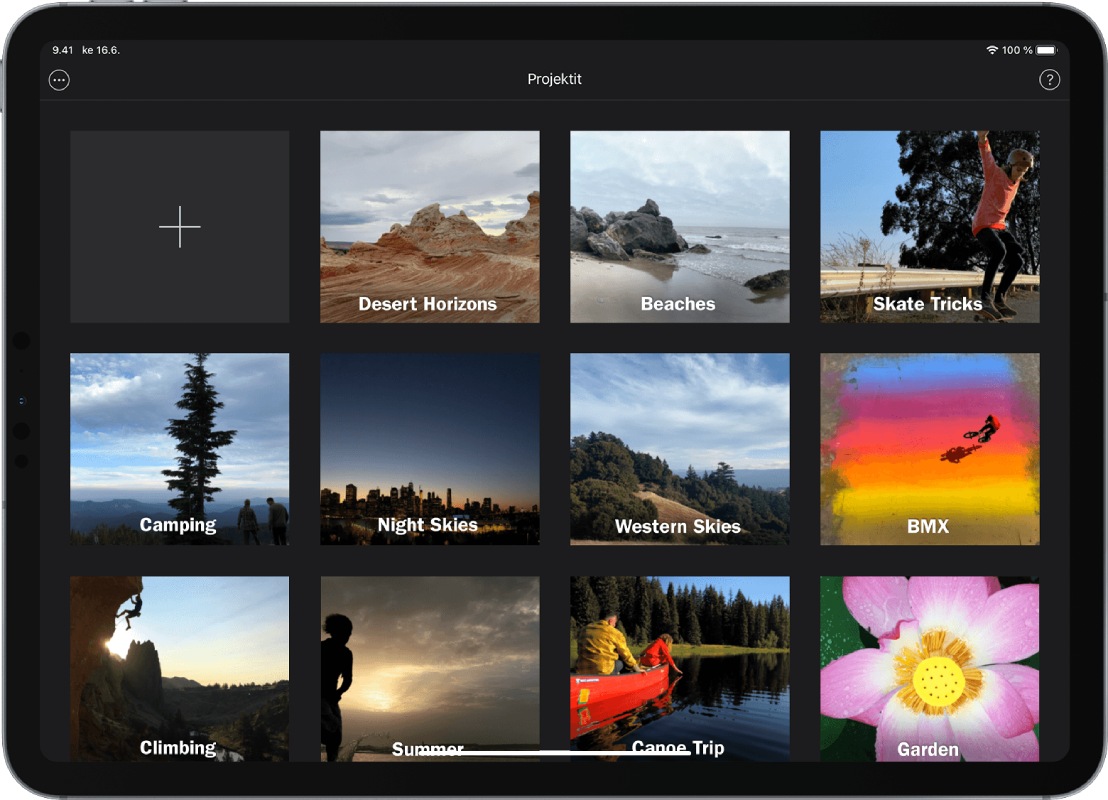
iMovie is a free video editing software developed by Apple, available on macOS, iOS, and iPadOS. It is designed for users who want to create high-quality videos quickly without professional editing skills. The software supports 4K video, image stabilization, color correction, and adding effects and filters. It allows working with multiple video tracks, applying green screen effects, and creating split screens or picture-in-picture videos. The intuitive interface and automatic features, including Magic Movie, simplify the editing process for beginners.
Optimized for Apple devices, iMovie delivers smooth performance and seamless integration with other apps in the Apple ecosystem. It is ideal for producing content for social media, educational materials, or personal videos. The platform balances powerful editing tools with ease of use, making video creation accessible to a wide range of users.