We've compiled a list of 100 free and paid alternatives to Coda. The primary competitors include Wrike, Airtable. In addition to these, users also draw comparisons between Coda and Evernote, ClickUp, Microsoft OneNote. Also you can look at other similar options here: File Management Tools.
We've compiled a list of 100 free and paid alternatives to Coda. The primary competitors include Wrike, Airtable. In addition to these, users also draw comparisons between Coda and Evernote, ClickUp, Microsoft OneNote. Also you can look at other similar options here: File Management Tools.
Dynamic work management platform fostering seamless collaboration in task handling, project planning, and document sharing. Perfect for businesses with multiple teams requiring efficient coordination. Track time and manage tasks effortlessly.
Airtable is an online database platform that combines spreadsheet functionality with database capabilities. With its help, users can create and manage different types of data such as tasks, customers, inventory and more using a user-friendly web int…
ClickUp is an all-in-one task and project management tool that includes a variety of features and capabilities for organizing workflow. With ClickUp, users can create tasks, plan projects, set deadlines, communicate with the team, and use a variety …
A digital note-taking app that enables users to capture, organize, and share ideas seamlessly. With deep search, audio recording, and Microsoft 365 integration, it enhances collaboration.
Trello is a project management tool that organizes tasks using boards, lists, and cards. It helps teams collaborate, track progress, and manage workflows visually. Trello simplifies task tracking, improves communication, and boosts productivity for …
The platform enhances project management, automates processes, and provides clear program visibility, enabling organizations to boost efficiency, flexibility, and collaboration in the ever-changing work environment of today.
Notepad++ is a free text editor that supports color-coded syntax highlighting for different programming languages, auto-completion, the ability to open different tabs with different files at the same time, and support for plugins to extend functiona…
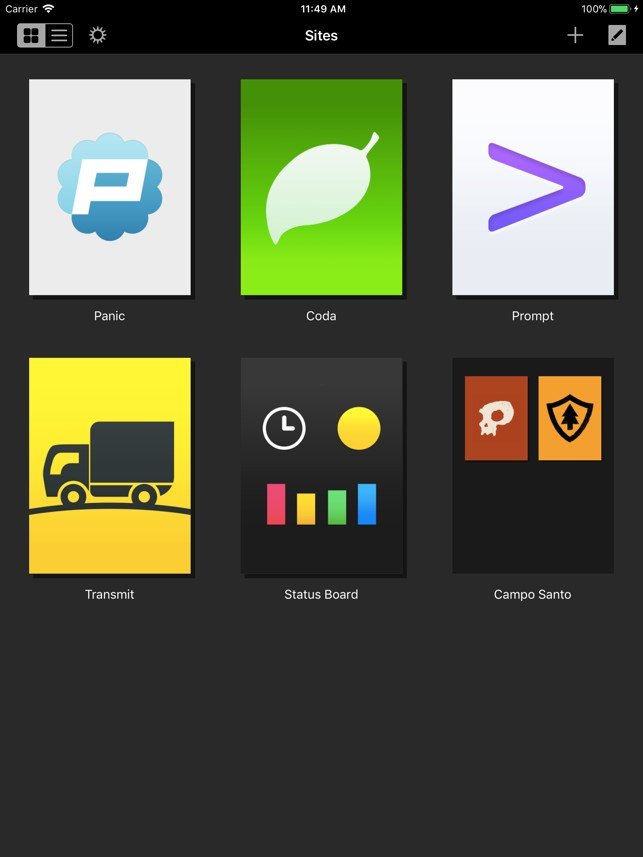
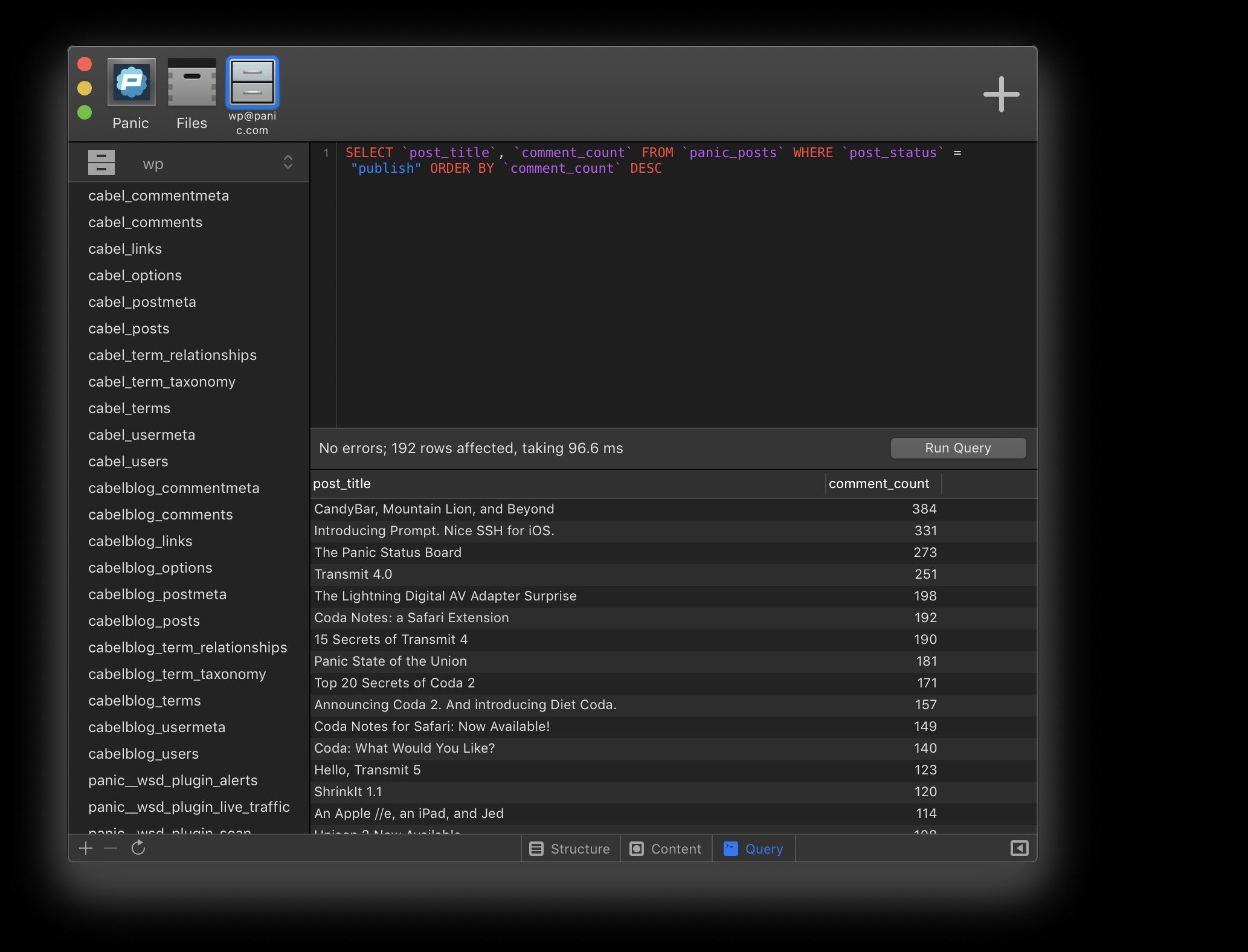
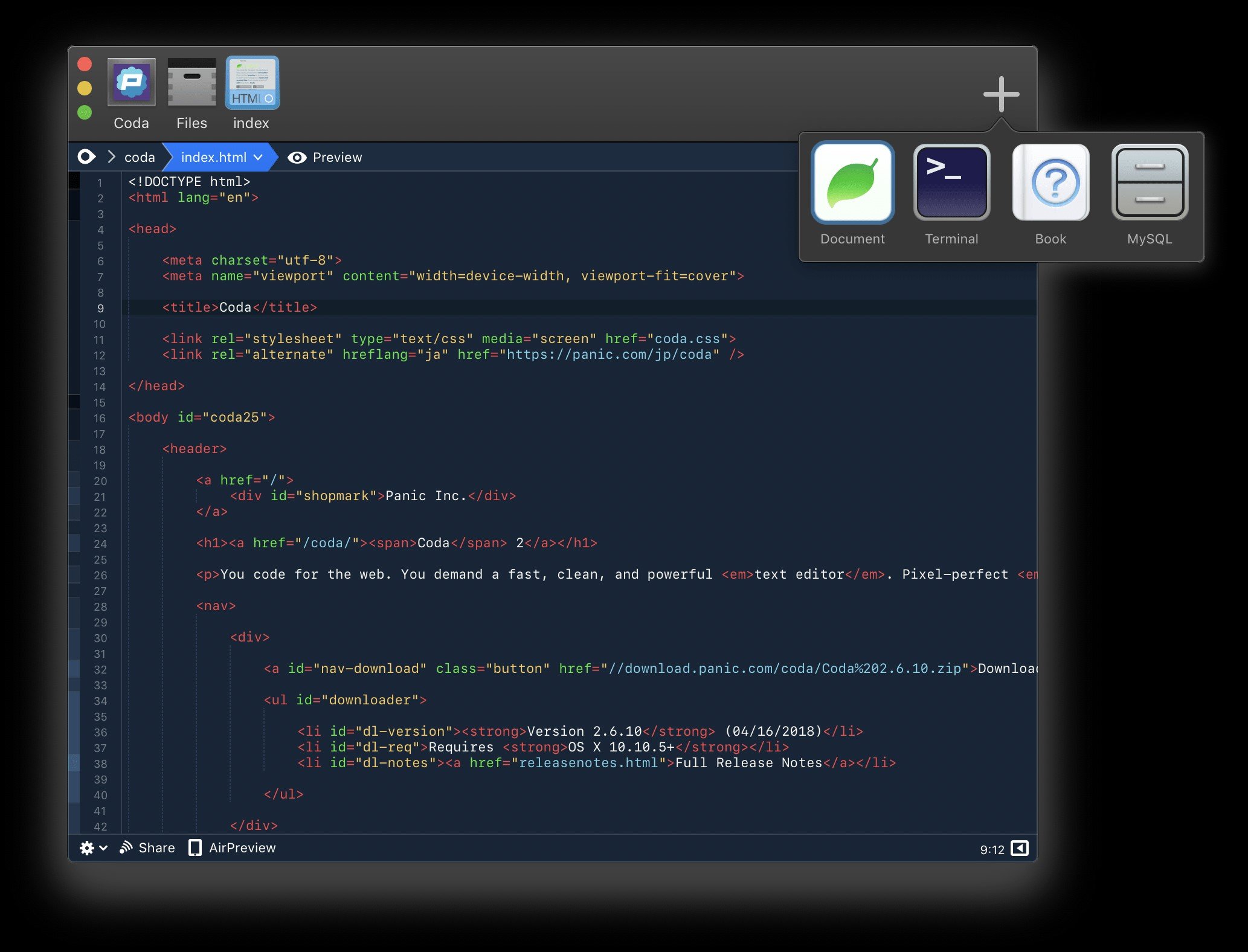
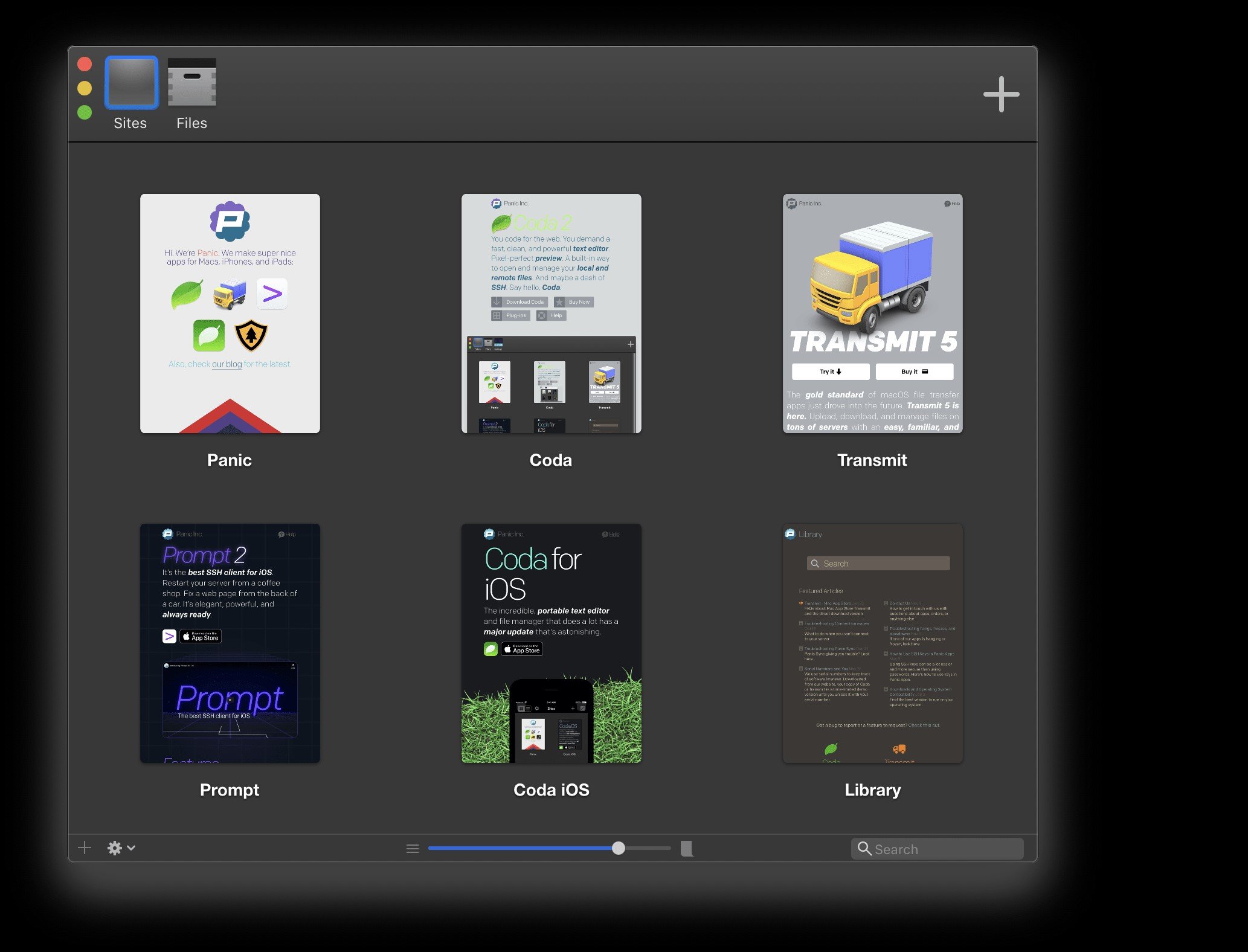
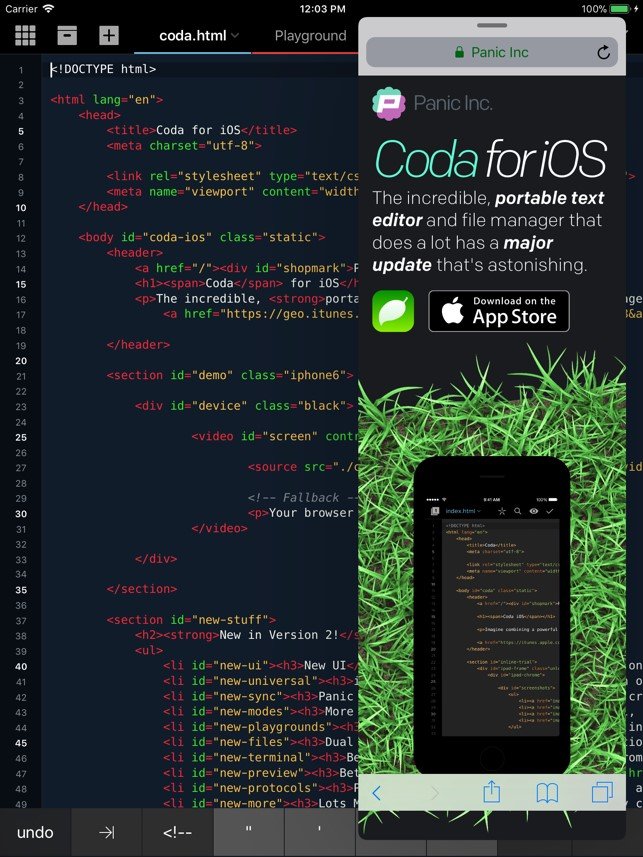
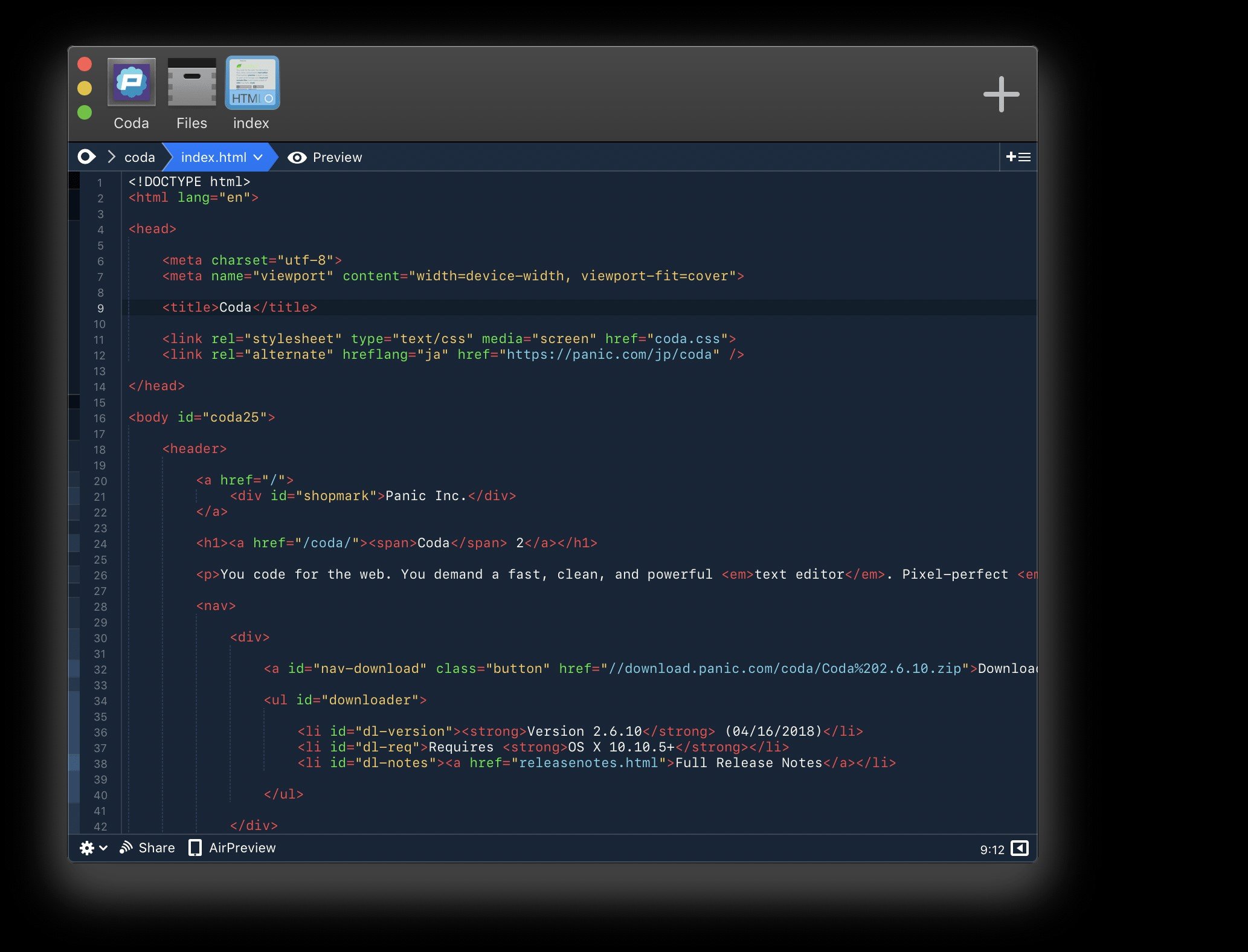
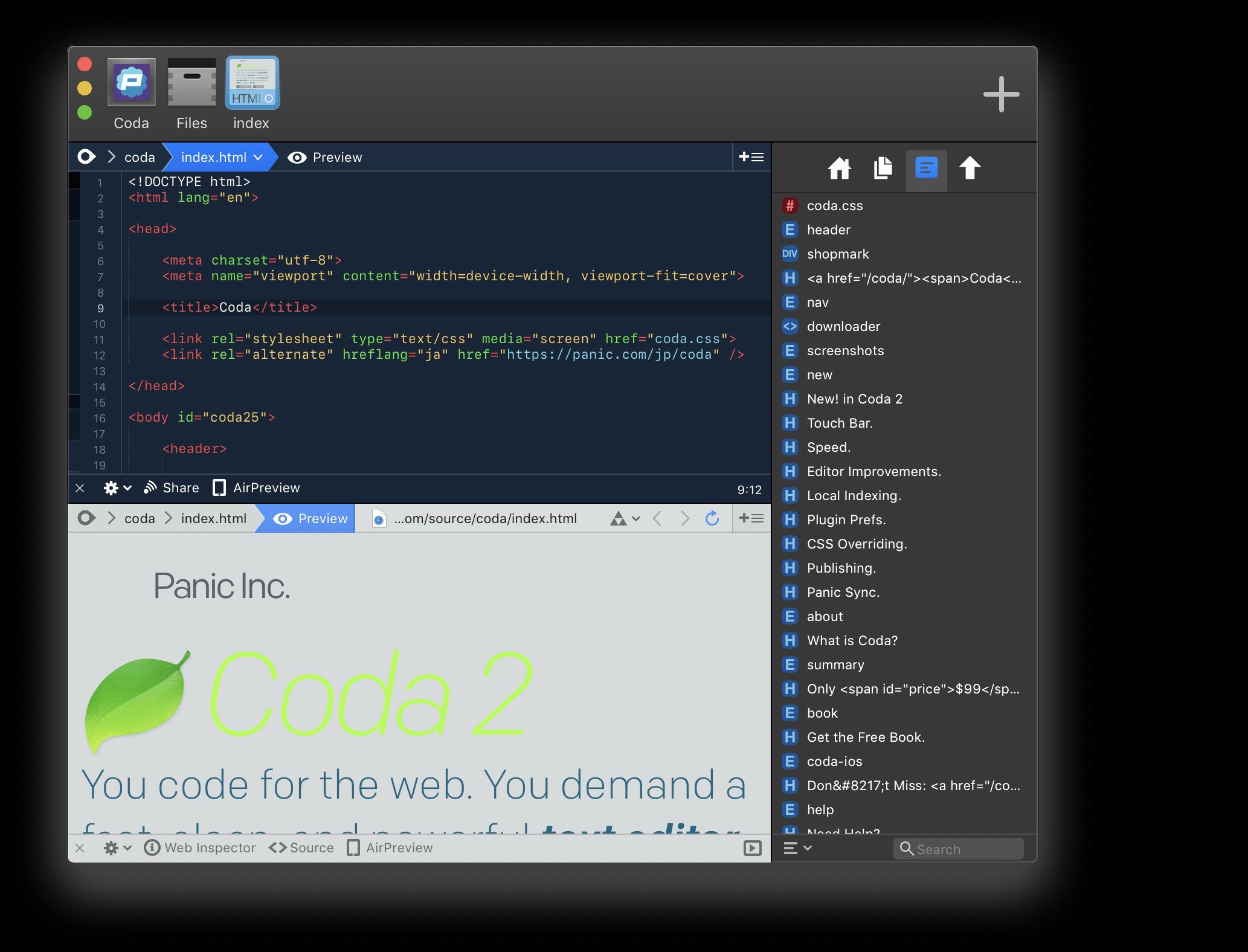
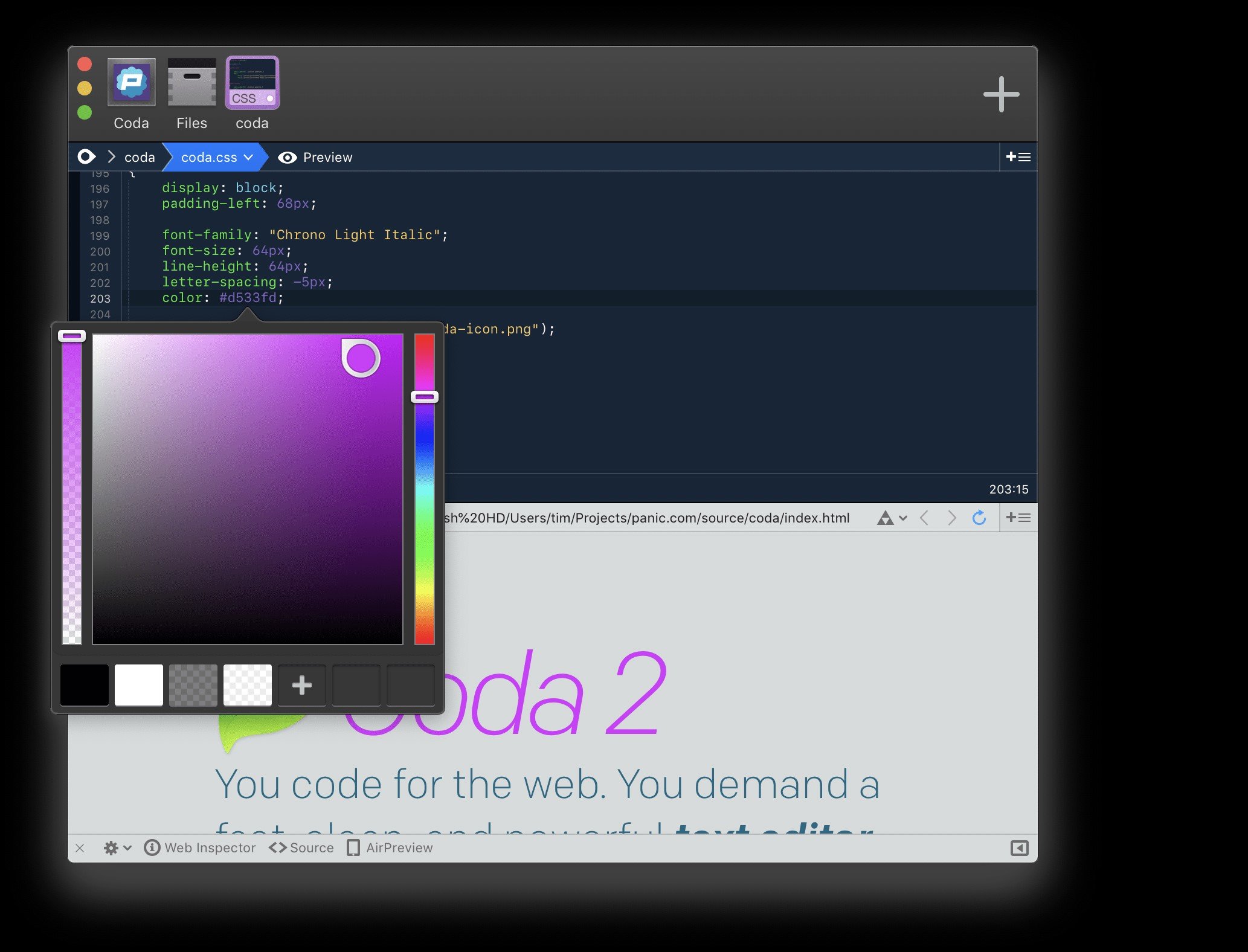
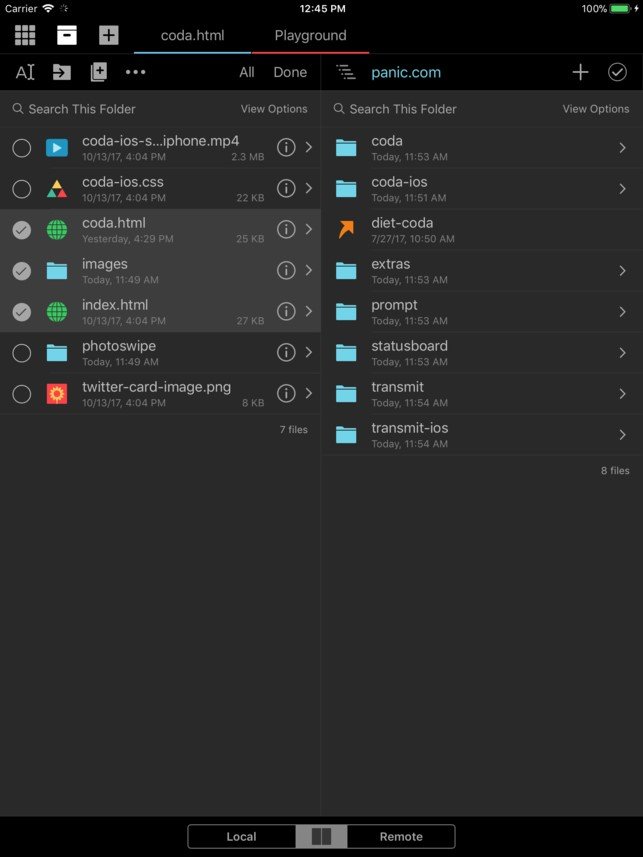
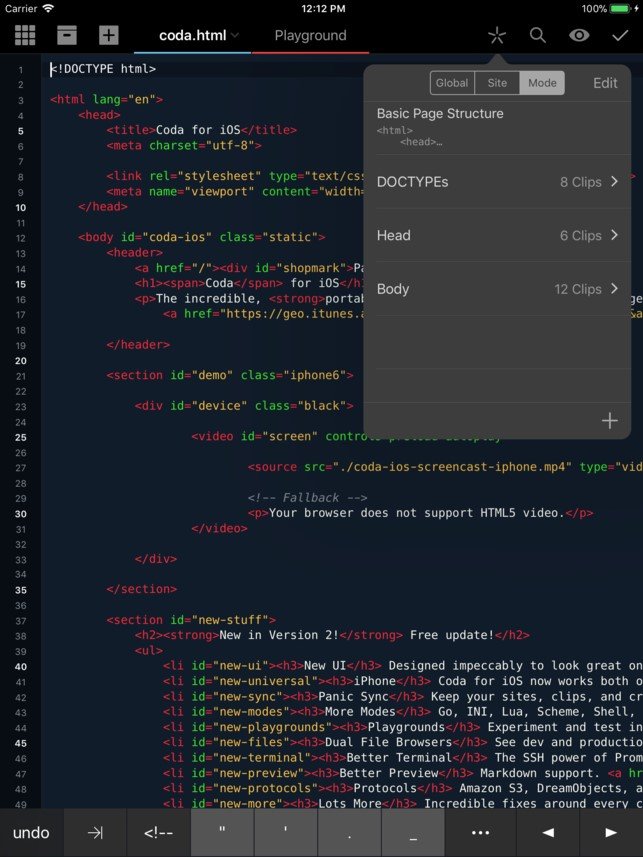
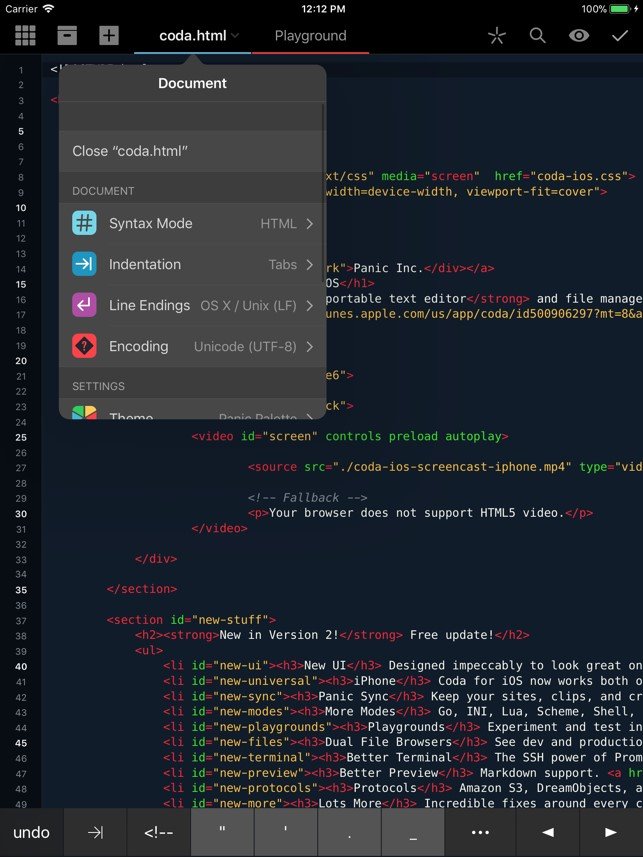
Coda was a macOS-based web development application by Panic, combining a text editor, FTP client, terminal, and preview pane in a single interface. It supported multiple programming languages, real-time collaboration, and plugin extensibility.
Coda was a macOS-based web development application by Panic, combining a text editor, FTP client, terminal, and preview pane in a single interface. It supported multiple programming languages, real-time collaboration, and plugin extensibility.
Coda Platforms
iPad
iPhone
Mac
Coda Video and Screenshots
Coda Overview
Coda was a comprehensive web development application for macOS that integrated several essential tools into a single platform. It combined a powerful text editor, FTP client, terminal access, and live preview, enabling developers to efficiently manage their projects without switching between multiple apps. This unified approach simplified coding, debugging, and file management, improving overall productivity for web developers working on complex sites.
In 2020, Panic discontinued Coda and introduced Nova as its modern successor, designed to meet the evolving needs of developers. Nova enhances the development experience with features like intelligent autocomplete, multiple cursors, a minimap for easy navigation, and built-in Git version control. Its native macOS design and flexible plugin system provide a robust, adaptable environment for building websites and applications, making it a preferred choice for modern web professionals.