We've compiled a list of 100 free and paid alternatives to Quip. The primary competitors include Microsoft OneNote, Slack. In addition to these, users also draw comparisons between Quip and Lucidchart, Box, Asana. Also you can look at other similar options here: Office and Productivity Software.
We've compiled a list of 100 free and paid alternatives to Quip. The primary competitors include Microsoft OneNote, Slack. In addition to these, users also draw comparisons between Quip and Lucidchart, Box, Asana. Also you can look at other similar options here: Office and Productivity Software.
A digital note-taking app that enables users to capture, organize, and share ideas seamlessly. With deep search, audio recording, and Microsoft 365 integration, it enhances collaboration.
Slack is the hub for seamless collaboration, offering real-time messaging, file sharing, and integration with apps. Get work done efficiently from anywhere.
Asana is a comprehensive project management software that enables teams to efficiently manage tasks and projects. Its features include task creation and assignment, priority setting, progress tracking, and file attachment.
Coda was a macOS-based web development application by Panic, combining a text editor, FTP client, terminal, and preview pane in a single interface. It supported multiple programming languages, real-time collaboration, and plugin extensibility.
A leading collaboration platform favored by global teams. From local to remote teams, Basecamp simplifies collaboration, document sharing, project scheduling, and more without meetings or emails. Explore our great reviews and try it for free today!
Your all-in-one workspace for wiki, documents, and projects. Streamline your work apps into a unified platform, enhancing collaboration and productivity. Discover the future of work with AI integration.
Rambox is a cross-platform productivity tool that consolidates over 100 messaging and email services into a single interface. It supports multiple accounts per service, offers customizable workspaces, and includes features like notification manageme…
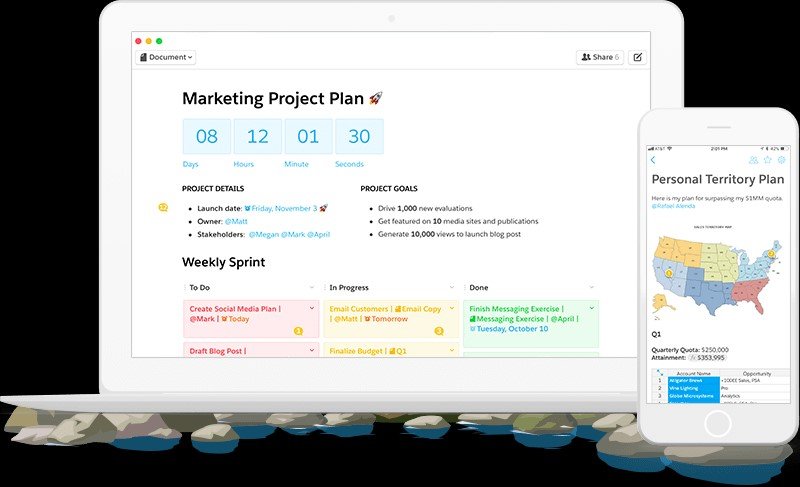
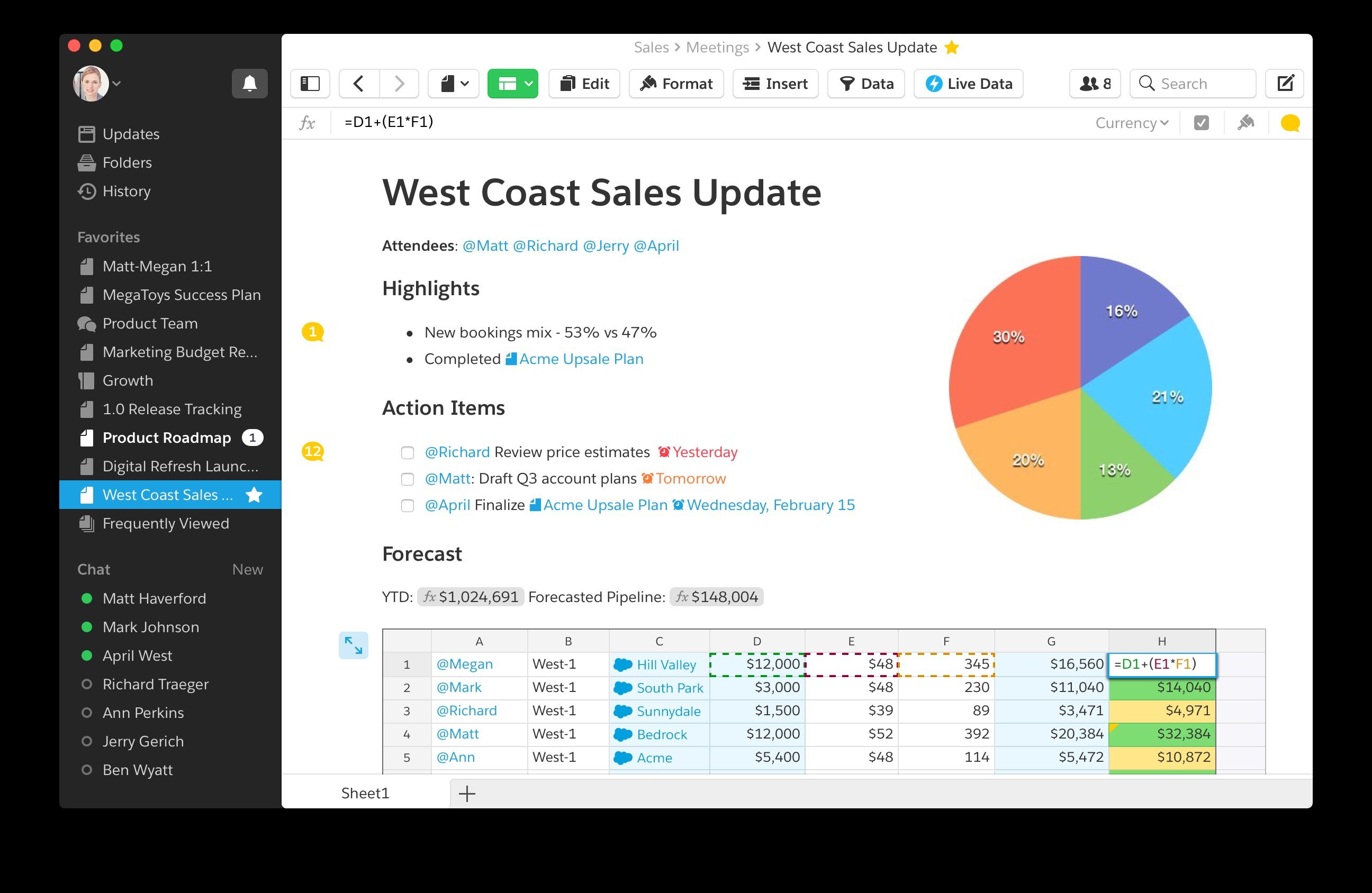
Quip is a modern word processor that enables you to create beautiful documents on any device, including the iPad, iPhone, and the desktop. It combines documents and messages into a single chat-like “thread” of updates — making collaboration easy.
Take notes, organize to-do lists, and collaborate within your company. Share folders to organize your projects at home or at work. All features work perfectly offline, syncing whenever you have an internet connection.
Key Features:
• Real-time, collaborative editing • Messaging - Every document has a chat thread • Offline - Edit anywhere, even on an airplane • Folders - Share with your family or team • Checklists - Interactive, shared lists • Diffs - Every edit is in a document news feed • Presence - See who’s online, what they're up to • @mentions - Link to people and documents • Notifications - Know when a doc is opened • Read receipts - Check who’s read your edits • Inbox - See what you haven’t read
Quip also works on the desktop (Mac and PC). Access anywhere at http://quip.com.