Select your language

Home arrow-right ... arrow-right Video and Movies Software arrow-right OpenShot

We've compiled a list of 31 free and paid alternatives to OpenShot. The primary competitors include Avidemux, Camtasia. In addition to these, users also draw comparisons between OpenShot and MAGIX Vegas Pro, DaVinci Resolve, Lightworks. Also you can look at other similar options here: Video and Movies Software.


Camtasia
Subscription Free Trial

Camtasia, a comprehensive screen recording and video editing solution, for content creators, educators, marketers, and business professionals. Capture and edit webinars or tutorials effortlessly. Elevate your video projects with the trusted tool for…

DaVinci Resolve
One Time License Free

DaVinci Resolve is a professional video editing software that combines editing, color correction, visual effects, and audio post-production in one platform. It streamlines film and video workflows, delivering high-quality content with advanced tools…

(1)
5.0 out of 5
Kinescope
Open Source Subscription Free

Kinescope is an online video platform designed for businesses and EdTech. It enables quick and secure video uploads, DRM-encrypted storage, and HD livestreaming. The platform offers an API for managing video uploads, transcoding, protection, and CDN…

VEED
Subscription Free Free Trial

Cloud-based video editor with features for editing, recording, hosting, and sharing videos. Offers subtitling, translation, noise reduction, cropping, and branding.

Descript
Subscription Free Free Trial

A transcription and video editing platform for marketing, sales, research, eLearning, and support teams. It streamlines collaboration with folders, feedback tools, version tracking, and commenting.

VideoPad
One Time License Free Free Trial

VideoPad is video editing and movie making software that lets you edit video and movies. This video editing application allows you to import various file formats including .avi, .wmv, .3gp, .wmv, .divx and many others.

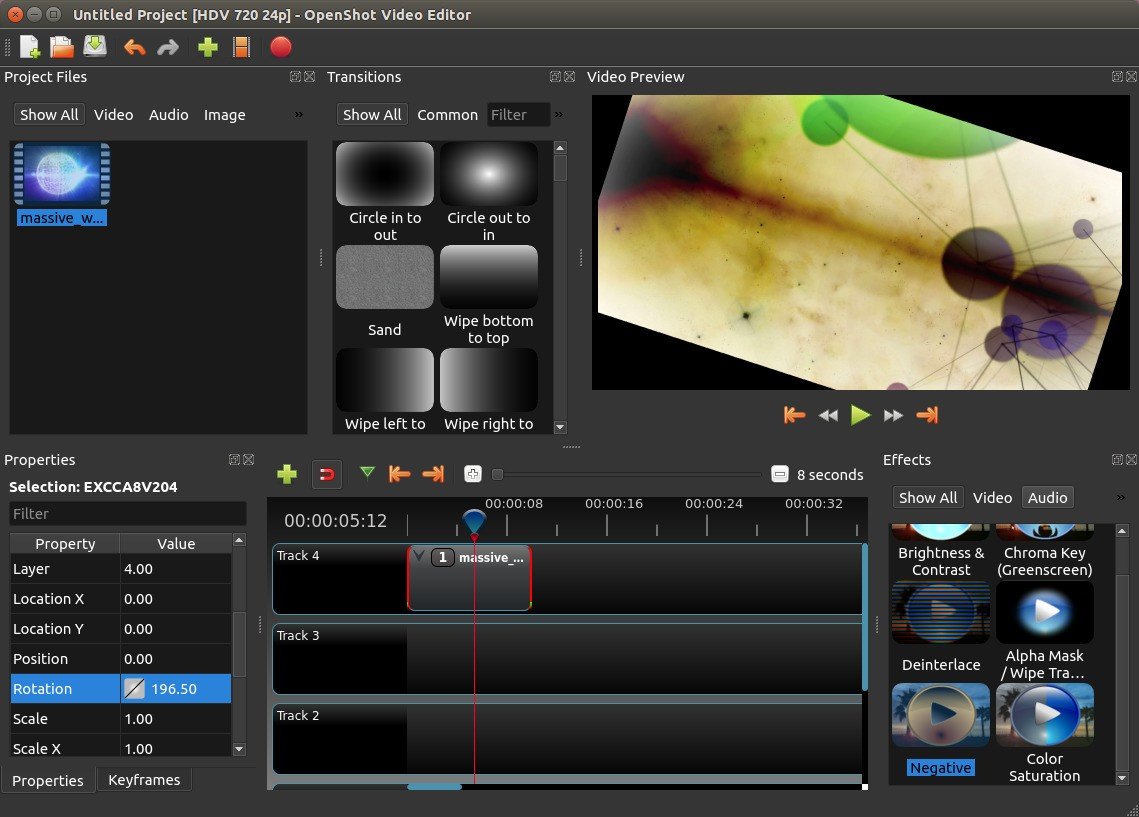
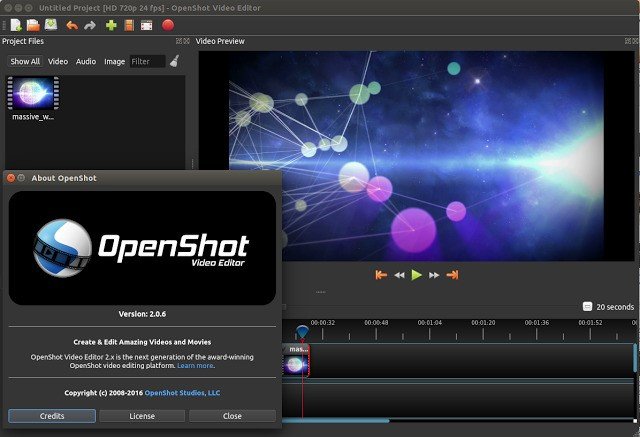
We designed OpenShot Video Editor to be an easy to use, quick to learn, and surprisingly powerful...

OpenShot Platforms

Linux Linux
Mac Mac
Windows Windows

OpenShot Video and Screenshots

OpenShot Overview

Our Features
Cross-Platform

OpenShot is a cross-platform video editor, with support for Linux, Mac, and Windows. Get started and download our installer today.
Trim & Slice

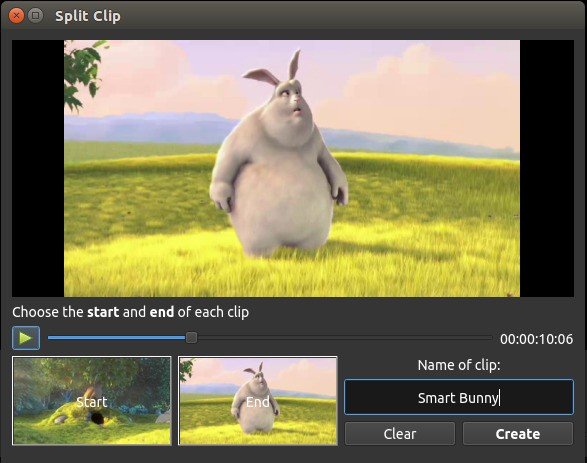
Quickly trim down your videos, and find those perfect moments. OpenShot has many easy ways to cut your video.
Animation & Keyframes

Using our powerful animation framework, you can fade, slide, bounce, and animate anything in your video project.
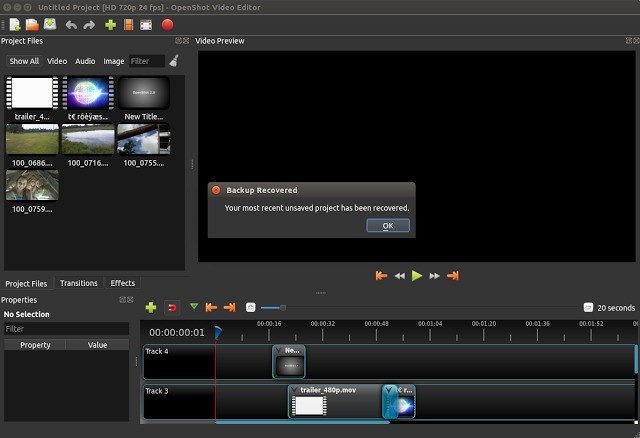
Unlimited Tracks

Add as many layers as you need for watermarks, background videos, audio tracks, and more.
Video Effects

Using our video effects engine, remove the background from your video, invert the colors, adjust brightness, and more.
Audio Waveforms

Visualize your audio files as waveforms, and even output the waveforms as part of your video.
Title Editor

Adding titles to your video has never been easier. Use one of our templates, or make your own.
3D Animations

Render beautiful 3D animated titles and effects, such as snow, lens flares, or flying text.
Slow Motion & Time Effects

Control the power of time, reversing, slowing down, and speeding up video. Use a preset or animate the playback speed and direction.
Edit Video

Drag and drop video, audio, or images from your file manager into OpenShot. It's that easy to get started video editing.
70+ Languages

OpenShot is available in many different languages, and can be translated online with LaunchPad.
Simple User Interface

We have designed OpenShot to be the easiest and friendliest video editing software ever! Give it a try and see for yourself.

OpenShot Features

tick-square 3D animated titles
tick-square Video editing
tick-square Track multiple packages
tick-square Edit screenshots
tick-square No Watermark
tick-square Fast motion
tick-square Cutting
tick-square Chroma Key / Green Screen
tick-square Ad-free
tick-square Animations
tick-square Non linear editor

Top OpenShot Alternatives

Share your opinion about the software, leave a review and help make it even better!

OpenShot Tags

video-editing

Suggest Changes

() out of 5

Your Feedback

Select a rating
Please select a rating

Your vote has been counted.

Do you have experience using this software?