Suited for teams needing real-time transcription with live collaboration. It allows participants to comment and highlight during meetings, providing richer engagement during capture than Notta’s post-meeting summarization workflow.
Ideal for sales and customer-facing teams focused on CRM integration. It logs calls, auto-tags key moments, and syncs with tools like HubSpot—streamlining data capture beyond Notta’s standalone transcription model.
Designed for individuals needing effortless call summaries without manual setup. It generates concise highlights and organizes them by topic automatically, reducing post-meeting processing time compared to Notta’s manual labeling.
Best for users combining transcription with audio/video editing. It lets you cut, redact, and publish content directly from the transcript—capabilities that go beyond Notta’s meeting documentation scope.
Works well for professional use cases requiring high transcription accuracy. Its hybrid model with human reviewers ensures reliable output, especially in noisy or technical contexts where Notta’s AI alone may fall short.
Geared toward structured meeting agendas and feedback. It emphasizes meeting prep, shared notes, and performance tracking—supporting ongoing collaboration that Notta doesn’t cover with its transcription-first model.
Tailored for revenue teams seeking end-to-end meeting intelligence. It records, transcribes, analyzes, and links insights to pipeline stages, offering strategic sales enablement that extends beyond Notta’s note capture role.
Castmagic: The AI-driven content tool for podcasts and long-form audio, seamlessly transforming conversations into a variety of content formats. Generate transcripts, guest bios, timestamps, key insights, top quotes, blog posts, tweet threads, and n…
Google Cloud Speech-to-Text is a cloud computing service that allows you to convert audio recordings of speech into text. It's a useful tool for speech recognition in a variety of scenarios, such as creating transcriptions, automating data entry, or…
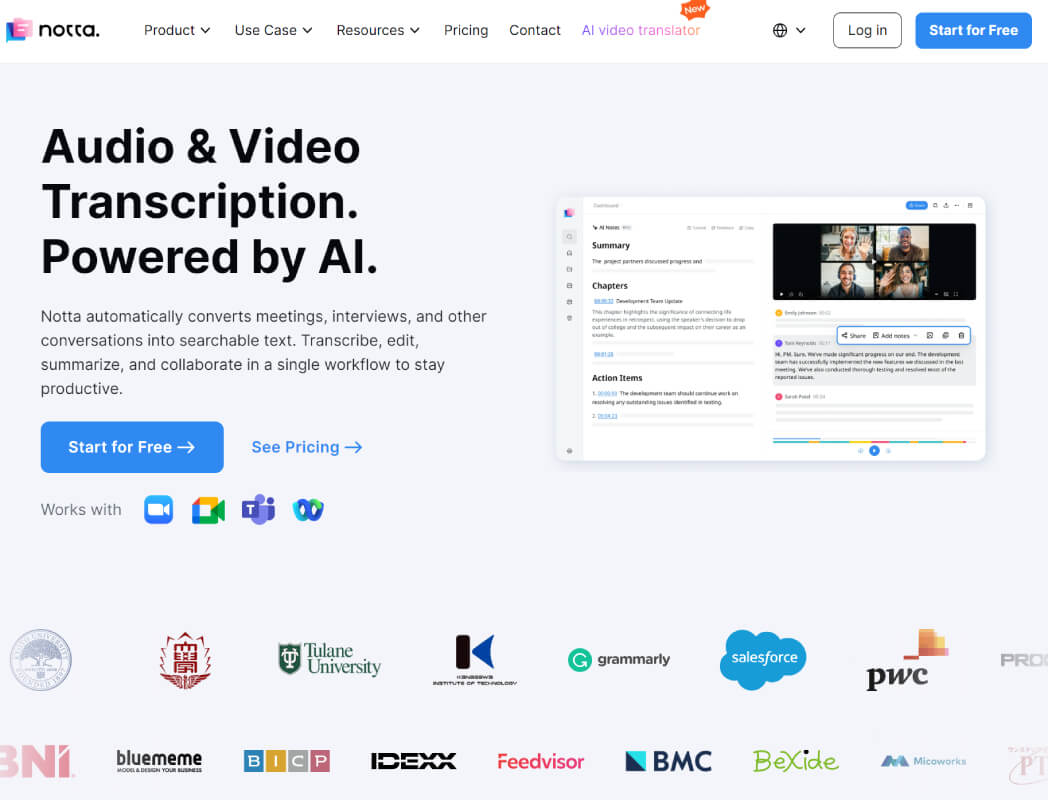
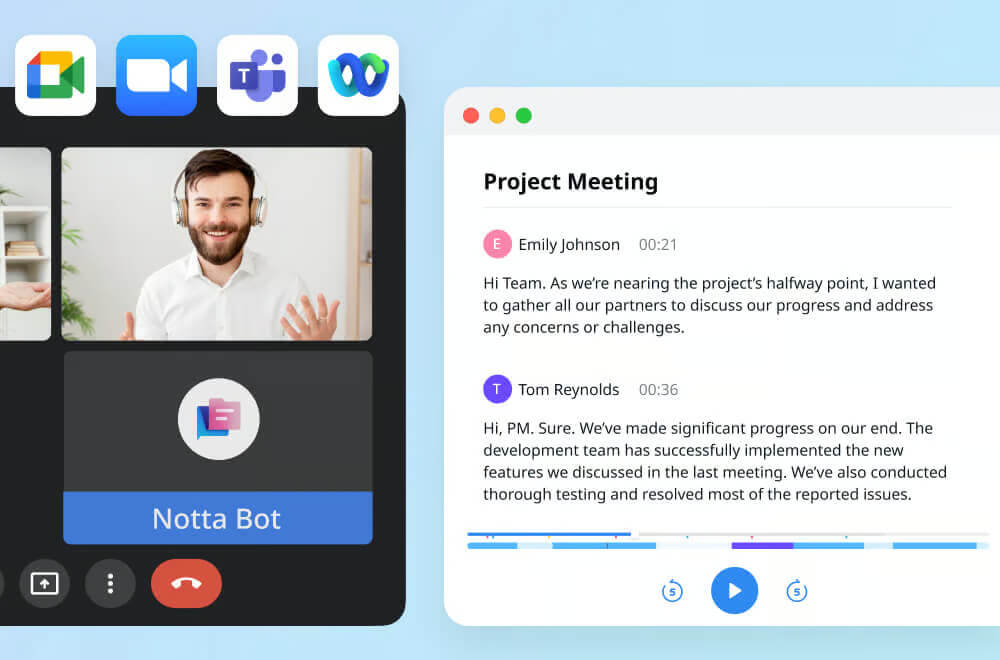
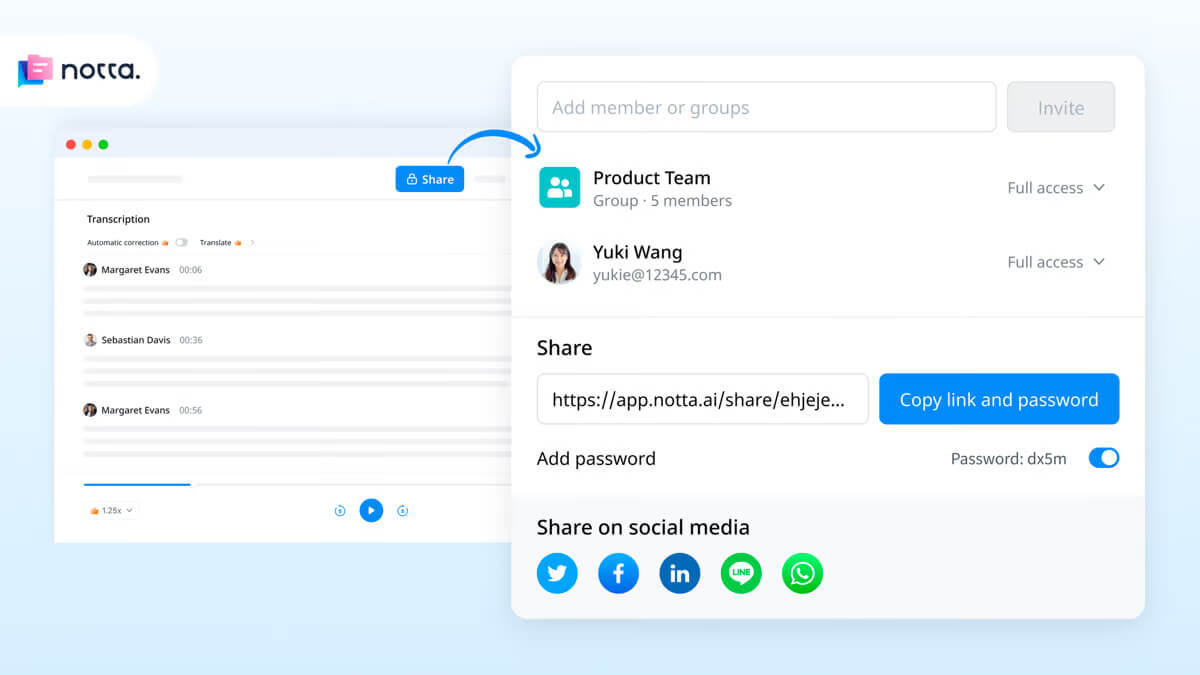
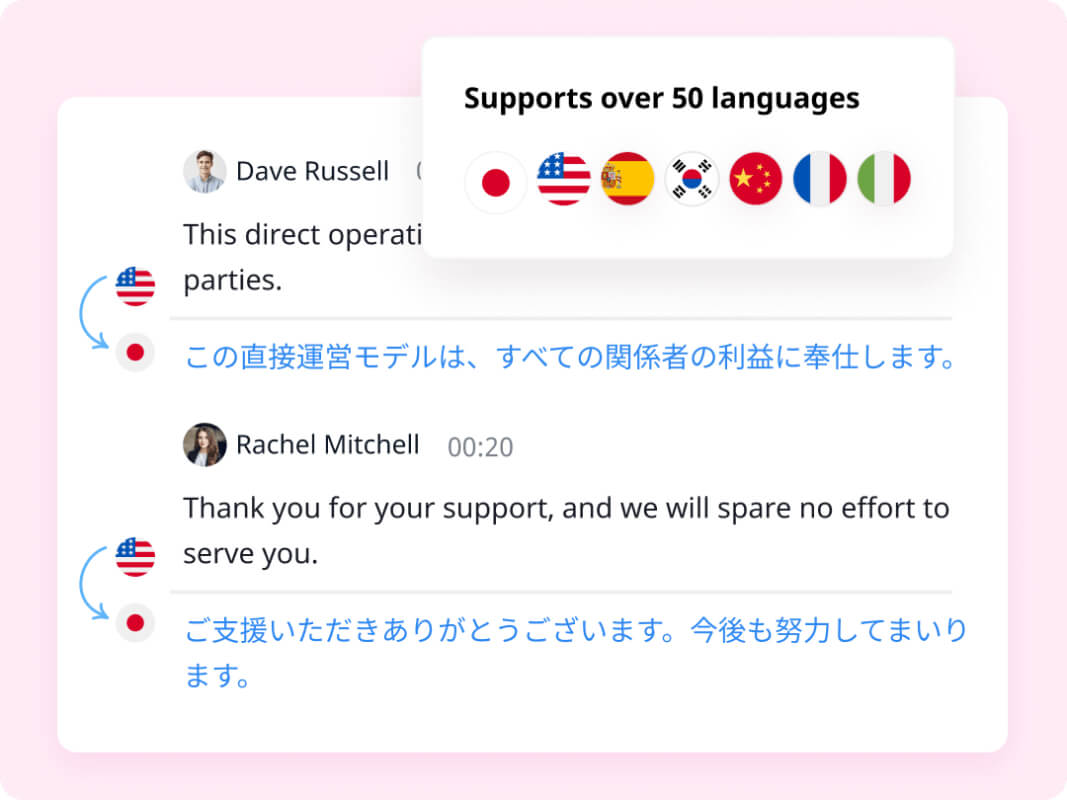
Notta is an AI-powered transcription and note-taking tool that converts meetings, interviews, and other conversations into searchable, editable text. It offers real-time translation, bilingual audio file transcription, and a collaborative workspace for co-editing and sharing. Notta also provides screen recording with automatic transcription capabilities.
Notta is an AI-powered transcription and note-taking tool that converts meetings, interviews, and other conversations into searchable, editable text. It offers real-time translation, bilingual audio file transcription, and a collaborative workspace for co-editing and sharing. Notta also provides screen recording with automatic transcription capabilities.
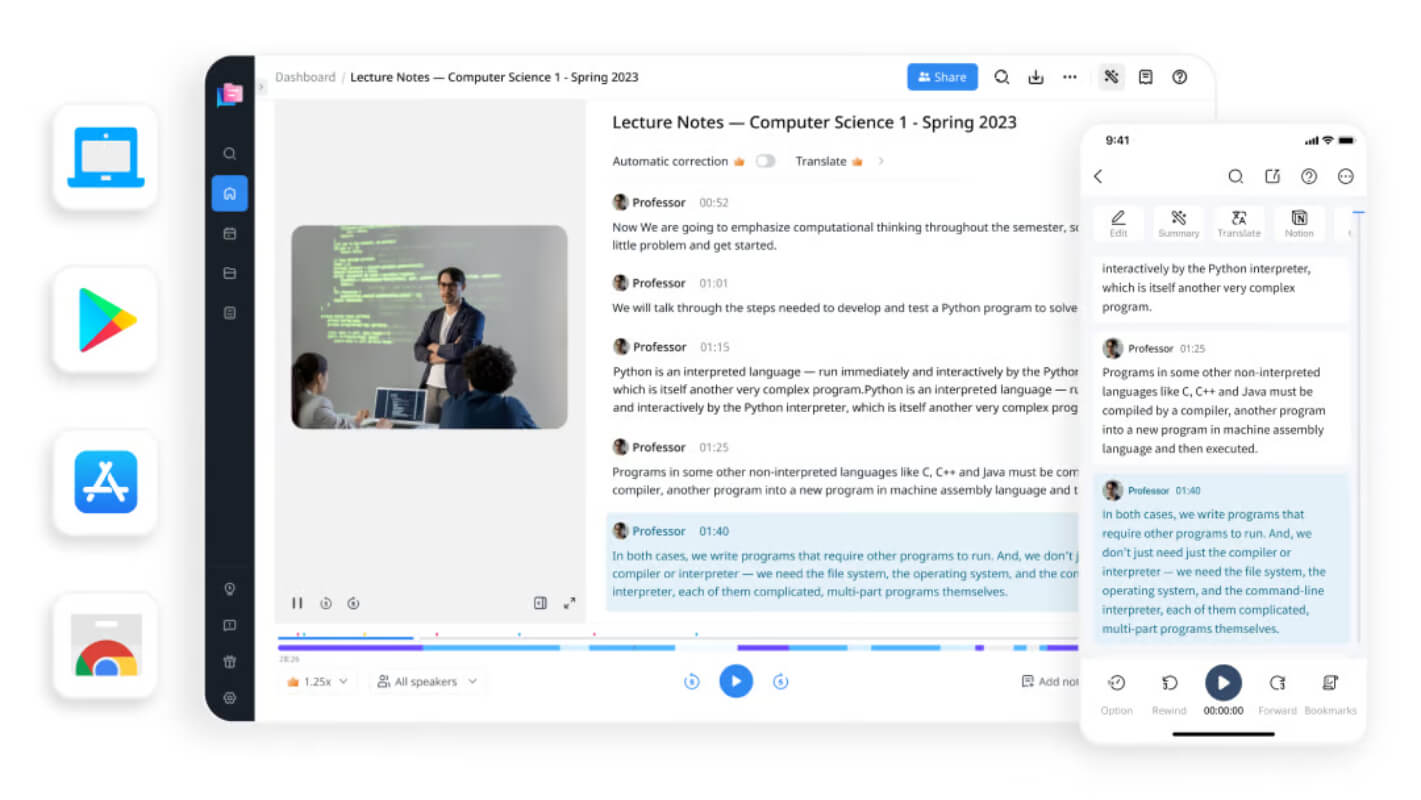
Notta Platforms
iPad
iPhone
Android
Web-Based
Notta Video and Screenshots
Notta Overview
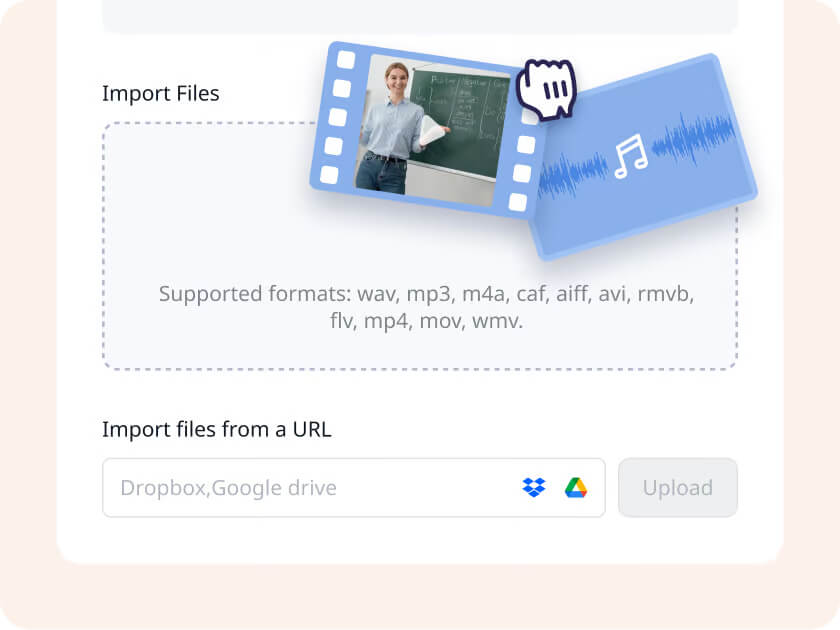
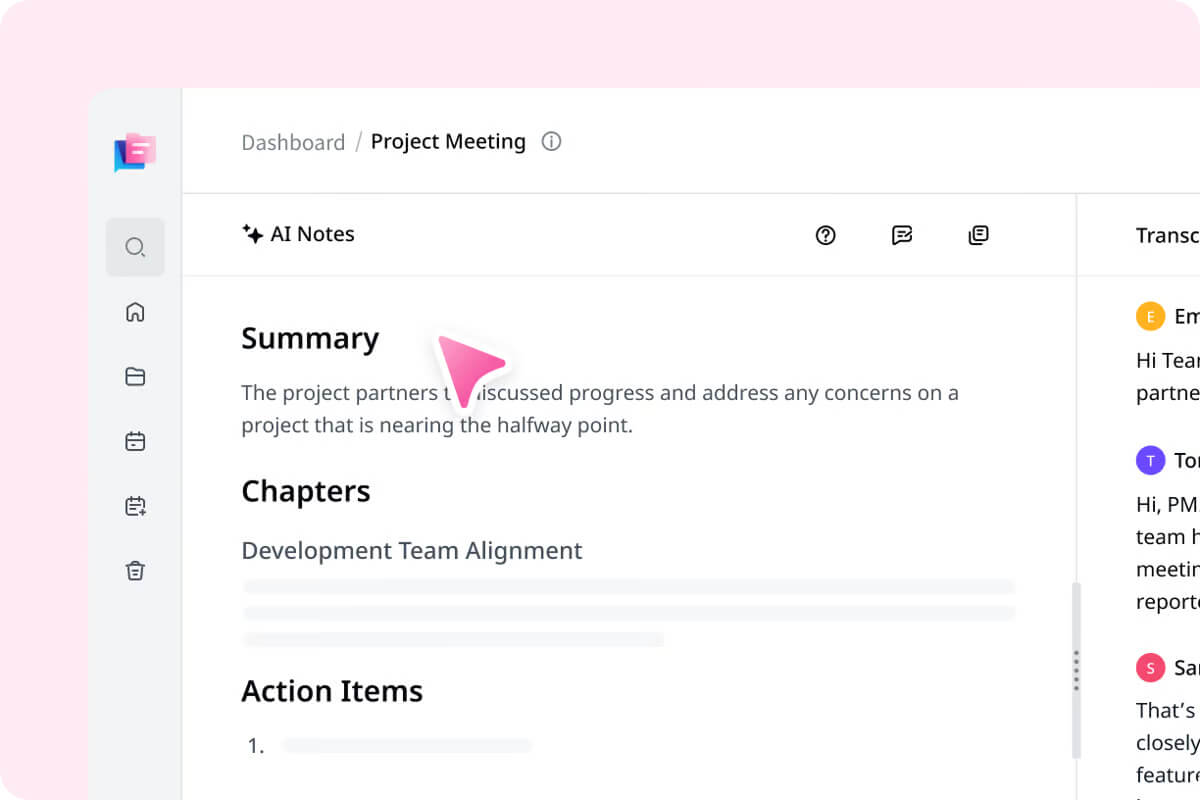
Notta is an AI-powered transcription and summarization tool designed to convert audio and video content into accurate text in 58 languages. It supports a range of use cases such as meetings, interviews, and lectures. Key features include real-time transcription, AI-generated summaries that highlight important points, and bilingual transcription for multilingual communication. Notta ensures high accuracy and fast processing, making it suitable for both personal and professional environments. It can transcribe and summarize content from various media formats, providing users with detailed, searchable text that can be easily reviewed and referenced.
The platform enhances productivity by automating manual transcription and summarization tasks, allowing users to focus on more critical activities. With multilingual support, it caters to a diverse user base and ensures accessibility in global settings. Notta also prioritizes user security, implementing encryption and adhering to regulations like GDPR to safeguard user data. The service is accessible across multiple devices, including smartphones, tablets, and PCs, offering a flexible and user-friendly solution for all transcription and summarization needs.