We've compiled a list of 80 free and paid alternatives to Microsoft PowerPoint. The primary competitors include Wrike, Google Slides. In addition to these, users also draw comparisons between Microsoft PowerPoint and Prezi, Zoho Show, Slidebean. Also you can look at other similar options here: Office Software, Presentation Software.
We've compiled a list of 80 free and paid alternatives to Microsoft PowerPoint. The primary competitors include Wrike, Google Slides. In addition to these, users also draw comparisons between Microsoft PowerPoint and Prezi, Zoho Show, Slidebean. Also you can look at other similar options here: Office Software, Presentation Software.
Dynamic work management platform fostering seamless collaboration in task handling, project planning, and document sharing. Perfect for businesses with multiple teams requiring efficient coordination. Track time and manage tasks effortlessly.
A design tool that allows businesses to create and share multimedia content. With customizable templates, access to Adobe Stock images and fonts, you can create social media posts, flyers, banners and logos.
Visme is an all-in-one platform for creating presentations, documents, data visualizations, social media graphics, videos, and wireframes. It offers AI-driven design assistance, thousands of customizable templates, and comprehensive tools for brande…
Software that lets create, edit, and manage multimedia presentations. Add charts, edit images, and integrate cinematic effects using customizable themes and backgrounds.
Online graphic design platform with ready-made templates and image editing tools. Users can upload custom assets, fonts, and sounds to personalize their designs.
Simplifies flowchart and process map creation with intuitive templates and symbols. Seamlessly integrate with MS Office, GSuite, and more for efficient collaboration. Import and export Visio files.
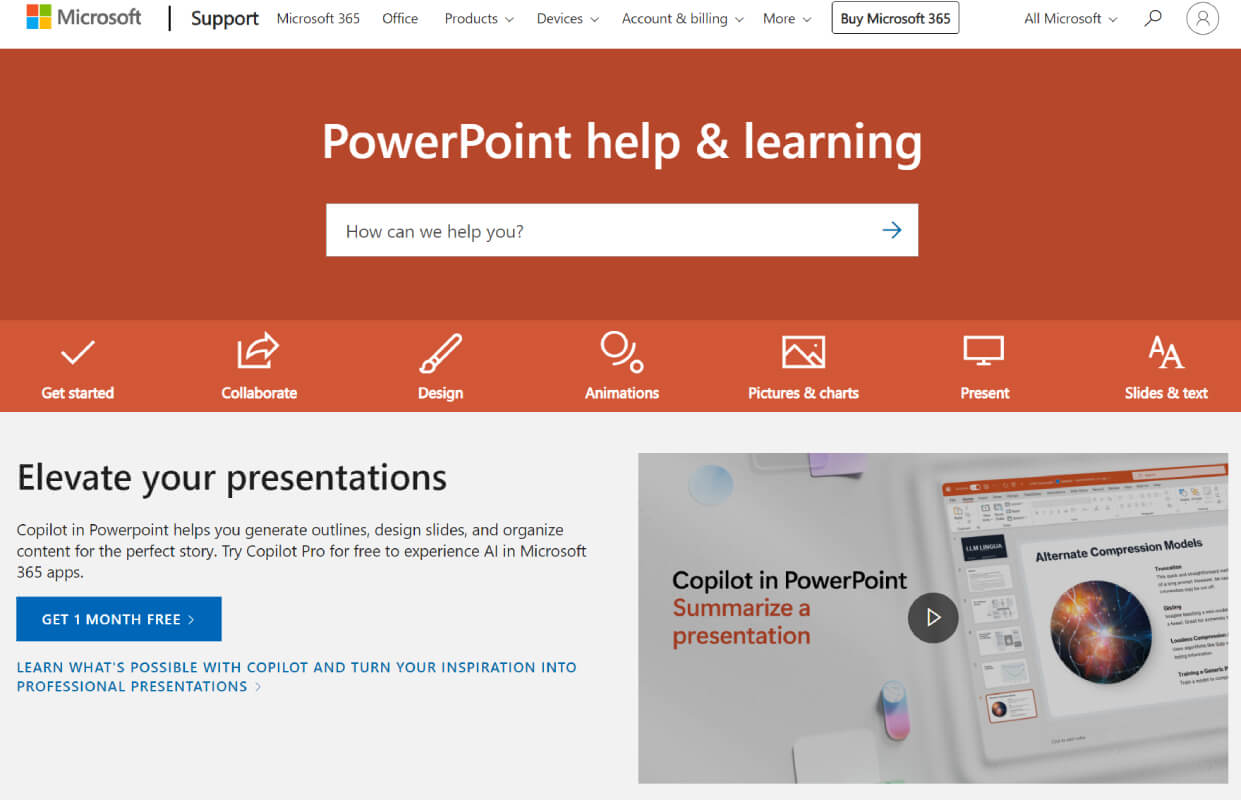
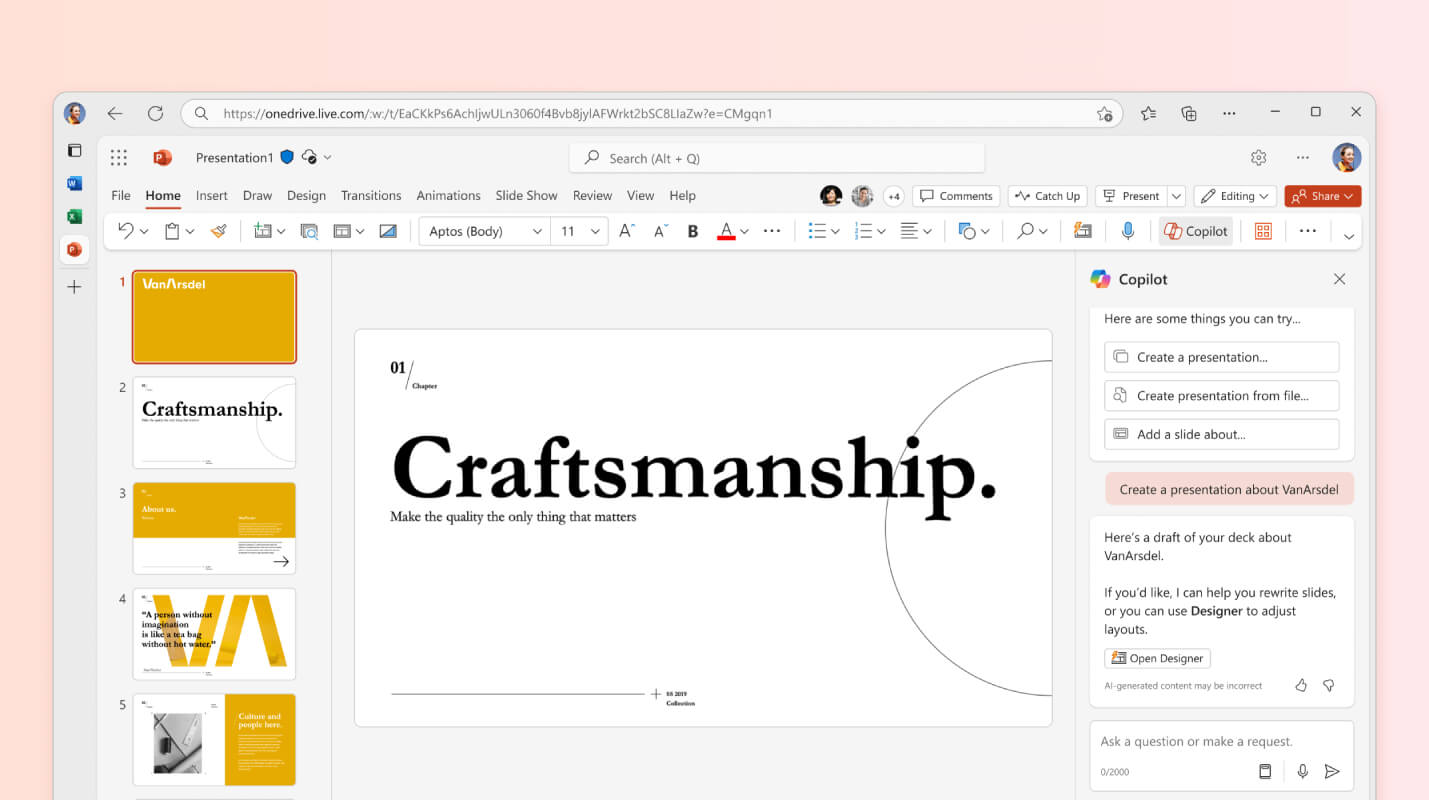
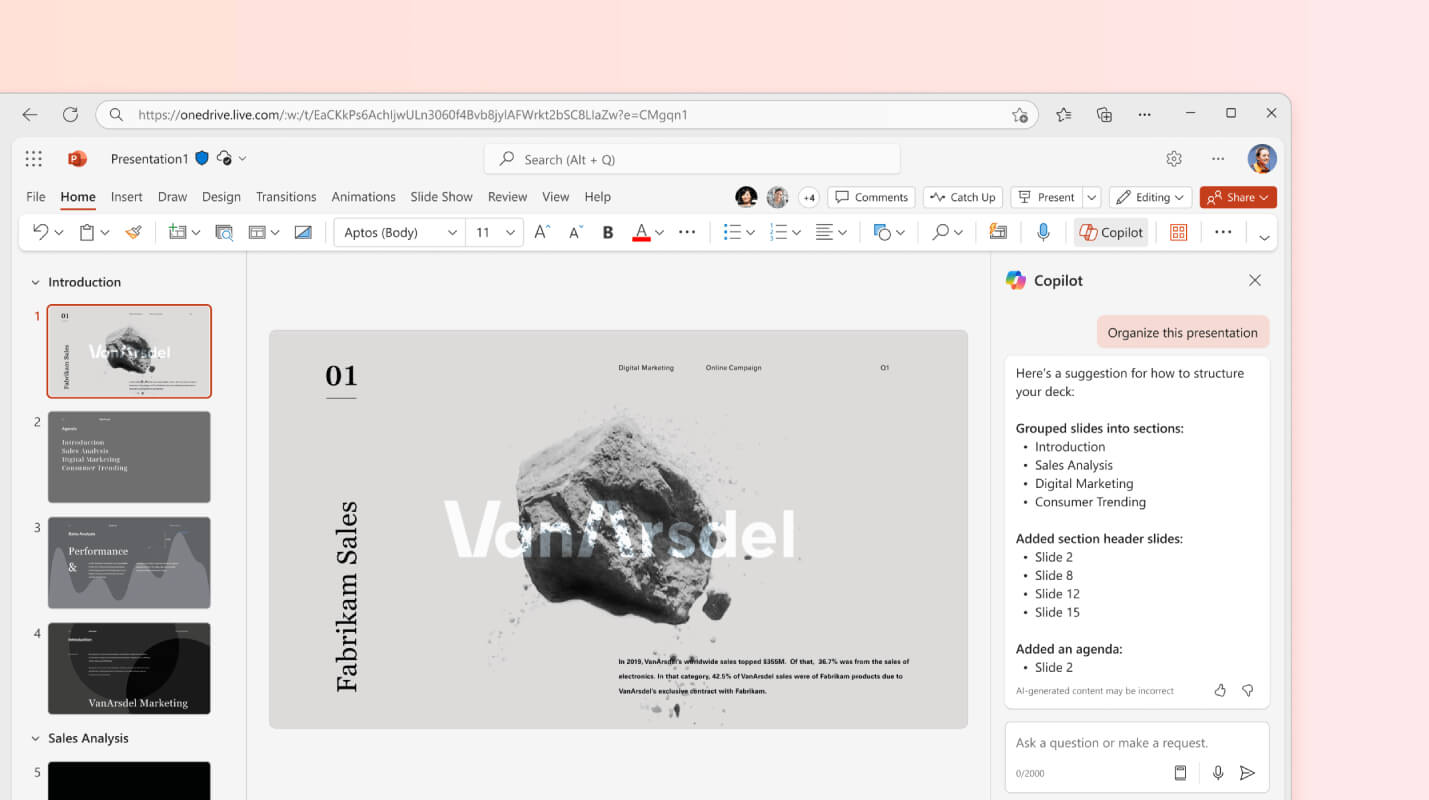
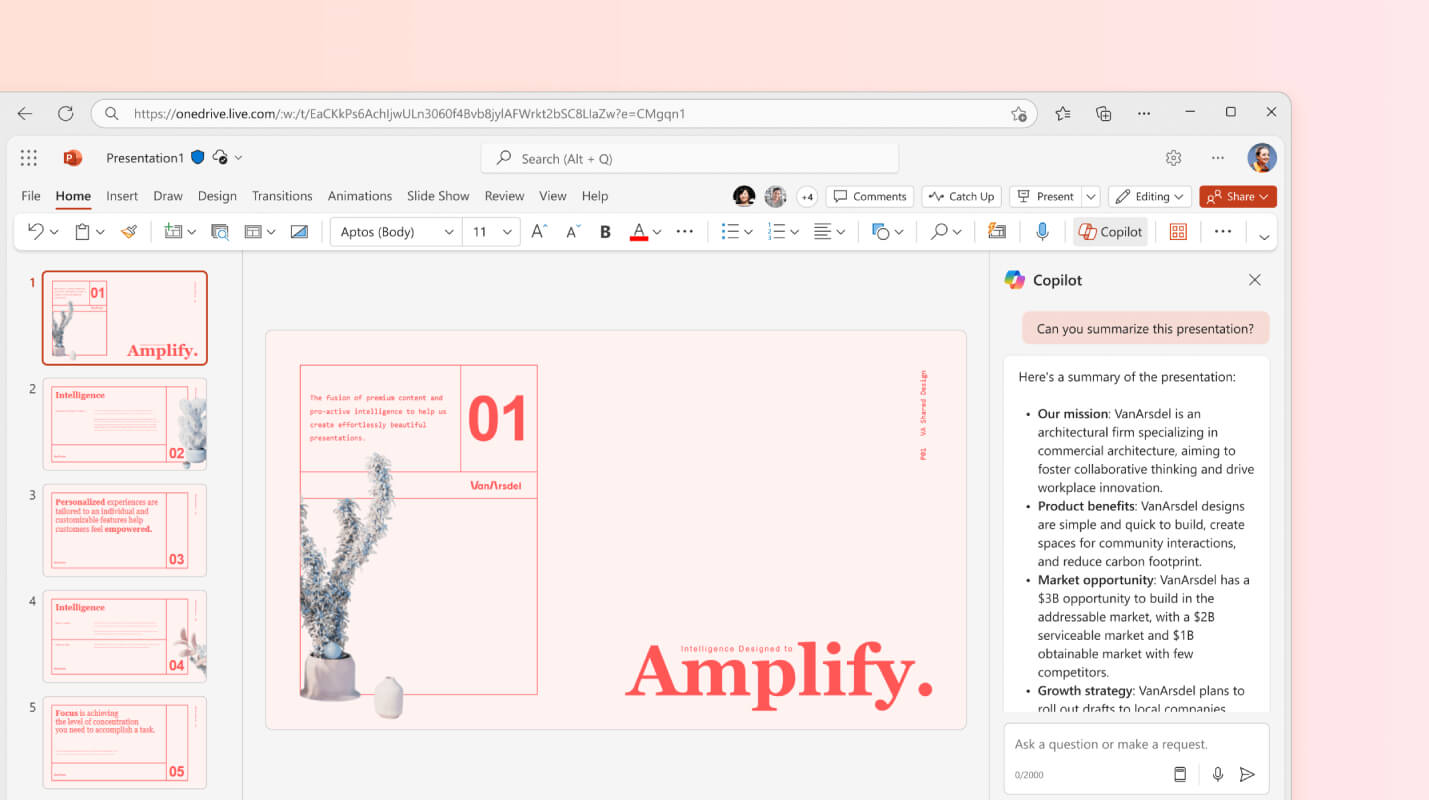
Microsoft PowerPoint is an AI-powered tool designed to help users create outlines, design slides, and organize content for professional presentations. It provides real-time feedback with Presenter Coach, summarizes key points, incorporates your organization's branding, and enhances the entire process of creating and preparing presentations across Microsoft 365 apps.
Microsoft PowerPoint is an AI-powered tool designed to help users create outlines, design slides, and organize content for professional presentations. It provides real-time feedback with Presenter Coach, summarizes key points, incorporates your organization's branding, and enhances the entire process of creating and preparing presentations across Microsoft 365 apps.
Microsoft PowerPoint Platforms
Mac
iPad
iPhone
Web-Based
Android
Windows
Microsoft PowerPoint Video and Screenshots
Microsoft PowerPoint Overview
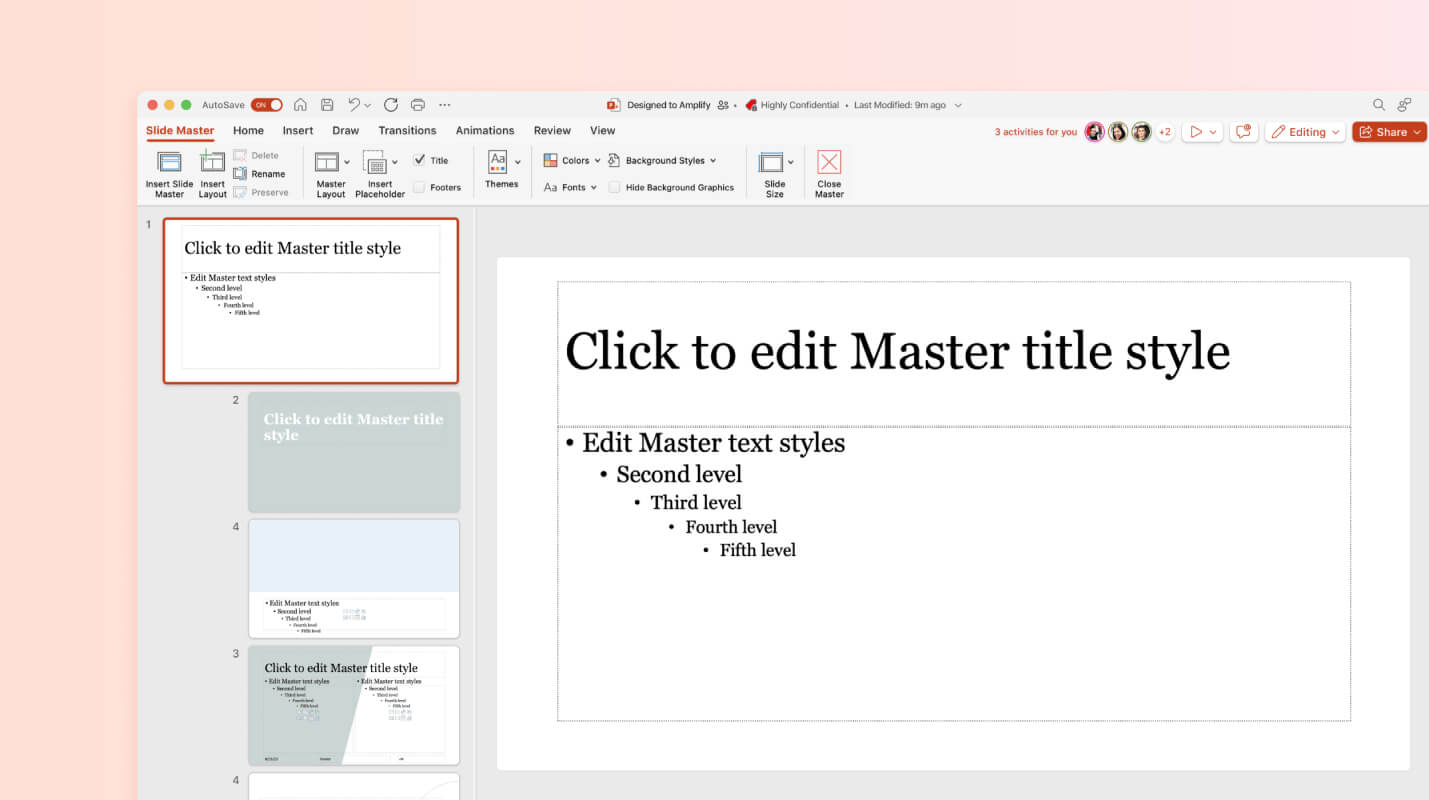
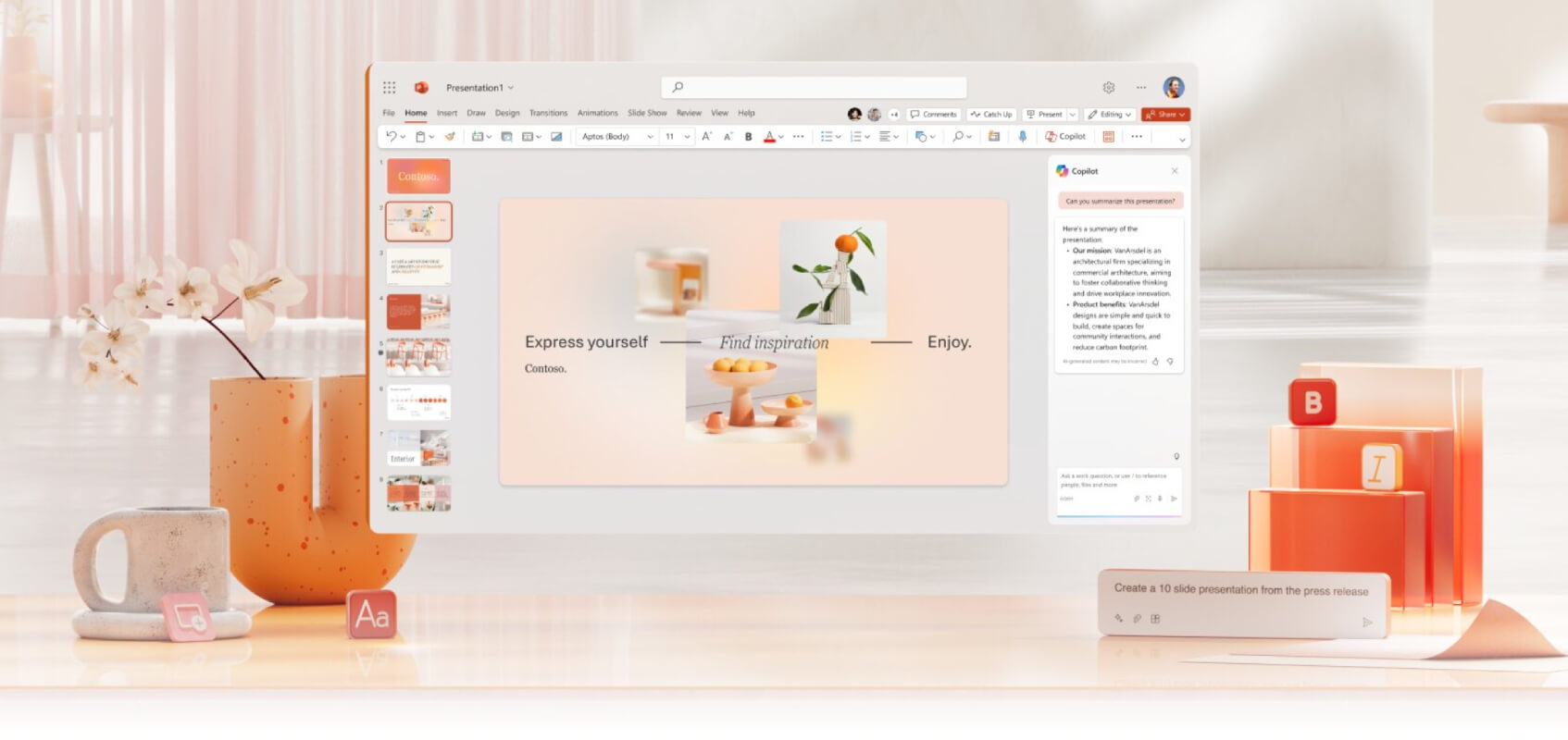
Microsoft PowerPoint is a leading presentation software widely used for creating professional and dynamic slideshows. It offers a range of features including customizable templates, design layouts, and multimedia integration, allowing users to create visually appealing and interactive presentations. With tools for adding images, videos, audio, and animations, PowerPoint ensures that presentations can effectively convey information in an engaging manner. The platform also supports seamless collaboration, enabling multiple users to work together in real-time, making it ideal for team projects and corporate settings.
In addition to its design capabilities, PowerPoint offers a variety of tools to enhance presentation delivery, such as Presenter Coach, which helps users refine their speaking skills by providing feedback on pacing and tone. The software also includes various animation and transition effects to create smooth, professional transitions between slides. Whether for educational, business, or personal use, Microsoft PowerPoint offers a comprehensive suite of tools to help users deliver impactful presentations that capture their audience's attention.