A versatile cloud-based platform, optimizes project management and team collaboration. Boosting productivity across software development, marketing, sales CRM, HR, it empowers seamless task tracking, deadline management, and analytics for enhanced p…
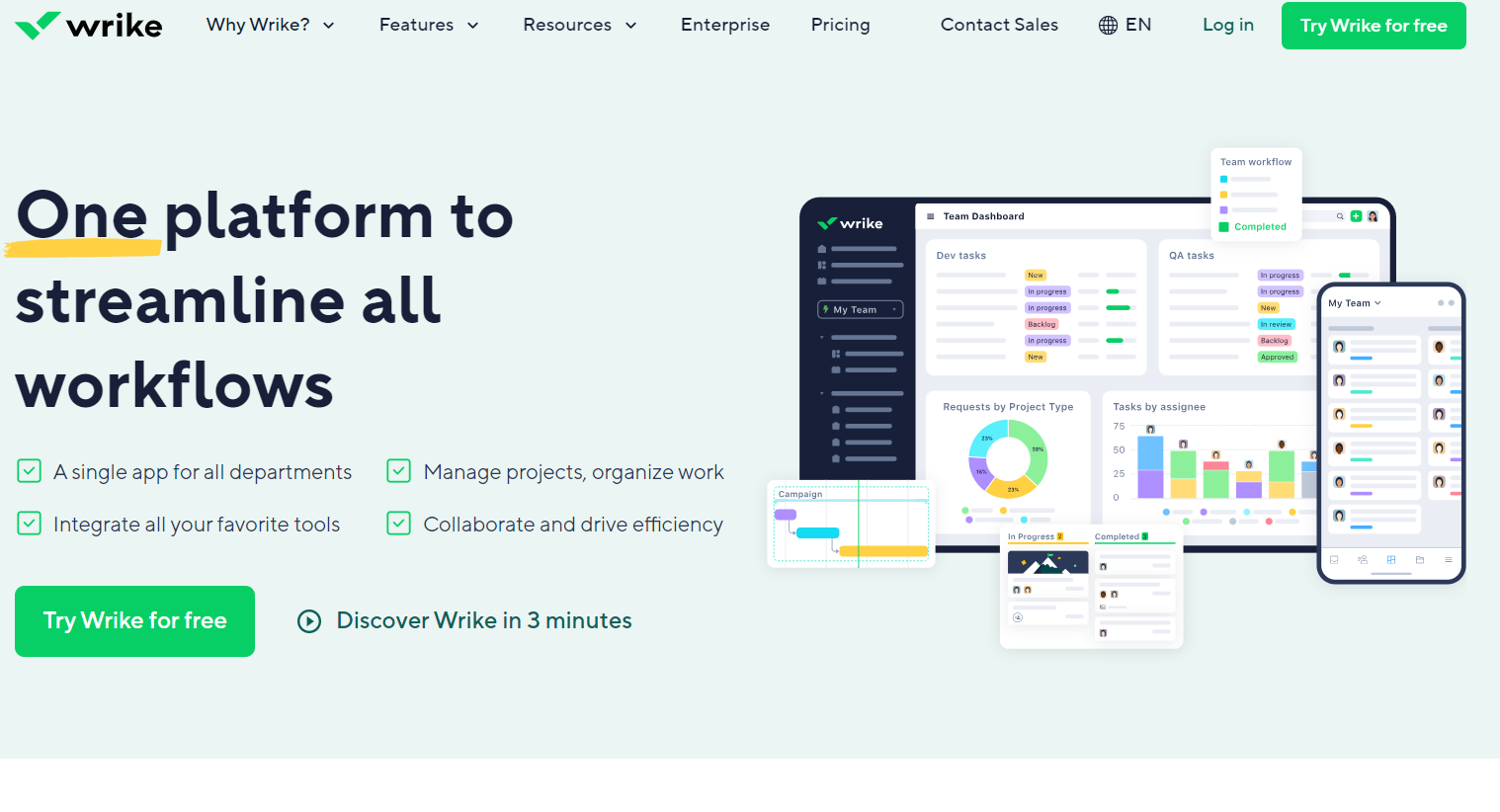
Dynamic work management platform fostering seamless collaboration in task handling, project planning, and document sharing. Perfect for businesses with multiple teams requiring efficient coordination. Track time and manage tasks effortlessly.
Trello is a project management tool that organizes tasks using boards, lists, and cards. It helps teams collaborate, track progress, and manage workflows visually. Trello simplifies task tracking, improves communication, and boosts productivity for …
Asana is a comprehensive project management software that enables teams to efficiently manage tasks and projects. Its features include task creation and assignment, priority setting, progress tracking, and file attachment.
ClickUp is an all-in-one task and project management tool that includes a variety of features and capabilities for organizing workflow. With ClickUp, users can create tasks, plan projects, set deadlines, communicate with the team, and use a variety …
A leading collaboration platform favored by global teams. From local to remote teams, Basecamp simplifies collaboration, document sharing, project scheduling, and more without meetings or emails. Explore our great reviews and try it for free today!
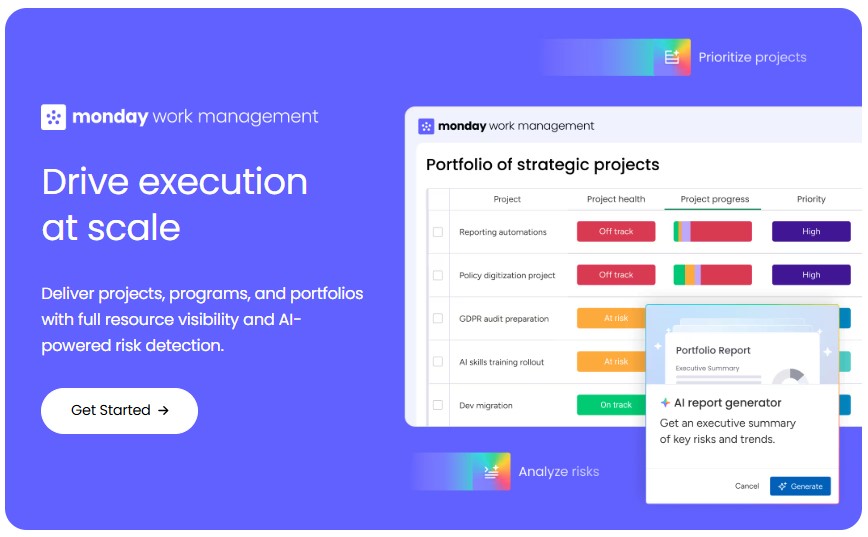
The platform enhances project management, automates processes, and provides clear program visibility, enabling organizations to boost efficiency, flexibility, and collaboration in the ever-changing work environment of today.
Powerful project and operations management in one platform. A reliable project management tool for client work. Deliver projects on time and within budget, all from one organized space.
Airtable is an online database platform that combines spreadsheet functionality with database capabilities. With its help, users can create and manage different types of data such as tasks, customers, inventory and more using a user-friendly web int…
A digital note-taking app that enables users to capture, organize, and share ideas seamlessly. With deep search, audio recording, and Microsoft 365 integration, it enhances collaboration.
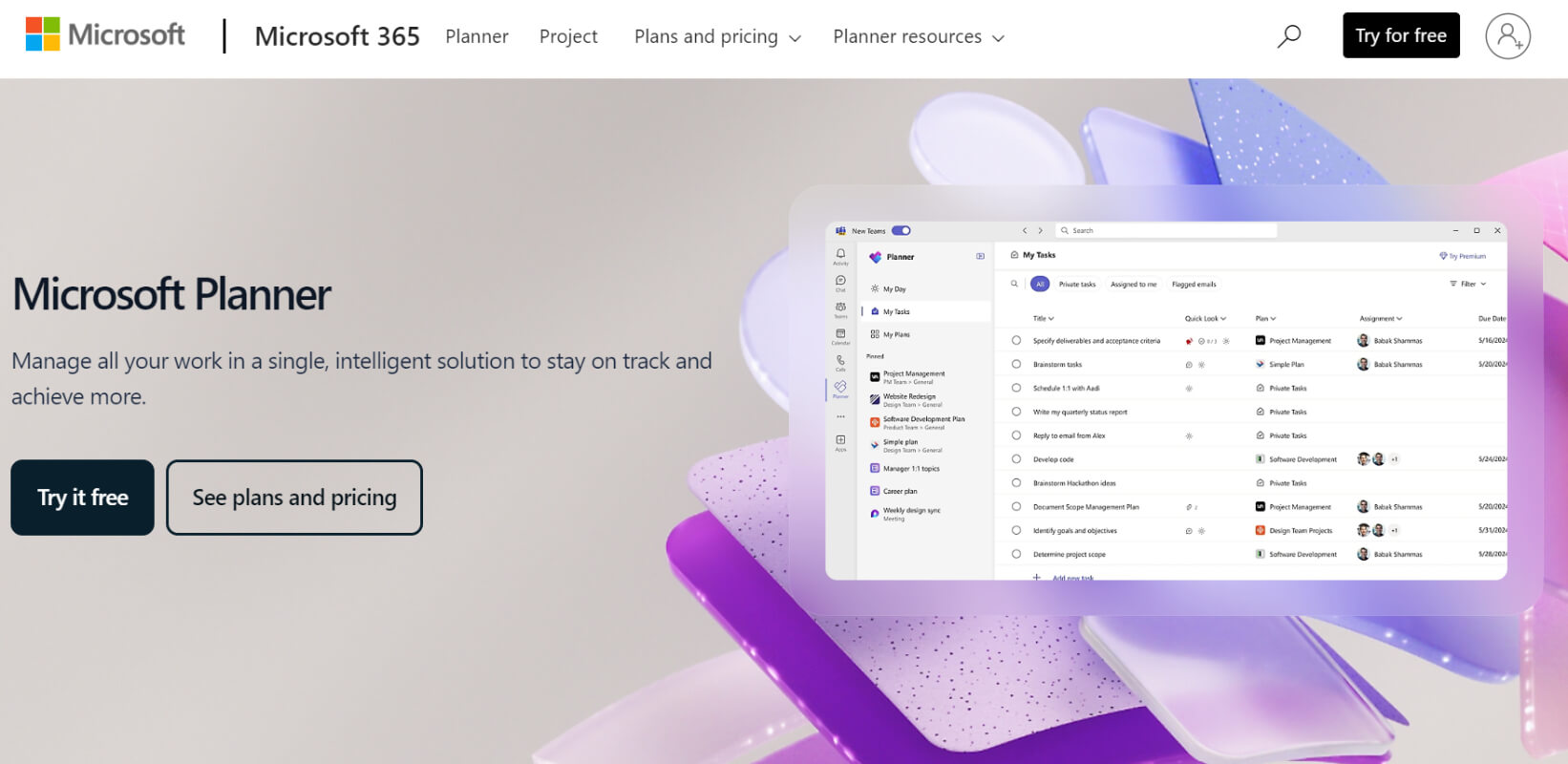
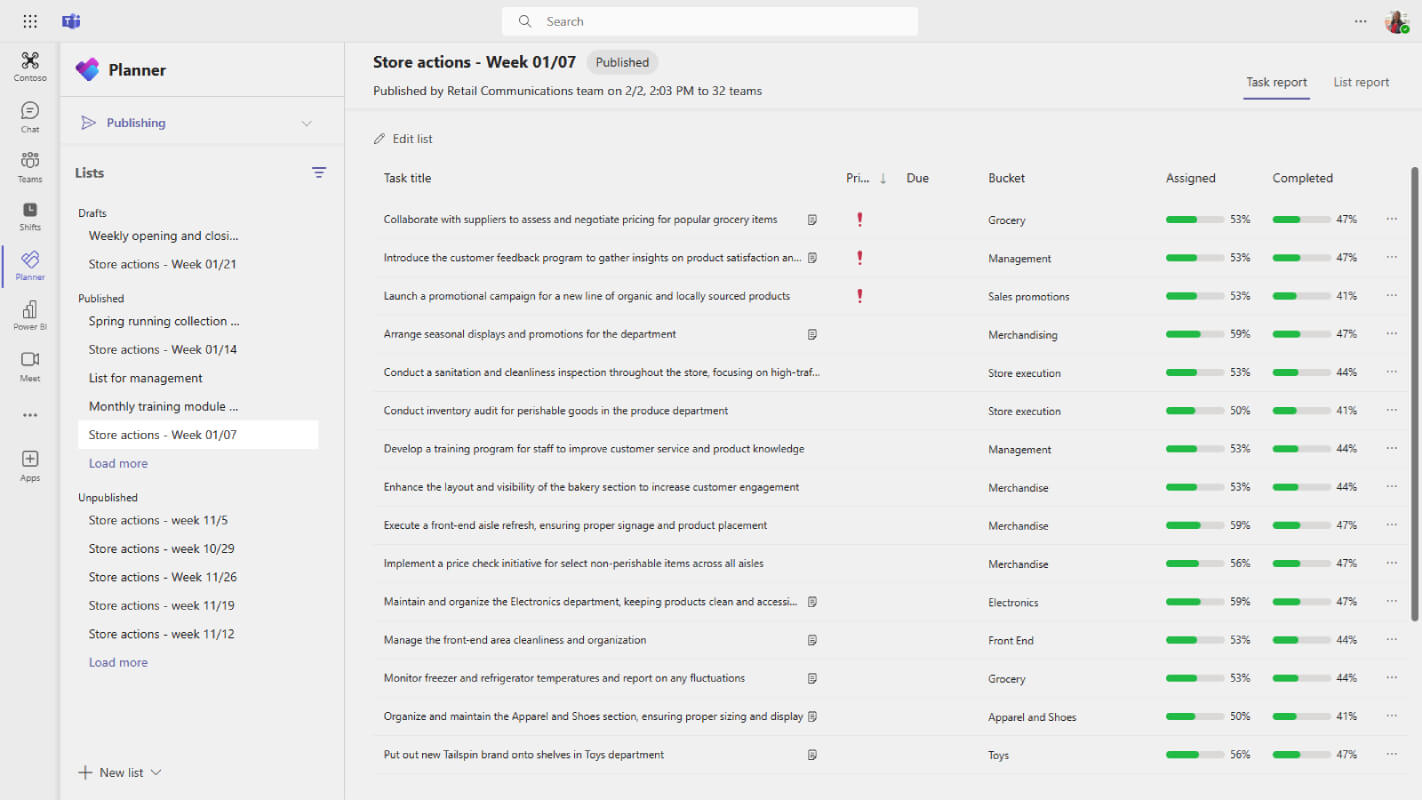
Microsoft Planner is a task management tool within the Microsoft 365 ecosystem that helps teams streamline collaboration and boost productivity. It allows for the creation of plans, organization of tasks into buckets, and assignment of tasks to team members. The platform also provides real-time progress tracking and fosters team communication through comments and file attachments.
Microsoft Planner is a task management tool within the Microsoft 365 ecosystem that helps teams streamline collaboration and boost productivity. It allows for the creation of plans, organization of tasks into buckets, and assignment of tasks to team members. The platform also provides real-time progress tracking and fosters team communication through comments and file attachments.
Microsoft Planner Platforms
Mac
iPad
iPhone
Web-Based
Android
Windows
Microsoft Planner Video and Screenshots
Microsoft Planner Overview
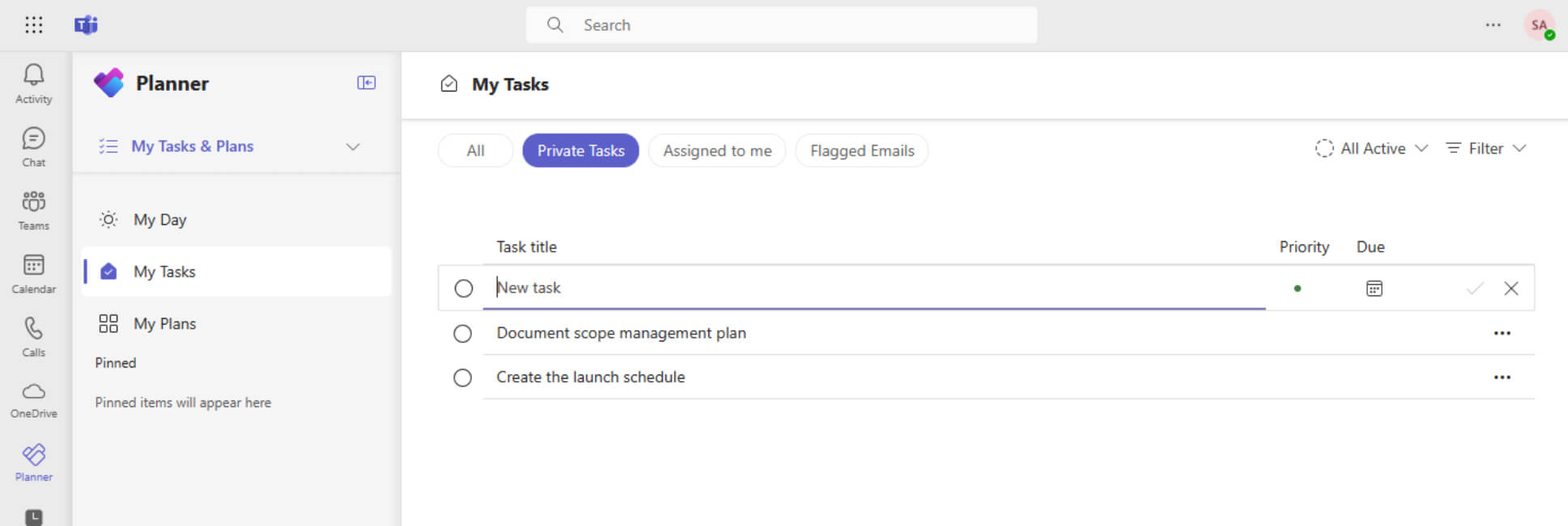
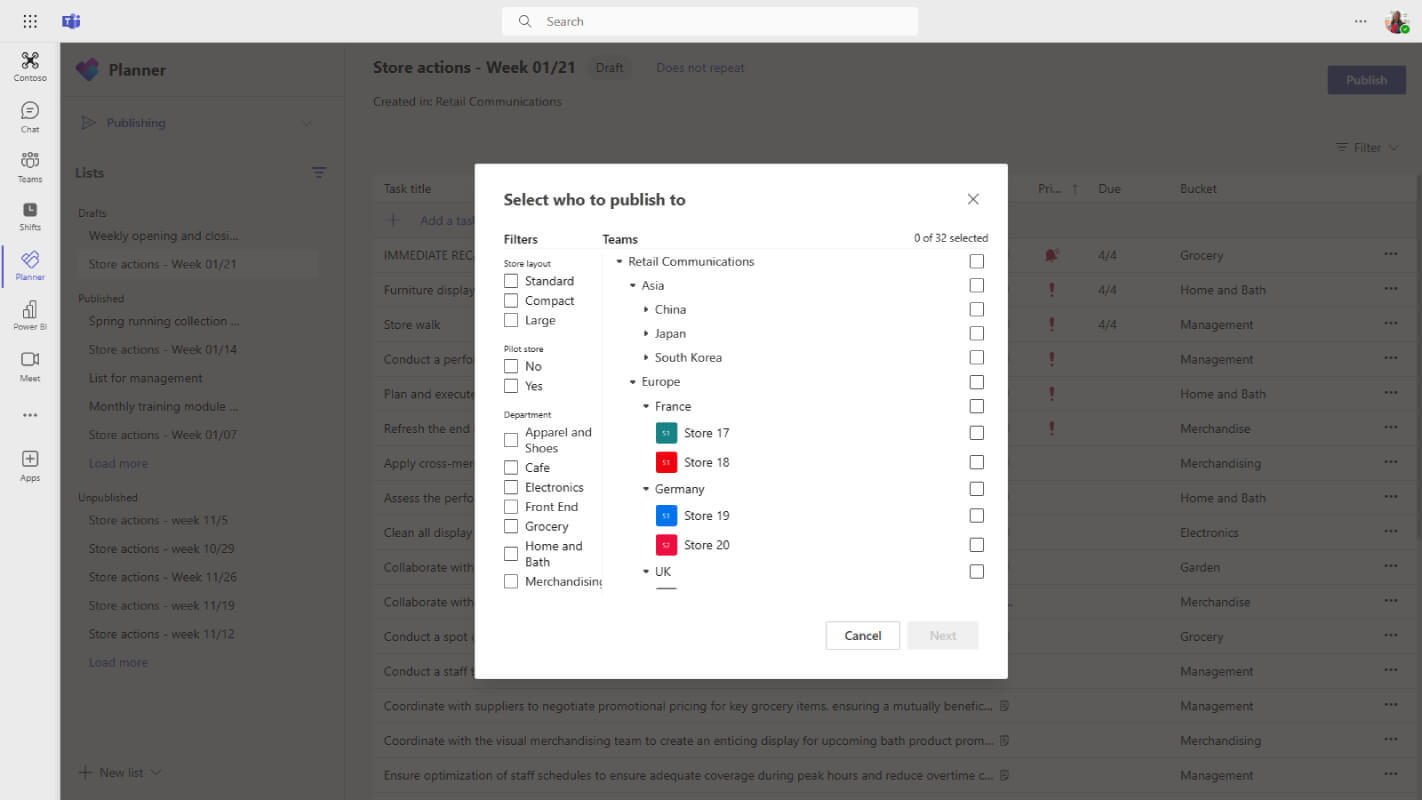
Microsoft Planner is a task management tool within Microsoft 365 that helps teams organize and manage their work effectively. It allows users to create plans, assign tasks, set deadlines, and track progress in a central workspace. With features like task labels, due dates, and progress tracking, it makes it easier for teams to stay on top of their projects. Planner also integrates with other Microsoft 365 tools like Teams, Outlook, and OneDrive, facilitating seamless collaboration and file sharing, ensuring that everyone involved is aligned and informed.
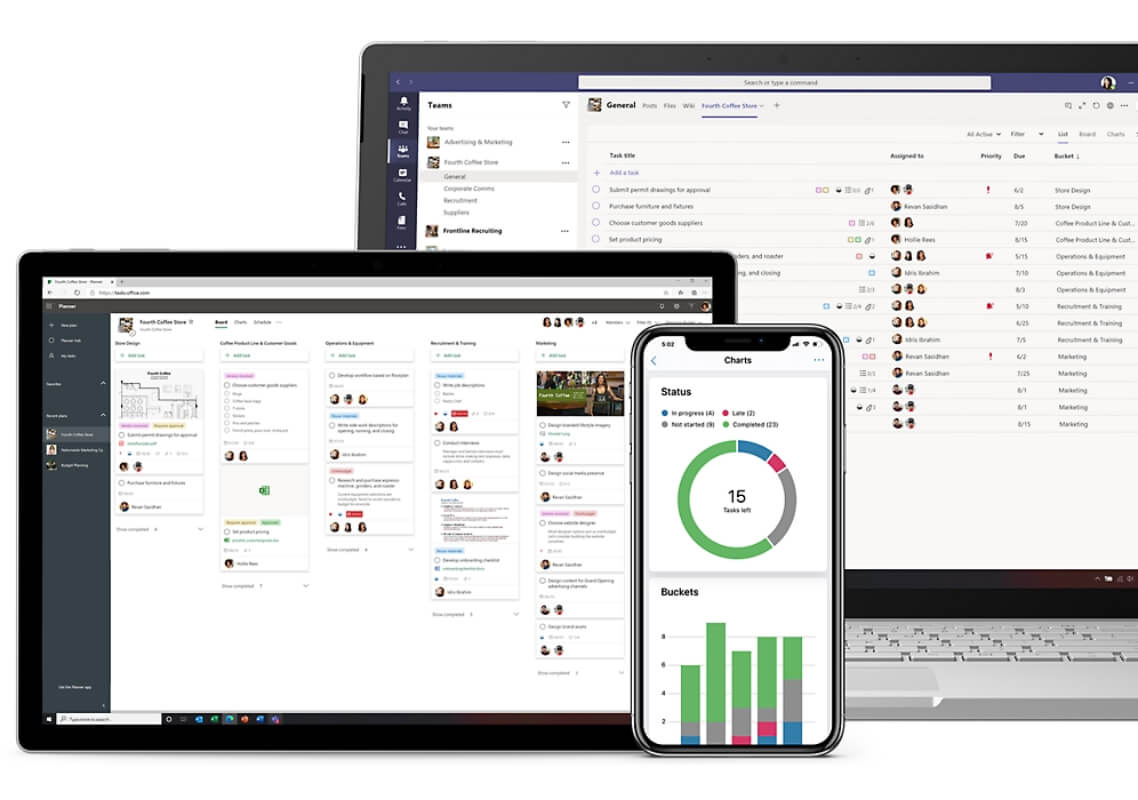
Planner offers different views, such as a board view for task organization, a calendar view for scheduling, and a chart view to monitor progress. These customizable views provide flexibility for teams to manage their workflows according to their preferences. Accessible across devices, including web, iOS, and Android, Microsoft Planner allows teams to stay connected and productive, whether in the office or working remotely. It’s a simple yet powerful solution for enhancing collaboration, ensuring deadlines are met, and keeping projects on track.