We've compiled a list of 100 free and paid alternatives to IDrive. The primary competitors include Wrike, Acronis Cyber Protect. In addition to these, users also draw comparisons between IDrive and Adrive, Google Drive, Slack. Also you can look at other similar options here: Backup and Sync Software.
We've compiled a list of 100 free and paid alternatives to IDrive. The primary competitors include Wrike, Acronis Cyber Protect. In addition to these, users also draw comparisons between IDrive and Adrive, Google Drive, Slack. Also you can look at other similar options here: Backup and Sync Software.
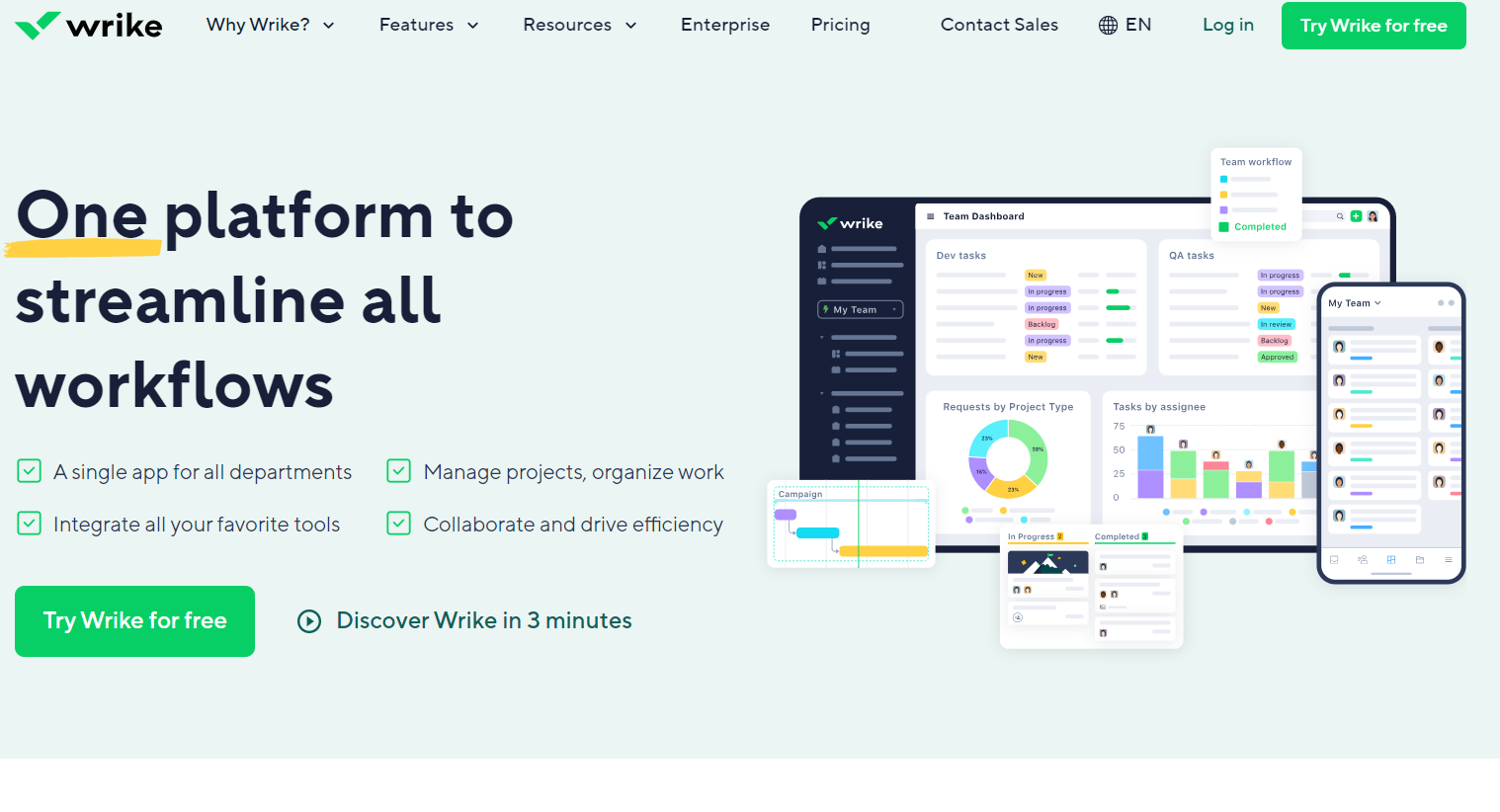
Dynamic work management platform fostering seamless collaboration in task handling, project planning, and document sharing. Perfect for businesses with multiple teams requiring efficient coordination. Track time and manage tasks effortlessly.
A comprehensive tool for protecting and managing data in information systems. It includes a variety of features, such as backup, antivirus protection, access control and other security tools. Acronis Cyber Protect is designed to protect against a va…
ADrive offers secure cloud storage and backup solutions for personal, business, and enterprise data. It allows users to manage, edit, and share files online, supporting rsync, FTP, SFTP, and SCP. The platform enables collaboration, data backups, pas…
Slack is the hub for seamless collaboration, offering real-time messaging, file sharing, and integration with apps. Get work done efficiently from anywhere.
Asana is a comprehensive project management software that enables teams to efficiently manage tasks and projects. Its features include task creation and assignment, priority setting, progress tracking, and file attachment.
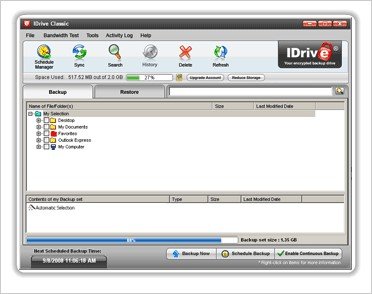
Get 5 GB of full featured Online Backup for free. Features include Automatic Backup, True Archiving, Versioning, Continuous Backup, Mapped Drive Backup and Web-based Backup Management. IDriveSync syncs files online across multiple PCs and Macs. On installing and logging into the application, it opens up a 'Sync' area where you can add the files you wish to sync. With iDrive Sync you can Sync up to 5 computers: Once you have new data into your Sync area, your Sync data starts getting transferred online, or 'Syncs-Up'. This essentially serves as an online backup of your data. Now, if you simply install and login on multiple PCs / Macs using same authentication, the synced data is 'Synced-Down' onto those multiple computers. Anytime you make a change to synced data anywhere on those multiple computers, all the computers will shortly reflect the modified data.