We've compiled a list of 13 free and paid alternatives to dbForge SQL Complete. The primary competitors include Notepad++, Visual Studio Code. In addition to these, users also draw comparisons between dbForge SQL Complete and Sequel Pro, AWS Cloud9, Robo 3T. Also you can look at other similar options here: Development Tools.
We've compiled a list of 13 free and paid alternatives to dbForge SQL Complete. The primary competitors include Notepad++, Visual Studio Code. In addition to these, users also draw comparisons between dbForge SQL Complete and Sequel Pro, AWS Cloud9, Robo 3T. Also you can look at other similar options here: Development Tools.
Notepad++ is a free text editor that supports color-coded syntax highlighting for different programming languages, auto-completion, the ability to open different tabs with different files at the same time, and support for plugins to extend functiona…
Visual Studio Code is a versatile code editor tailored for modern web and cloud app development. It's free, cross-platform, and boasts a rich ecosystem of extensions.
AWS Cloud9 is a cloud-based integrated development environment (IDE) that enables coding, running, and debugging directly in the browser. It supports multiple programming languages, offers real-time collaboration, and integrates with AWS services fo…
ArangoDB is a multi-model database that supports graph, document, and key-value data models. It enables flexible data storage, fast queries, and easy scaling. Designed for complex applications, ArangoDB simplifies handling diverse data types in one …
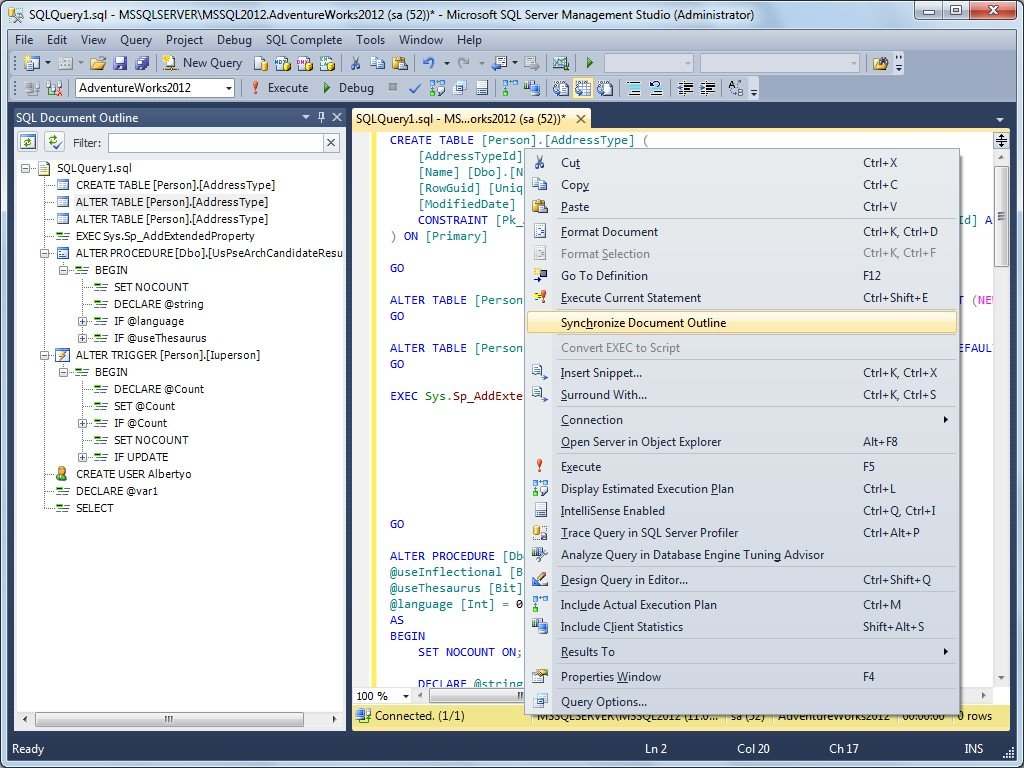
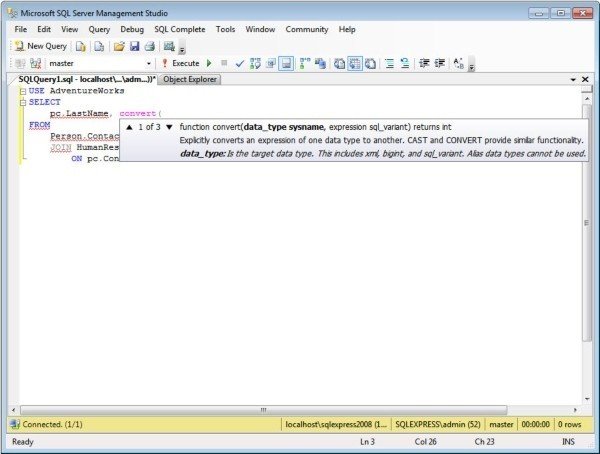
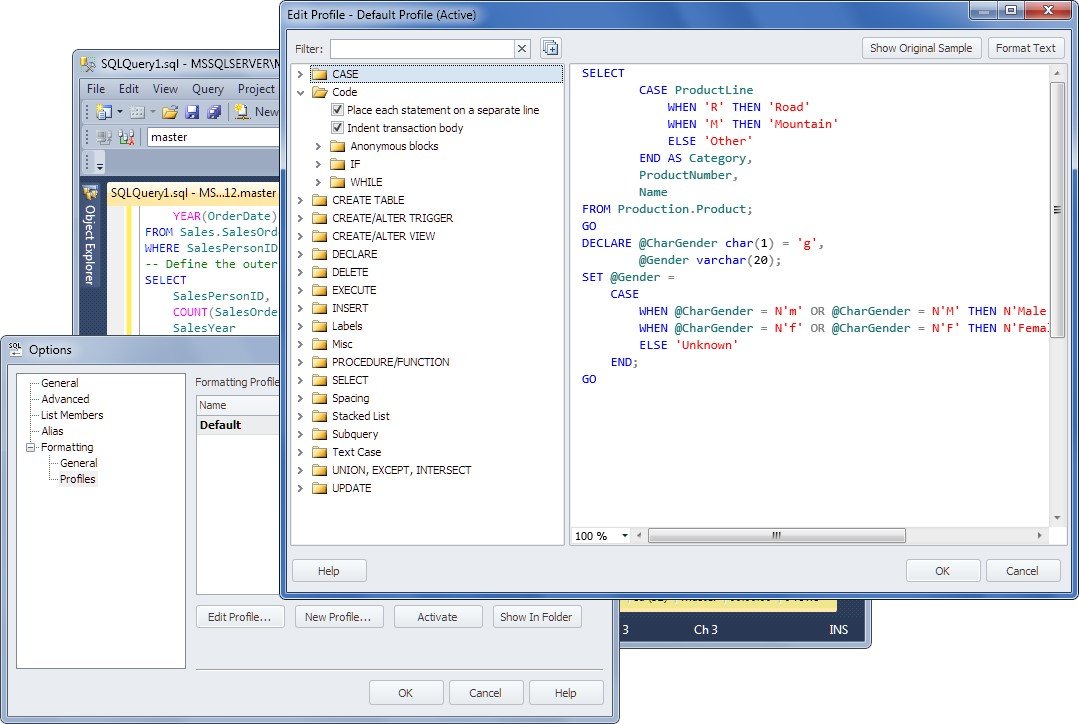
dbForge SQL Complete is a useful add-in for SQL Server Management Studio and Visual Studio. Free and paid editions of the tool offer the powerful autocompletion and formatting of T-SQL code that replaces native Microsoft T-SQL Intellisense. The tool can also be integrated into Visual Studio 2008, 2010, 2012, 2013, 2015, 2017 and 2019. Besides the extension of the List Members, Complete Word and Parameter Info features, SQL Complete also includes SQL Formatter.
Key Features: - Context-based code completion - Smart filtering to suggest relative keywords and objects - Quick parameter info for functions - Customizable SQL formatting - Quick object info - Context-based sorting of suggestions in the list - Determining current database or schema - Expanding a list of columns - Suggesting conditions for JOIN statements - Expanding INSERT, ALTER, and EXEC statements - "Go to definition" for database objects - Code snippets - Document Outline window - Highlight occurrences of an identifier - Execute current statement - Automatic alias generation - Suggestions of T-SQL statements in procedures and functions - Suggestions of other SQL statements - IntelliSense for linked servers - Semi-transparent view of the suggestion box - Phrase Completion - Code Formatting for MERGE Statements