We've compiled a list of 24 free and paid alternatives to dbFront. The primary competitors include SQLite, PostgreSQL. In addition to these, users also draw comparisons between dbFront and Sequel Pro, MongoDB, MariaDB. Also you can look at other similar options here: Development Tools.
We've compiled a list of 24 free and paid alternatives to dbFront. The primary competitors include SQLite, PostgreSQL. In addition to these, users also draw comparisons between dbFront and Sequel Pro, MongoDB, MariaDB. Also you can look at other similar options here: Development Tools.
Cloud-based platform for data insights. Built on Apache Pinot, it offers no-code data management, errors detection, and fully managed infrastructure for scalable analytics.
ArangoDB is a multi-model database that supports graph, document, and key-value data models. It enables flexible data storage, fast queries, and easy scaling. Designed for complex applications, ArangoDB simplifies handling diverse data types in one …
Quickly create dynamic and powerful web applications using all the power of your MySQL, Oracle or...
Quickly create dynamic and powerful web applications using all the power of your MySQL, Oracle or...
dbFront Platforms
Web-Based
Windows
dbFront Video and Screenshots
dbFront Overview
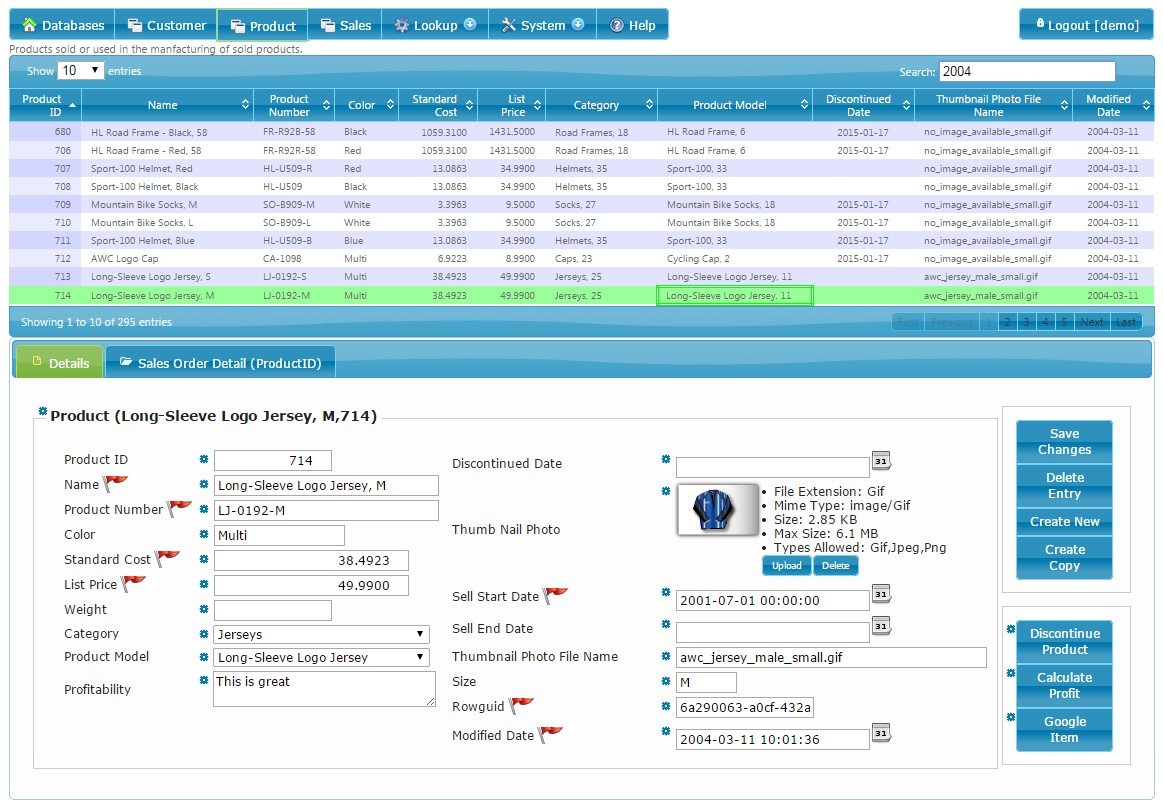
dbFront is a simple to administer and use web application, that allows you to quickly build a client interface for your existing database that is immediately useful. You can create dynamic and powerful web applications using all the power of your existing SQL Server, MySQL or Oracle database.
Features: = Setup = - Installer allows setup within 5 minutes - Simple One Server setup OR Complex Distributed Server setup - MS SQL Server, MySql or Oracle, - Updates itself as database structure changes - Export / Import / Data Conversion
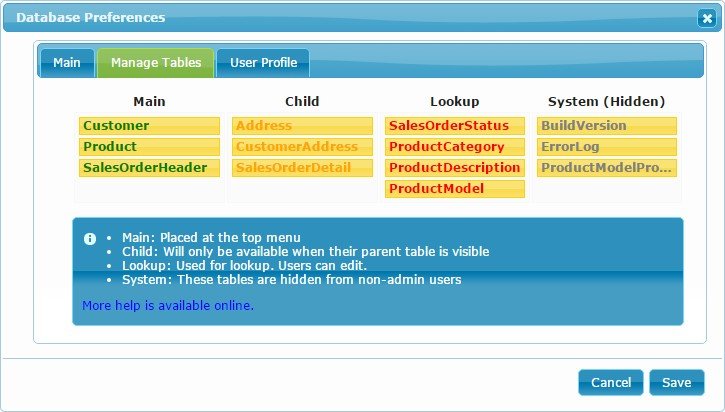
= Tables = - Table Types: Main, Child, Lookup or System - Automatically show related tables - Automatically turn related fields into Lookup Fields - Quick Search or Custom Search - Action Buttons (Set Value, Run Procedure or Open URL)
= Fields = - Field Types: Text, Numeric, Date, Lookup, Object (pictures or attachments) - Regular Expression Validation