We've compiled a list of 65 free and paid alternatives to Yalla. The primary competitors include Trello, Microsoft OneNote. In addition to these, users also draw comparisons between Yalla and Box, Asana, Coda. Also you can look at other similar options here: Office and Productivity Software.
We've compiled a list of 65 free and paid alternatives to Yalla. The primary competitors include Trello, Microsoft OneNote. In addition to these, users also draw comparisons between Yalla and Box, Asana, Coda. Also you can look at other similar options here: Office and Productivity Software.
Trello is a project management tool that organizes tasks using boards, lists, and cards. It helps teams collaborate, track progress, and manage workflows visually. Trello simplifies task tracking, improves communication, and boosts productivity for …
A digital note-taking app that enables users to capture, organize, and share ideas seamlessly. With deep search, audio recording, and Microsoft 365 integration, it enhances collaboration.
Asana is a comprehensive project management software that enables teams to efficiently manage tasks and projects. Its features include task creation and assignment, priority setting, progress tracking, and file attachment.
Coda was a macOS-based web development application by Panic, combining a text editor, FTP client, terminal, and preview pane in a single interface. It supported multiple programming languages, real-time collaboration, and plugin extensibility.
A leading collaboration platform favored by global teams. From local to remote teams, Basecamp simplifies collaboration, document sharing, project scheduling, and more without meetings or emails. Explore our great reviews and try it for free today!
Your all-in-one workspace for wiki, documents, and projects. Streamline your work apps into a unified platform, enhancing collaboration and productivity. Discover the future of work with AI integration.
Celtra offers software solutions for marketers and publishers to leverage automation and AI for driving ad performance, helping satisfy content demands, keep up with media consumption habits, and optimize media budgets by generating on-brand creativ…
Yalla is a teamwork/collaboration app designed to get the right people working on the right things...
Yalla is a teamwork/collaboration app designed to get the right people working on the right things...
Yalla Platforms
Mac
iPad
iPhone
Android
Web-Based
Yalla Video and Screenshots
Yalla Overview
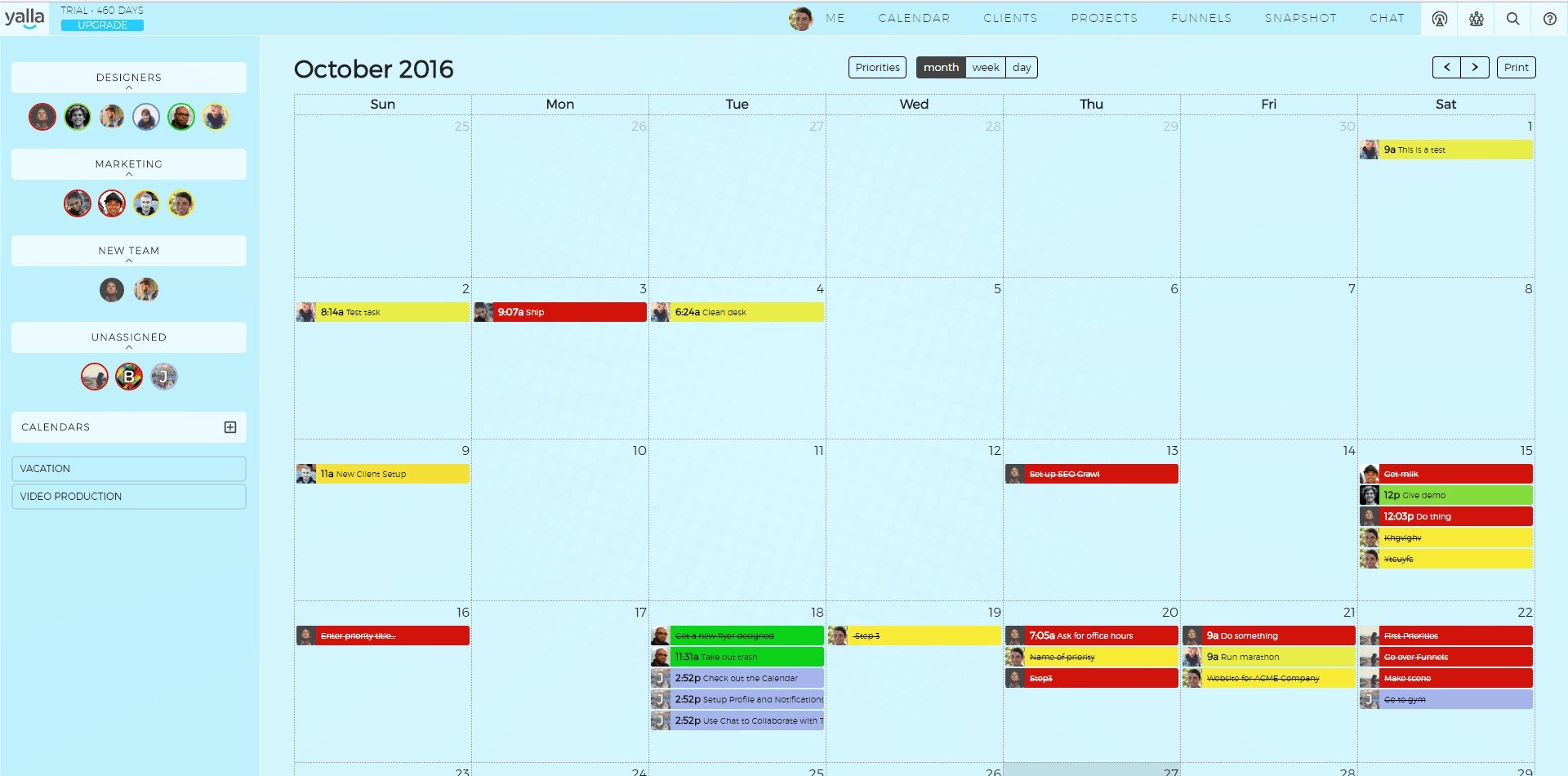
Yalla gets the right people working on the right things in the right priority. It offers a singular platform for project management, team collaboration and customer relationship management.
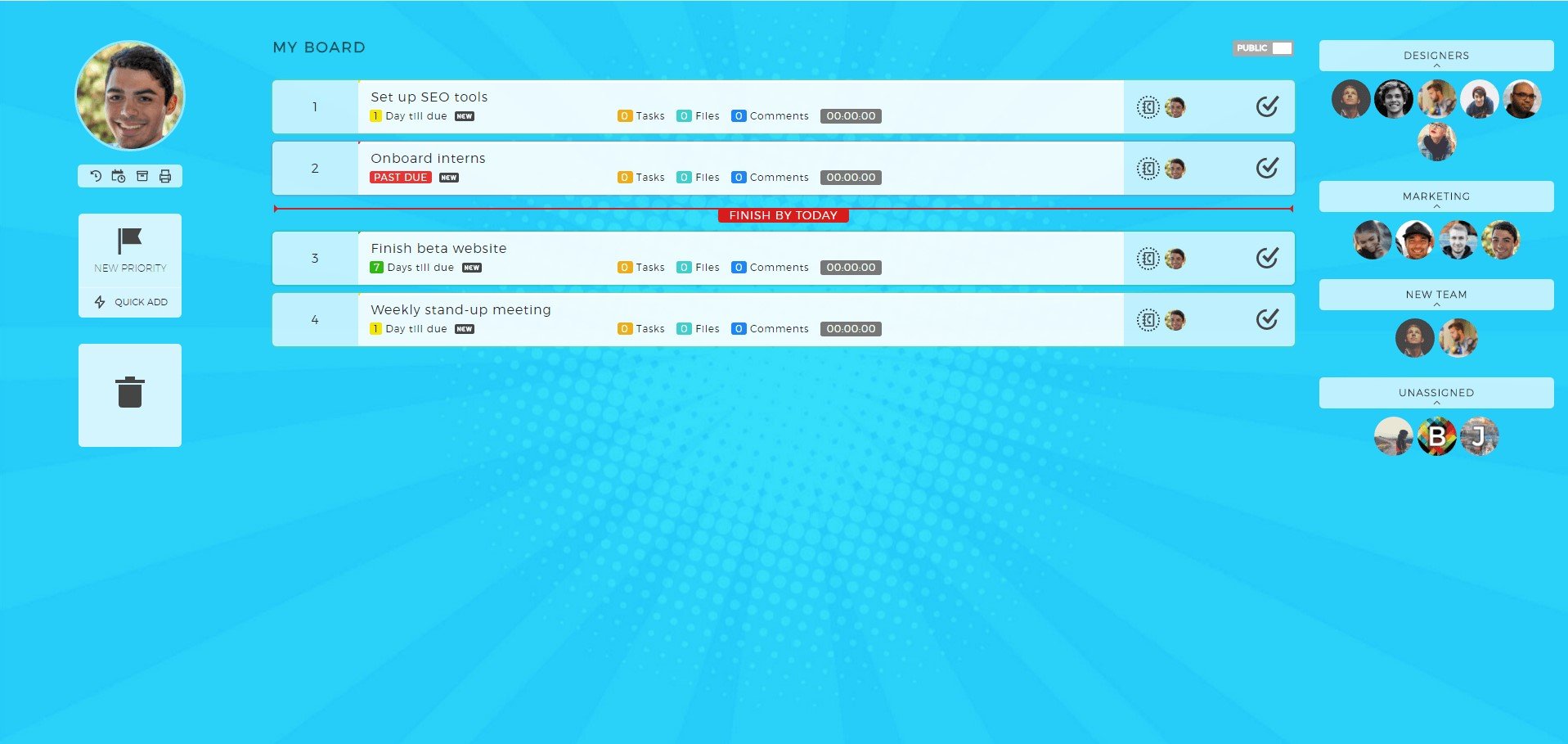
Every Yalla user has a board of priorities. Add priorities for yourself or other members of the team. Reordering your priorities is simple - just drag and drop. Every priority can contain a custom due date, reminder, files and sub-tasks. You can also track time on individual priorities.
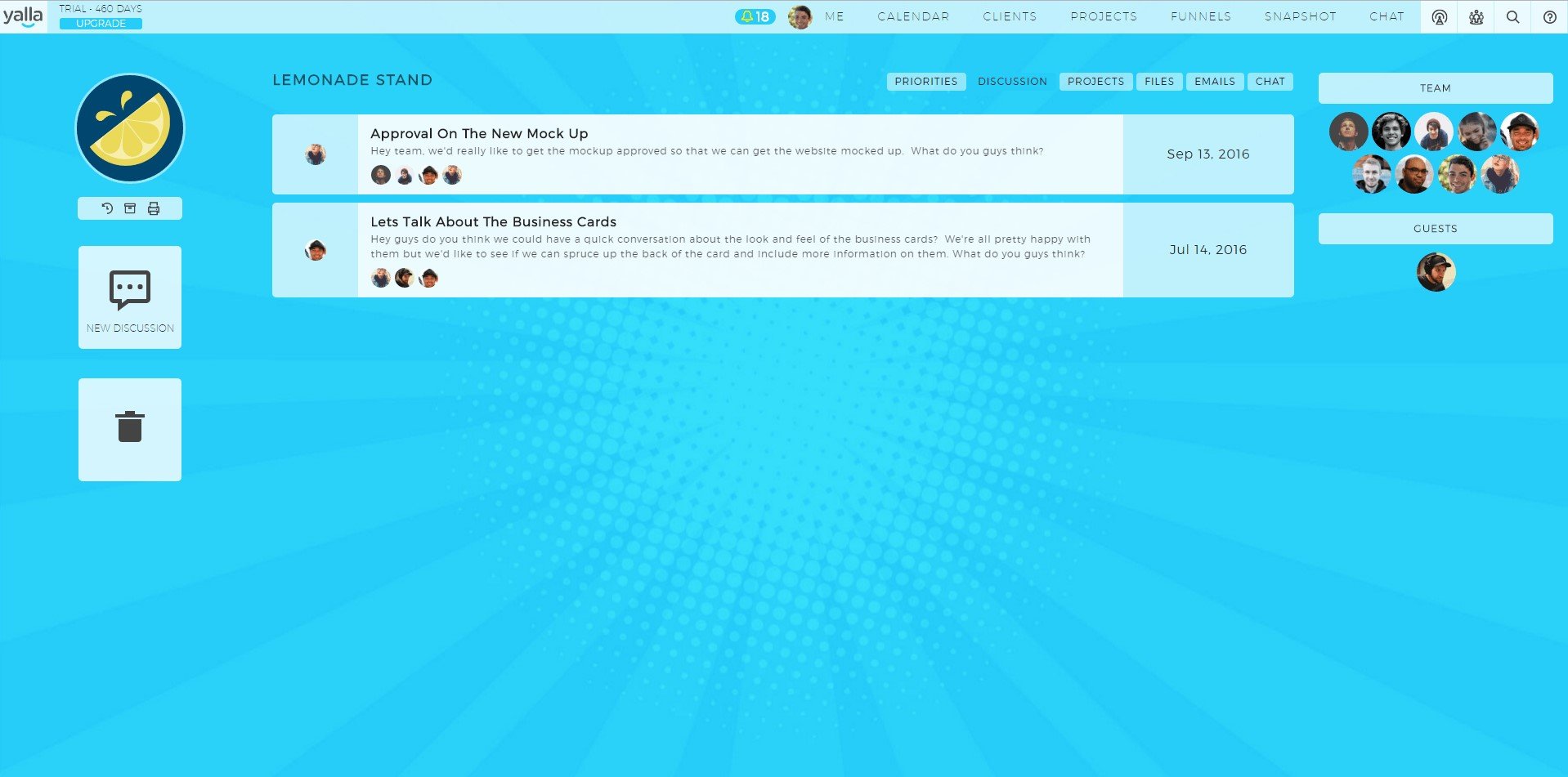
Yalla allows businesses to invite clients as guests. All the work being done for a client lives on the client page, and guests can see exactly what the team is working on for them at any given time. Each client has its own chat channel, where the team and clients can send files back and forth and discuss any projects. Yalla also includes Freshbooks integration for client invoicing.
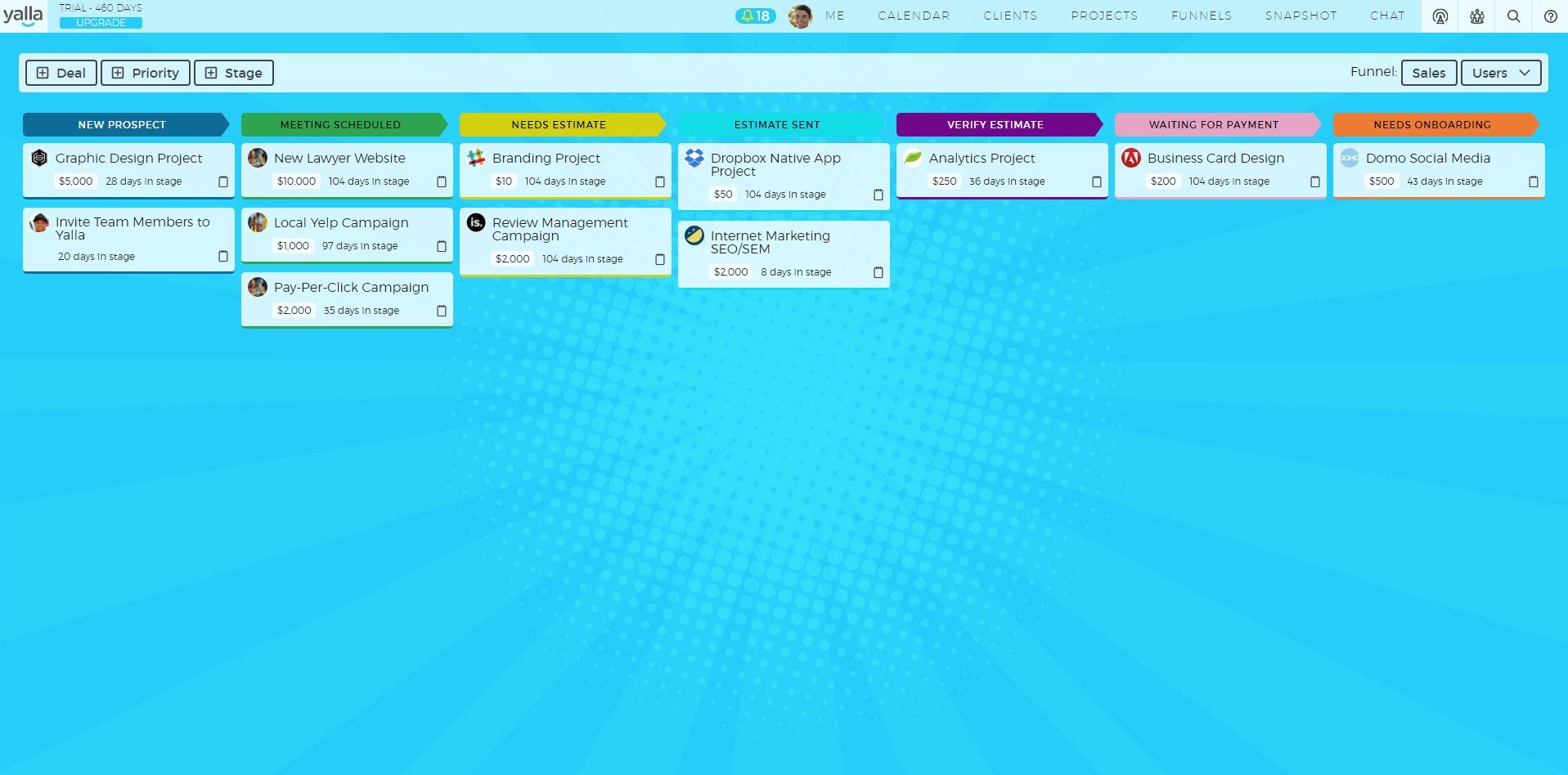
Yalla also gives you a simple way to view your sales and onboarding funnels. Create as many funnels with as many stages as you like. Set up custom notifications to trigger an email - to you, the client or anyone else - when a project moves to a given stage. A great way to get the 10,000-foot view of your business, agency or team.
The chat functionality in Yalla means you never have to use a separate messaging app again. Yalla's chat includes direct messages, custom sounds and GIPHY integration. Create as many group/chat channels as you like.
Best of all, a premium Yalla account is currently free for nonprofits and anyone with a .edu email address. Free accounts never expire and give you a full platform to collaborate easily or just make yourself more productive.