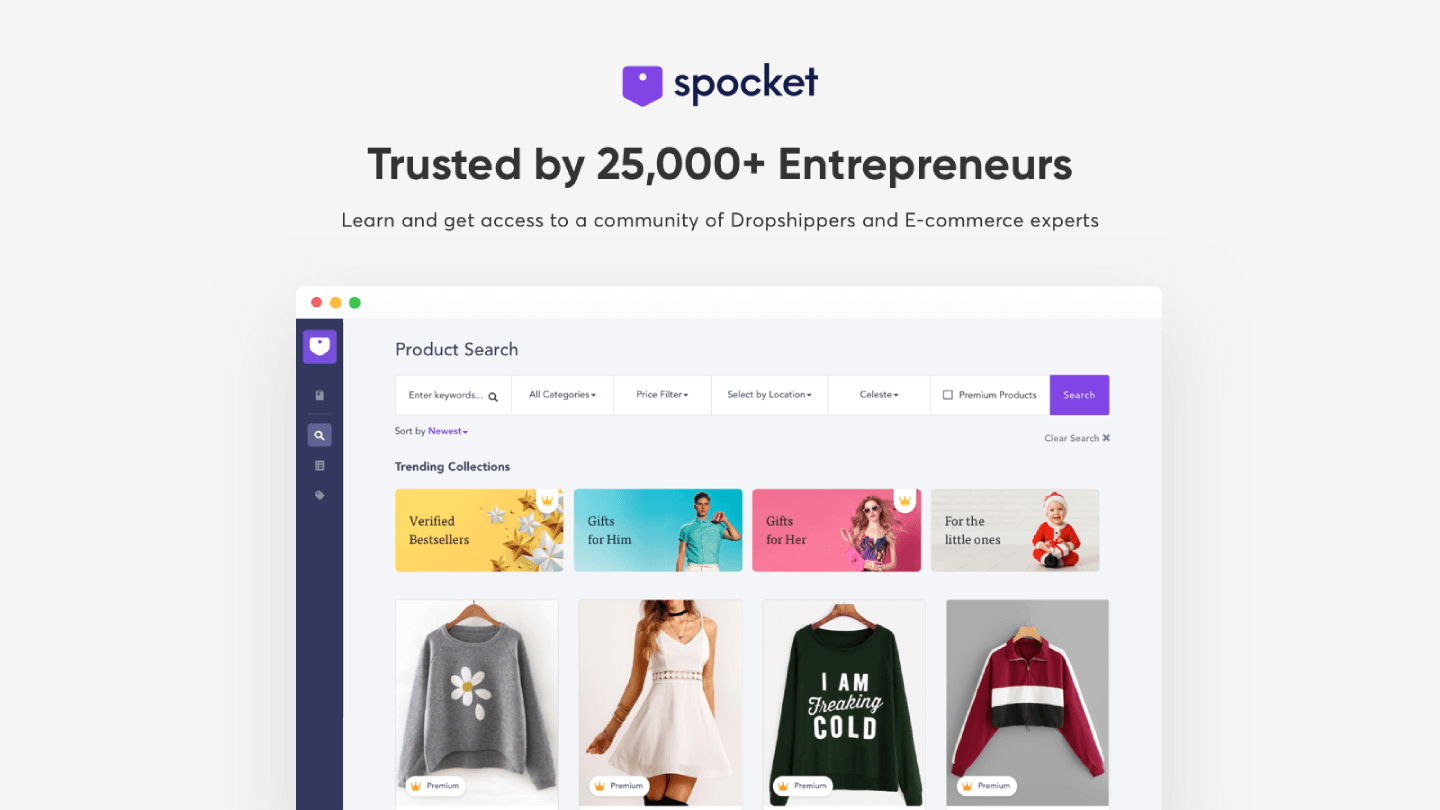
Spocket is a platform for finding and collaborating with dropshipping suppliers from the USA and Europe. It provides eCommerce opportunities to find quality products and quickly ship them directly from manufacturers.
Android Studio, the official IDE for Android app development, offers a robust suite of features. It includes intuitive UI design tools, advanced code editing capabilities, a built-in emulator for testing, and seamless Git integration.
Sublime Text is a powerful text editor tailored for programmers, boasting robust syntax highlighting for numerous languages, seamless code completion, and multicursor functionality. Its integrated Git support streamlines version control, while exten…
Brackets is a cutting-edge, open-source code editor tailored for web design. It seamlessly integrates visual tools for efficient CSS, HTML, and Javascript coding. With frequent updates and extensions, Brackets enhances productivity, offering a Quick…
Komodo IDE is a powerful integrated development environment for coding, debugging, and testing across multiple languages. It streamlines development with features like code intelligence, version control, and collaboration tools to boost productivity…
Effortlessly trial and implement intricate features with VWO FullStack. It offers server-side adaptability for diverse experiments with in-depth segmentation, ensuring optimal performance and consistent user experiences across channels.
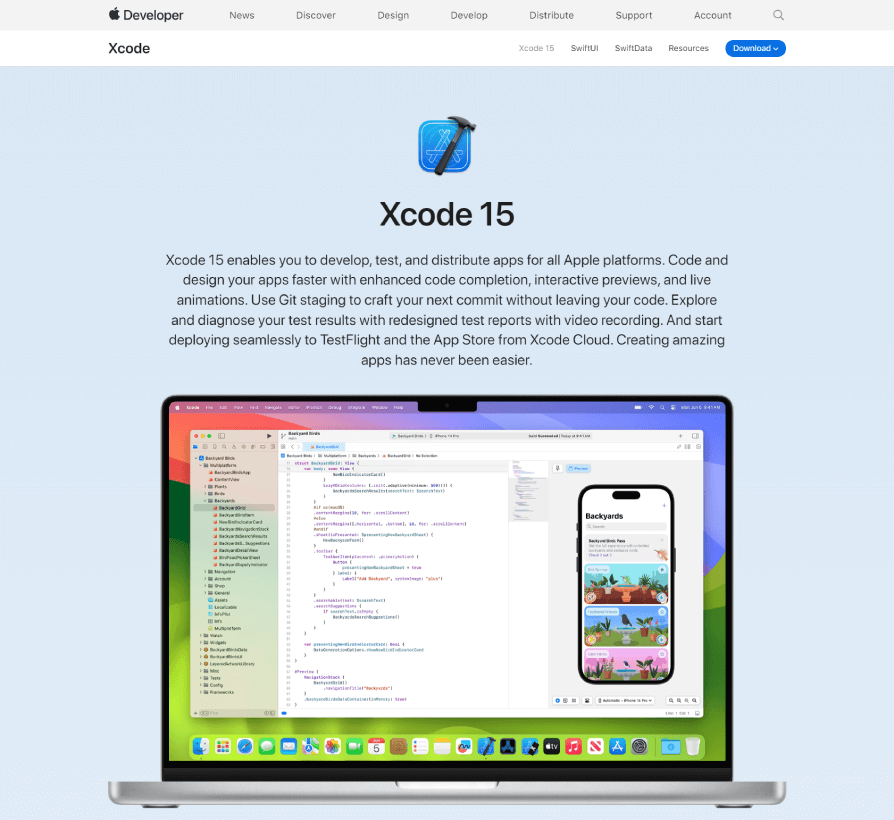
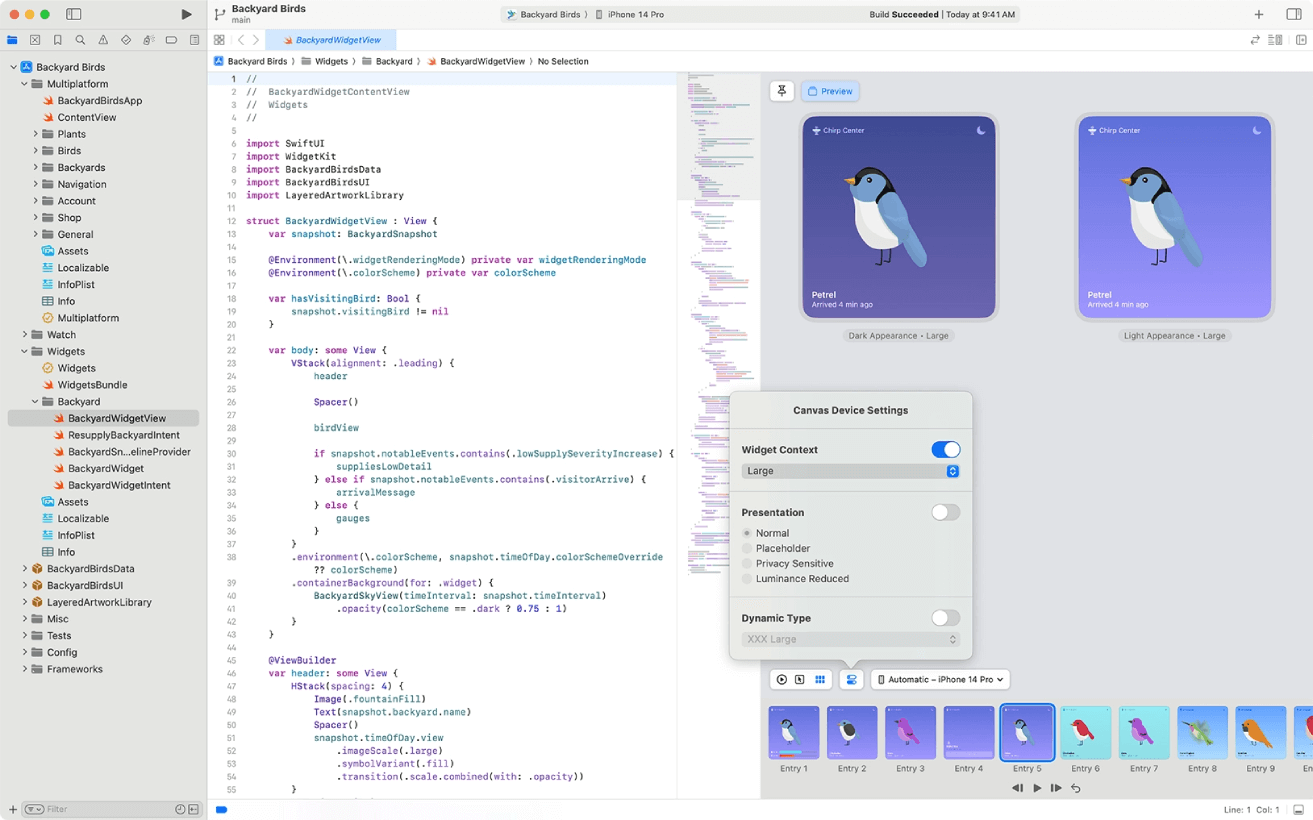
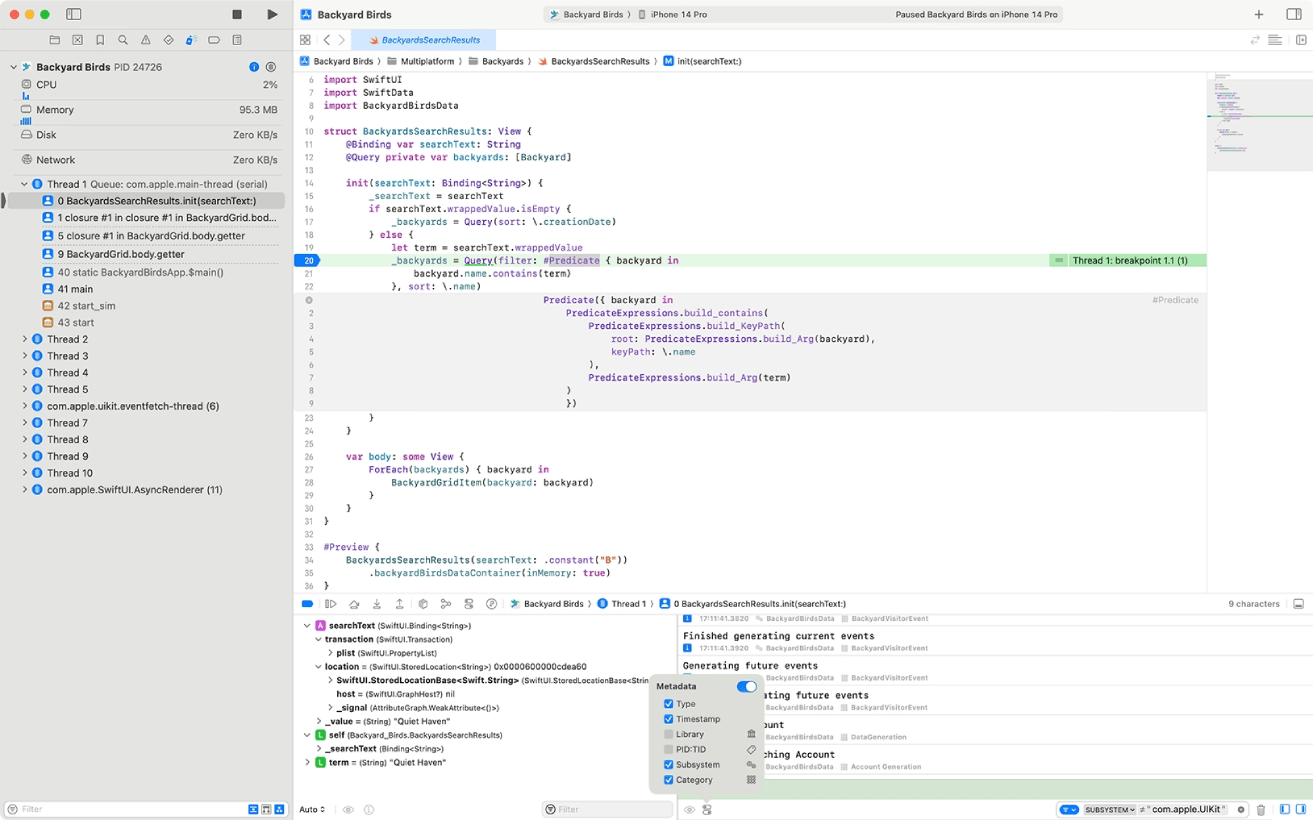
Xcode 15 is Apple's integrated development environment (IDE) for iOS, iPadOS, macOS, watchOS, and tvOS applications. It offers Swift 5.6 with enhanced performance and features, supports UIKit for Mac app development, and features improved SwiftUI for user interfaces.
Xcode 15 is Apple's integrated development environment (IDE) for iOS, iPadOS, macOS, watchOS, and tvOS applications. It offers Swift 5.6 with enhanced performance and features, supports UIKit for Mac app development, and features improved SwiftUI for user interfaces.
Xcode 15 Platforms
Mac
Xcode 15 Video and Screenshots
Xcode 15 Overview
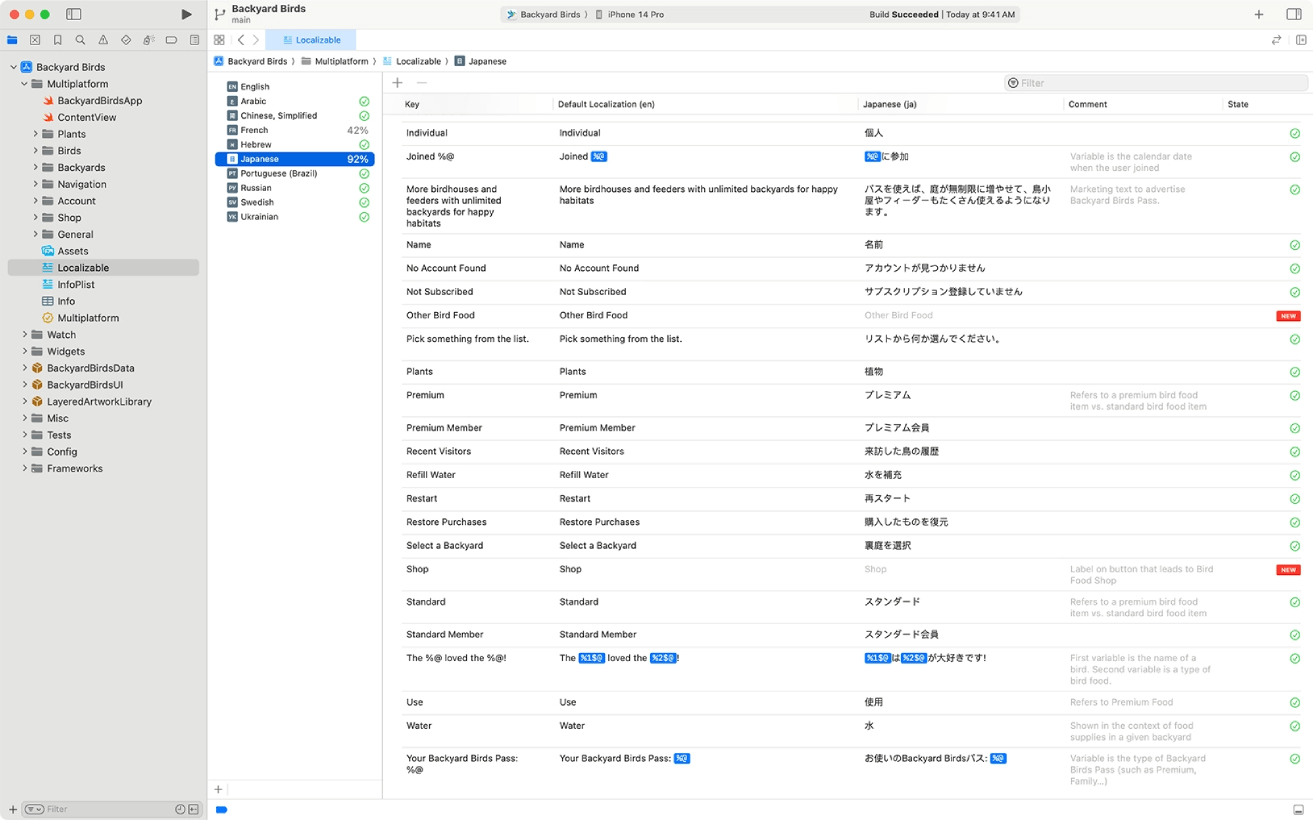
Xcode 15 is a powerful integrated development environment (IDE) designed for creating, testing, and distributing applications across all Apple platforms. It provides support for the latest SDKs for iOS 17, iPadOS 17, tvOS 17, watchOS 10, and macOS Sonoma, allowing developers to take advantage of new features across each platform. With tools like predictive code completion powered by machine learning and improved SwiftUI support, Xcode 15 accelerates the app development process, ensuring more efficient coding and smoother user interface design.
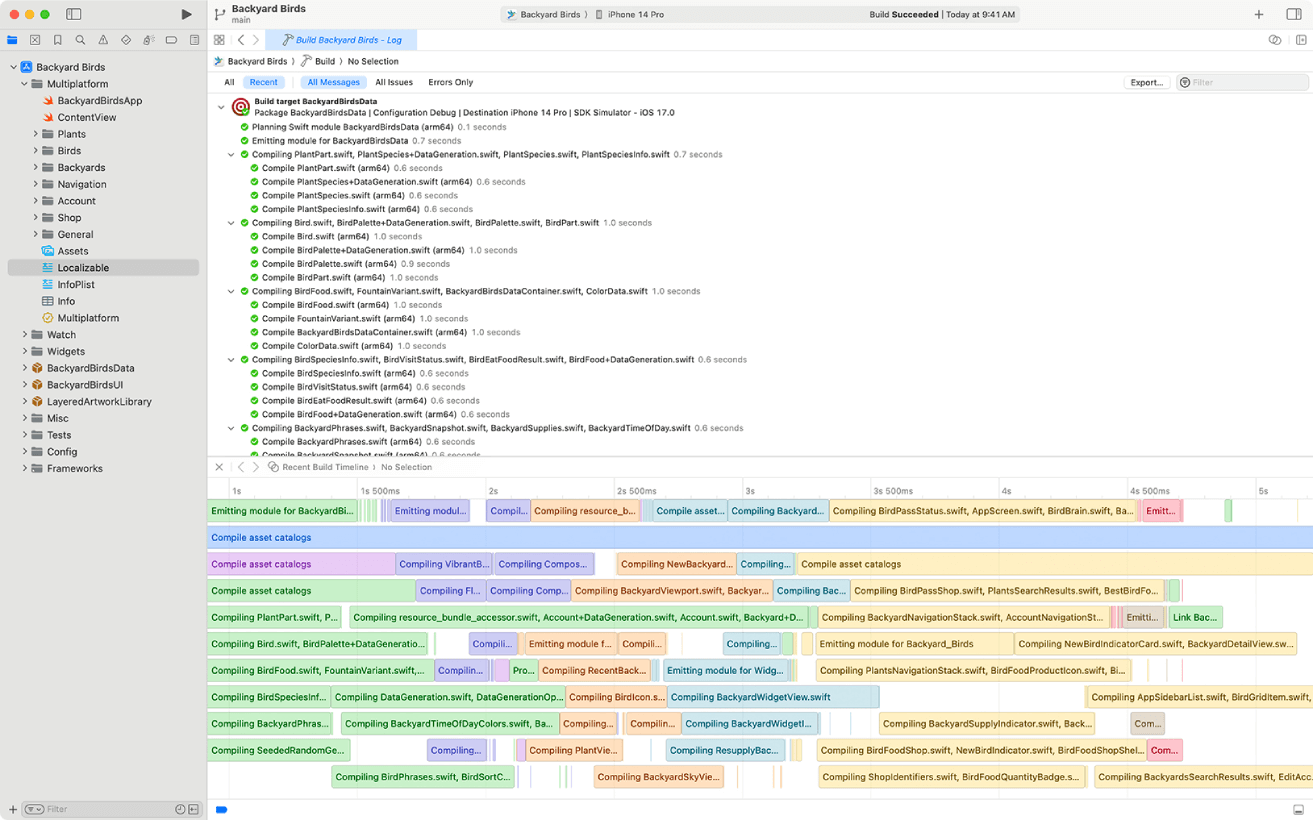
Additionally, Xcode 15 includes enhancements for faster build times, thanks to optimizations in the compiler and linker, especially for Apple Silicon processors. It also offers improved navigation and organization features, such as better test view integration and bookmark tracking. With seamless integration with Xcode Cloud, developers can streamline continuous integration and delivery workflows, further simplifying app development and deployment processes.