Visual Studio is a comprehensive IDE for developing software, including Windows applications, websites, mobile apps, and games. It supports multiple programming languages such as C++, C#, and Python. Key features include a code editor with syntax hi…
Brackets is a cutting-edge, open-source code editor tailored for web design. It seamlessly integrates visual tools for efficient CSS, HTML, and Javascript coding. With frequent updates and extensions, Brackets enhances productivity, offering a Quick…
An IDE for Java and Kotlin development featuring AI-powered coding assistance, refactoring, navigation, built-in developer tools, cloud integrations, and remote development support.
PhpStorm by JetBrains is a comprehensive IDE for web development, offering robust support for PHP, JavaScript, and SQL coding. It provides all necessary tools out of the box, making it a one-stop solution for web projects.
Xcode 15 is Apple's integrated development environment (IDE) for iOS, iPadOS, macOS, watchOS, and tvOS applications. It offers Swift 5.6 with enhanced performance and features, supports UIKit for Mac app development, and features improved SwiftUI fo…
AWS Cloud9 is a cloud-based integrated development environment (IDE) that enables coding, running, and debugging directly in the browser. It supports multiple programming languages, offers real-time collaboration, and integrates with AWS services fo…
Komodo IDE is a powerful integrated development environment for coding, debugging, and testing across multiple languages. It streamlines development with features like code intelligence, version control, and collaboration tools to boost productivity and code quality.
Komodo IDE is a powerful integrated development environment for coding, debugging, and testing across multiple languages. It streamlines development with features like code intelligence, version control, and collaboration tools to boost productivity and code quality.
Komodo IDE Platforms
Mac
Windows
Komodo IDE Video and Screenshots
Komodo IDE Overview
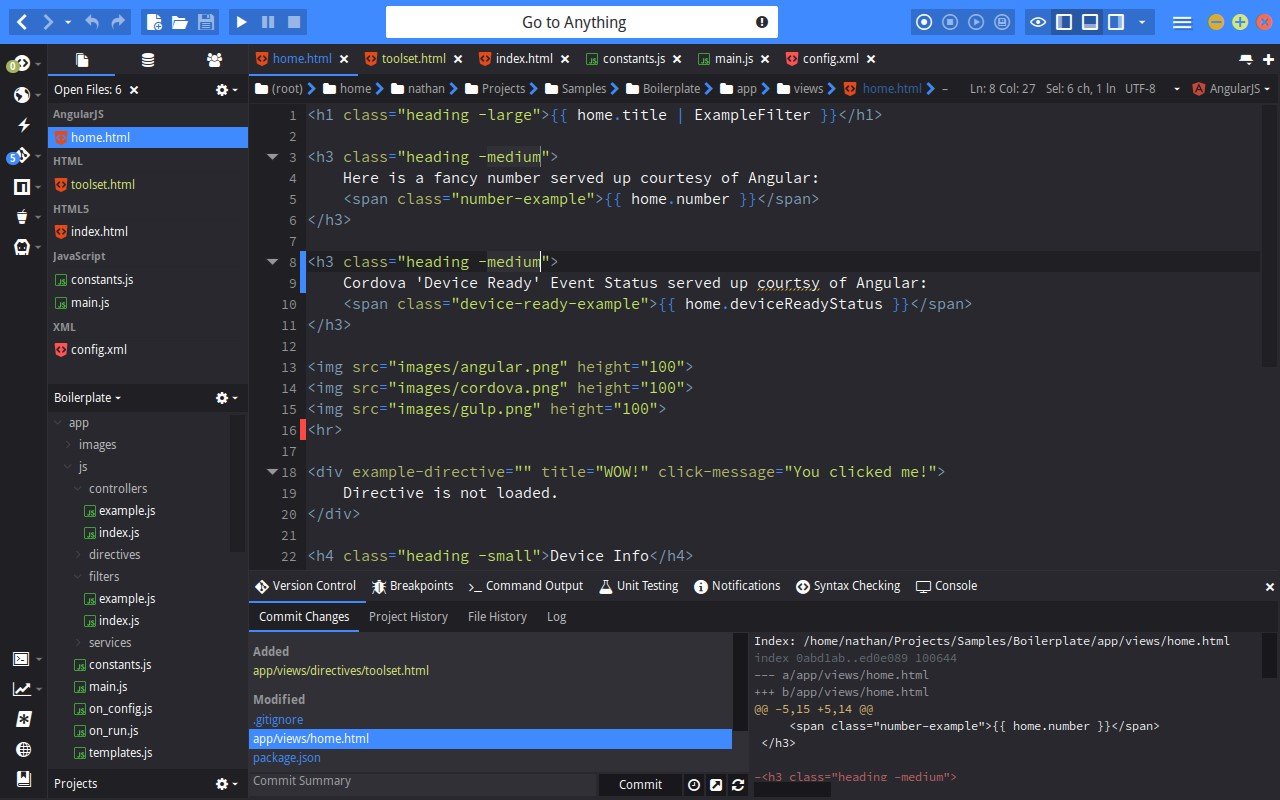
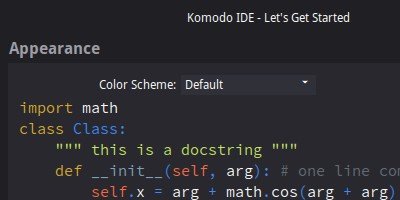
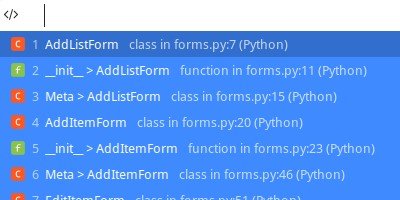
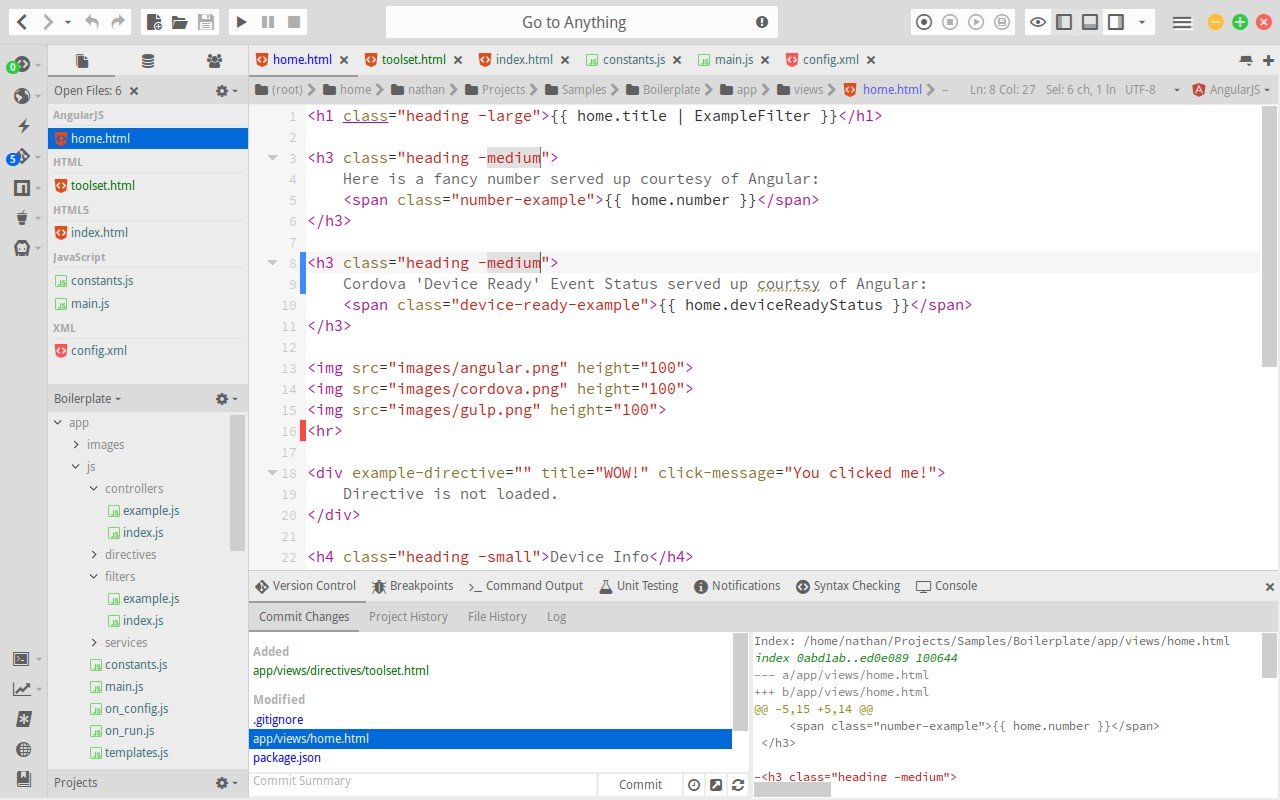
Komodo IDE is a cross-platform integrated development environment tailored for dynamic languages like Python, PHP, Perl, Ruby, and JavaScript. It offers intelligent code completion, syntax highlighting, real-time debugging, and unit testing tools. Features such as live HTML/Markdown preview, version control integration, and a customizable interface enhance productivity. The IDE supports multi-language workflows, allowing developers to manage diverse projects within a single environment.
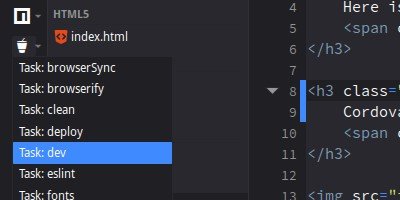
Komodo IDE includes a visual debugger, code refactoring tools, and a built-in terminal. It integrates with Git, Mercurial, and other version control systems. The platform's extensibility through add-ons and macros enables customization to fit specific development needs. With its comprehensive feature set, Komodo IDE streamlines coding, testing, and deployment processes for developers across various programming languages.