Spocket is a platform for finding and collaborating with dropshipping suppliers from the USA and Europe. It provides eCommerce opportunities to find quality products and quickly ship them directly from manufacturers.
Supports cross-platform mobile development using Xamarin and .NET. Ideal for teams building both Android and iOS apps in C#, offering a unified environment unlike Android Studio’s Kotlin/Java focus.
A low-code platform for rapid mobile app development. Best for businesses aiming to build Android apps quickly without deep coding, contrasting Android Studio’s code-heavy setup.
Enables mobile app development using JavaScript with real-time testing tools. It streamlines cross-platform delivery, reducing complexity compared to Android Studio’s Android-specific stack.
Focused on 2D game development with Lua scripting. Offers faster prototyping for games and multimedia apps, where Android Studio may be too general or complex.
Used for building rich mobile applications using Flash and ActionScript. Suitable for legacy projects or multimedia-heavy apps, though less aligned with modern native Android development patterns.
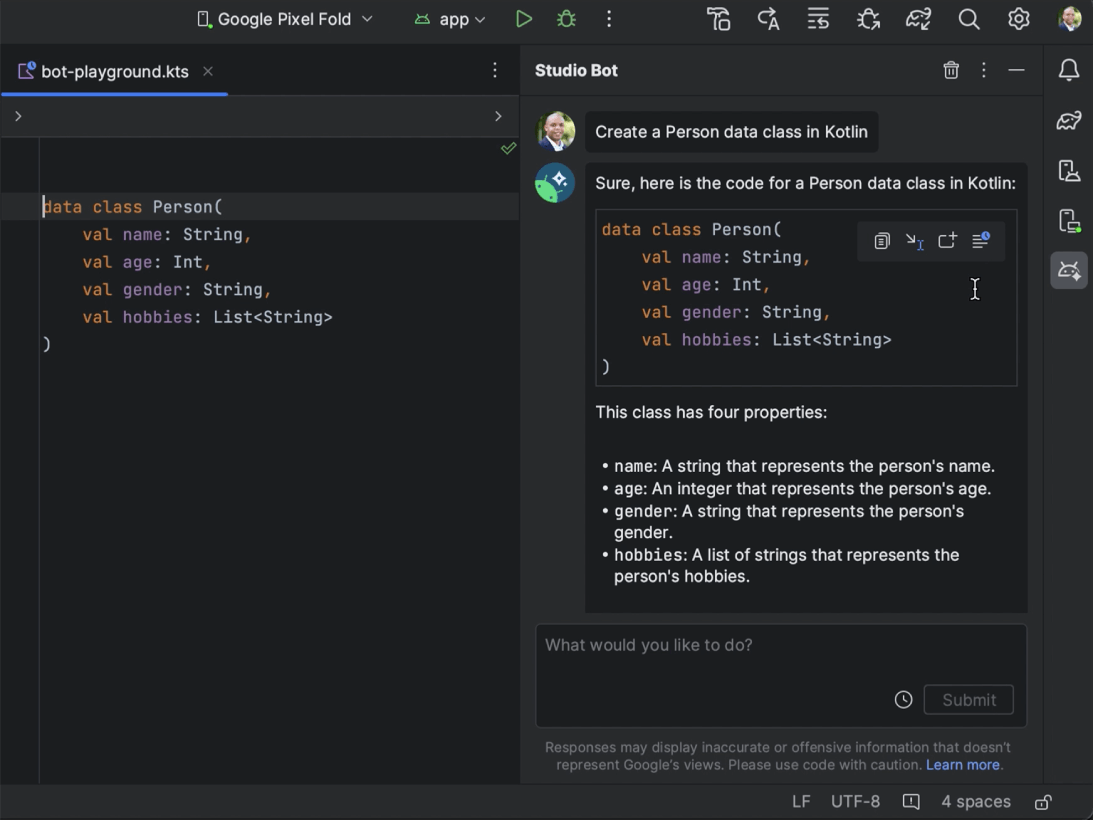
An IDE for Java and Kotlin development featuring AI-powered coding assistance, refactoring, navigation, built-in developer tools, cloud integrations, and remote development support.
Xcode 15 is Apple's integrated development environment (IDE) for iOS, iPadOS, macOS, watchOS, and tvOS applications. It offers Swift 5.6 with enhanced performance and features, supports UIKit for Mac app development, and features improved SwiftUI fo…
Effortlessly trial and implement intricate features with VWO FullStack. It offers server-side adaptability for diverse experiments with in-depth segmentation, ensuring optimal performance and consistent user experiences across channels.
PhpStorm by JetBrains is a comprehensive IDE for web development, offering robust support for PHP, JavaScript, and SQL coding. It provides all necessary tools out of the box, making it a one-stop solution for web projects.
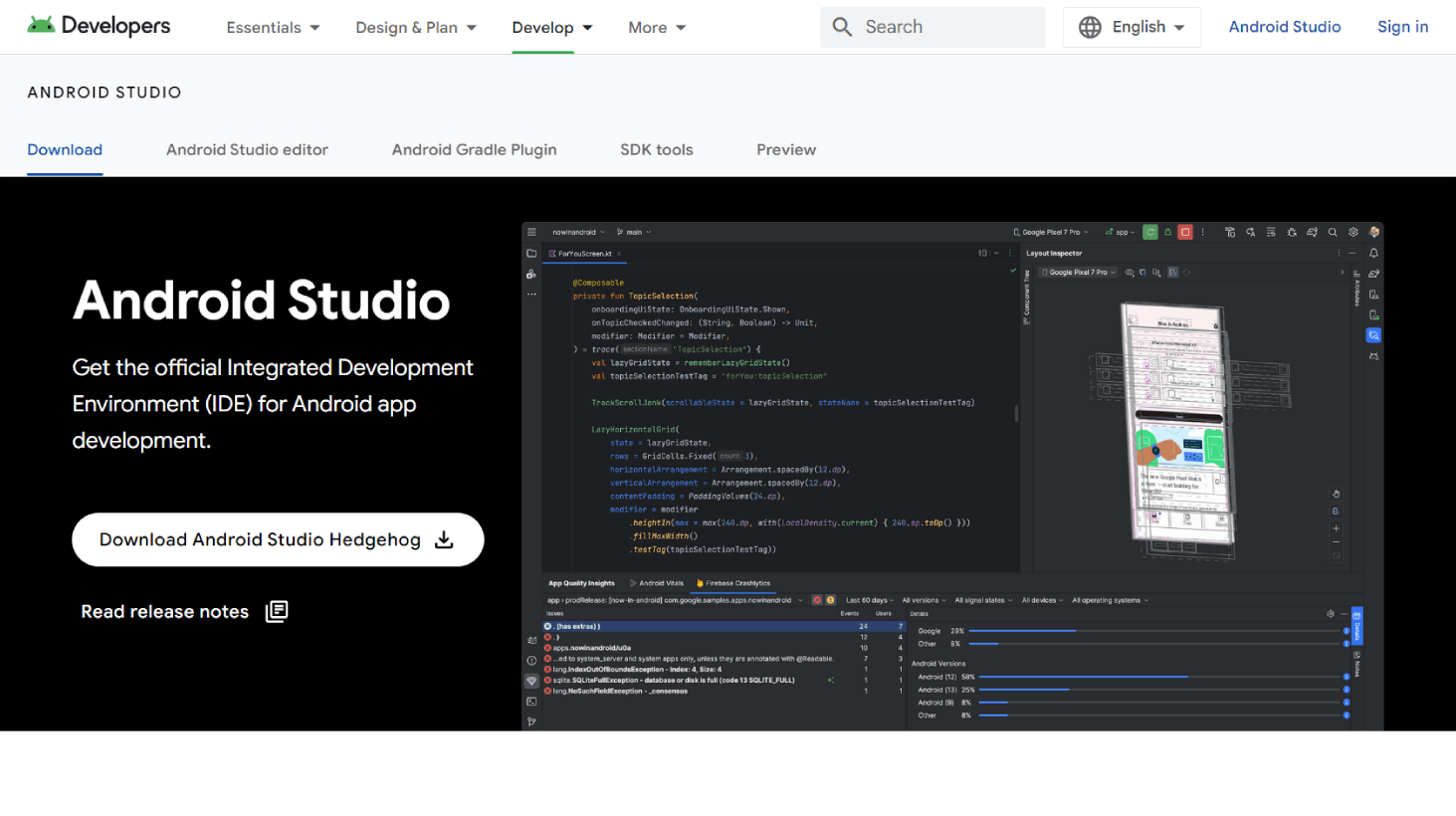
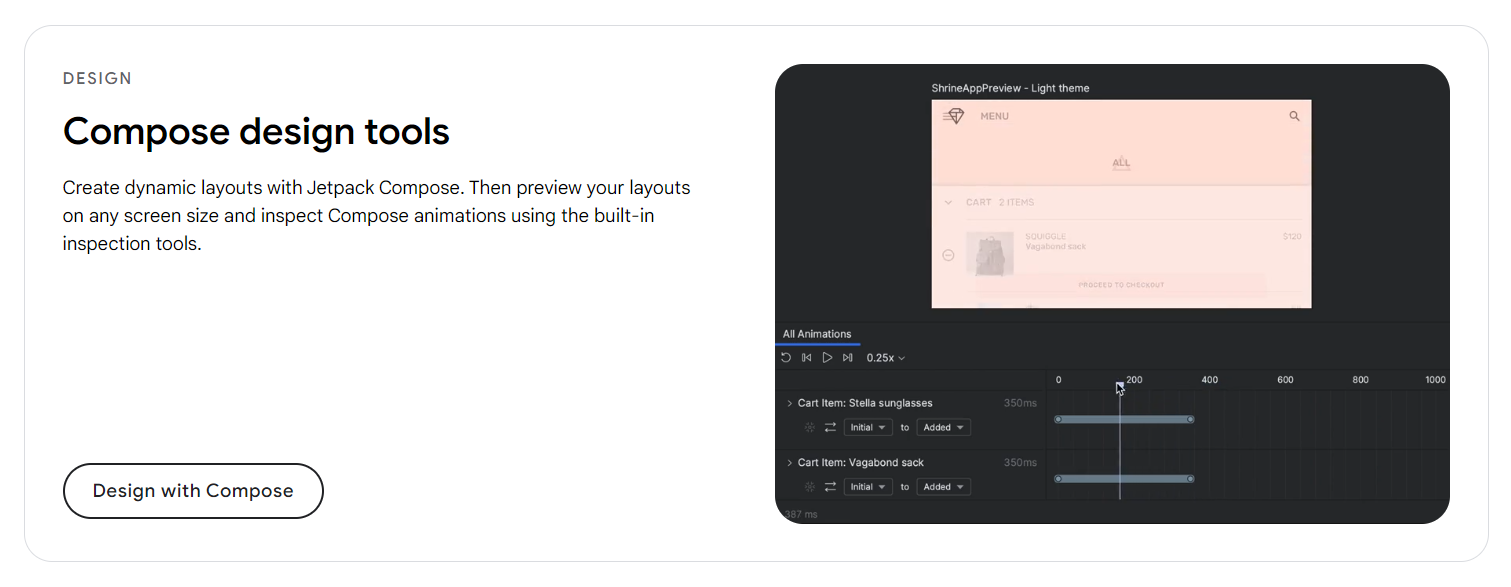
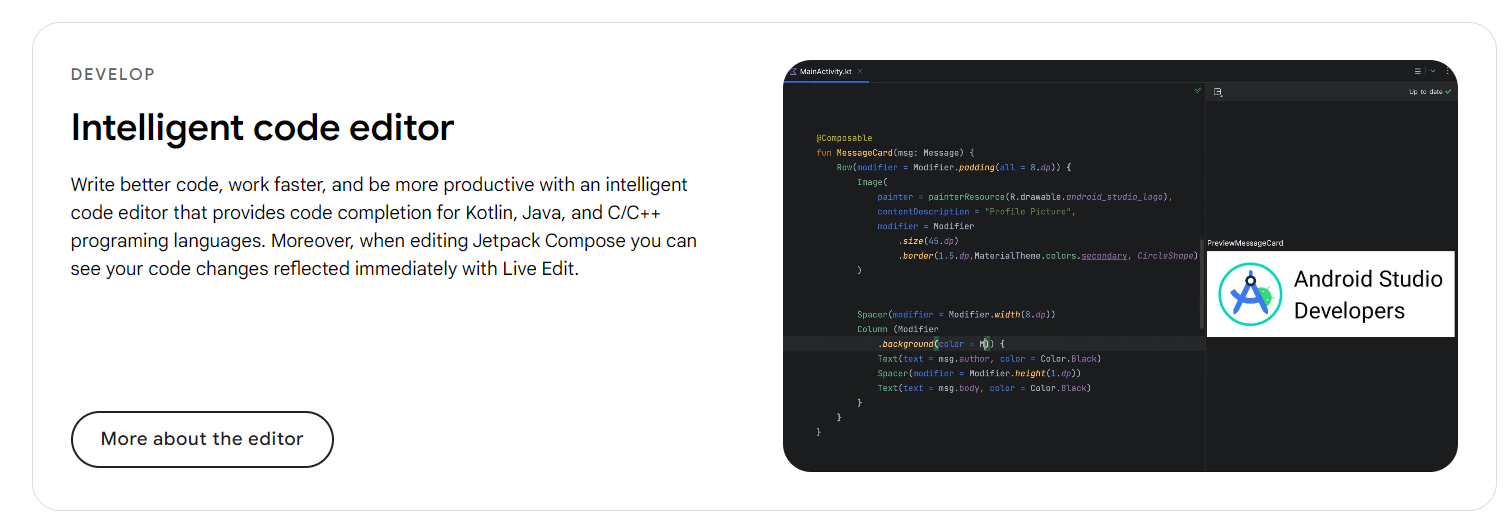
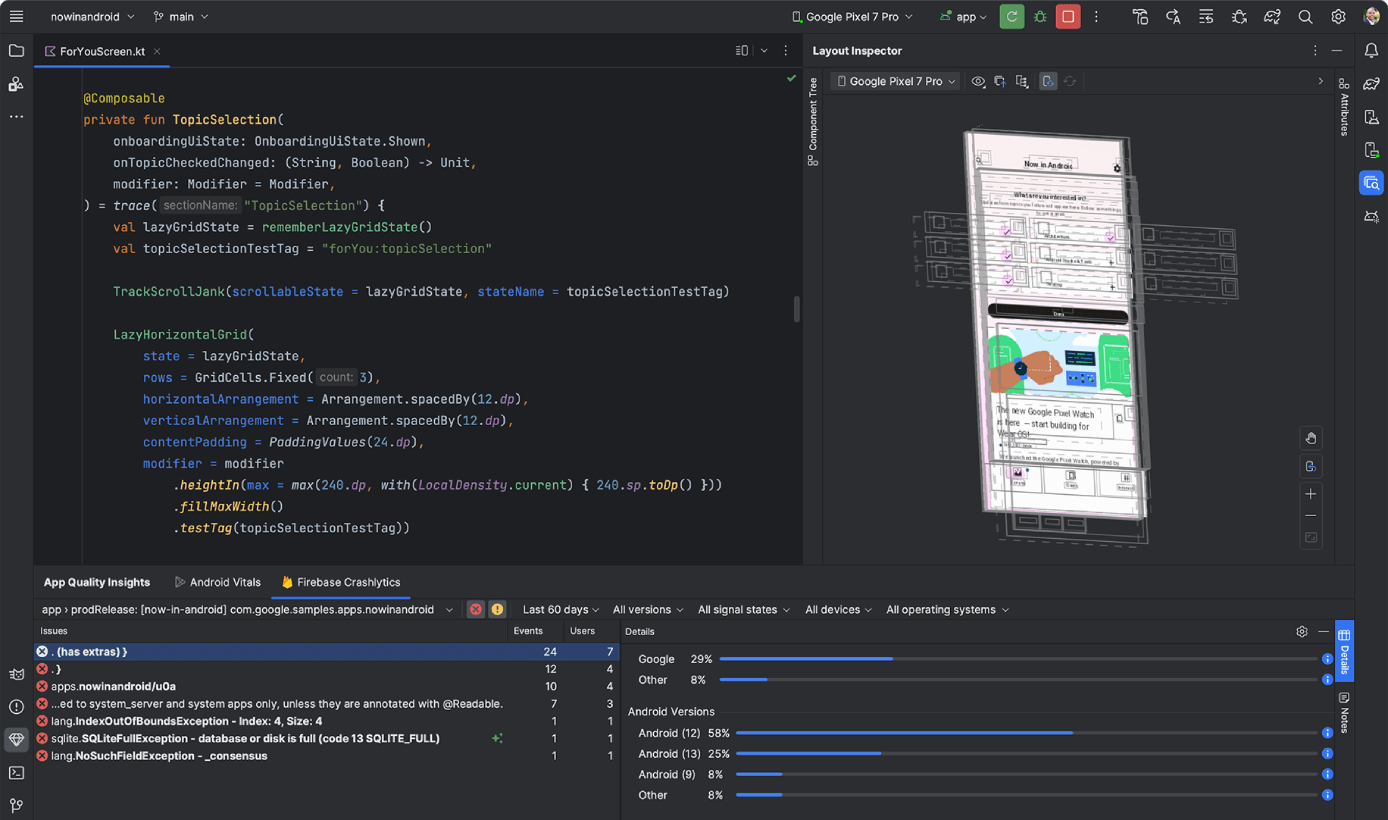
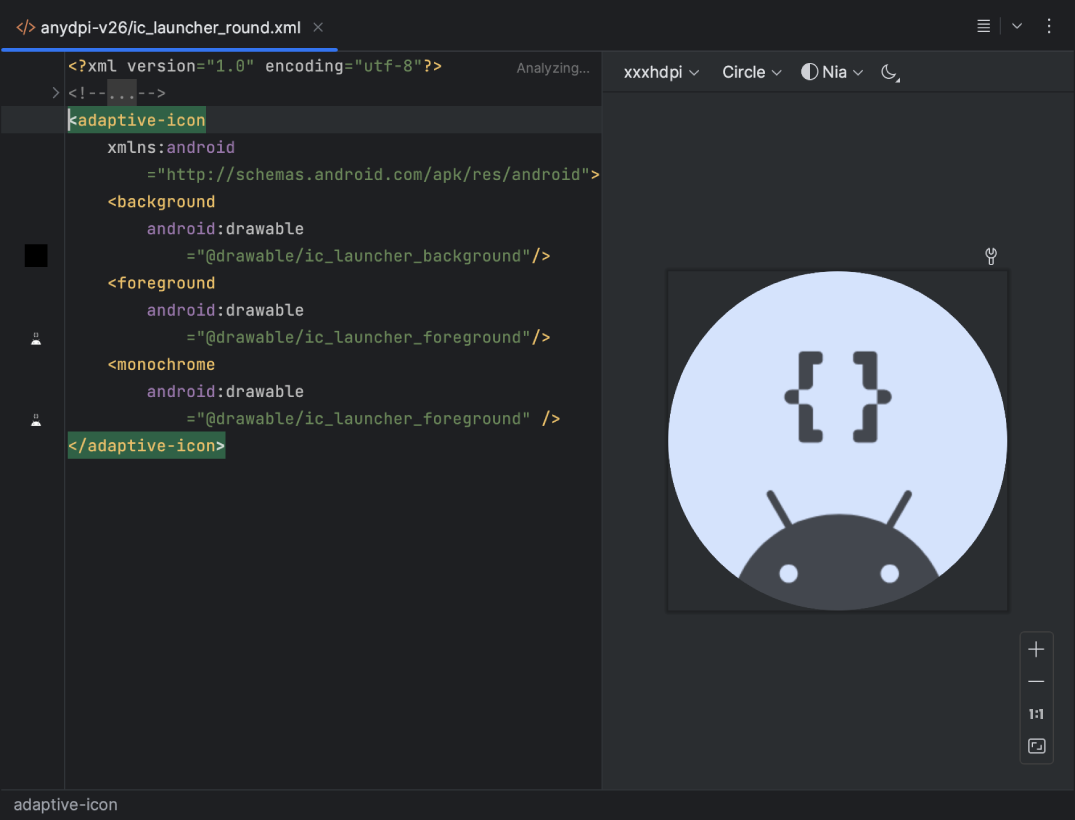
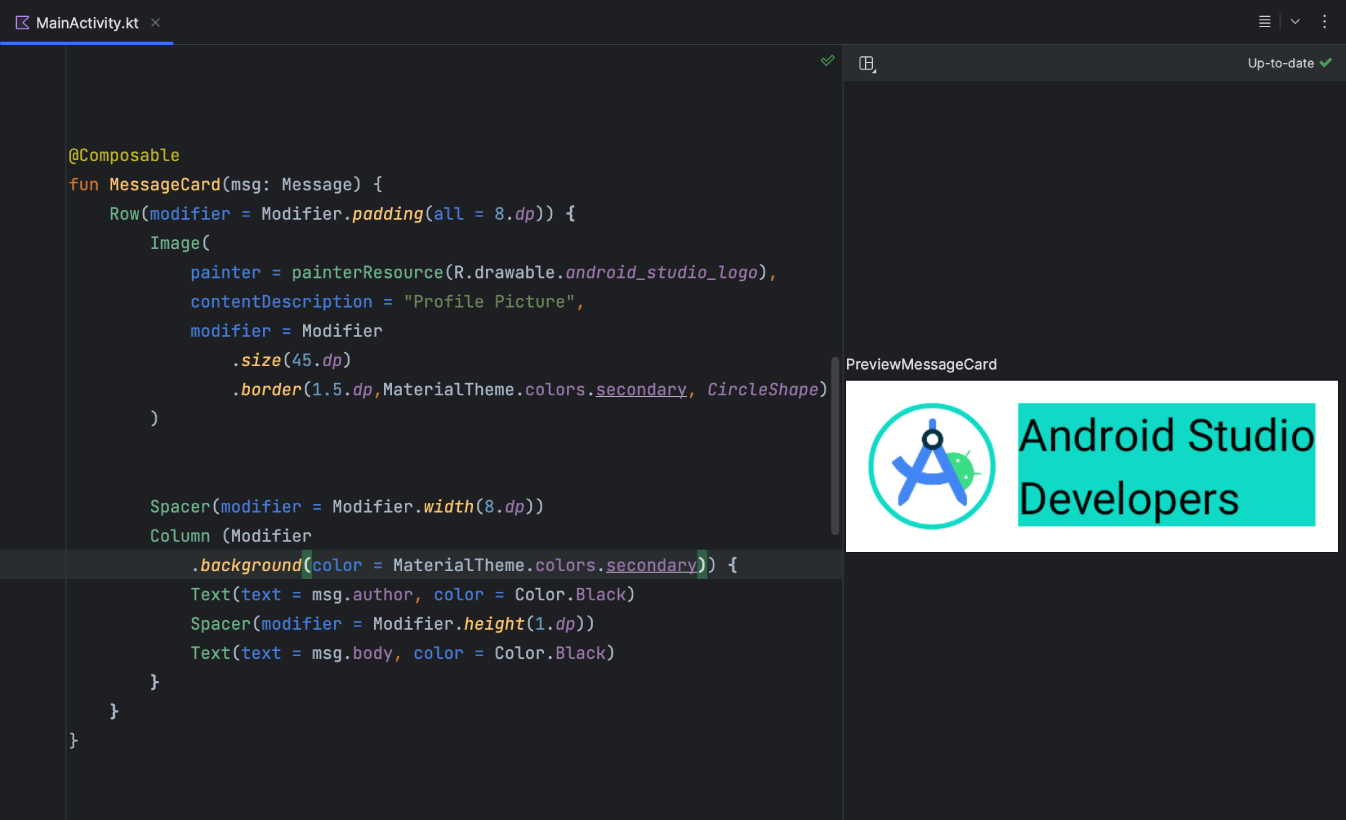
Android Studio, the official IDE for Android app development, offers a robust suite of features. It includes intuitive UI design tools, advanced code editing capabilities, a built-in emulator for testing, and seamless Git integration.
Android Studio, the official IDE for Android app development, offers a robust suite of features. It includes intuitive UI design tools, advanced code editing capabilities, a built-in emulator for testing, and seamless Git integration.
Android Studio Platforms
Mac
Windows
Linux
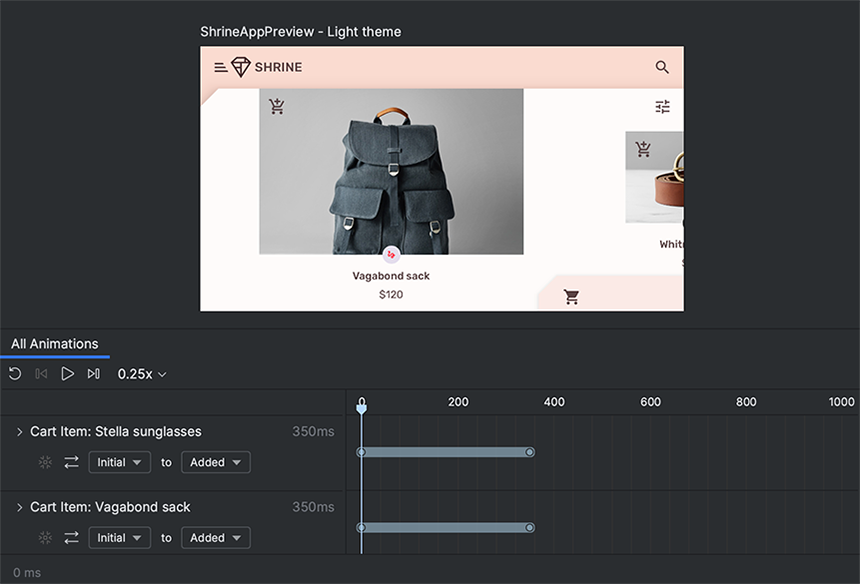
Android Studio Video and Screenshots
Android Studio Overview
Android Studio is an integrated development environment (IDE) designed for building Android applications. Developed by Google, it provides a robust set of tools and features to streamline the development process, from coding to testing and deployment. With Android Studio, developers can create high-quality Android apps that run across a wide range of devices and form factors, including phones, tablets, and wearables.
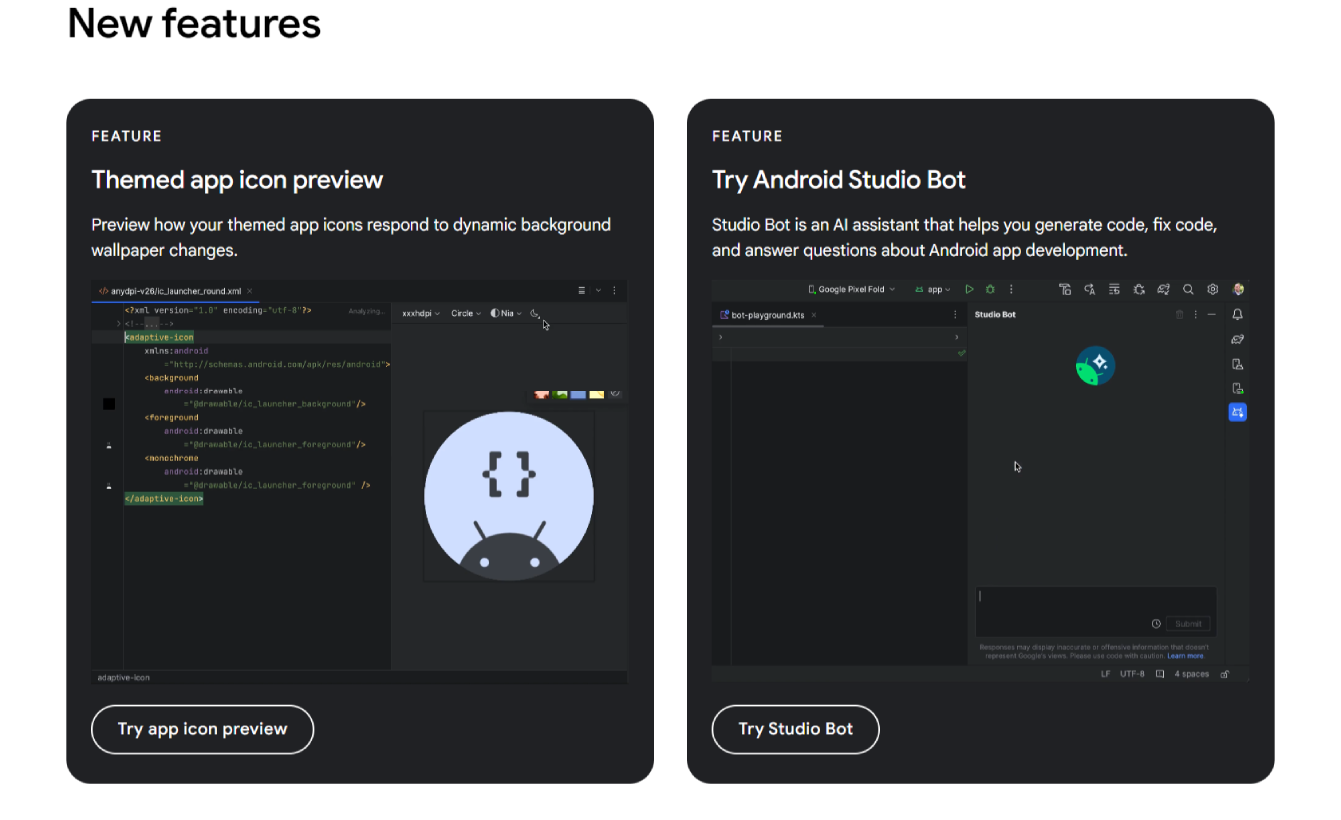
The IDE includes features such as a code editor, debugger, performance profilers, and emulators, making it easier to build, test, and optimize Android applications. Android Studio supports both Java and Kotlin programming languages, providing flexibility to developers. Its integration with Google’s Firebase platform enhances app functionality with real-time databases, analytics, and crash reporting. Android Studio is an essential tool for developers aiming to create feature-rich and optimized Android apps.