We've compiled a list of 17 free and paid alternatives to Screenpresso. The primary competitors include Greenshot, ShareX. In addition to these, users also draw comparisons between Screenpresso and Zight (CloudApp), Snagit, FastStone Capture. Also you can look at other similar options here: Video and Movies Software.
We've compiled a list of 17 free and paid alternatives to Screenpresso. The primary competitors include Greenshot, ShareX. In addition to these, users also draw comparisons between Screenpresso and Zight (CloudApp), Snagit, FastStone Capture. Also you can look at other similar options here: Video and Movies Software.
Zight (Cloudapp) is a comprehensive screen recording tool designed to facilitate the creation, modification, and dissemination of videos, screenshots, and GIFs tailored for business purposes.
Snagit by TechSmith, is a versatile software for capturing and editing computer screen images and videos. With an intuitive interface and advanced editing features, it's an essential tool for professionals in education, business, and industries emph…
TechSmith Capture is a user-friendly application offering a straightforward approach to capturing fundamental screenshots and screen recordings, allowing for seamless sharing among multiple users.
Screen recording tool for eSports teams, government agencies, and businesses in various industries, allowing saving, and sharing of screenshots, GIFs, or videos.
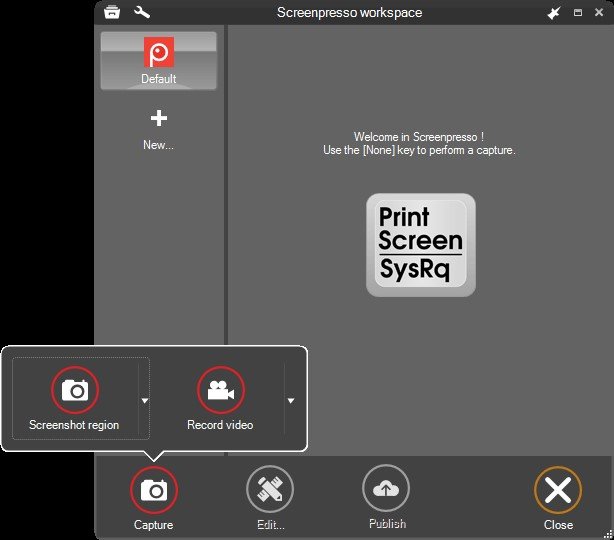
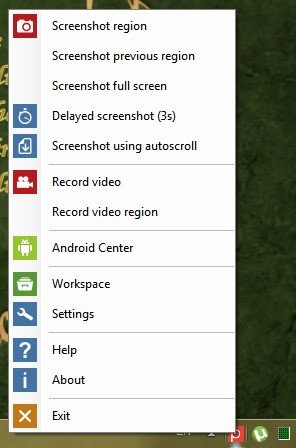
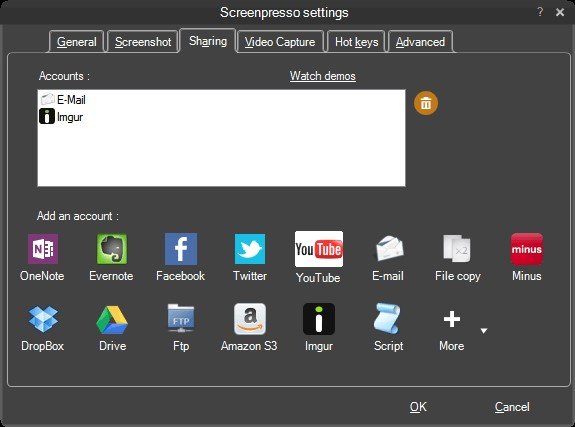
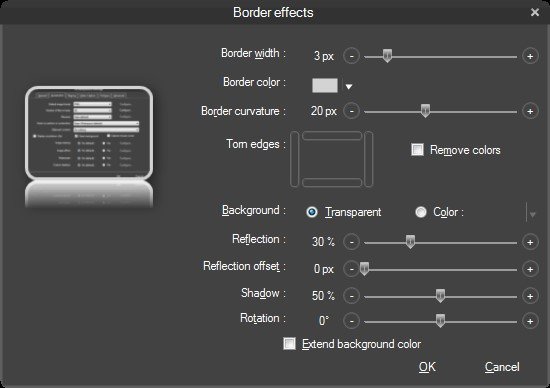
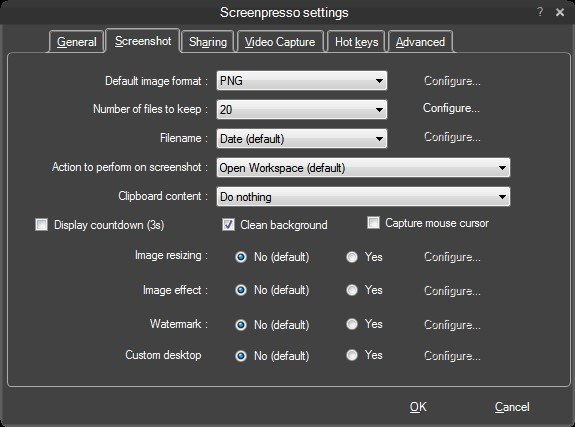
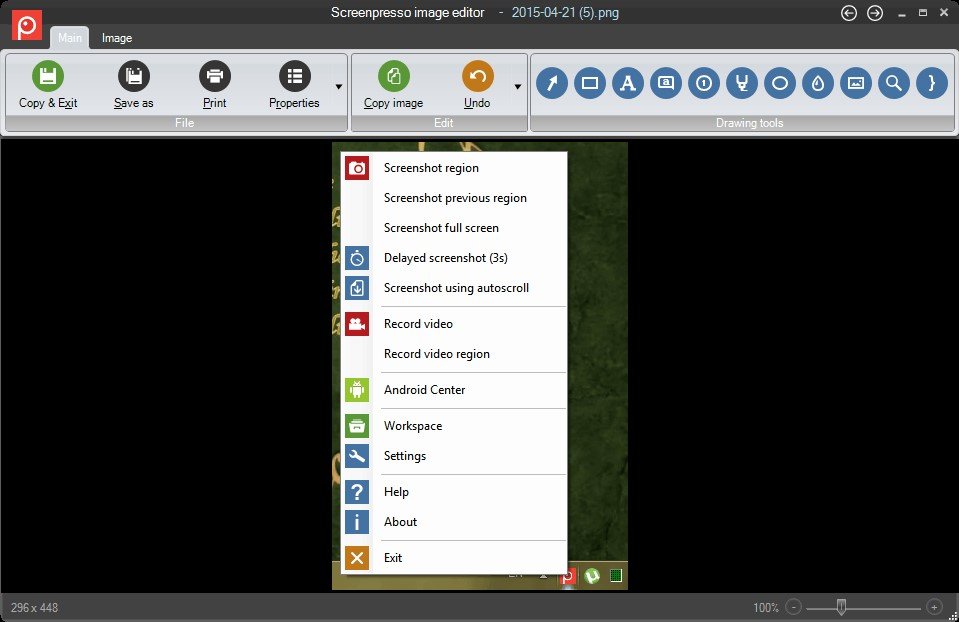
Screenshot and screencast tool that allows for full-screen, window or region-based captures. The built-in editor for screenshots supports cropping and resizing, arrows, text labels, numbering, a blur tool, and border effects. Screenpresso integrates with several online services, such as twitter/twitpic, minus, gmail, flickr, facebook, etc. (some of them with branding in the free version). A history window allows convenient access to recent captures, editing them, or uploading them to one of the configured online services. The free version requires an active internet connection, and forces the user to always update to the latest available version. Furthermore, screen-casts (videos) are limited to 15s recordings, and are additionally branded in the lower right corner.
The application collects anonymous usage statistics which can be disabled in the settings dialog.