Sonrai Security automates cloud identity and access management, offering tools like the Cloud Permissions Firewall to control access, reduce risks, and streamline policy management. It supports AWS, Azure, and Google Cloud, ensuring secure permissio…
Safetica Intelligent Data Security protects enterprise data with AI-driven contextual defense, identifying and securing sensitive information like PII, intellectual property, and financial data. It monitors data activity, blocks risks, provides real…
Cloud-based testing platform offering 20 specialized tools for automating web app and network security assessments. It streamlines key pentest steps, from reconnaissance to exploitation and reporting.
A comprehensive tool for protecting and managing data in information systems. It includes a variety of features, such as backup, antivirus protection, access control and other security tools. Acronis Cyber Protect is designed to protect against a va…
All-in-one AI-powered SaaS data protection platform ensures robust security and seamless backup for G Suite, Microsoft 365, Salesforce data in the enterprise environment. Elevate your data protection strategy with advanced technology.
SafeDNS provides sophisticated cloud-based and software solutions for web content filtering which...
SafeDNS provides sophisticated cloud-based and software solutions for web content filtering which...
SafeDNS Platforms
Linux
Mac
Web-Based
Android
Windows
SafeDNS Video and Screenshots
SafeDNS Overview
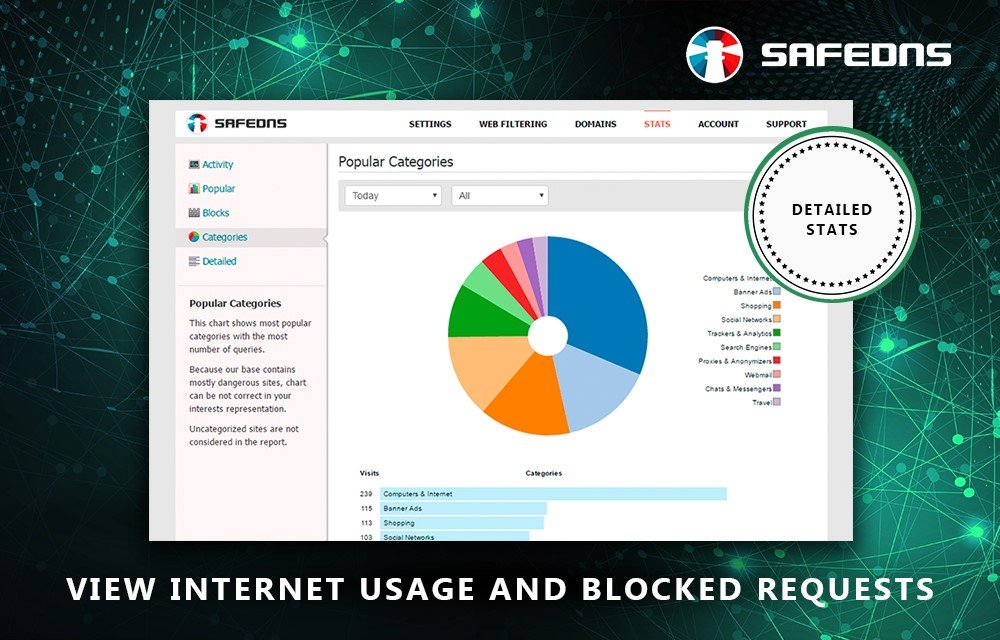
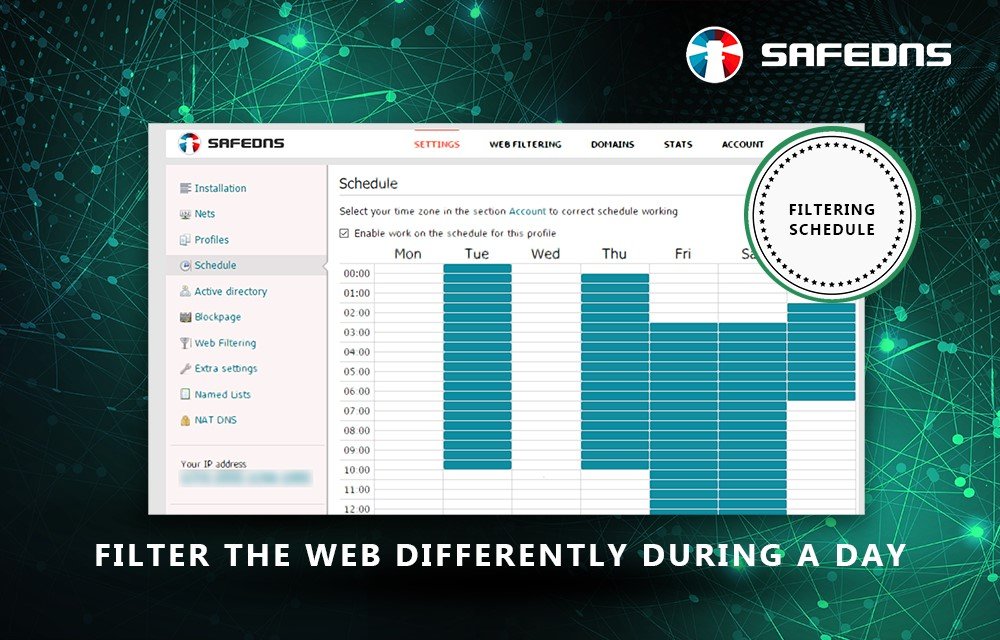
SafeDNS is a cloud-based web filtering service providing users an efficient, easy-to-use way to maintain control over web access, limit time for web surfing, to monitor and manage online activity. SafeDNS ensures a safer web connection for individual user devices (desktops, laptops, tablets, smartphones, etc.) and entire networks (by configuring the service on a WiFi router or a DSL modem). Any home user on Safe@Home Plan can protect up to 3 home networks (on Free plan - with limited functionality). On paid plans users get all of the advanced service features.
Our filtering service allows users to decide when and what online content should be accessed from their networks and add one more layer of protection against botnets, malware and phishing, complementing users' AV. The service supports the most popular OSes (Windows, Linux, Mac, iOS and Android), dynamic DNS service and any IPs (static, dynamic and those behind NAT).
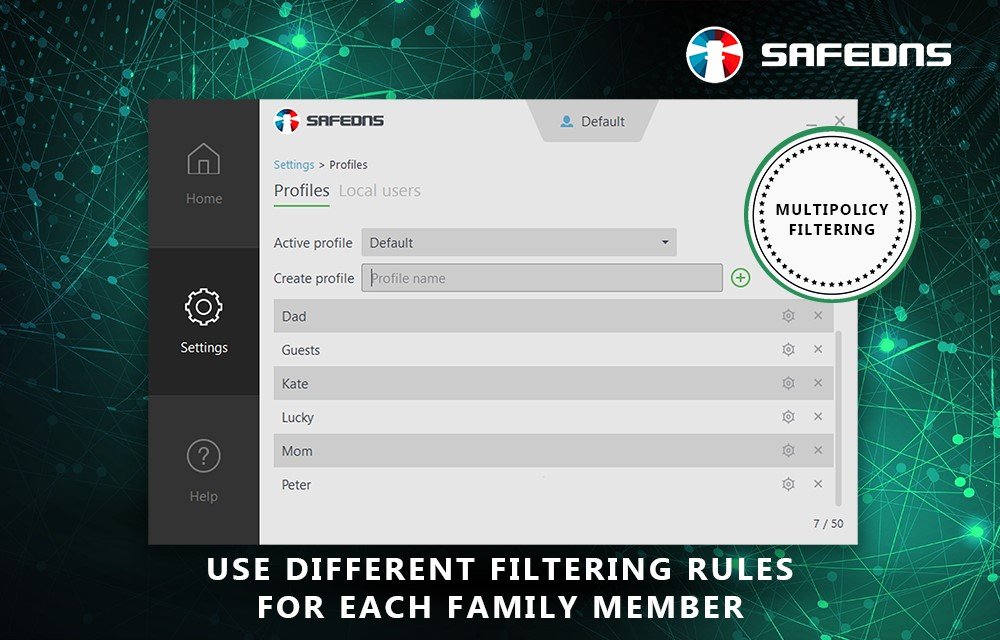
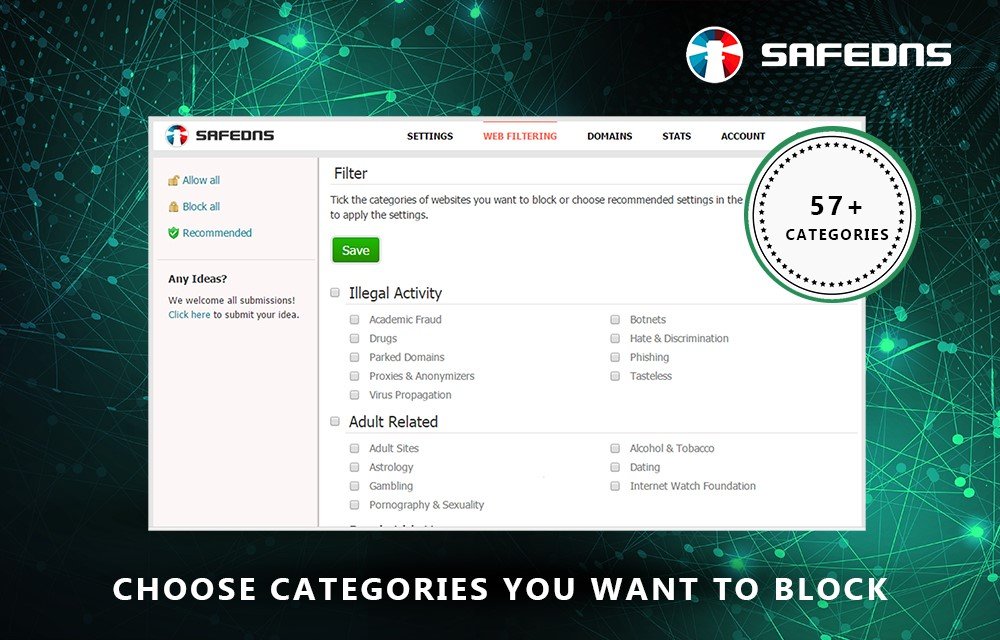
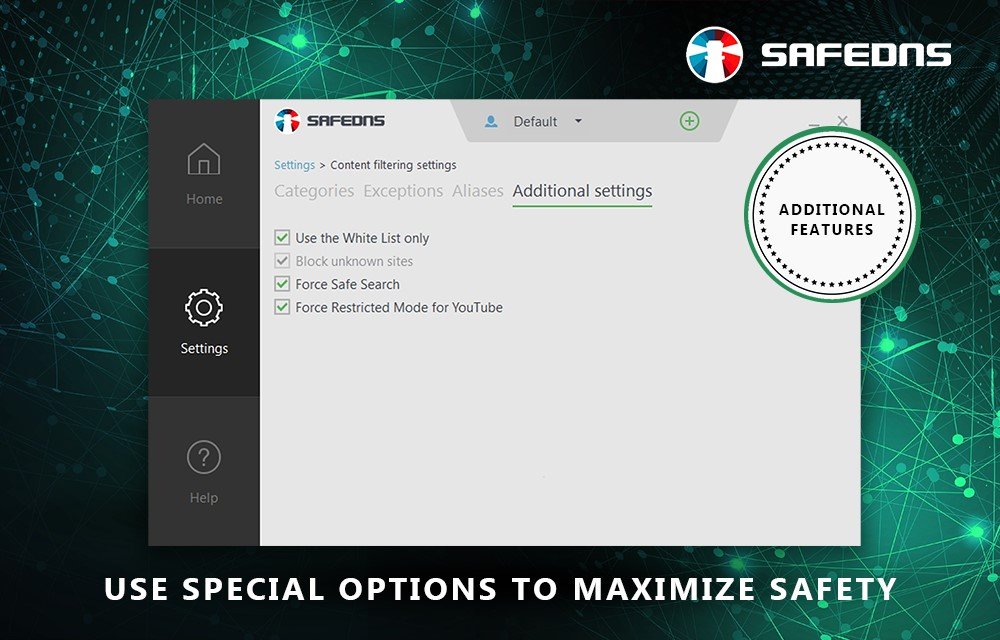
No matter what devices, new or old, are used for web surfing, SafeDNS own AI-powered technology ensures end users get access to the allowed domains only. To fine tune the filtering to their individual needs, SafeDNS users choose what groups of online resources to block or allow among the 60 categories containing over 105 million websites. A SafeDNS categorization database is daily updated and is constantly growing. Our users can add specific websites to white/black lists.
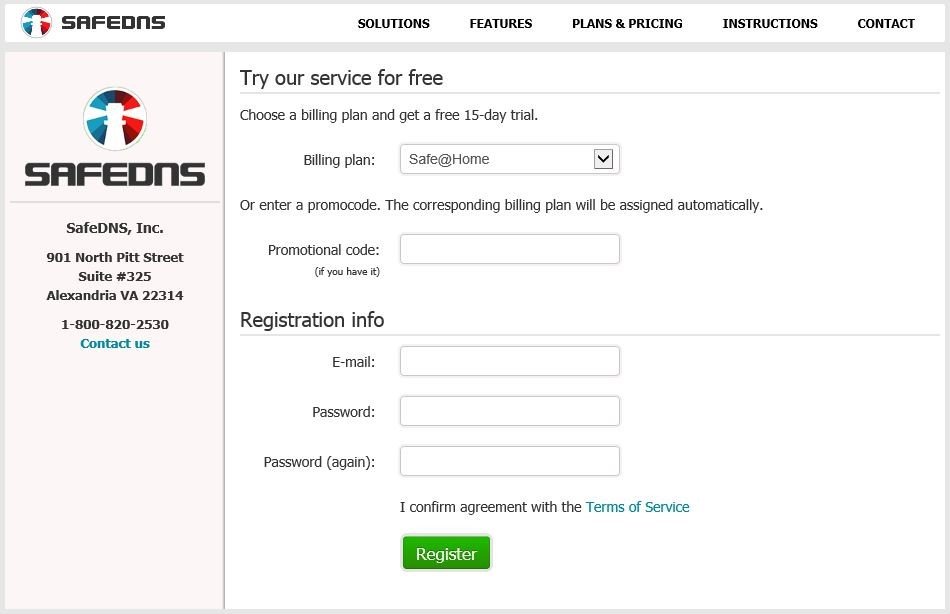
It is easy to start using the SafeDNS cloud service without downloading any software. Just register at the SafeDNS site, change the DNS addresses in the network settings on chosen devices to those of the company's DNS servers and configure the filtering in your personal web-based dashboard accessible 24/7. There you can easily manage all the settings of the SafeDNS service from anywhere on the internet.
The management part of the service is available in multiple languages – English, Arabic, Brazilian Portuguese, French, German, Italian, Spanish, Swedish, Turkish, Urdu.