Acronis True Image is an all-in-one cyber protection solution combining backup and anti-malware. It enables full-system, local, and cloud backups with real-time threat monitoring, ransomware protection, and vulnerability assessments, ensuring data s…
Abnormal Security is an AI-powered email protection platform that uses machine learning to analyze human behavior, preventing credential phishing, business email compromise, and account takeovers while detecting advanced attacks and compromised acco…
INKY is a cloud-based email security platform that protects against phishing, malware, and impersonation attacks. It provides comprehensive email security with inbound, outbound, and internal mail protection, advanced malware detection, encryption, …
Coro provides comprehensive protection that enables organizations to defend against malware, ransomware, phishing, bots, account takeover and malicious behavior on devices, for users and cloud applications.
Web filtering software to help businesses restrict employee Internet activities and block malicious...
Web filtering software to help businesses restrict employee Internet activities and block malicious...
BrowseControl Platforms
Windows
BrowseControl Video and Screenshots
BrowseControl Overview
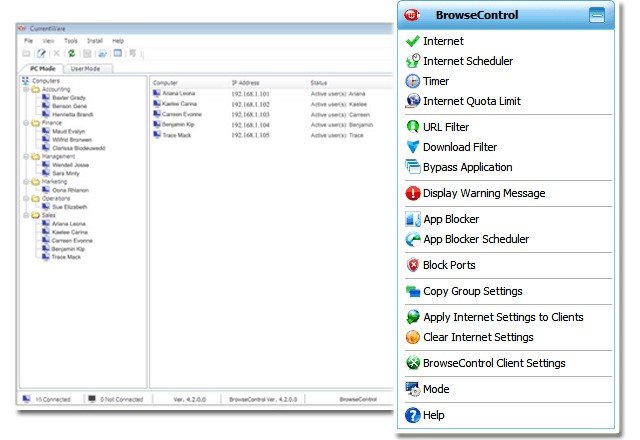
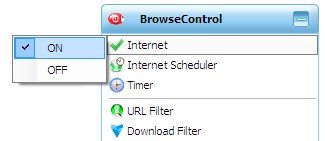
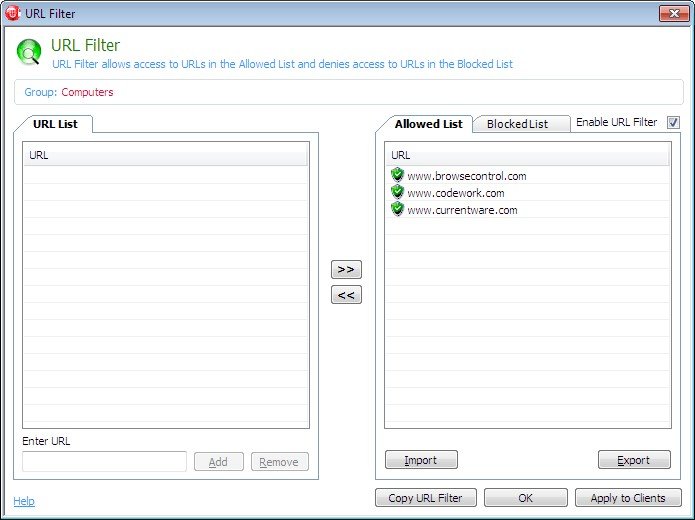
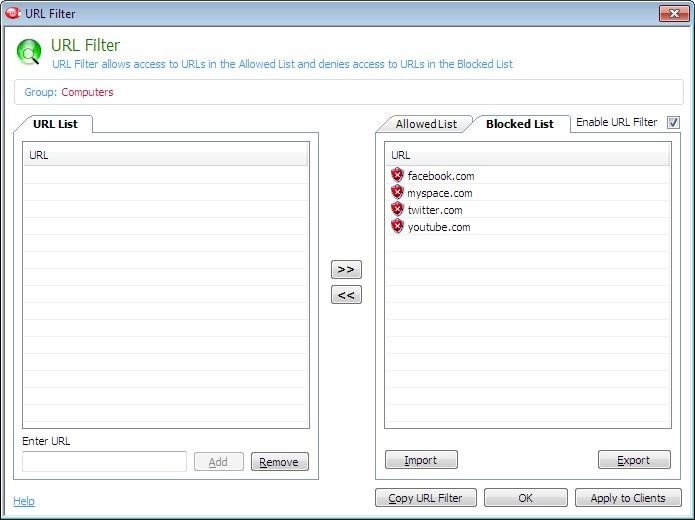
BrowseControl is an easy to use Internet management program that restricts inappropriate surfing and enforces Internet usage policies across your enterprise. BrowseControl can completely block the Internet, allow access to authorized web sites, block offensive sites, schedule access to the Internet during specific times of the day or week – all conveniently from a central console. As the Internet permeates the workplace or schools, it introduces a range of problems along with the many benefits. Unproductive or personal browsing by employees or students, the threat of downloading and infecting the enterprise network with viruses and bandwidth hogging are just a few of the endless challenges.
In addition to restricting Internet activity, BrowseControl includes an Application Blocker, which can block application from running. With BrowseControl, you can restricts users from running unauthorized programs such as games, chat programs, music/video players and etc.
BrowseControl is a simple solution to a serious problem. Remarkably easy to install and configure.