We've compiled a list of 21 free and paid alternatives to Polaris Office. The primary competitors include Box, Notion. In addition to these, users also draw comparisons between Polaris Office and MuPDF, Onehub, FutureVault. Also you can look at other similar options here: Office and Productivity Software.
We've compiled a list of 21 free and paid alternatives to Polaris Office. The primary competitors include Box, Notion. In addition to these, users also draw comparisons between Polaris Office and MuPDF, Onehub, FutureVault. Also you can look at other similar options here: Office and Productivity Software.
Your all-in-one workspace for wiki, documents, and projects. Streamline your work apps into a unified platform, enhancing collaboration and productivity. Discover the future of work with AI integration.
Onehub provides secure cloud storage and data room services that enable businesses to share and manage files online. It offers customizable client portals, precise permission controls, and essential data room features such as document watermarking a…
FutureVault is a secure, white-labeled digital vault platform designed for enterprises to manage and share documents with clients. It offers multi-tiered collaboration, advanced security, and compliance features, enabling efficient document manageme…
Microsoft Publisher is a desktop publishing application for designing professional layouts with precise text and image positioning. It offers pre-built templates for creating newsletters, brochures, and postcards, supporting print, email, and export…
Description
*Polaris Office is a free office app for documents, spreadsheets, presentations and Ado...
Description
*Polaris Office is a free office app for documents, spreadsheets, presentations and Ado...
Polaris Office Platforms
iPad
iPhone
Mac
Web-Based
Linux
Android
Windows
Polaris Office Video and Screenshots
Polaris Office Overview
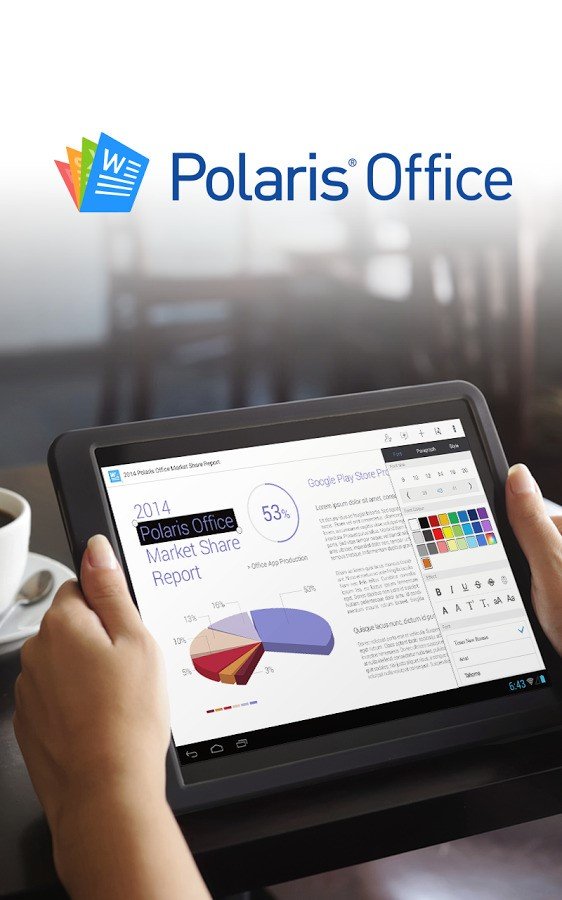
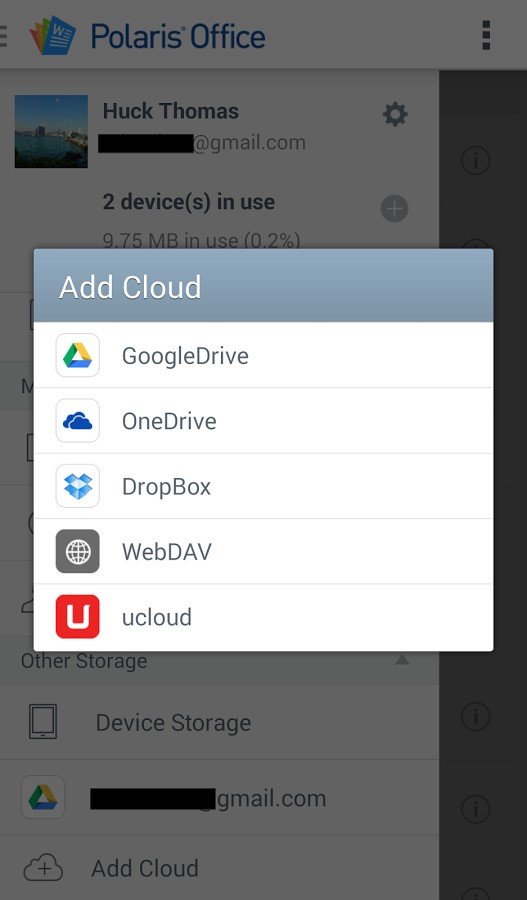
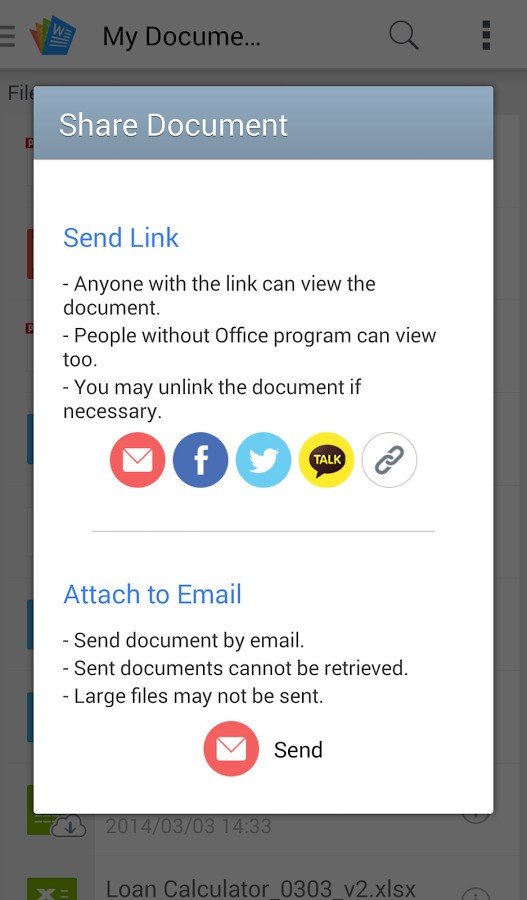
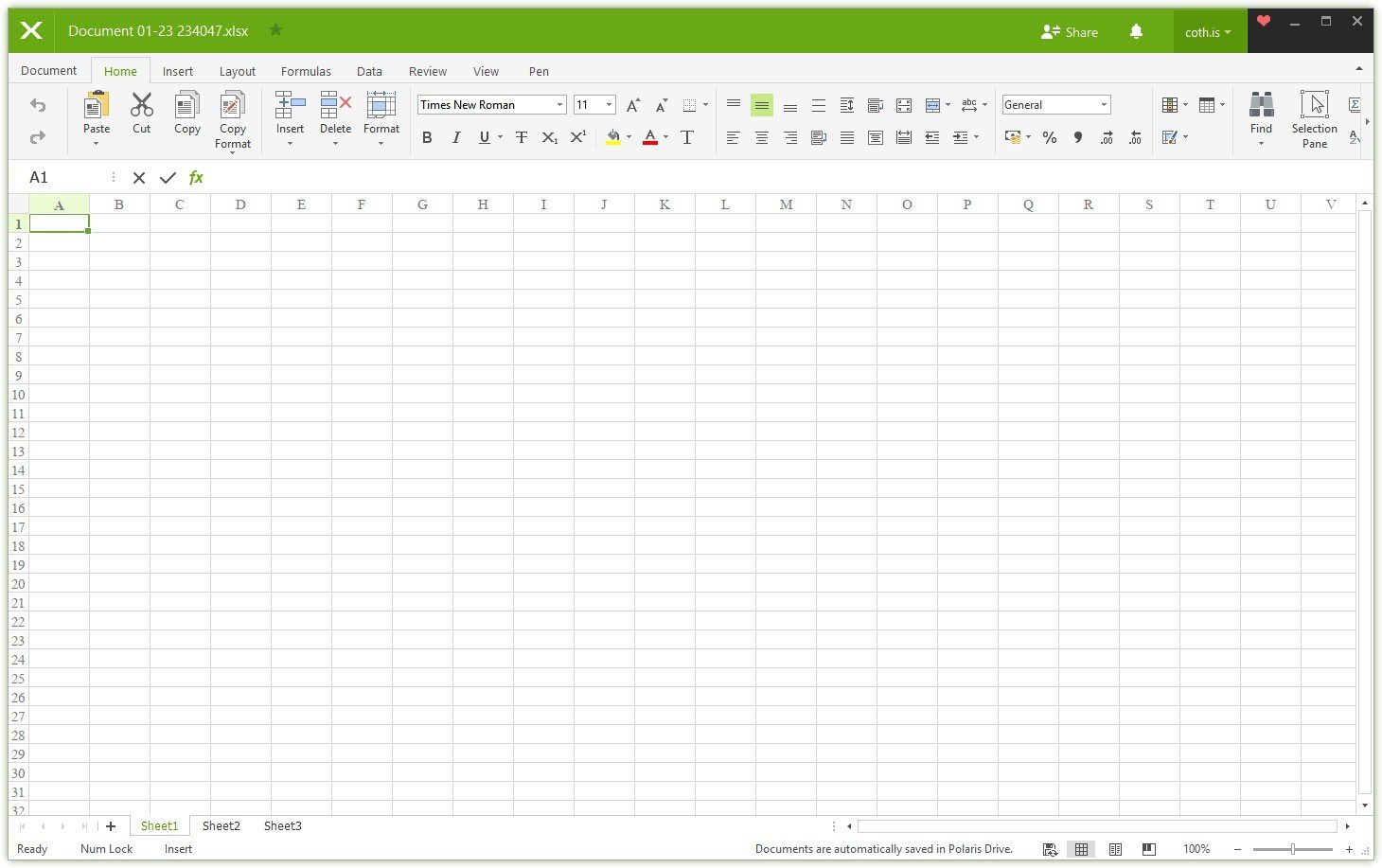
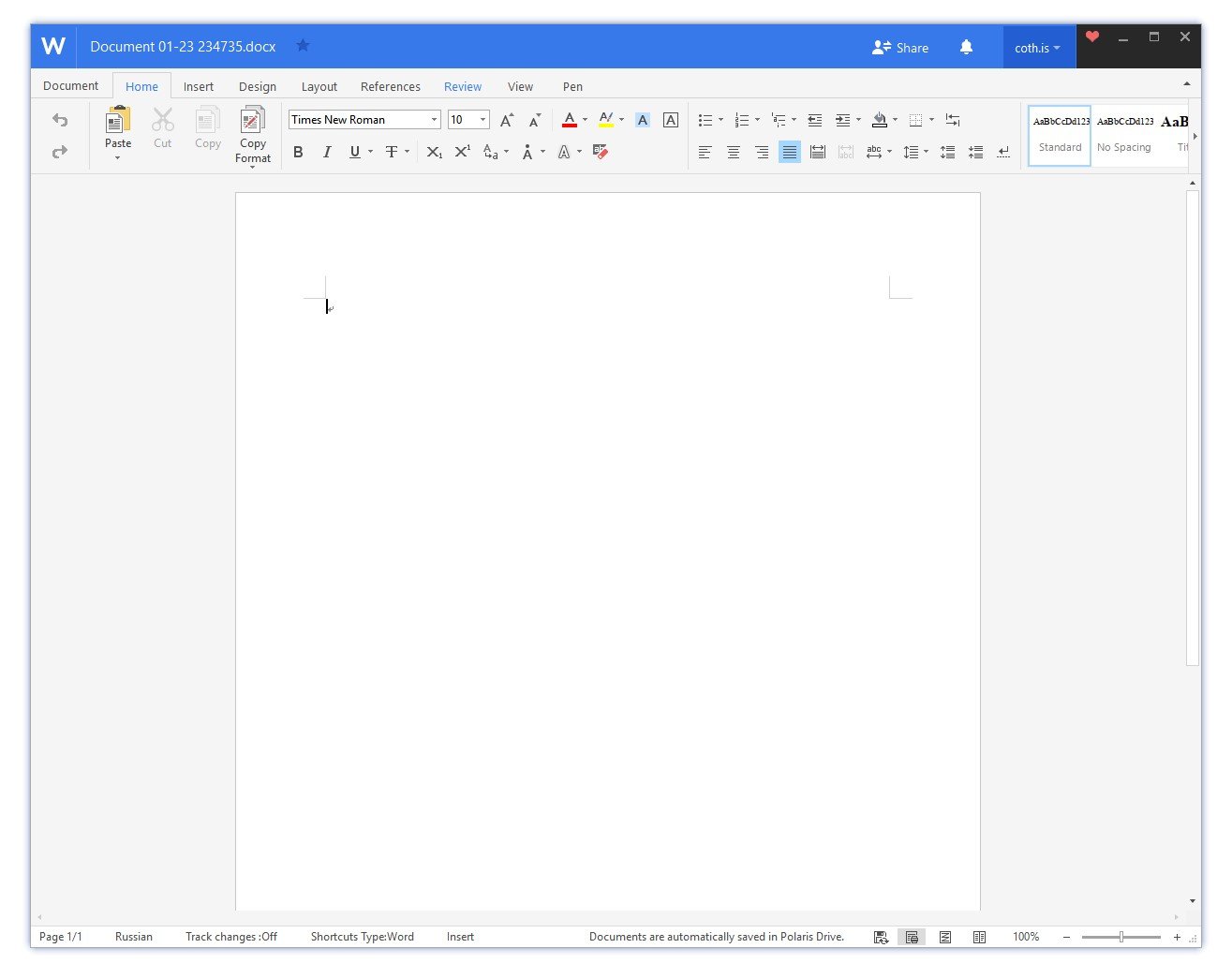
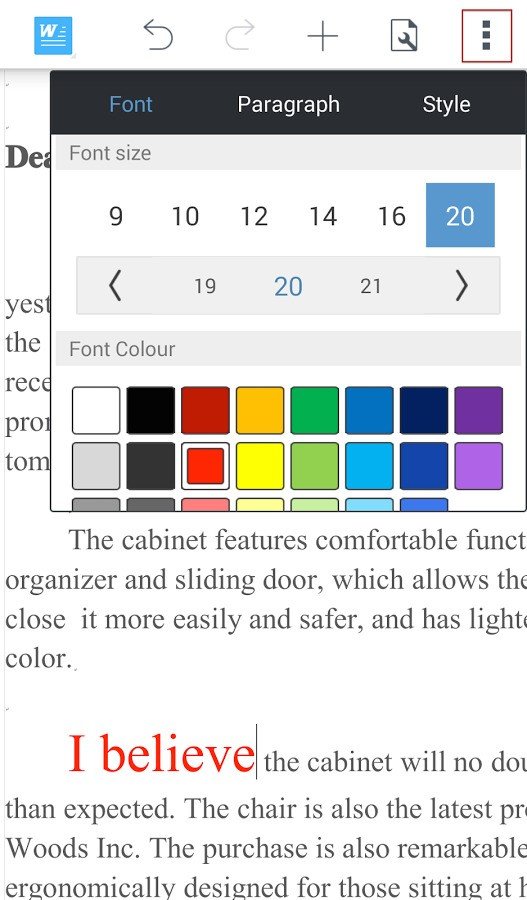
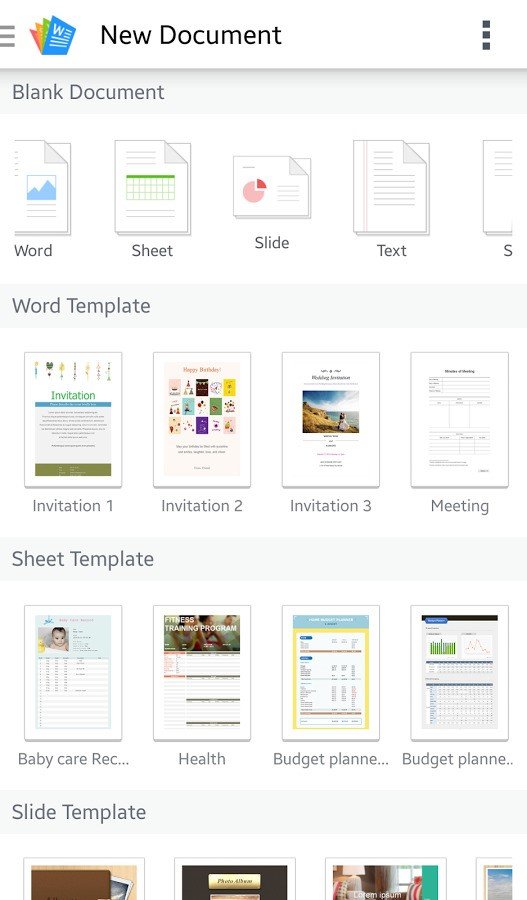
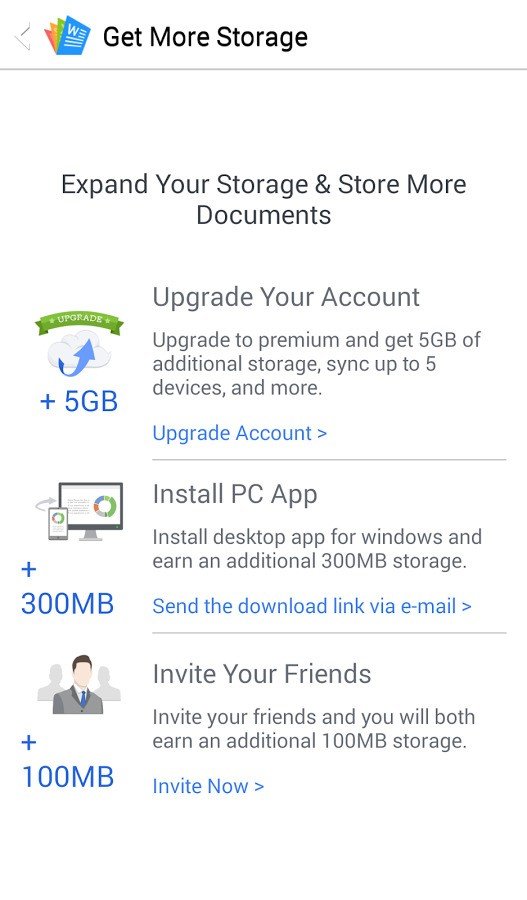
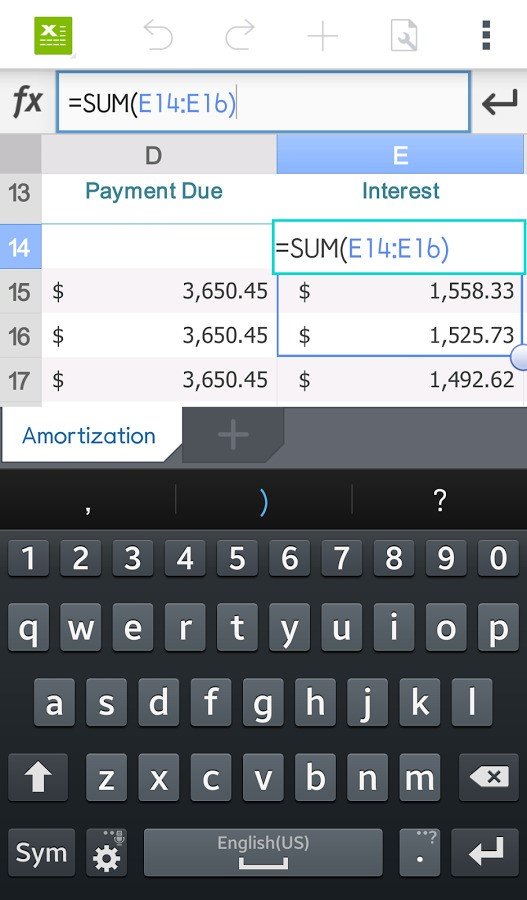
Description *Polaris Office is a free office app for documents, spreadsheets, presentations and Adobe PDF files. Polaris Office's document creation, editing, and saving features are all available without a network connection! *Files opened in Polaris Office are saved on your local device automatically allowing users to read and edit files offline while having a back up saved on the cloud. Without a network connection files will NOT be saved to your cloud and cannot be shared through email or Social Media networks. These features require an internet connection. ***Polaris Office now supports Google's Chromecast! Now you can display office documents, spreadsheets, and presentations from your device onto your Chromecast connected display!*** Polaris Office is a free office application suite optimized for Smartphones and Tablets to create, edit, or read Microsoft® Word, Excel, or Powerpoint documents and view PDFs on your mobile device. Its features include: - Create and edit Word documents, Powerpoint presentations, and Excel spreadsheet files - Files are automatically saved locally to the current device in use - Edit office files shared with you - Revised documents are updated on the cloud automatically - Open, view, and share PDF and HWP files. - Attach files to emails - Share Files over Social Media - Free Cloud storage - Download and edit files from other cloud services (Google Drive, Drop Box, OneDrive, uCloud and WebDAV clouds) - Camera mode that can be used to take and add pictures to the document / Insert and play video clips - Desktop client: Download the desktop client for more free storage and drag and drop files into your Polaris cloud from your desktop. - Fast and convenient document upload/download from desktop - Compatible with Microsoft Office Word, Powerpoint, and Excel, as well as Adobe PDF (doc/docx, xls/xlsx, ppt/pptx, pdf, txt, hwp) -Chromecast Compatible: Display your Word documents, Excel Spreadsheets, PDFs, or Powerpoint Presentations on yo