Select your language

Home arrow-right ... arrow-right Office and Productivity Software arrow-right MuPDF

We've compiled a list of 12 free and paid alternatives to MuPDF. The primary competitors include Foxit PDF Reader, Box. In addition to these, users also draw comparisons between MuPDF and Notion, Zoho Writer, CloudConvert. Also you can look at other similar options here: Office and Productivity Software.


Foxit PDF Reader is a feature-rich PDF reader with tools for viewing, annotating, and editing. It offers smooth navigation, annotation tools, form filling, and conversion to various formats. Security features like password protection and integration…

(2)
5.0 out of 5
Notion
Subscription Free Free Trial

Your all-in-one workspace for wiki, documents, and projects. Streamline your work apps into a unified platform, enhancing collaboration and productivity. Discover the future of work with AI integration.

Zoho Writer
Subscription Free Free Trial

An online word processor that lets you create and edit documents in your web browser and save them...

Zamzar
Free Subscription Free Trial
PaperOffice
One Time License Free Trial

PaperOffice is an innovative document management solution for the paperless office, good for home...

Foxit PDF Editor
One Time License Free Trial

Solution for creating and editing PDFs, with Foxit eSign integration for legal eSignatures. It offers tools for collaboration, organizing, protecting, and exporting PDFs to Word, PowerPoint, and Excel.

Polaris Office
Subscription Free

Description *Polaris Office is a free office app for documents, spreadsheets, presentations and Ado...

MuPDF Platforms

iPad iPad
iPhone iPhone
Linux Linux
Mac Mac
Web-Based Web-Based
Android Android
Windows Windows

MuPDF Video and Screenshots

MuPDF Overview

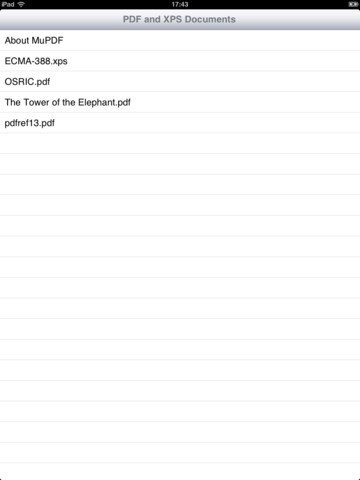
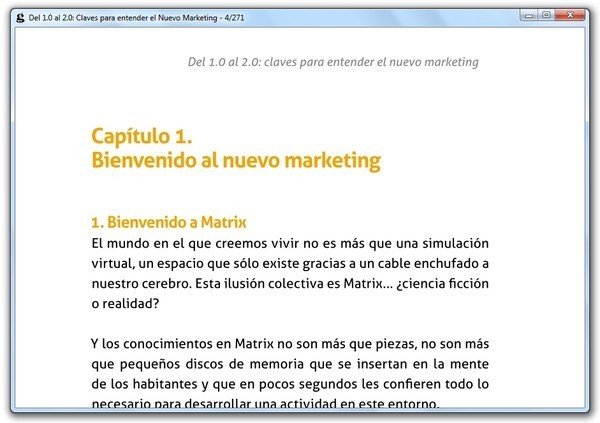
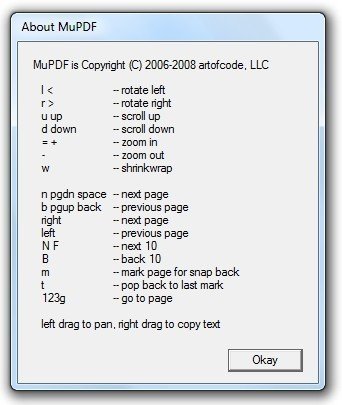
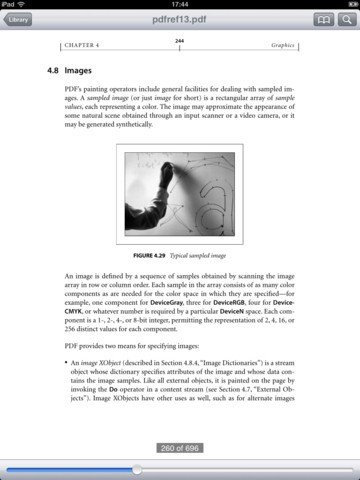
MuPDF is a lightweight PDF and XPS viewer.

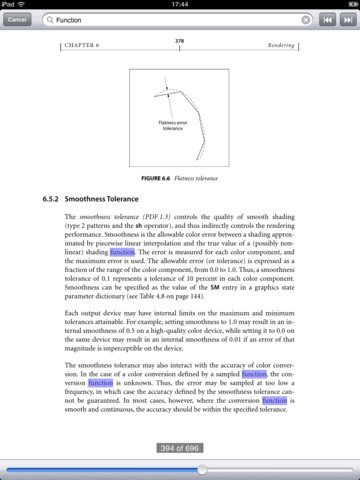
The renderer in MuPDF is tailored for high quality anti-aliased graphics. It renders text with metrics and spacing accurate to within fractions of a pixel for the highest fidelity in reproducing the look of a printed page on screen.

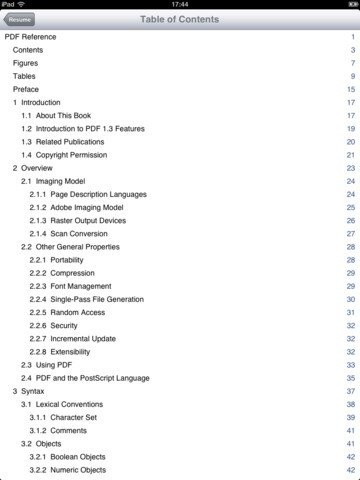
MuPDF is also small, fast, and yet complete. It supports PDF 1.7 with transparency, encryption, hyperlinks, annotations, searching and more. It also reads OpenXPS documents.

We don't support interactive features such as form filling, javascript and transitions. MuPDF is written modularly, so such features can be added on by integrators if they so desire.

MuPDF Features

tick-square Full Text Search
tick-square Customizable Branding
tick-square Offline Access
tick-square File Conversion
tick-square Document Generation
tick-square Electronic Signature
tick-square Access Controls/Permissions
tick-square API

Top MuPDF Alternatives

Share your opinion about the software, leave a review and help make it even better!

MuPDF Tags

xps-viewer xps xfce pdf-reader

Suggest Changes

() out of 5

Your Feedback

Select a rating
Please select a rating

Your vote has been counted.

Do you have experience using this software?