Select your language

Home arrow-right ... arrow-right Office and Productivity Software arrow-right PDF Professional

We've compiled a list of 9 free and paid alternatives to PDF Professional. The primary competitors include PDF-XChange Viewer, PDF Reader. In addition to these, users also draw comparisons between PDF Professional and Qoppa PDF Studio, Notability, Xodo. Also you can look at other similar options here: Office and Productivity Software.
Notability
One Time License

Notability is a note-taking app that lets users create, organize, and annotate digital notes. It supports handwriting, typing, audio recording, and PDF annotation. Designed for students and professionals to enhance productivity and streamline inform…

Xodo
Free Subscription Free Trial
iAnnotate
Subscription Free Trial

With iAnnotate you can read, annotate, and share PDFs, Microsoft Office files, images and web pages!

PDF Professional Platforms

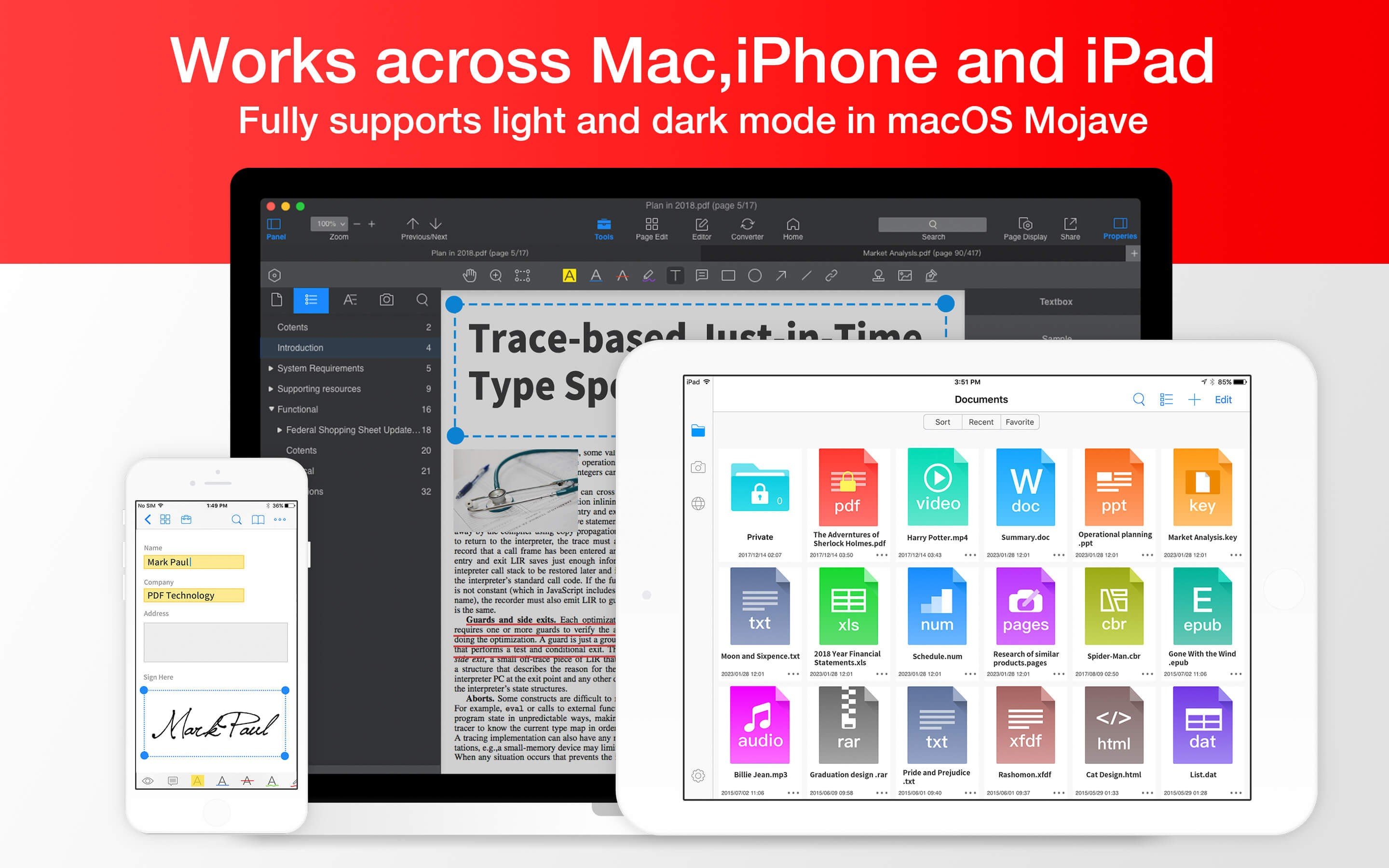
iPad iPad
iPhone iPhone
Mac Mac

PDF Professional Video and Screenshots

PDF Professional Overview

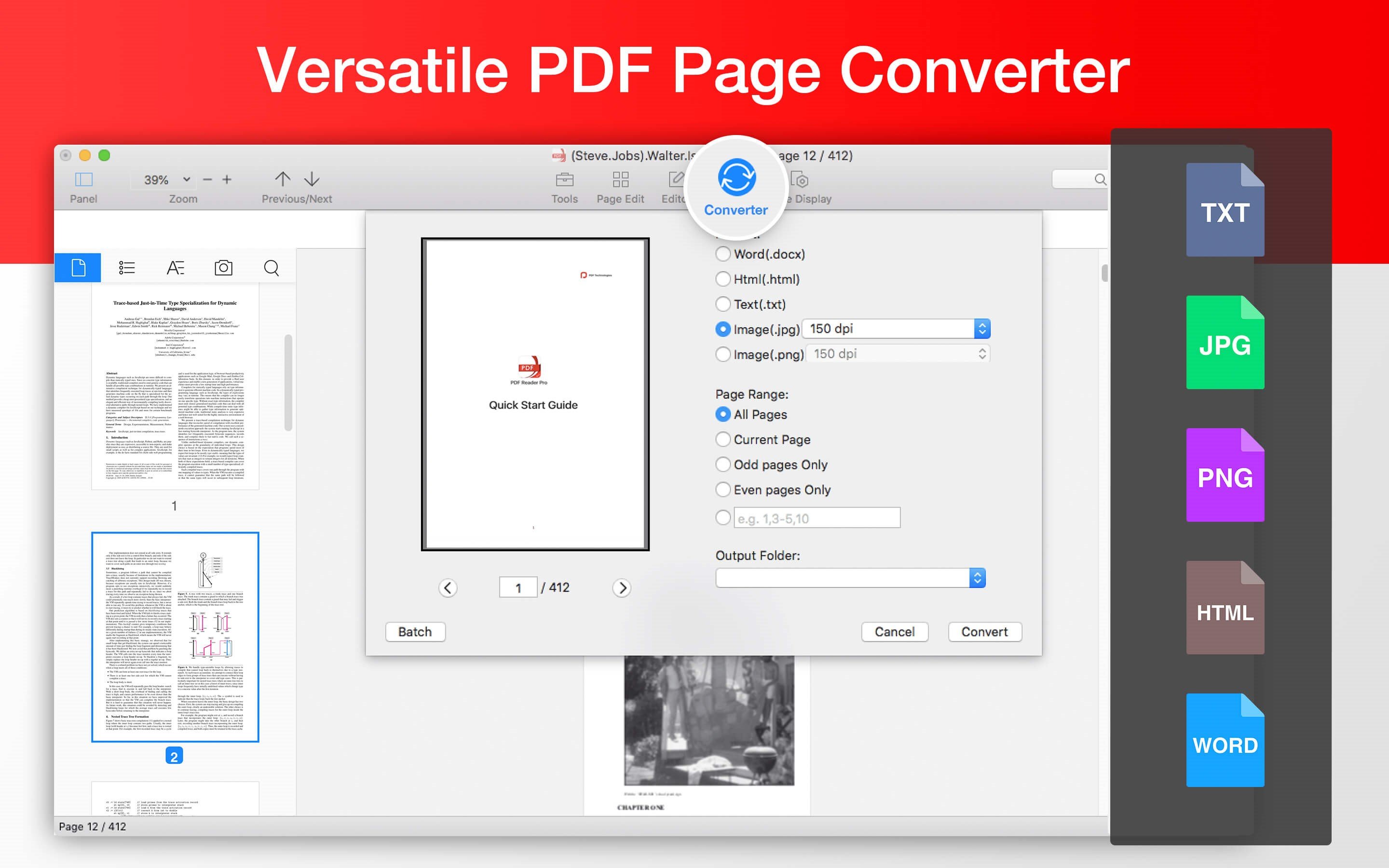
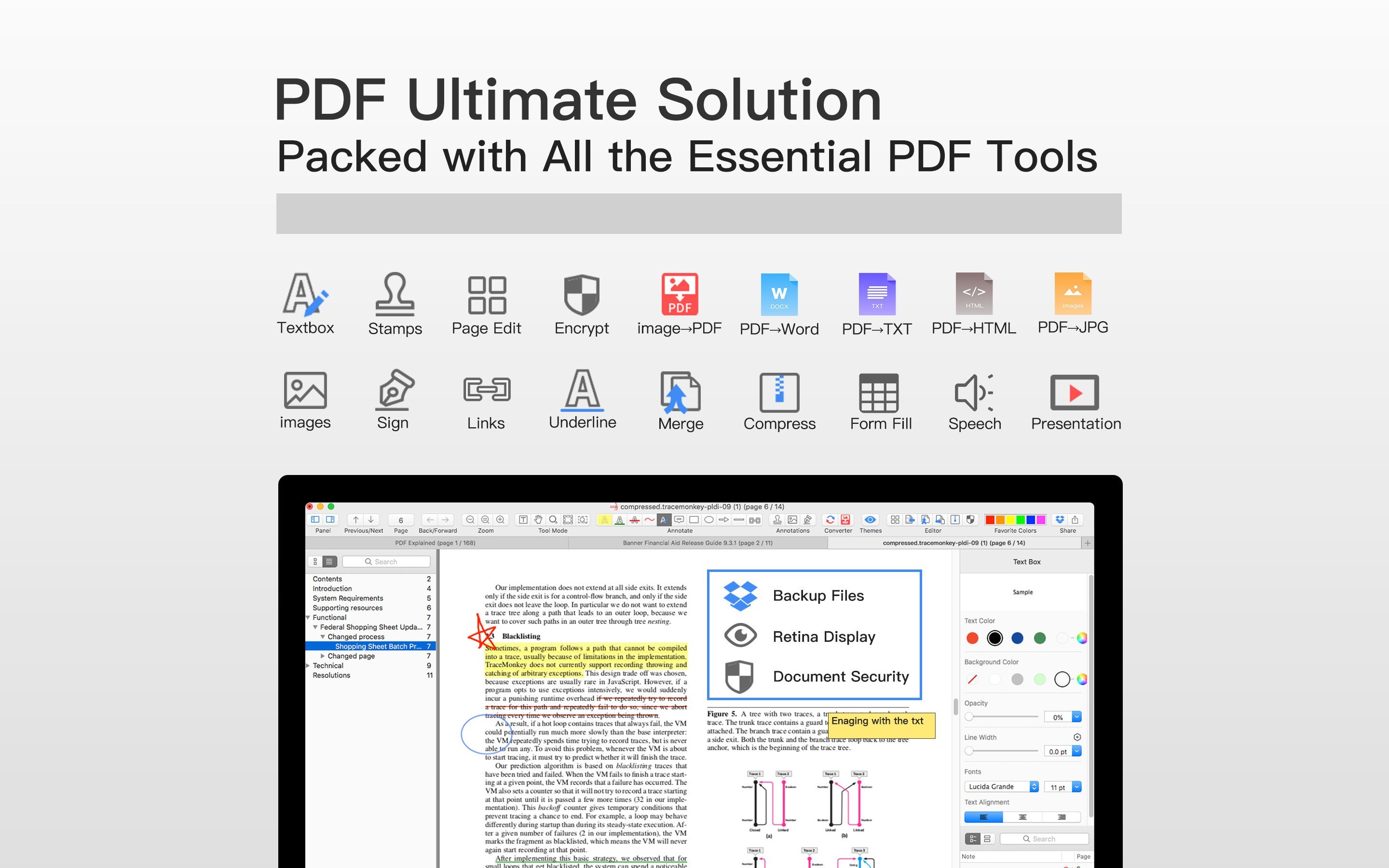
PDF Professional Suite is a full-featured PDF document expert that transforms your Mac into a powerful PDF Office. PDF Professional Suite is a one-stop shop for your Adobe Acrobat PDF document needs. This app provides a complete array of functions to help annotate, view, fill form, sign, edit, bookmark, outline, merge, split, compress and convert your PDFs into Word/HTML/TXT/Png/Jpg files

Packed with all the essential PDF tools, PDF Professional for Expert is your last PDF application you would ever need.

Reading
* Reading modes - Multi-tab viewing, full-screen, auto flow
* Presentation - Slideshow Mode to present your PDF as PPT.
* Create and Edit outlines / bookmarks
* Night mode
* TTS (Text-to-Speech)

Annotation
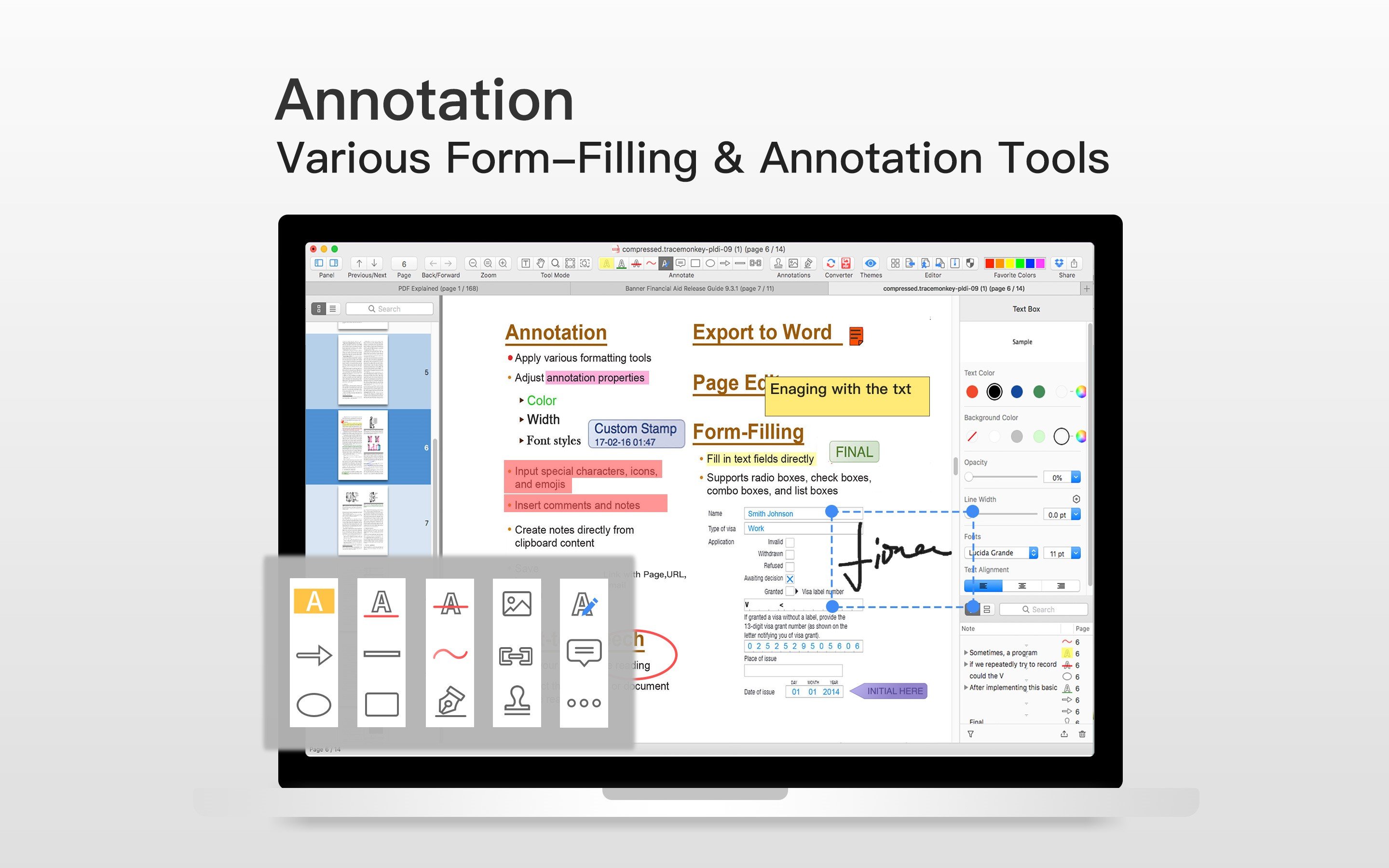
* Annotate PDFs with highlight, underline, text box, images, and so much more
* Link - Add hyperlinks to PDFs : Page Number/URL/Email.
* Stamps - Able to customize stamps comprised of text and image
* Sign - Create multiple signatures for any situations with trackpad, keyboard or images.

Form-Filling
* Fill out any Adobe Acrobat PDF forms with interactive fields such as text fields, checkboxes and etc.

PDF Page Editor
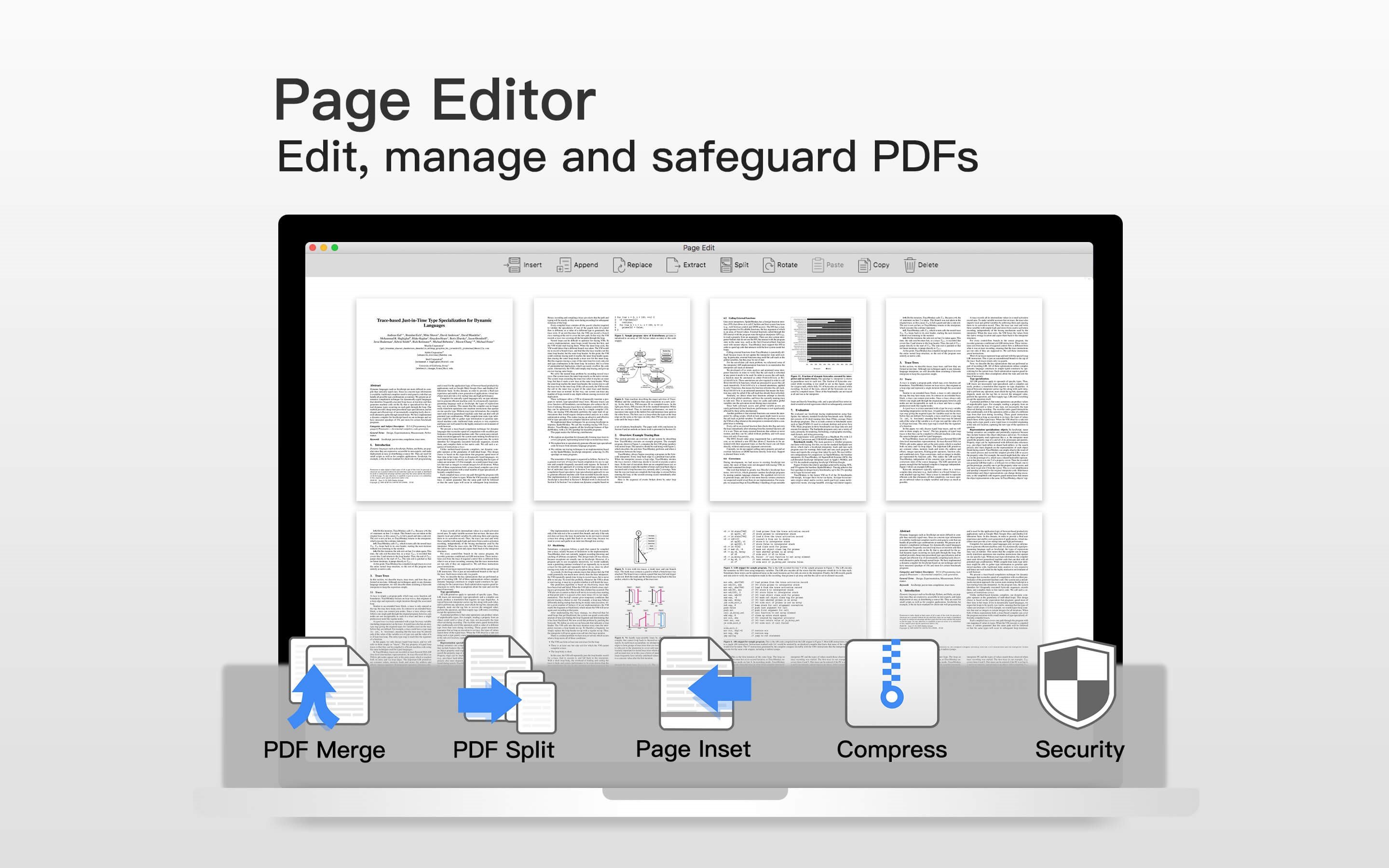
* Merge - combine multiple files into one document
* Split - Split files based on desired number of pages or files
* Extract - Extract the desired pages to create a new PDF
* Insert - Insert another file into the existing file
* Rotate, delete, replace, and crop pages
* PDF Compressor
* Security

Page Sizing & Handling
* Booklet - Booklet puts your pages side by side re-sorted for booklet printing
* Poster - Poster divide large PDF page(s) into multiple smaller Pages
* Multiple - You can print more than one page of a PDF on a single sheet of paper

PDF Convertor
* Export PDFs to iWork, MS Word, Text, JPG, PNG and HTML
* Support to convert Word, Pages, Docs into PDF
* Directly transform images imported from scanner or iOS device to PDF

PDF Professional Features

tick-square Convert PDF to Word document
tick-square Fill PDF Forms
tick-square Convert images to PDF
tick-square Edit PDF
tick-square Night mode/Dark Theme
tick-square PDF annotation

Top PDF Professional Alternatives

Share your opinion about the software, leave a review and help make it even better!

PDF Professional Tags

pdf-creation pdf-conversion pdf-reader pdf-editor

Suggest Changes

() out of 5

Your Feedback

Select a rating
Please select a rating

Your vote has been counted.

Do you have experience using this software?