A digital note-taking app that enables users to capture, organize, and share ideas seamlessly. With deep search, audio recording, and Microsoft 365 integration, it enhances collaboration.
Asana is a comprehensive project management software that enables teams to efficiently manage tasks and projects. Its features include task creation and assignment, priority setting, progress tracking, and file attachment.
Coda was a macOS-based web development application by Panic, combining a text editor, FTP client, terminal, and preview pane in a single interface. It supported multiple programming languages, real-time collaboration, and plugin extensibility.
Zight (Cloudapp) is a comprehensive screen recording tool designed to facilitate the creation, modification, and dissemination of videos, screenshots, and GIFs tailored for business purposes.
Notability is a note-taking app that lets users create, organize, and annotate digital notes. It supports handwriting, typing, audio recording, and PDF annotation. Designed for students and professionals to enhance productivity and streamline information management.
Notability is a note-taking app that lets users create, organize, and annotate digital notes. It supports handwriting, typing, audio recording, and PDF annotation. Designed for students and professionals to enhance productivity and streamline information management.
Notability Platforms
iPad
iPhone
Mac
Notability Video and Screenshots
Notability Overview
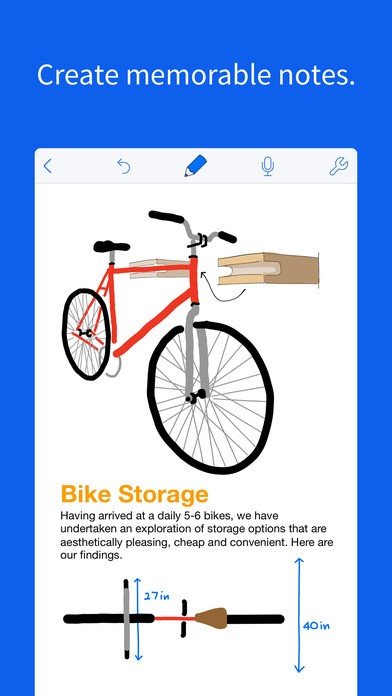
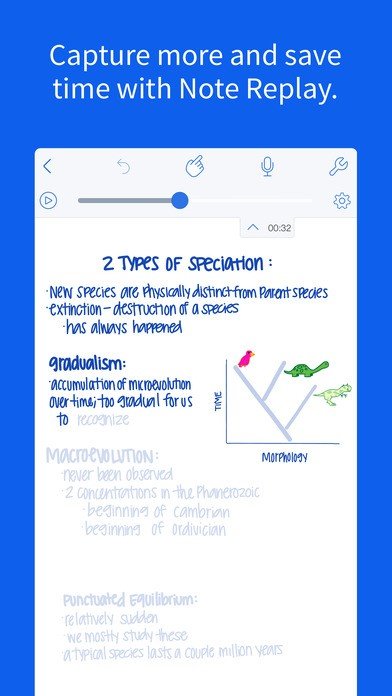
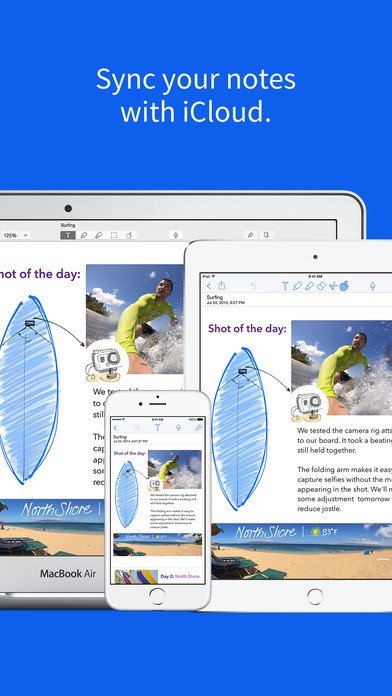
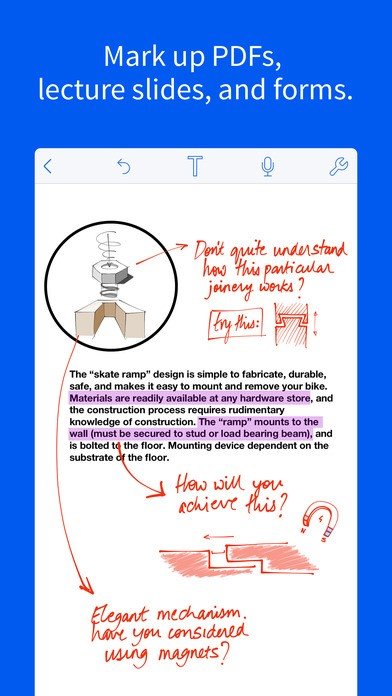
Notability is a powerful digital note‑taking application designed for streamlined content creation and organization. It offers a versatile canvas where users can type, handwrite, and sketch with support for Apple Pencil, finger input, or keyboard. The app allows importing of PDFs, images, and documents for annotation. Users can record audio while writing, and the app syncs playback to the note timeline. Notability includes multi‑note view for side‑by‑side editing and drag‑and‑drop support for text, images, and sticky notes. Pages can be rearranged, combined, or flattened. The robust folder and subject system enables logical organization. Autosave and iCloud synchronization ensure notes are updated across MacOS, iPadOS, and iOS. The app supports PDF export, text search, and sharing via email, cloud storage services, or AirDrop.
Notability delivers clear advantages in flexibility, efficiency, and accessibility. It combines handwriting and typing in one interface, allowing users to switch seamlessly. Audio recording synced with notes enhances recall and meeting productivity. The multi‑note layout boosts multitasking and time savings by editing or comparing multiple notes at once. Real‑time annotation of imported documents simplifies reviewing and collaboration. Cloud sync and backups protect data and enable continuity across devices. The app’s intuitive tools-pen, highlighter, eraser, shapes, and color picker-reduce friction and speed workflow. Notability is ideal for students, professionals, and anyone seeking a robust, all‑in‑one note‑taking tool that supports creativity, collaboration, and structured organization with minimal setup complexity.