We've compiled a list of 100 free and paid alternatives to ConnectWise Automate. The primary competitors include 1Password, Action1. In addition to these, users also draw comparisons between ConnectWise Automate and TeamViewer, Slack, GitLab. Also you can look at other similar options here: Development Software, Feature Management Software.
We've compiled a list of 100 free and paid alternatives to ConnectWise Automate. The primary competitors include 1Password, Action1. In addition to these, users also draw comparisons between ConnectWise Automate and TeamViewer, Slack, GitLab. Also you can look at other similar options here: Development Software, Feature Management Software.
1Password is a password management software designed to securely store and organize passwords, providing users with a centralized solution for managing their credentials.
Action1 is a cloud-based patch management platform that automates real-time patching and security compliance for Windows, macOS, and third-party apps. It provides scalable, secure endpoint management without requiring VPNs, ensuring ongoing complian…
TeamViewer provides remote desktop access, support, and collaboration tools, enhanced with AI for advanced analytics and automated issue resolution. With seamless integration across various systems, it ensures secure and efficient remote operations,…
Slack is the hub for seamless collaboration, offering real-time messaging, file sharing, and integration with apps. Get work done efficiently from anywhere.
AirDroid is an all-in-one mobile device management (MDM) solution that enhances multiscreen experiences with features like file transfer, remote access, Kiosk Mode, and Black Screen Mode. It also provides device management, geofencing, app managemen…
An automation platform to streamline workflows and eliminate repetitive tasks. Boost efficiency with collaboration and security features designed for teams of any size.
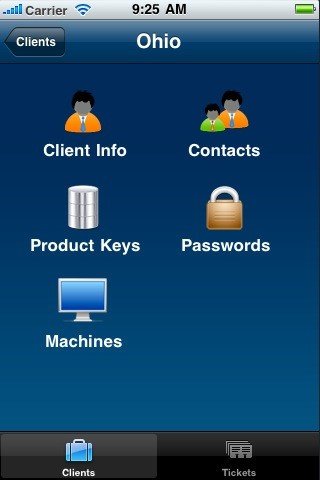
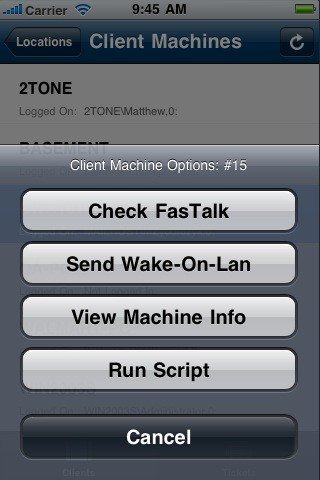
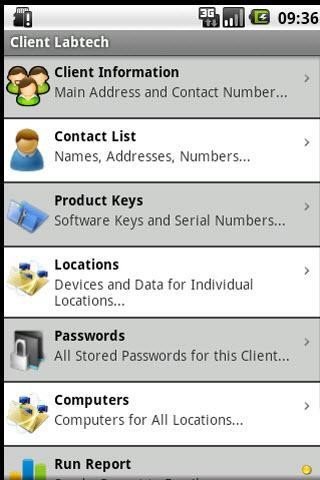
ConnectWise Automate is a very complex system and can be used to manage almost everything an IT department needs to manage. The number of features in Automate can be quite daunting. To help simplify the features, they have been grouped into four major areas. To navigate, the area of the image can be clicked or the side navigation. Each section has a summary and links to pictures and demonstration files.
Remote Control and Troubleshooting
Remote Desktop and Server Control Background Trouble Shooting Network Sniffing, Review and More Managed Service Deployment
Network Monitoring and Alerting Advanced Scripting Patch Management Software Deployment Backup Recovery, Management and More Information and Reporting
Inventory, Asset and Information Management Advanced Searching License Management Contact Information and More
People and Process Management Ticketing, Scheduling and Dispatching Time Keeping and Management Technician Tracking and Management Advanced Security, Rights Management and More