We've compiled a list of 16 free and paid alternatives to Krut. The primary competitors include Camtasia, Wink. In addition to these, users also draw comparisons between Krut and AMcap, FlashBack, Captura. Also you can look at other similar options here: Video and Movies Software.
We've compiled a list of 16 free and paid alternatives to Krut. The primary competitors include Camtasia, Wink. In addition to these, users also draw comparisons between Krut and AMcap, FlashBack, Captura. Also you can look at other similar options here: Video and Movies Software.
Camtasia, a comprehensive screen recording and video editing solution, for content creators, educators, marketers, and business professionals. Capture and edit webinars or tutorials effortlessly. Elevate your video projects with the trusted tool for…
Captura captures high resolution screencasts (h264, FFMpeg mp4) with and without mouse cursor. It captures specific regions or windows. Furthermore it can capture mouse clicks or Keystrokes. It can record audio from microphone.
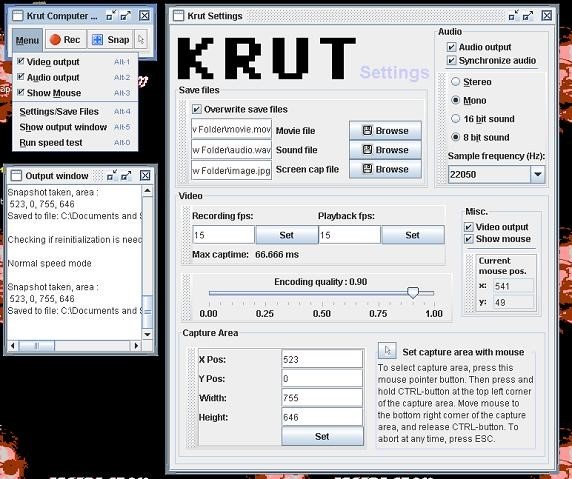
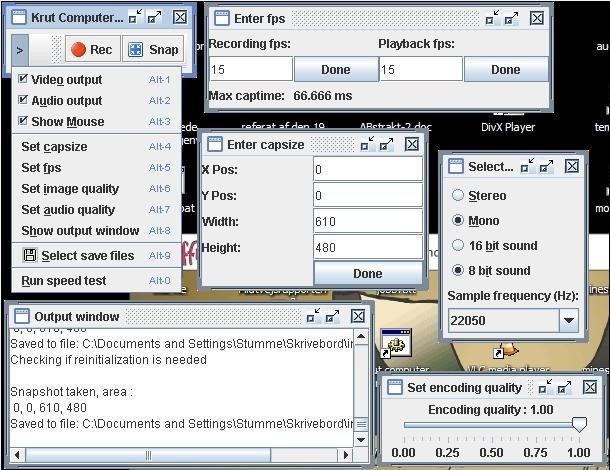
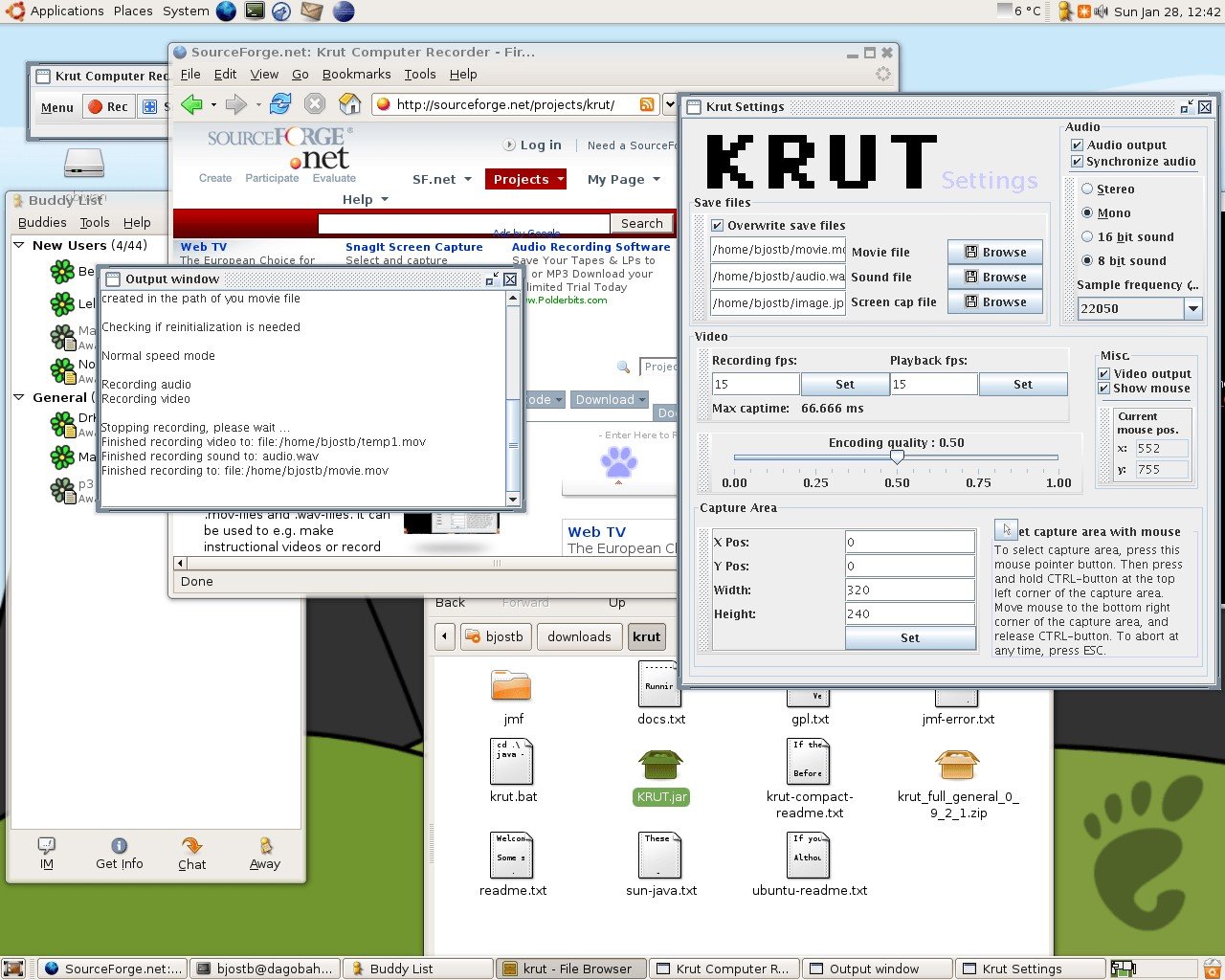
Krut is a screencast tool that is written in Java and well suited for making video tutorials (instructional videos) on most platforms. Krut records movie files, including sound, of selected parts of your screen. The files use the quicktime mov format. The program has an intuitive and compact user interface.
In addition to a movie file, the program also records separate files for audio (wav) and video (mov), which easily allows encoding to any movie format using an external encoding program.
Some additional features: - Timer-controlled recording - Moveable recording areas during recording - Preview of ongoing recording - Optional mouse pointer recording - Record/Playback at 2 different frame rates - Highly accurate audio-video synchronization