We've compiled a list of 13 free and paid alternatives to iSpring Converter Pro. The primary competitors include Prezi, Google Slides. In addition to these, users also draw comparisons between iSpring Converter Pro and CrankWheel, Maple, Livestorm. Also you can look at other similar options here: About.
We've compiled a list of 13 free and paid alternatives to iSpring Converter Pro. The primary competitors include Prezi, Google Slides. In addition to these, users also draw comparisons between iSpring Converter Pro and CrankWheel, Maple, Livestorm. Also you can look at other similar options here: About.
CrankWheel is a screen sharing tool designed for video calls and online presentations. It facilitates real-time screen sharing during video calls, allowing users to share content online seamlessly.
With the all-in-one video engagement platform from Livestorm, access a smooth virtual meeting experience. Manage webinars, virtual events, and screen sharing effortlessly to transform your online communications.
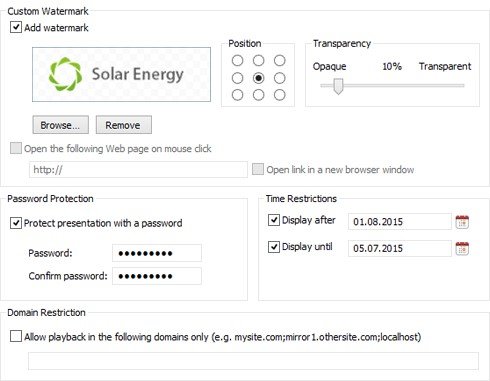
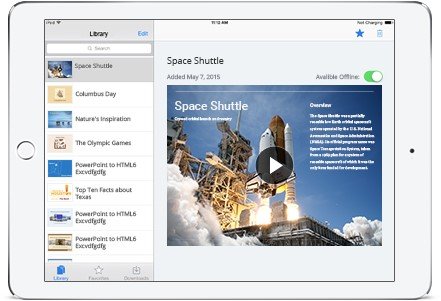
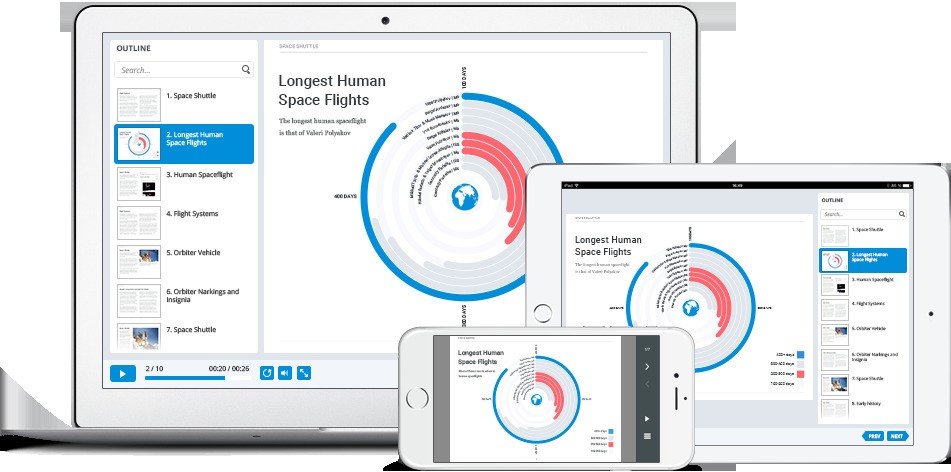
iSpring Converter Pro 8 - An advanced authoring tool with enhanced features for creating mobile-ready presentations in PowerPoint. iSpring Converter Pro 8 simply adds a tab to the PowerPoint ribbon, and provides you full access to features that help you swiftly build mobile-ready presentations. Enjoy the wide range of cool features provided by iSpring Converter Pro 8: Record, edit, and sync voice-overs with all your animations and transitions. The built-in audio editor has advanced editing features like noise reduction and fade effects, along with a complete set of trimming utilities. Use a fully-featured player with responsive design, which perfectly adapts to any screen size on any device. Customize the player to reflect your corporate brand, and include navigation buttons and slide library, plus presenter information and accessory materials in exactly the location you want. iSpring Converter Pro offers you a multitude of conversion options and publishing destinations. No matter which format you choose, iSpring's industry-leading conversion engine will perfectly preserve all PowerPoint effects exactly as you intended. For fully interactive presentations, convert your PowerPoint content to Flash, HTML5 or to the Flash+HTML5 combined format to play back perfectly on any device. For linear video presentations, publish to crystal-clear MP4 video or directly to YouTube in one click. Enjoy publishing directly to the brand-new built-in cloud hosting and sharing platform, iSpring Cloud. Present your content on iPad from a beautiful carousel view or intuitive content library with the free iSpring Viewer Mobile App, available on the App Store. Share and track your presentations from the iSpring Cloud interface while on the go using any of four sharing methods: direct link, email, social media, or embed code.