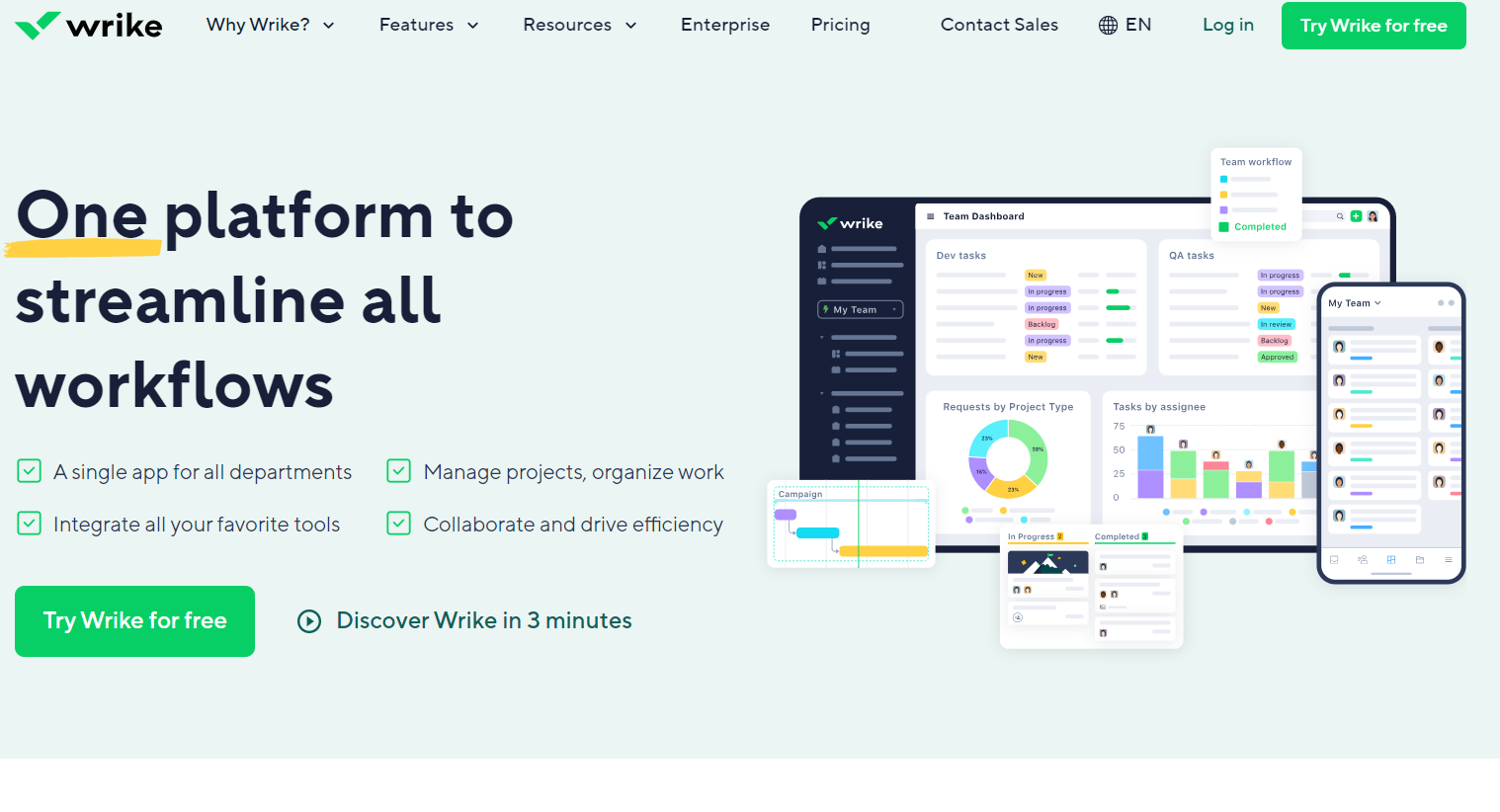
Dynamic work management platform fostering seamless collaboration in task handling, project planning, and document sharing. Perfect for businesses with multiple teams requiring efficient coordination. Track time and manage tasks effortlessly.
ClickUp goes beyond documents to unify tasks, goals, calendars, and reminders in one place. It’s better than Coda for teams seeking project and task management alongside docs in a single customizable app.
Notion combines docs, wikis, and databases with intuitive collaboration and built-in AI. For teams looking for a more visual and modular workspace with deeper AI-native capabilities, Notion is a strong alternative to Coda.
Airtable blends spreadsheet flexibility with database power and visual views like Kanban and calendars. It’s a better choice than Coda if your workflow relies heavily on structured data and visual project tracking.
Asana is ideal for managing cross-functional projects and strategic planning. If your priority is scaling project execution across teams, Asana offers more out-of-the-box features for structured work management than Coda.
Smartsheet offers robust automation, reporting, and enterprise-grade project tracking. For operations or PMO teams needing deeply structured workflows and dashboards, Smartsheet may be a better fit than Coda.
Quip combines real-time docs and spreadsheet editing with built-in chat, ideal for fast-moving teams that prioritize in-document communication. Unlike Coda’s modular approach, Quip’s Smart Inbox, @mentions, and offline access make it better for live…
Fellow specializes in meeting management, tying agendas and notes directly to calendar events. If your main pain point is running efficient, actionable meetings, Fellow is a purpose-built alternative to Coda.
Google Workspace provides best-in-class tools for email, document creation, video conferencing, and collaboration. It’s a stronger option than Coda for organizations needing traditional office tools with seamless team-wide access.
Cloud-based Business Operating System designed to streamline operations and drive growth. It centralizes tools into one platform, enhancing focus, alignment, and efficiency.
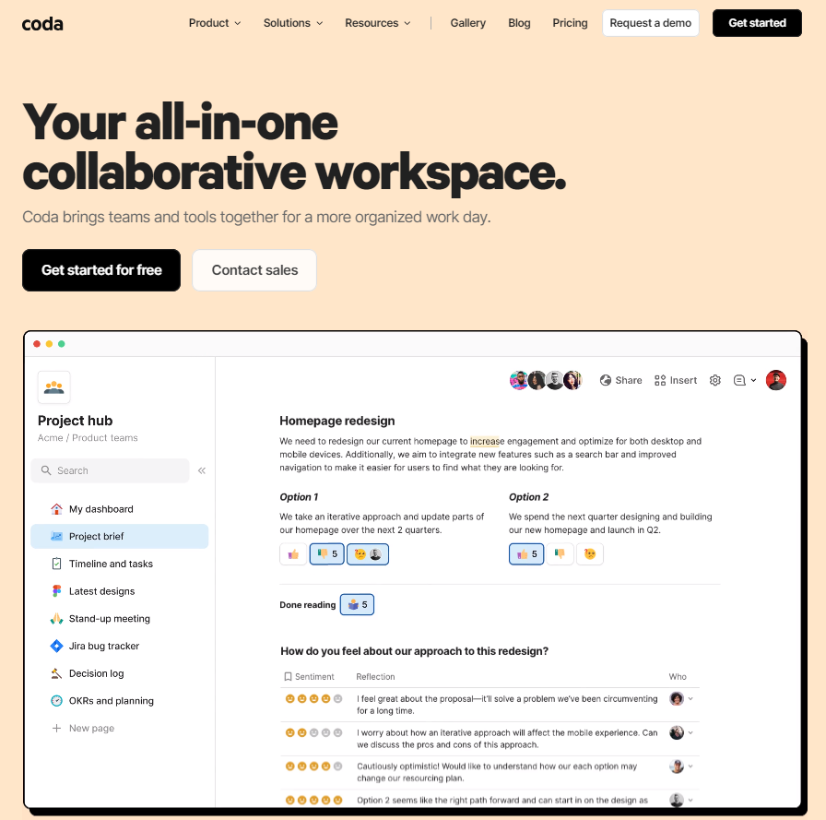
Coda is a collaboration platform that combines tools for creating documents, spreadsheets, databases, and more. This platform allows you to create a variety of projects and work together on them in real time, add comments, use task automation and integrate with other services. Coda is a useful tool for teamwork, especially for projects that require joint coordination and interaction.
Coda is a collaboration platform that combines tools for creating documents, spreadsheets, databases, and more. This platform allows you to create a variety of projects and work together on them in real time, add comments, use task automation and integrate with other services. Coda is a useful tool for teamwork, especially for projects that require joint coordination and interaction.
Coda Platforms
Android
iPad
iPhone
Web-Based
Coda Video and Screenshots
Coda Overview
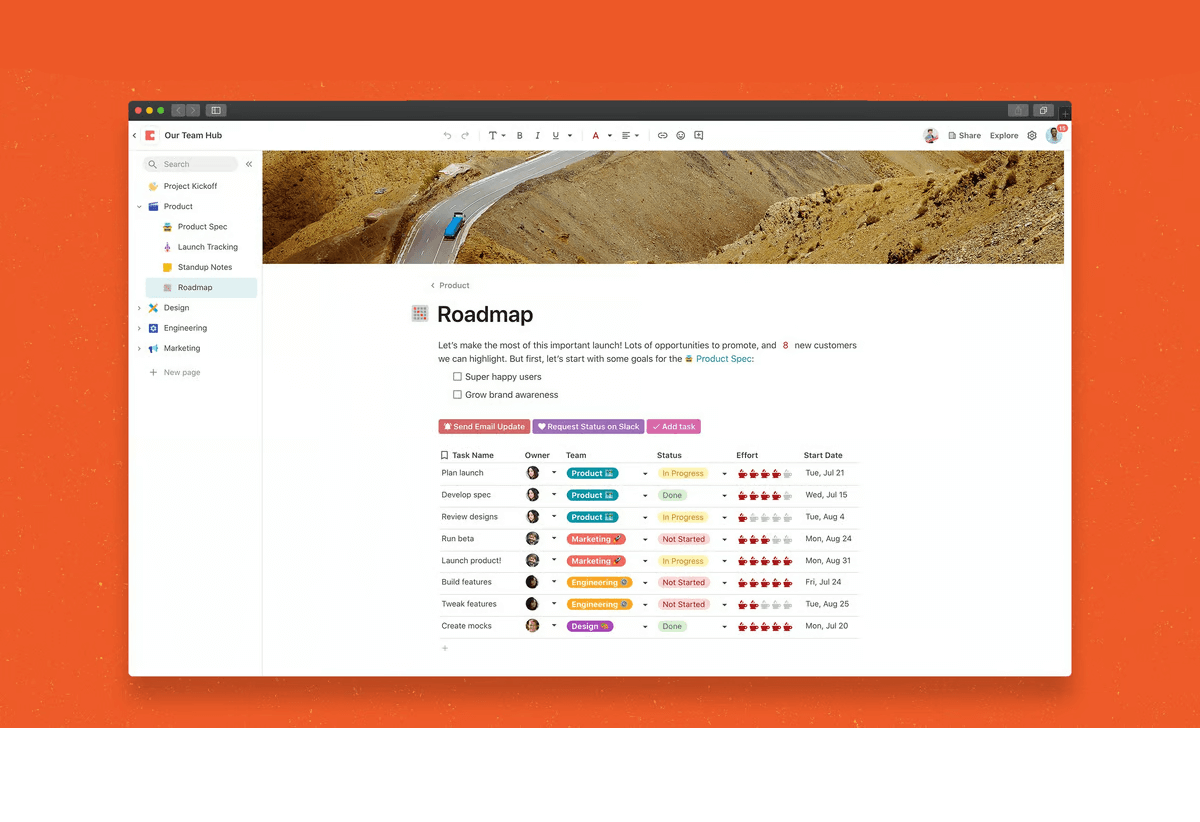
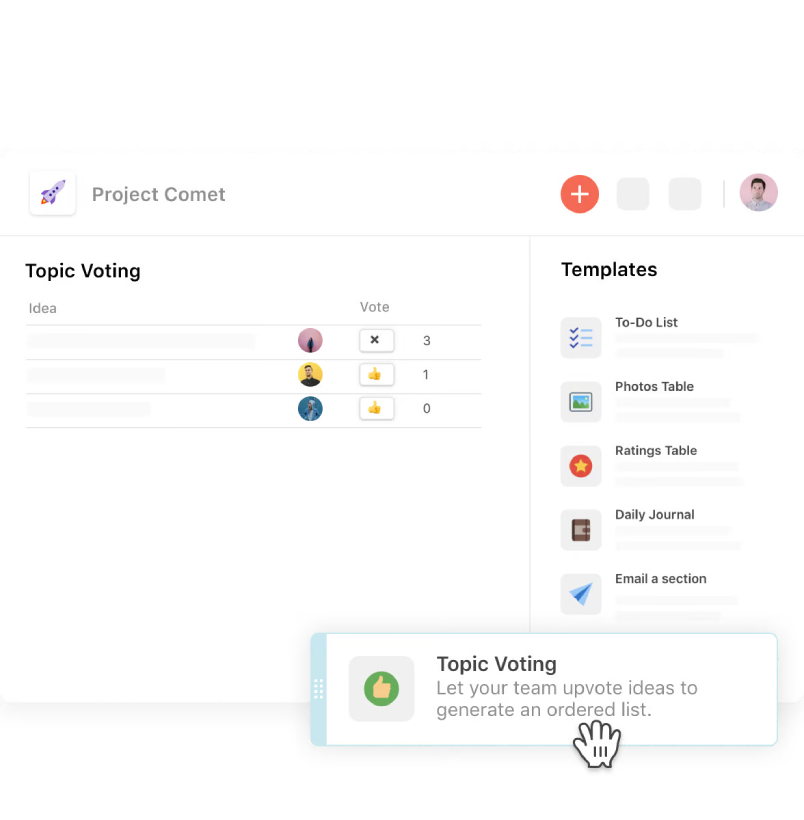
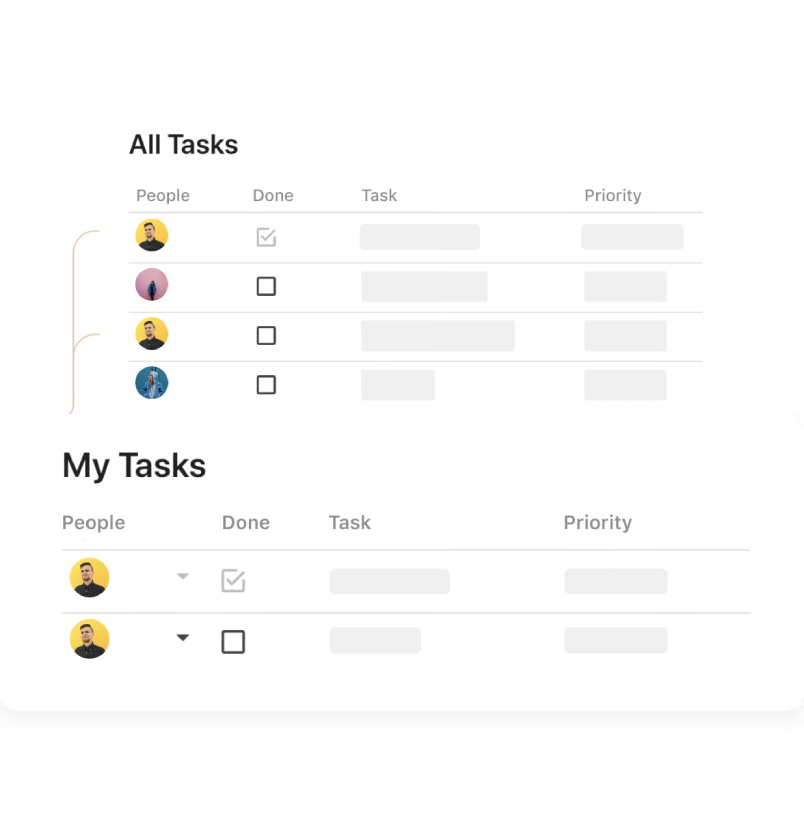
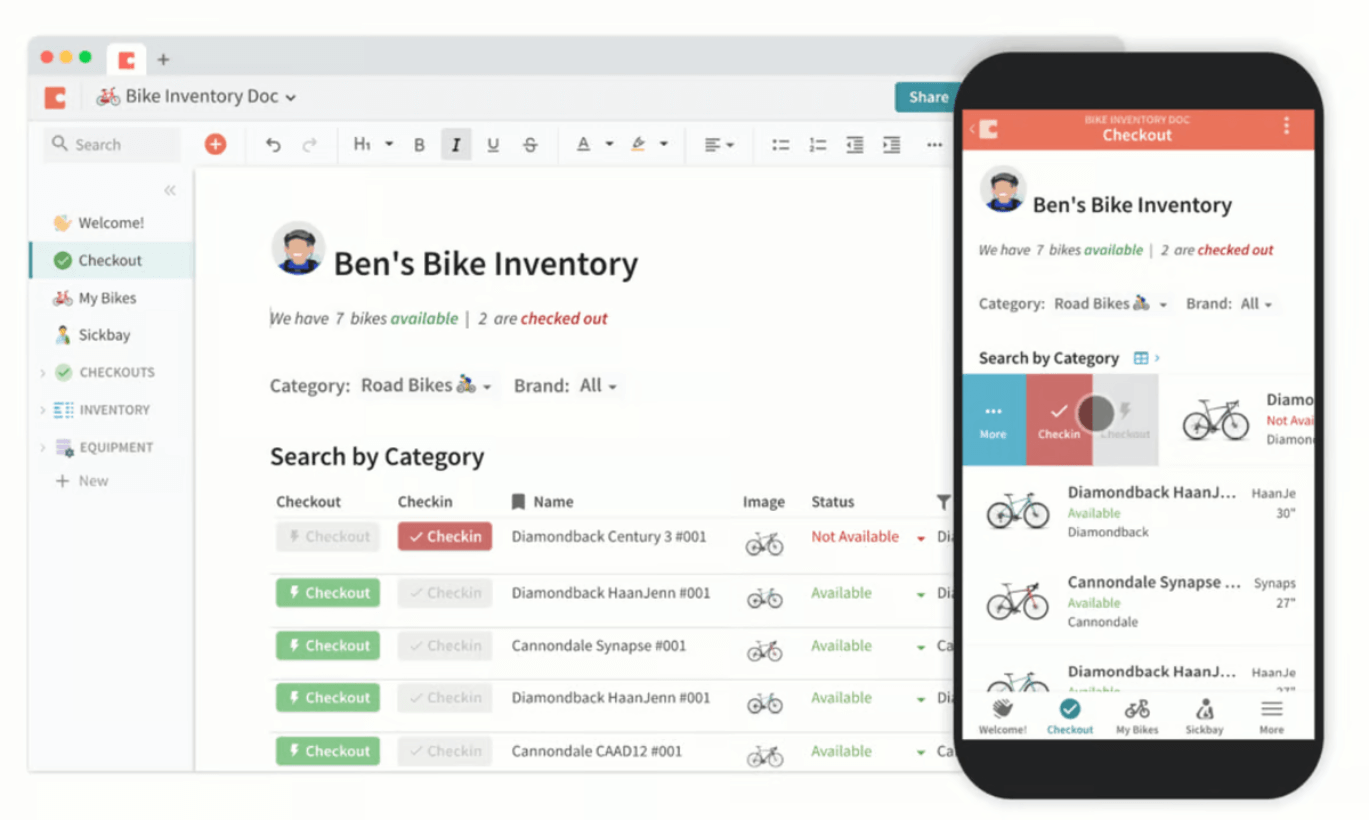
Coda is an all-in-one document and project management platform designed for teams to collaborate efficiently. It combines word processing, spreadsheets, and databases into one platform, allowing teams to create, share, and manage documents with ease. With its flexible structure, Coda enables businesses to customize documents to meet their unique needs.
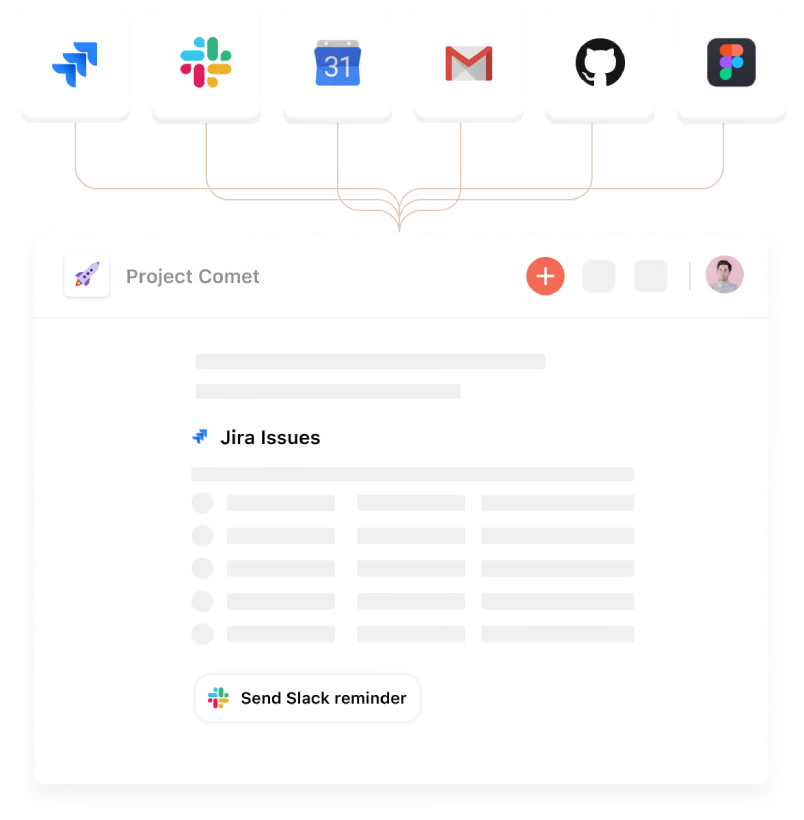
The platform’s powerful integrations with tools like Slack, Google Drive, and Trello help streamline workflows and improve team communication. Coda also supports real-time collaboration, making it easier for teams to work together on projects and track progress. Its user-friendly interface and robust features make Coda ideal for businesses looking to improve productivity and foster collaboration.