

















Grammarly 대안
4343개의 무료 및 유료 대안을 Grammarly에 대한 목록으로 정리했습니다. 주요 경쟁 업체는 ProWritingAid, Hemingway Editor입니다. 이 외에도 사용자들은 Grammarly와 LanguageTool, Notion, Writesonic 간에 비교를 하기도 합니다. 또한 여기서 다른 유사한 옵션을 살펴볼 수 있습니다: AI 소프트웨어, AI 글쓰기 도우미.


 소프트웨어
소프트웨어


43개의 무료 및 유료 대안을 Grammarly에 대한 목록으로 정리했습니다. 주요 경쟁 업체는 ProWritingAid, Hemingway Editor입니다. 이 외에도 사용자들은 Grammarly와 LanguageTool, Notion, Writesonic 간에 비교를 하기도 합니다. 또한 여기서 다른 유사한 옵션을 살펴볼 수 있습니다: AI 소프트웨어, AI 글쓰기 도우미.
43개의 무료 및 유료 대안을 Grammarly에 대한 목록으로 정리했습니다. 주요 경쟁 업체는 ProWritingAid, Hemingway Editor입니다. 이 외에도 사용자들은 Grammarly와 LanguageTool, Notion, Writesonic 간에 비교를 하기도 합니다. 또한 여기서 다른 유사한 옵션을 살펴볼 수 있습니다: AI 소프트웨어, AI 글쓰기 도우미.


프로라이팅에이드는 문법, 철자, 스타일을 검사하고 자세한 비평 보고서를 제공하는 글쓰기 향상 도구입니다. 인기 있는 글쓰기 앱과 통합되어 텍스트 보안을 보장하고 명확성, 일관성, 서술의 질을 향상시킬 수 있는 실행 가능한 조언을 제공합니다.

OpenOffice, LibreOffice, Firefox 및 Chrome을위한 무료 교정 도구입니다.

위키, 문서, 프로젝트를 위한 올인원 작업 공간입니다. 업무용 앱을 통합 플랫폼으로 간소화하여 협업과 생산성을 향상하세요. AI 통합으로 업무의 미래를 발견하세요.

Writesonic은 글쓰기, 카피라이팅, 의역에 도움을 주는 AI 기반 도구입니다. 블로그, Facebook, Google 광고, Shopify 등을 위한 SEO 친화적인 콘텐츠를 손쉽게 제작하세요. 경쟁사의 전략을 파악하고 인기 키워드를 활용하여 유기적 트래픽을 높여 경쟁사보다 우위를 점하세요.

애니워드 - SEO 카피라이팅을 위해 특별히 설계된 AI 퍼포먼스 라이팅 플랫폼입니다. 웹사이트, 광고, 이메일, 소셜 미디어 등 다양한 플랫폼에서 마케팅 텍스트의 성능을 개선하도록 설계되었습니다.

WriterZen은 키워드 조사, 콘텐츠 기획, 작성, 표절 탐지를 간소화하는 SEO 콘텐츠 워크플로 소프트웨어로, GPT 기반 AI 편집기, 키워드 탐색기, 콘텐츠 플래너와 같은 도구를 사용하여 생산성을 최적화하고 고품질의 독창적인 콘텐츠를 보장합니다.

잠재고객과 콘텐츠 제작을 간소화하여 영업 잠재고객 발굴을 자동화하는 AI 기반 플랫폼입니다. Chrome 확장 프로그램과 같은 도구를 사용하면 영업팀의 수동 작업 시간을 절약할 수 있습니다.

블로그, 광고, 이메일, 소셜 미디어, 제품 설명 등 다양한 콘텐츠 생성을 위해 알고리즘과 OpenAI 통합을 활용하는 AI 기반 콘텐츠 생성 도구.

표절체크는 교육자, 학생, 콘텐츠 제작자를 위한 표절 및 AI 콘텐츠 감지 도구입니다. 고급 알고리즘과 방대한 데이터베이스를 활용하여 텍스트의 독창성을 검증하고, AI가 생성한 콘텐츠를 감지하며, 유사성, 정확한 일치, 텍스트 수정을 분석하는 동시에 교육 플랫폼 통합, 다운로드 가능한 보고서, 엄격한 기밀 유지와 같은 기능을 제공합니다.
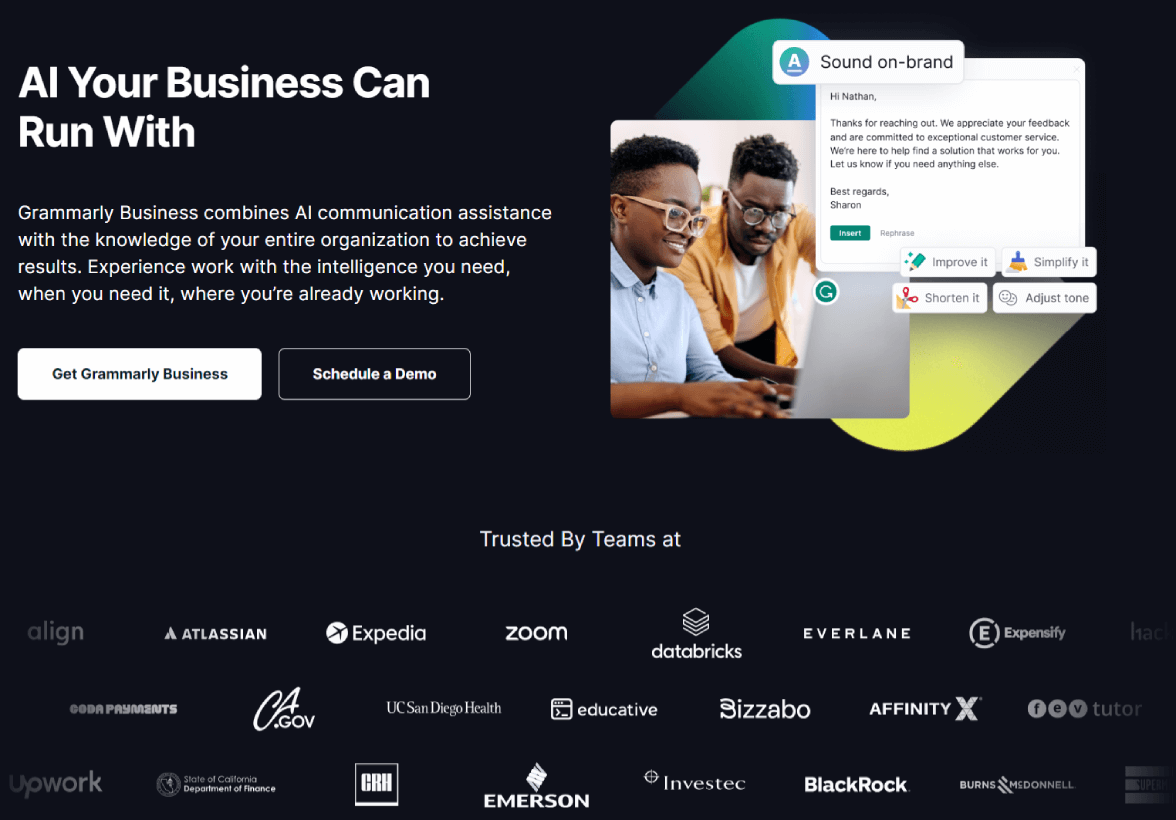
Grammarly Business는 비즈니스 텍스트의 문법, 스타일, 문장 부호를 개선하여 팀 협업을 향상시킵니다. 문장의 명확성을 최적화하고, 커뮤니케이션 표준을 준수하며, 데이터 보안을 보장하세요. 팀을 통합하고, 생산성을 높이고, 완벽한 비즈니스 커뮤니케이션을 달성하세요.
Grammarly Business는 비즈니스 텍스트의 문법, 스타일, 문장 부호를 개선하여 팀 협업을 향상시킵니다. 문장의 명확성을 최적화하고, 커뮤니케이션 표준을 준수하며, 데이터 보안을 보장하세요. 팀을 통합하고, 생산성을 높이고, 완벽한 비즈니스 커뮤니케이션을 달성하세요.
 Mac
Mac
 iPad
iPad
 iPhone
 Windows
 Web-Based
 Android

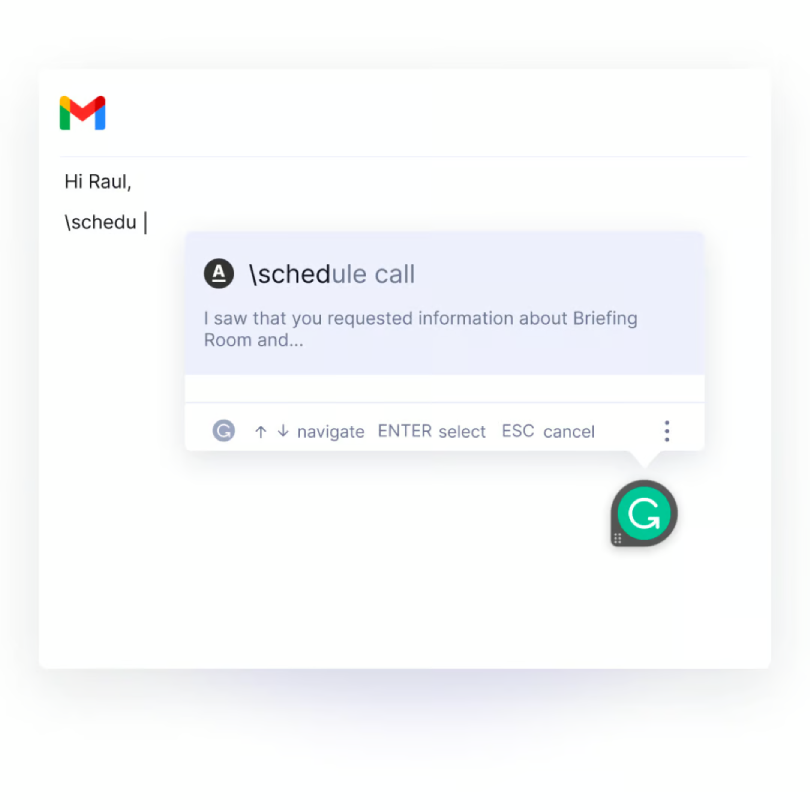
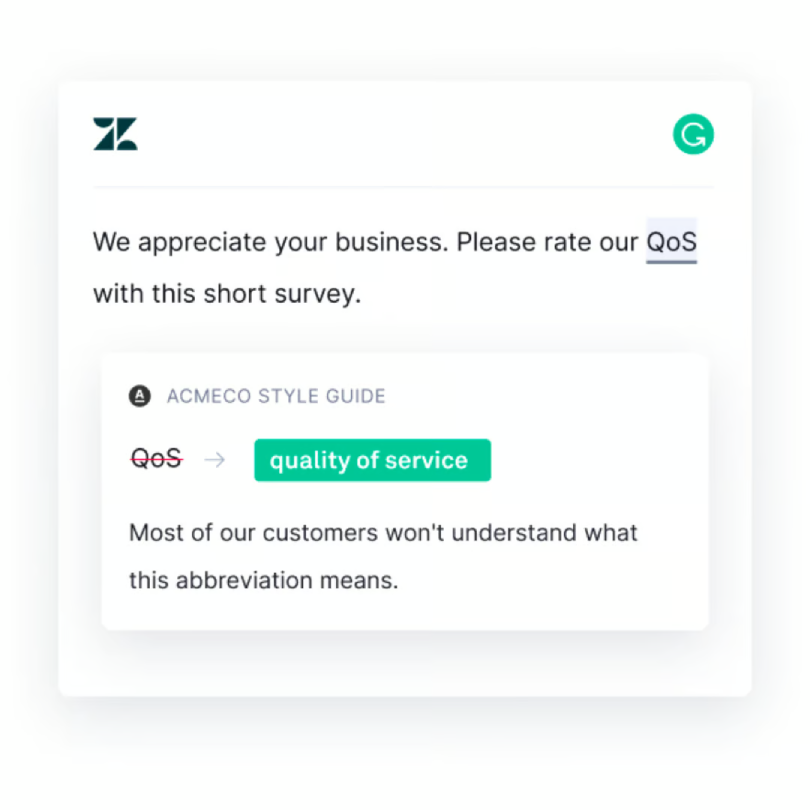
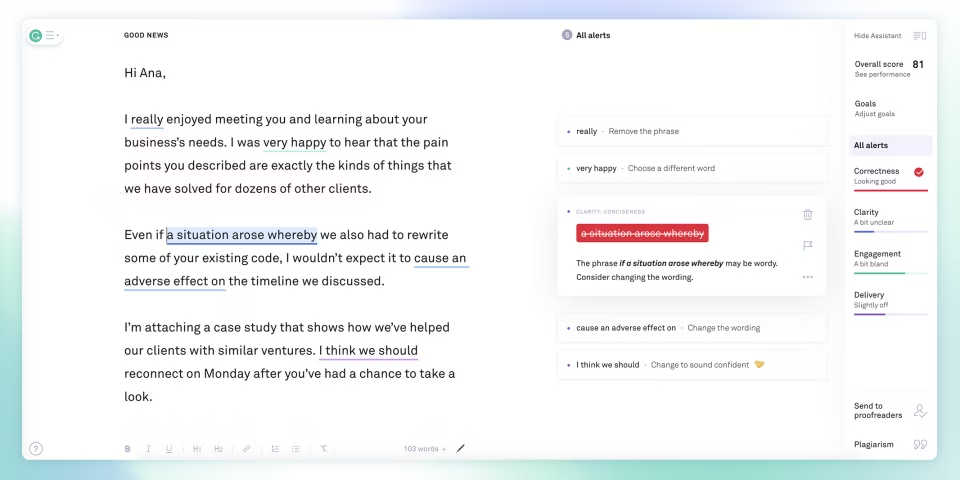
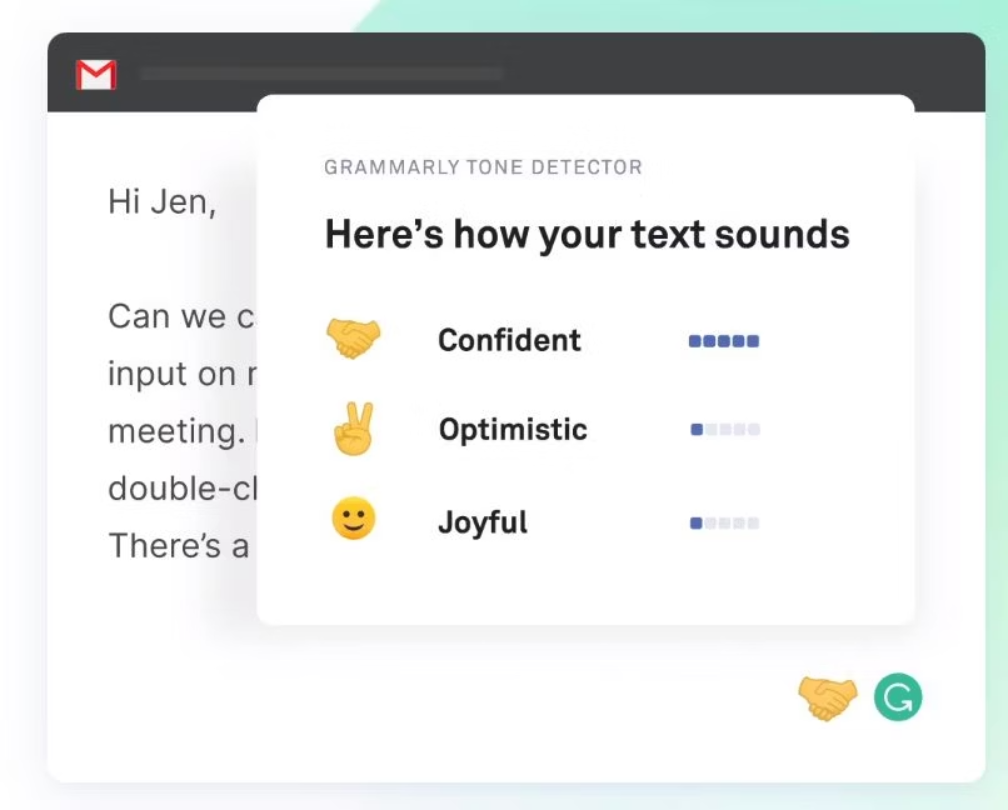
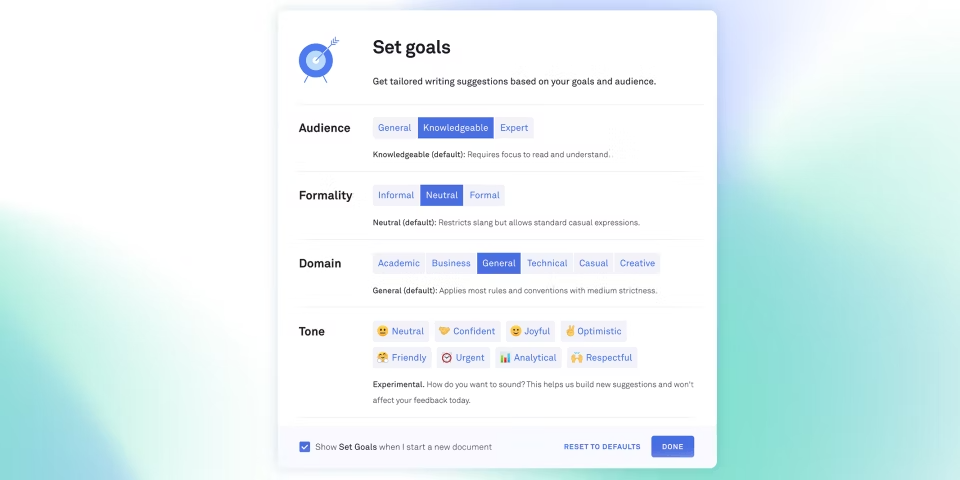
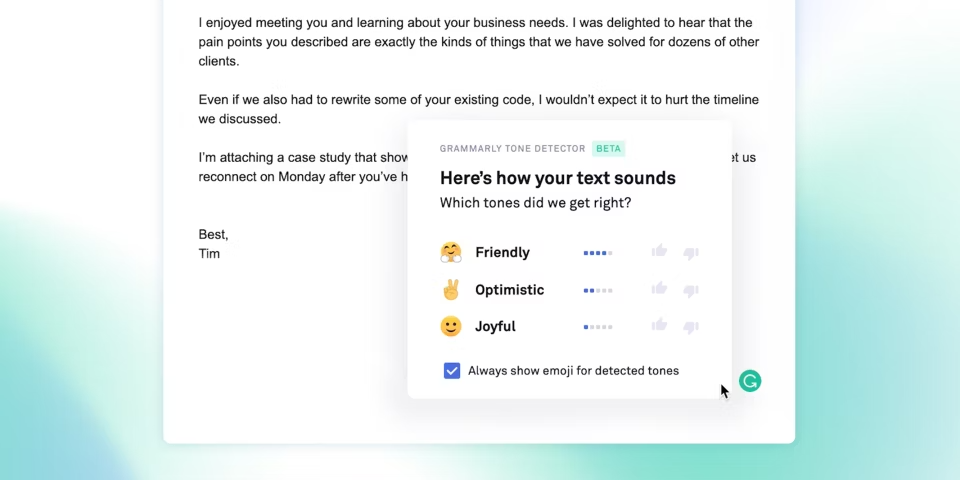
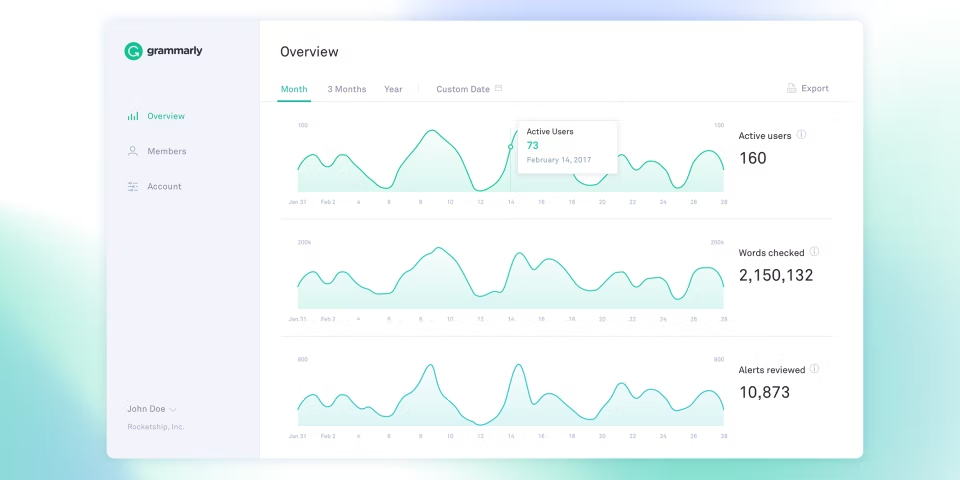
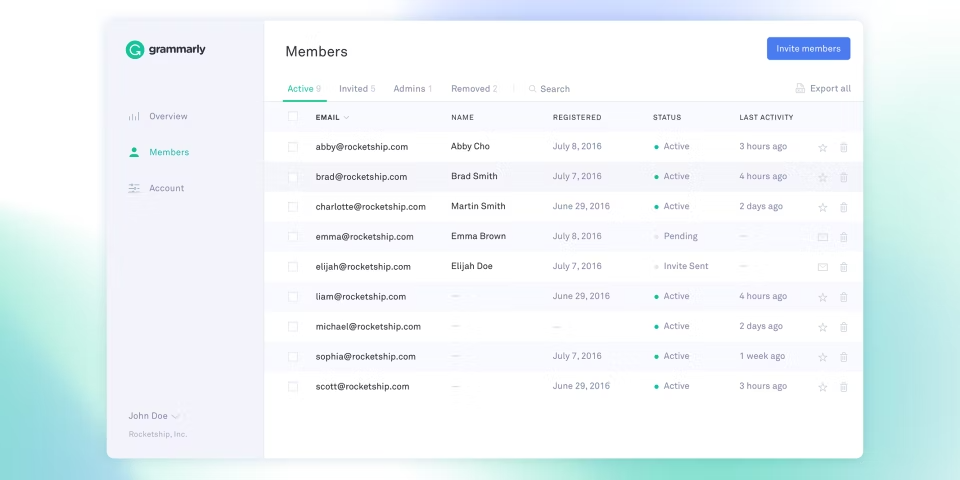
 Tone Selection
Third Party Integrations
Text Similarity Detection
Text Review
Text Editing
Style Check
Spell Check
Source Database
Snippets
Side-by-Side Comparison
Punctuation Check
Productivity Tools
Problem Area Alerts
Plagiarism Detection
Office Suite
Natural Language Search
Multiple File Format Support
Grammar Check
File Management
Document Export
Dictionary/Thesaurus
Customizable Rules
Autocorrect
Autocomplete
Auto-Save
Assisted Content Creation
Real Time Comparisons
Content Scan
Academic/Education
Multiple Data Sources
Bulk Uploading
Rich Text Editor
SSL Security
Contextual Guidance
Performance Management
Sentiment Analysis
Content Library
Content Management
Mobile Alerts
Document Review
Summary Reports
Secure Login
Single Sign On
Multiple User Accounts
Customizable Templates
Real Time Monitoring
Real Time Analytics
Corporate/Business
Chat/Messaging
Collaboration Tools
Email Management
Activity Dashboard
Reporting & Statistics
Project Management
Mobile Access
Access Controls/Permissions
Reporting/Analytics
User Management
Natural Language Processing
API
Tone Selection
Third Party Integrations
Text Similarity Detection
Text Review
Text Editing
Style Check
Spell Check
Source Database
Snippets
Side-by-Side Comparison
Punctuation Check
Productivity Tools
Problem Area Alerts
Plagiarism Detection
Office Suite
Natural Language Search
Multiple File Format Support
Grammar Check
File Management
Document Export
Dictionary/Thesaurus
Customizable Rules
Autocorrect
Autocomplete
Auto-Save
Assisted Content Creation
Real Time Comparisons
Content Scan
Academic/Education
Multiple Data Sources
Bulk Uploading
Rich Text Editor
SSL Security
Contextual Guidance
Performance Management
Sentiment Analysis
Content Library
Content Management
Mobile Alerts
Document Review
Summary Reports
Secure Login
Single Sign On
Multiple User Accounts
Customizable Templates
Real Time Monitoring
Real Time Analytics
Corporate/Business
Chat/Messaging
Collaboration Tools
Email Management
Activity Dashboard
Reporting & Statistics
Project Management
Mobile Access
Access Controls/Permissions
Reporting/Analytics
User Management
Natural Language Processing
API

소프트웨어에 대한 의견을 공유하고 리뷰를 남겨 더 나아지도록 도와주세요!
변경 제안


귀하의 의견
Your vote has been counted.
Do you have experience using this software?


